



Table of Contents Show
The programme was developed largely single-handedly by Dr Russell Andersson over more than 20 years and has long been established not only in the film industry, but also in architecture and forensics.
It has now been incorporated into the BorisFX portfolio. As with Mocha Pro – originally from Imagineer – you can expect this programme to be maintained and developed further. Compared to the remaining competitors 3DEqualiser and PFTrack, the price is quite attractive (Boujou disappeared a few years ago). A good reason for a more comprehensive test!
Interface and operation
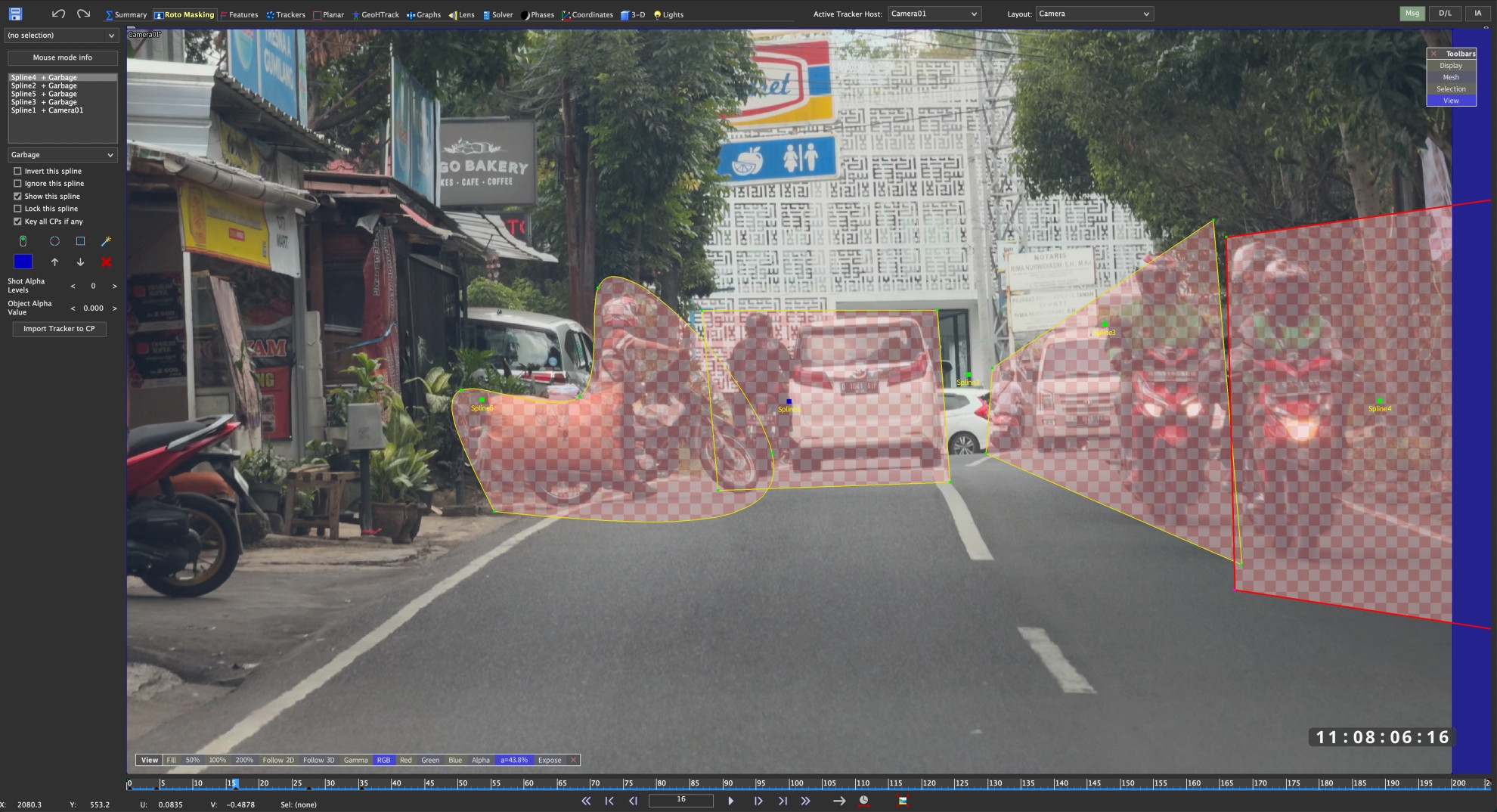
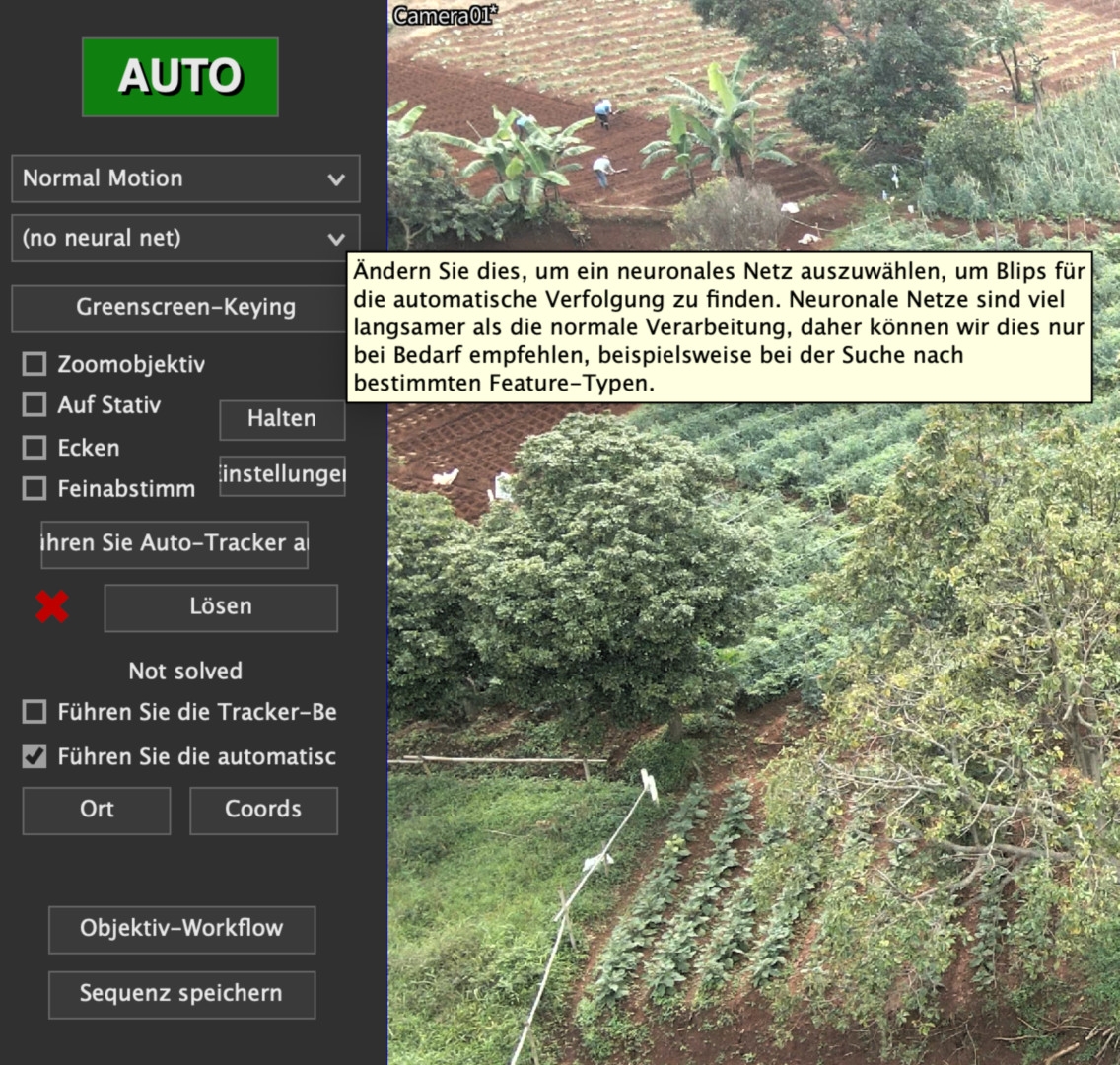
At first glance, the GUI looks a little old-fashioned, but don’t let that fool you. The fact that the drop-down menus are usually not sticky and you have to hold the mouse button down until you select the desired function can also be a little irritating. You should forget about the option to switch to languages other than English. It is based on an AI that sometimes makes you go “Huh, what’s that, please?” and where German text often doesn’t fit into the field. The assistant called “Synthia” is also not very helpful at first glance and initially responds stubbornly with “Sorry, I don’t understand.” This is not Siri or Alexa, but rather an assistant for comprehensive automation through scripts in SynthEyes with defined commands. Russ shows how this works here: is.gd/automationsyntheyes.
But that’s it for the criticism, because there is not only a manual with over 800 pages in English, but also various video tutorials that Russ himself has published over the years. A few of the most important ones have already been published on his own YT channel “Boris FX Learn”, even if Russ’s are a little older. This one on masking moving objects using rotoscoping should be very useful for many: is.gd/rotomasking, or this one on mesh building: is.gd/meshbuilding. New additions are is.gd/solving_AE and is.gd/lens_AE, which help with getting started and transferring to After Effects.
In addition to the actual manual, there are nine further PDFs on specific topics such as Planar Tracking or Camera Calibration under “Help”. Comprehensive tool tips and warnings if you make mistakes complete the whole thing. Otherwise, the wealth of functions with 13 tabs and many hidden, additional windows may seem overwhelming at first glance, but right under the first tab “Summary” there is a large, green button called “Auto” at the top left. You can try it out at the beginning, even if experienced professionals turn up their noses at it. Nothing prevents you from refining the results yourself. We also unleashed this function on our more than 20 test clips to see how difficult they were for the programme. There was only one that was not successfully calculated, even if the automatic function sometimes failed to achieve the magic value for precision below 1.0 pixels straight away.
Performance
Precision and speed are of course the most important criteria in everyday production. There are three steps in the process: The identification of suitable image points for tracking, here called “blips”, their tracking over a number of frames as 2D tracking and finally the “solver”, which is the calculation of the spatial relationships for the camera and the scene. Anyone who has ever worked with a point tracker will know what suitable shots should look like: lots of depth of field, little motion blur and good contrasts. For 3D, the parallax of a freely moving camera must also be taken into account.
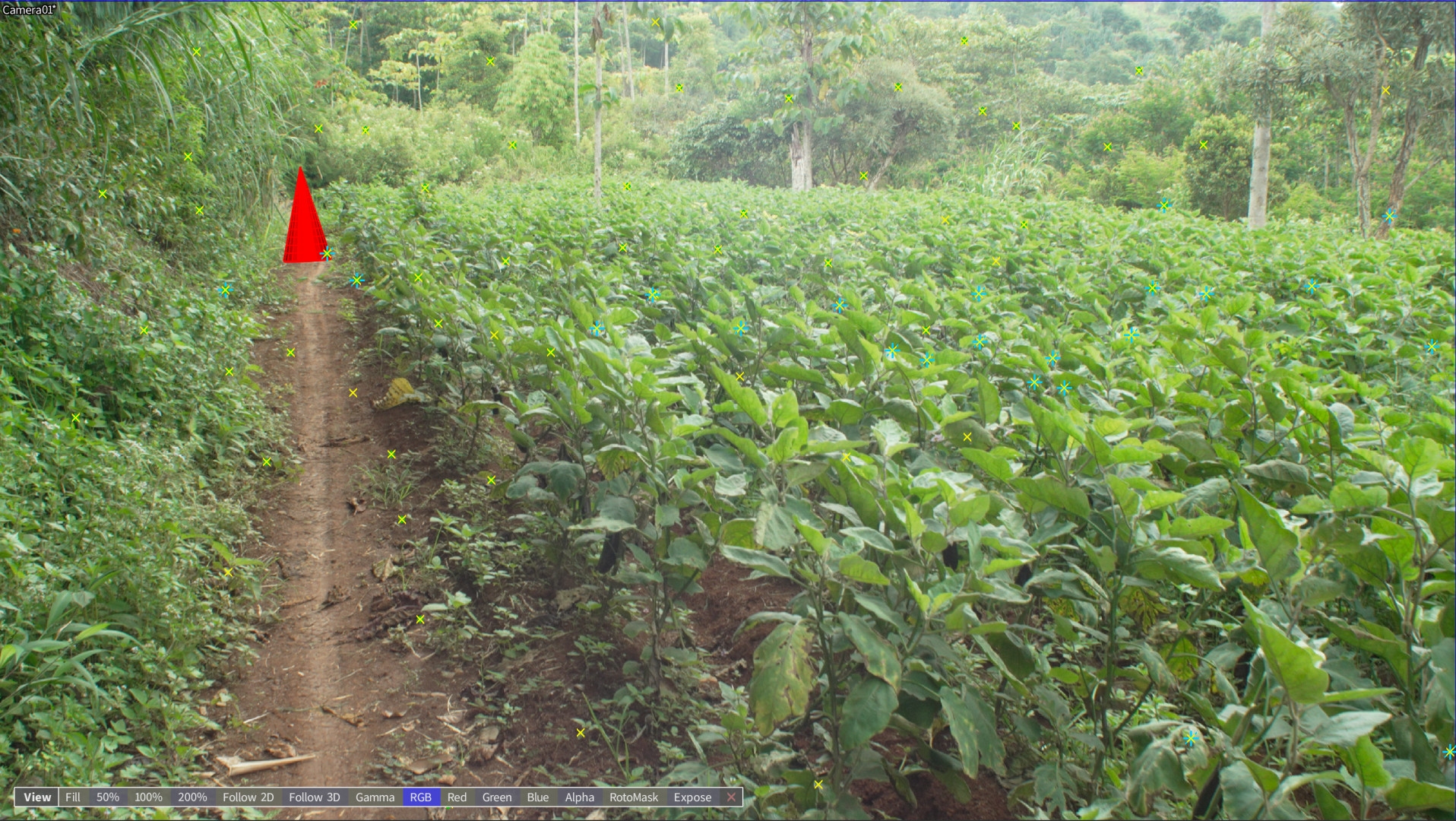
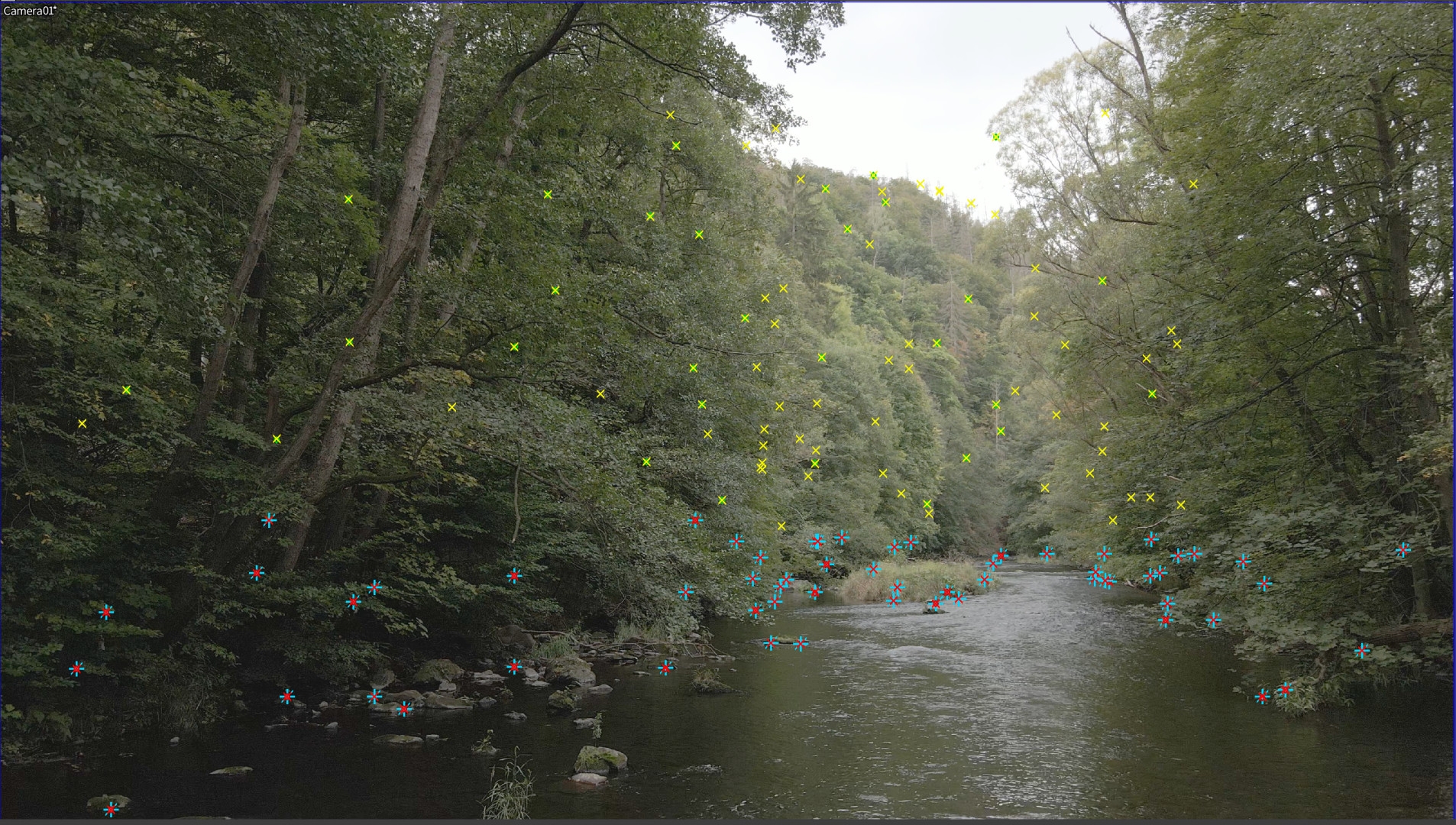
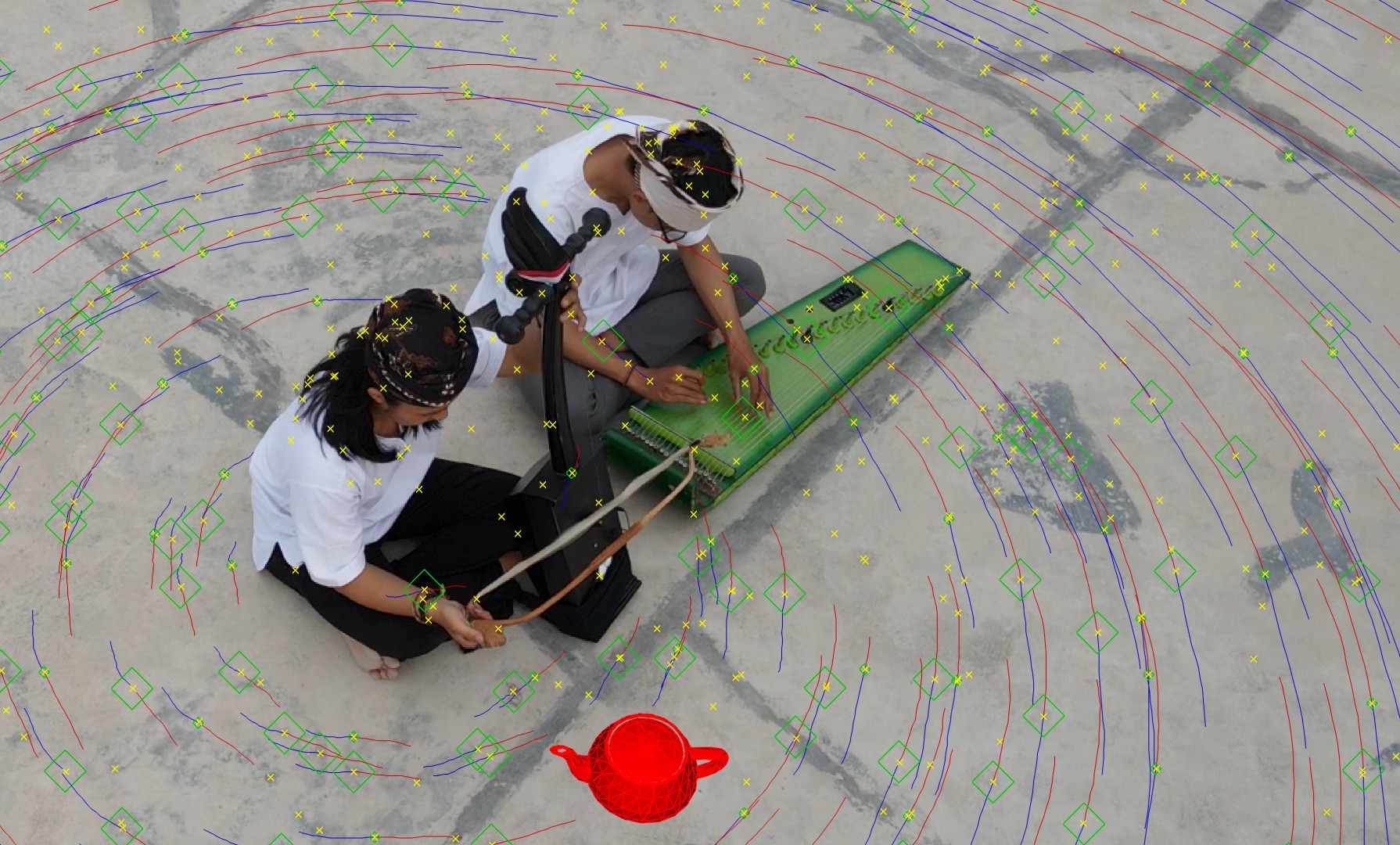
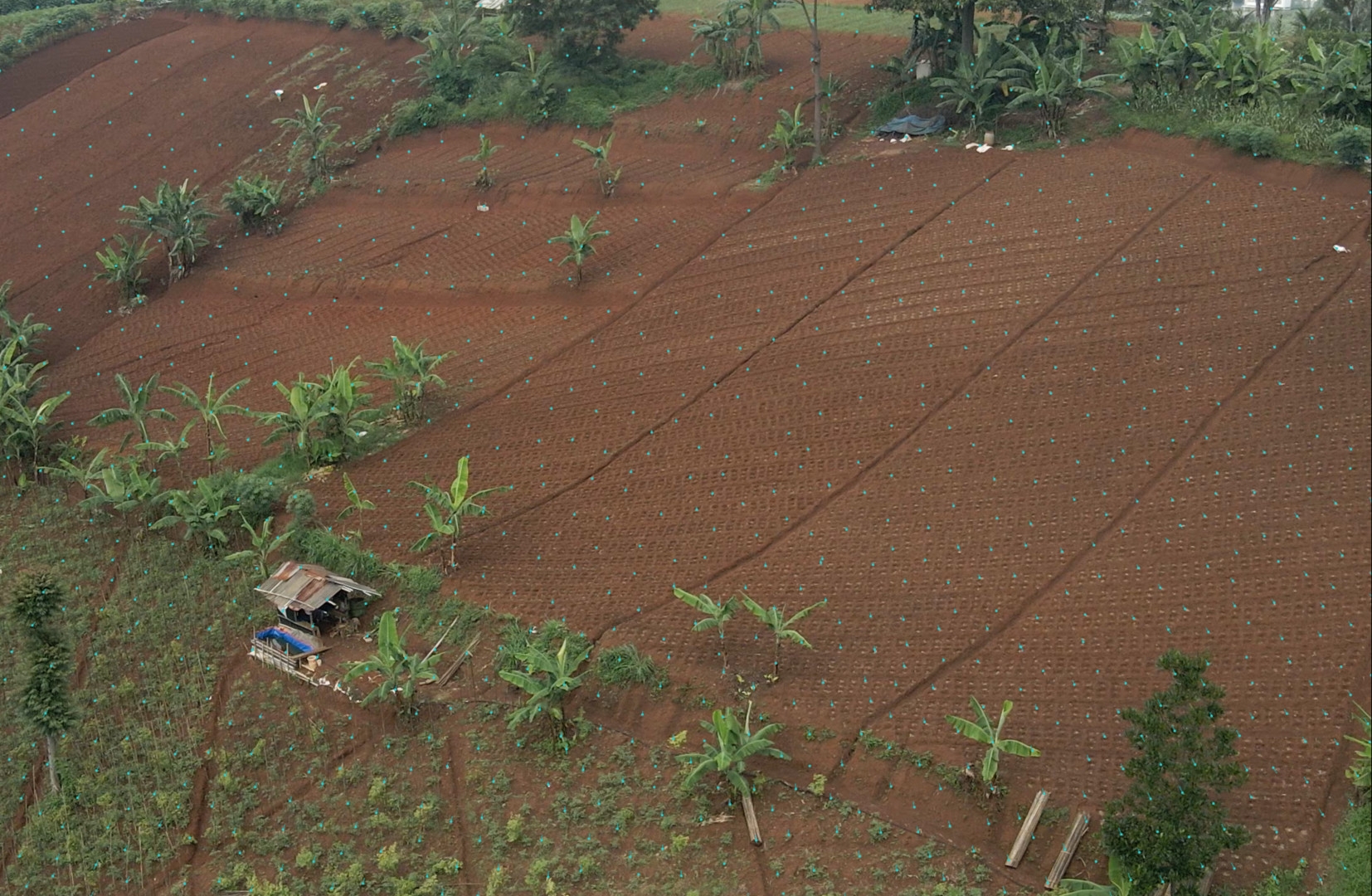
SynthEyes can also process panning shots from a tripod, but then you only get a circular horizon. We used shots from a drone with a relatively small sensor, hand-held shots with an iPhone 15 and some from a Sony A7IV with a wide-angle lens, also hand-held. As experience has shown that even simple trackers can cope well with shots from an urban environment, we didn’t want to make it so easy for the professional software. We mainly flew over cultivated fields with repetitive structures and natural shapes such as trees, bushes and water, with a few houses thrown in for good measure. Simple trackers usually have difficulties with such motifs.
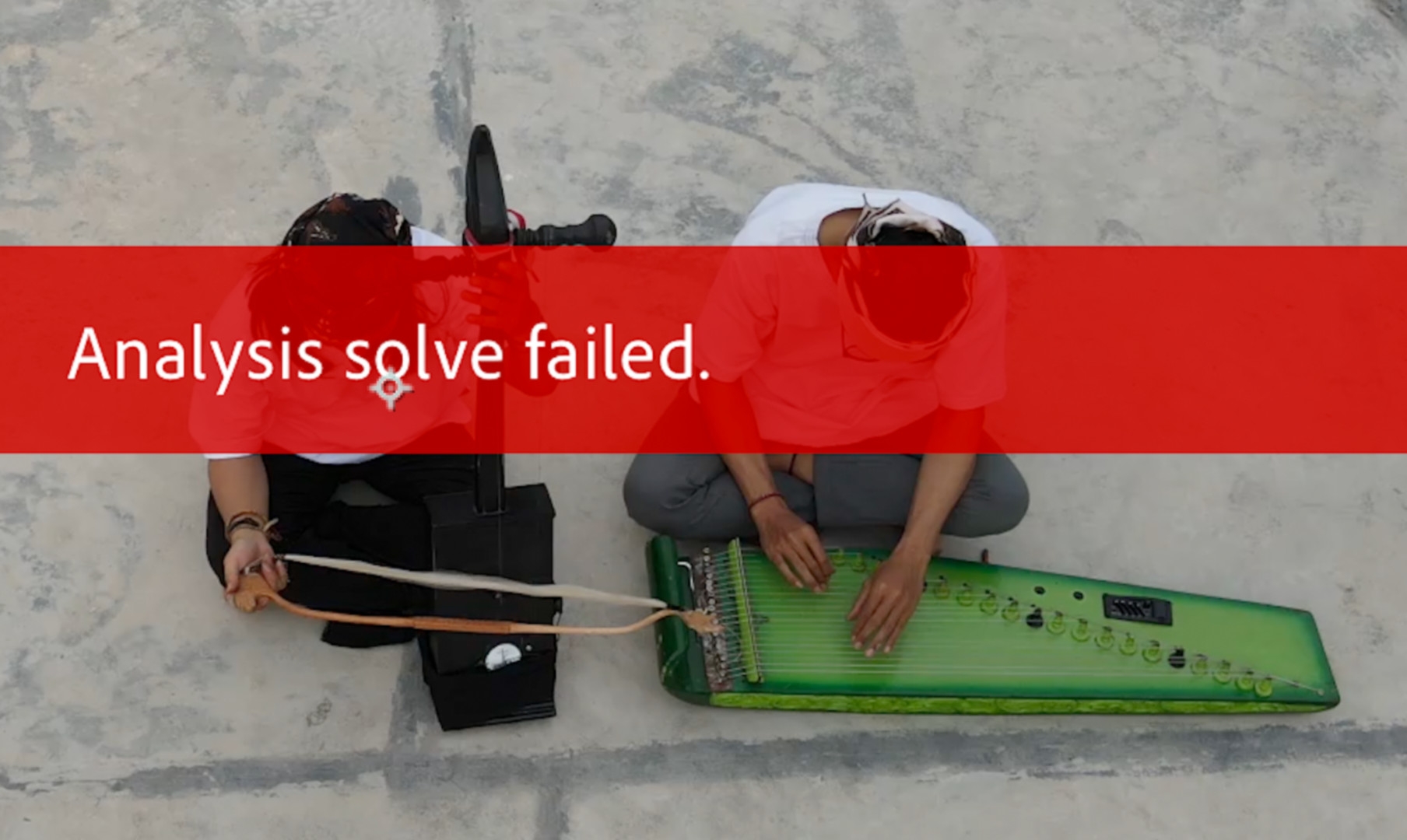
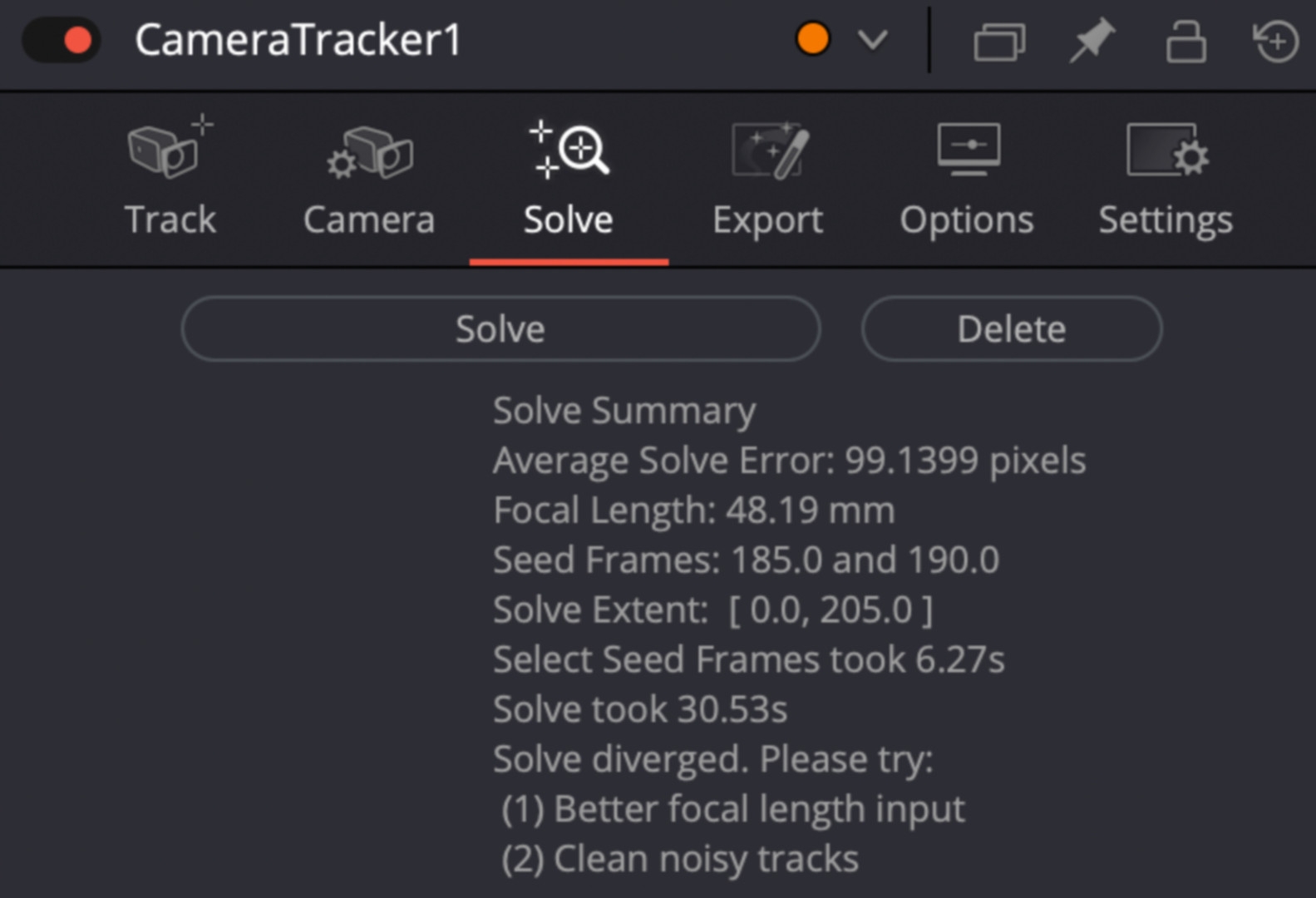
Not so SynthEyes: With the exception of one, all clips were successfully calculated with “Auto” and could then be brought to values below 1.0 with just a few interventions, in the majority we even came close to 0.5 without much “manual work”. The duration of the clips was between just under one and five minutes, the resolution was UHD. All clips took less than their own runtime on a modest MacBook M1 Pro. The longest, which primarily contained trees, flowing water and sky, was calculated in 3:45, with around 7,500 images. The precision was 0.75 at the first attempt without any intervention. That is clearly professional level!
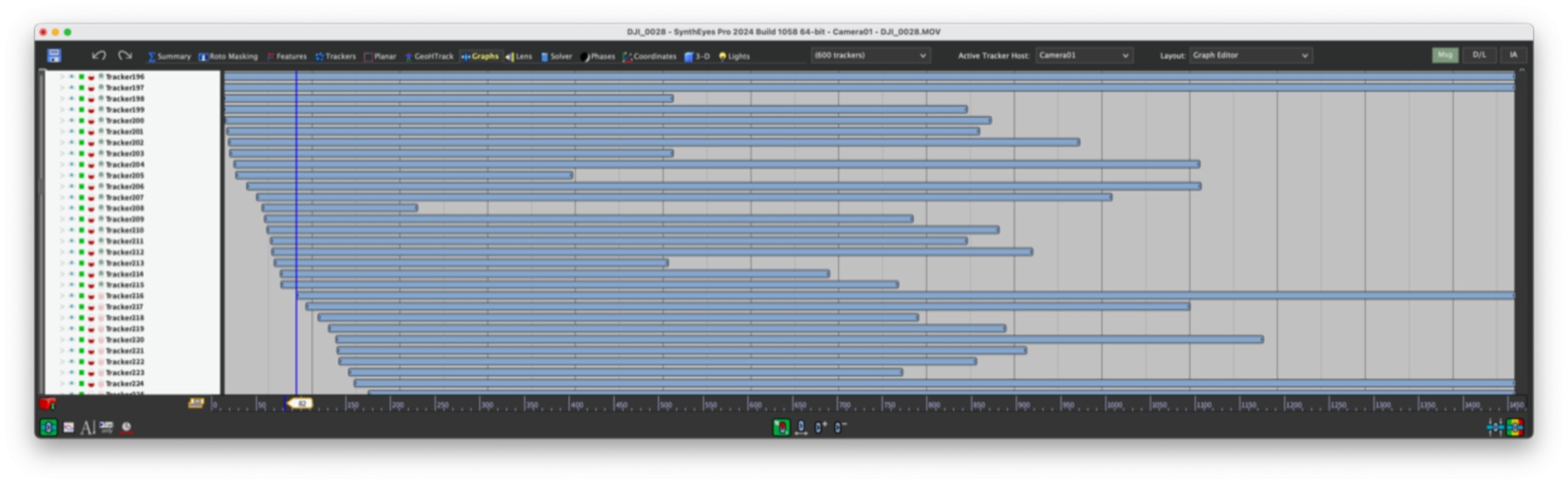
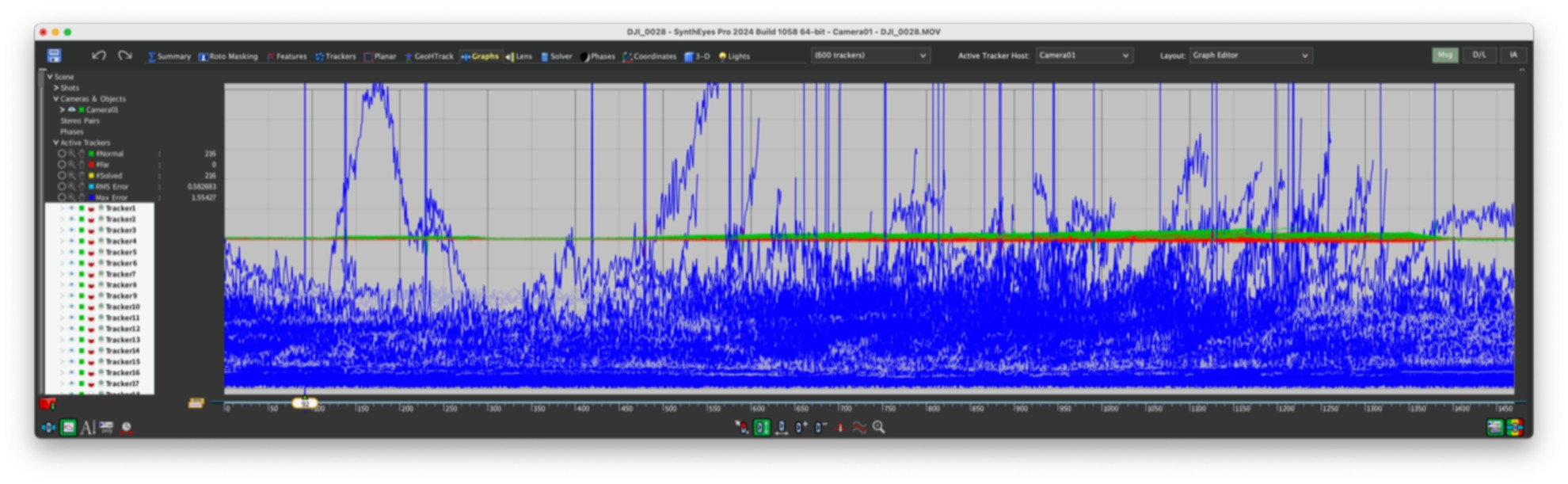
The 10 CPU cores were fully occupied, on a computer with more “steam” the programme would hardly leave time for a sip of coffee. For comparison: The camera tracker in Fusion took over 13 minutes with the standard setting for a clip of 1:30, but achieved a very good precision of 0.23. After Effects took over 20 minutes for the same clip and achieved 0.47 pixels. These are good values, but with these times you wouldn’t want to do much fine-tuning if a scene is more difficult. In this case, SynthEyes took a good minute and achieved 0.84, but offers plenty of potential for fine-tuning.
Lens data
With early 3D trackers, it was a common recommendation to enter the exact size of the chip and the focal length of the lens. Unfortunately, however, lens manufacturers are not always very precise with the focal length. It is even more difficult today with the chip size. The absolute size can usually be found out, but it is much more difficult with the actual area used. With CMOS sensors, a smaller section is often used, either for higher image frequencies or for internal lens correction. It is usually not possible to find precise information on this.
For our drone, for example, DJI specifies a field of view of 84 degrees diagonally and gives a full-frame equivalent for the focal length of 24mm. However, this applies to photos on the full chip area with an aspect ratio of 4:3. The chip area used for video in UHD is almost impossible to determine, as the small lens is certainly also used for calculations – in any case, the image hardly shows any distortion. With the iPhone, it is generally the case that lens errors are factored out so that the real values are also largely unknown here. It is therefore very helpful that SynthEyes can calculate the necessary distortion correction itself. In the case of the drone, it arrives at just under 70 degrees, which is not unrealistic.
In order not to disturb this calculation, you should never activate internal stabilisation. Both the shifting of the image on the chip and the optical stabilisation, where the entire sensor is moved, would constantly shift the centre of the lens. Mechanical means, such as a gimbal or Easyrig, are of course permitted because the camera itself moves. Blurring, be it a shallow depth of field or too much motion blur, is also not a good starting point for match moving. It is better to add both based on the tracking information in post-production, and SynthEyes can also take care of the stabilisation.
Equalisation of lenses
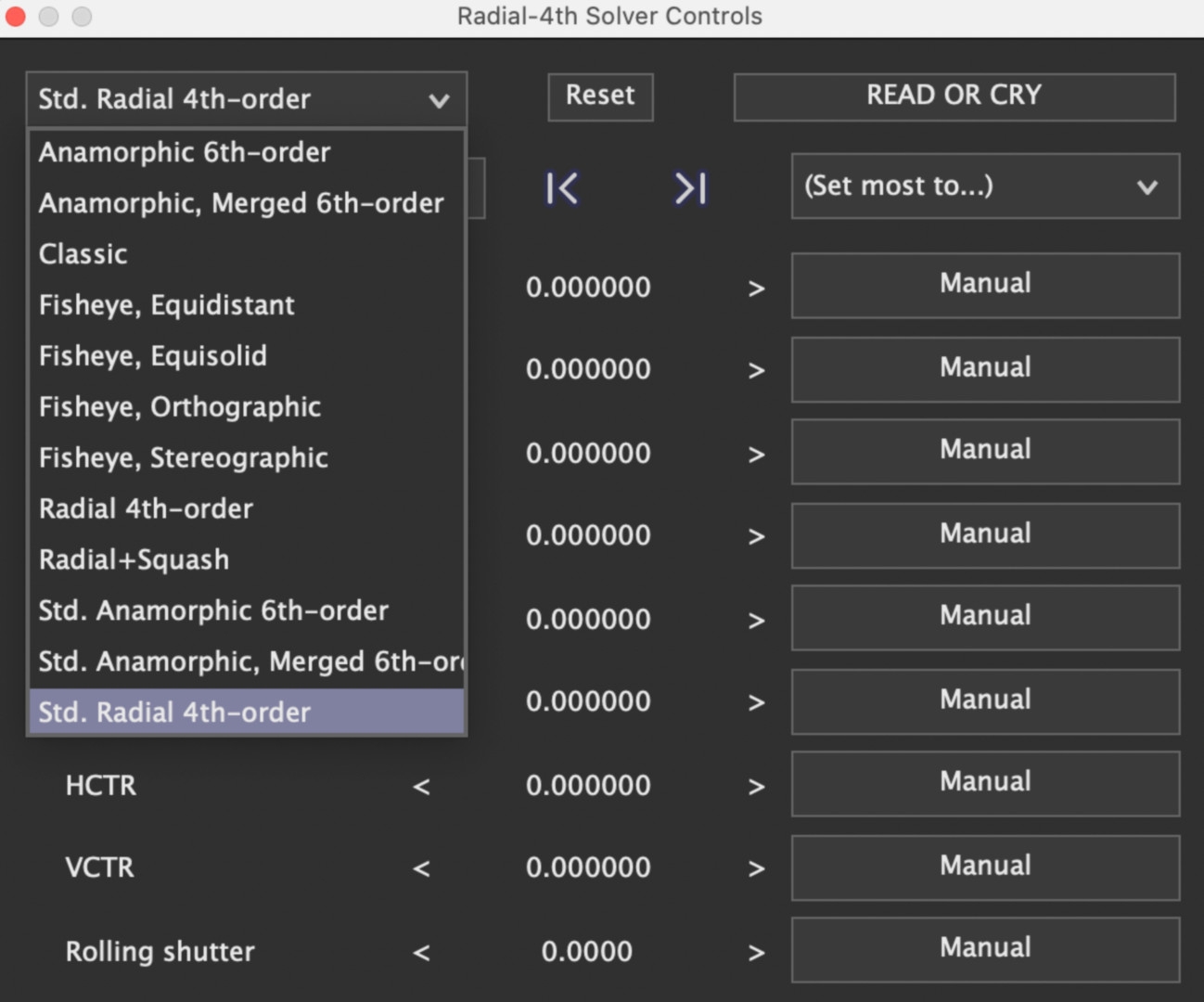
SynthEyes offers highly complex algorithms for rectification, Standard Radial 4th-order is recommended for spherical lenses, but there are also algorithms for anamorphic lenses. “Read or Cry” should be taken seriously, because if you use this feature incorrectly, the results will tend to be worse. It is an iterative process in which the parameters should be worked through from top to bottom. To do this, you have to switch from “Automatic” to “Refine” in the “Solver” window at the top left after the first tracking and click “Go!” once after each step. In our 90-second clip, one step took less than a second, and this alone almost halved the deviation to 0.48.
Even a rolling shutter is corrected reasonably well, but is generally not a good prerequisite for camera tracking. With the drone or the iPhone 15, this value was low, but with the full-frame camera, this adjustment still brought quite a lot of improvement. In a further step, you could increase the number of trackers and remove the less good ones, but this was not necessary here. We had no difficulty getting below the magic 1 in any of the test clips.
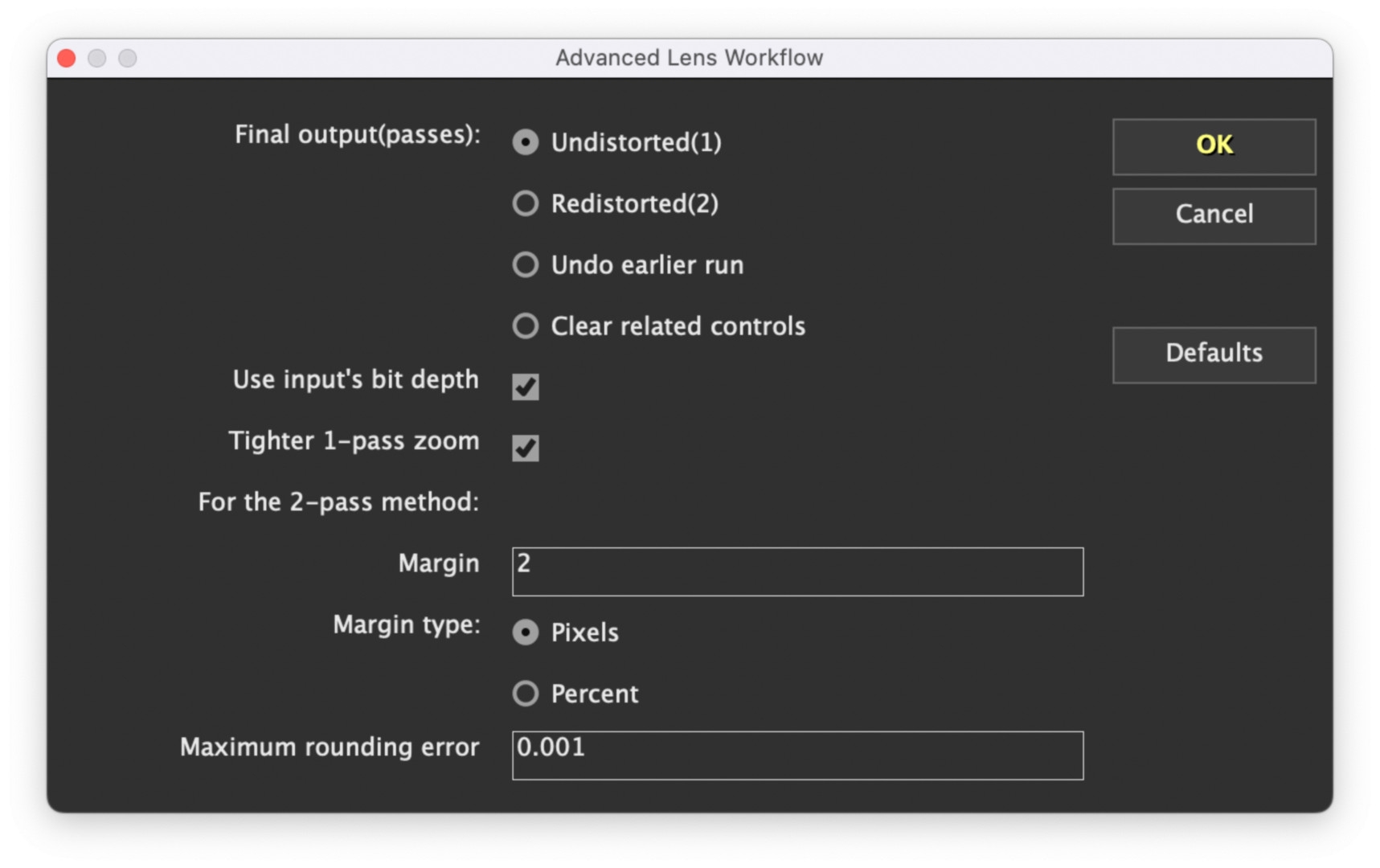
With anamorphic lenses in particular, the question then arises as to whether we should keep the clip in its corrected form after compositing or undo the correction. As a rule, the distortions are not removed in the final result, but are added again after compositing. SynthEyes also has a solution for this, which can be found under “Lens Workflow”. This means that both options are available, and it is particularly easy to use scripts for After Effects, as shown in the second clip for beginners (see above). In this case, SynthEyes even warns you if you have not taken this aspect into account.
Input and output
In addition to precision and speed, a solution for professionals must of course be very versatile in order to fit into any workflow. Right from the start, we were pleased to see how many video formats are accepted. This even includes material in HEVC 10-bit 4:2:2 from hybrid cameras with up to 8K, which is something that the standalone version of Fusion does not recognise. Of course, ProRes is also no problem, but DNxHR only works in a MOV, not in MXF. Image sequences commonly used in animation and VFX, e.g. EXR, are read without any problems, as are DNG, JPEG or PNG series.
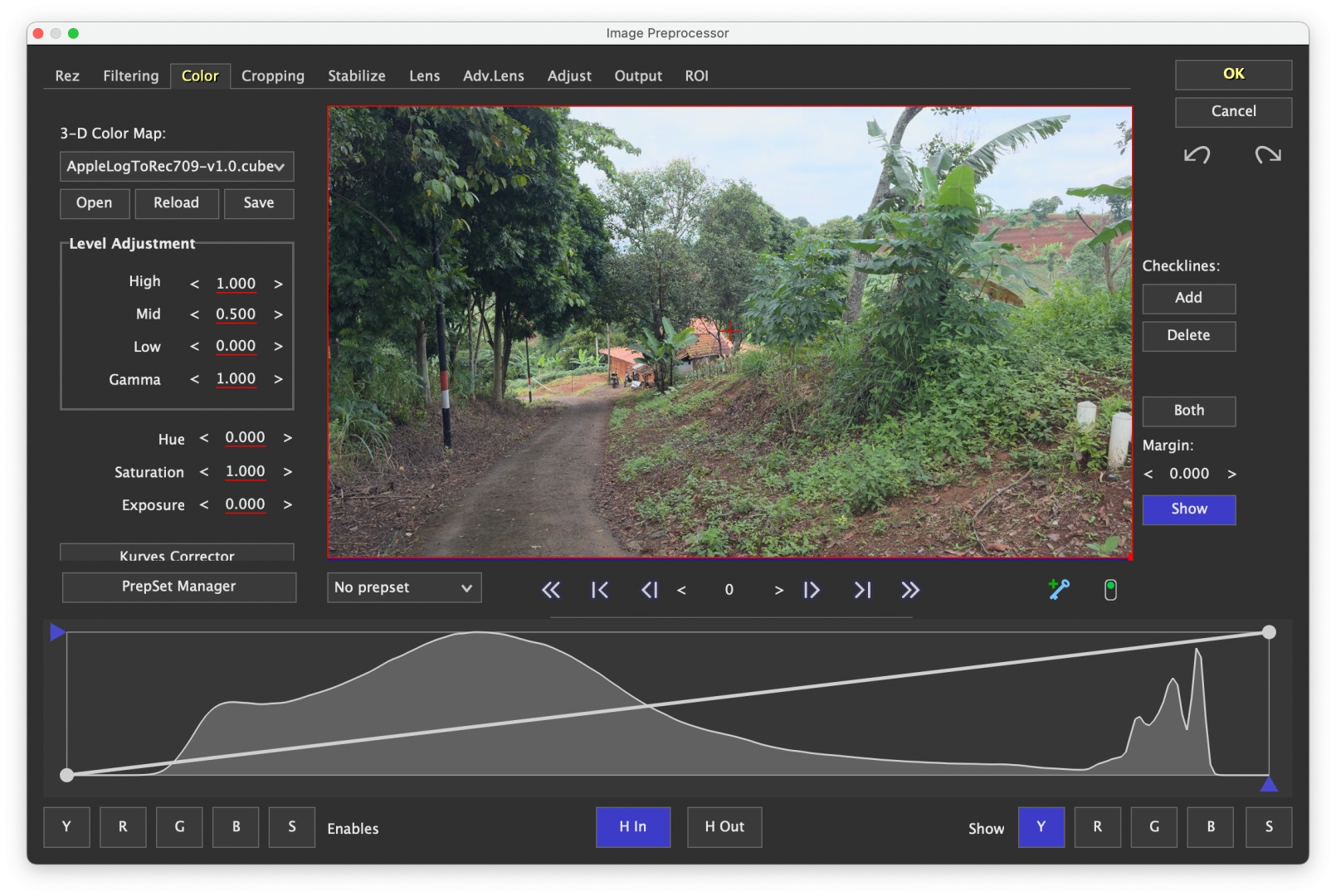
Of course, RAW from Arri, Red or Blackmagic is accepted, but currently no MXF clips from the Arri Alexa S-35 or Sony’s Venice and FX9. If necessary, you can switch the preprocessor in front of it, which is almost like a small grading app, but can also read in and memorise LUTs for adjustment. We used this with the iPhone material for Apple Log. With the D-Cinelike from the drone, which is not a real log, we also tested whether a contrast enhancement would produce better results. Here, however, the low-contrast original immediately delivered slightly better precision.
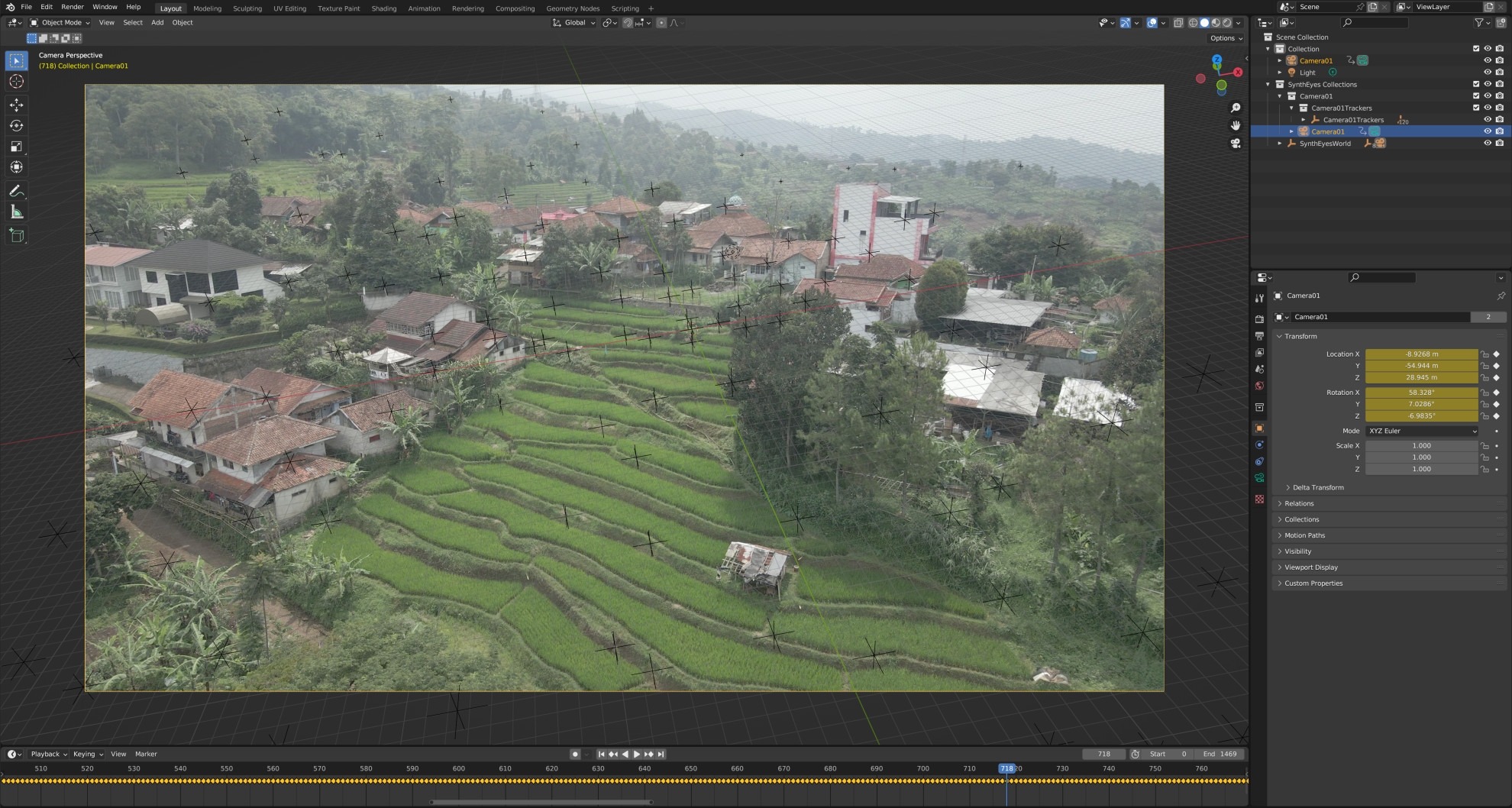
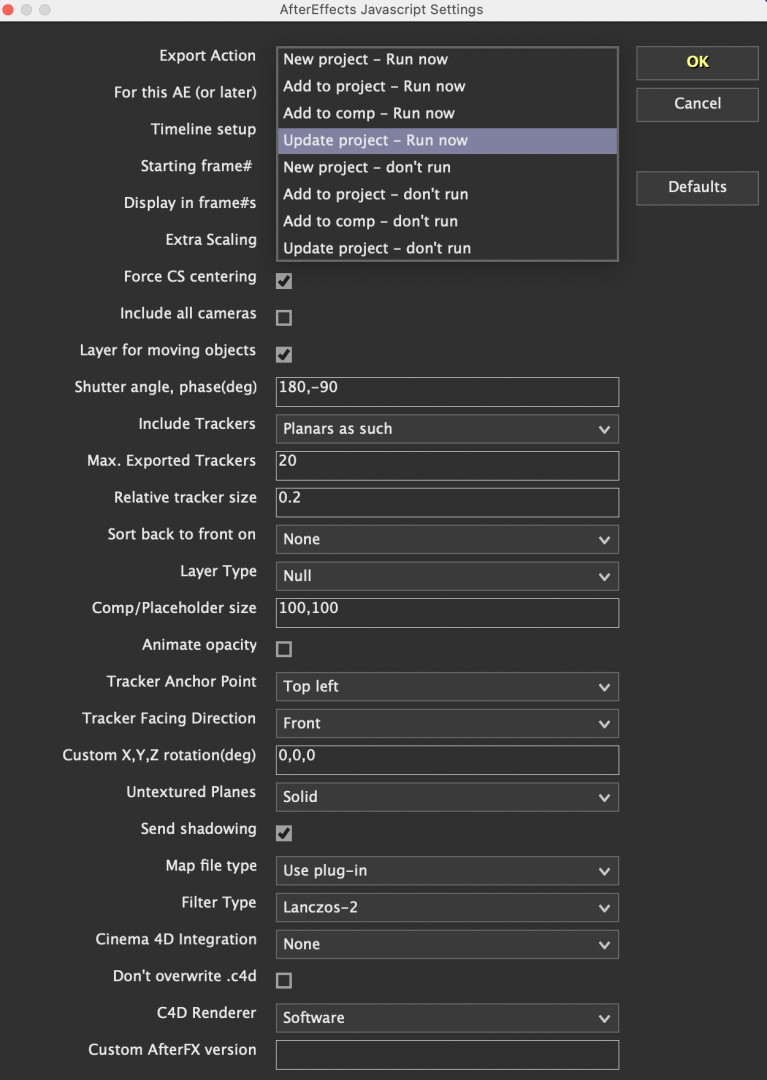
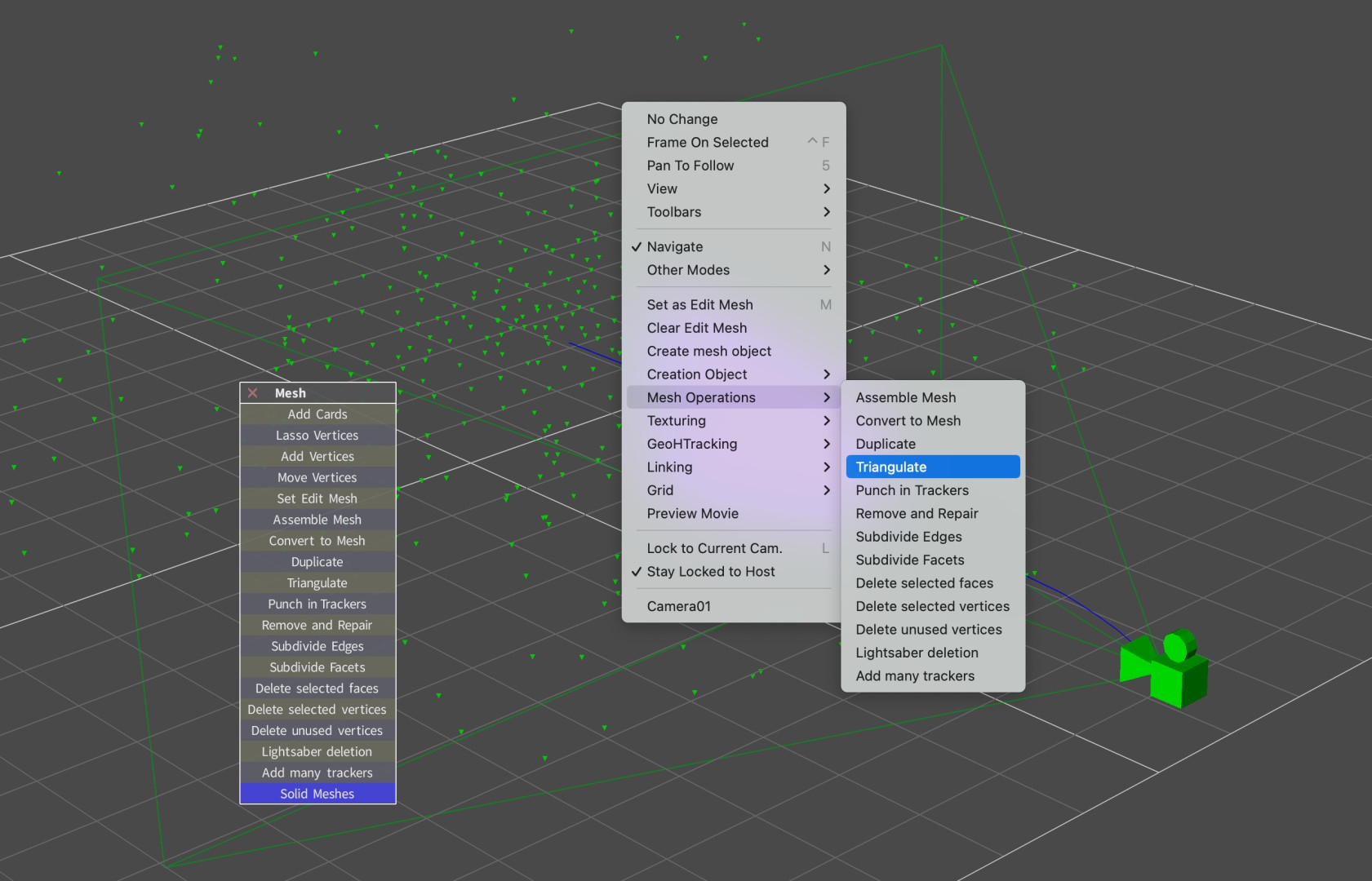
The list of 25 output formats is really impressive. This ranges from long-lost software such as Shake to practically every important compositing and 3D software today. For After Effects there is a Javascript, for Blender, Cinema4D and some other Python scripts that start the respective software and transfer the entire model including camera and video clip – it couldn’t be more convenient. Meshes that you have created and textured in SynthEyes on the basis of trackers can also be transferred. Not only for a moving camera, but also for moving objects. It is even possible to transfer them to photogrammetry software such as Metashape.
Features
The support does not end with conventional video, SynthEyes can also handle 360-degree VR or stereo 3D, the latter in particular is explained in detail in the manual. It can limit the search area for trackers with a simple chromakeyer, but can also use imported alpha masks for this purpose. Even zoom shots can be used, but are more critical in terms of tracking precision. If data is available for this, you can enter keyframes in the lens equalisation, e.g. for zooms.
Integration?
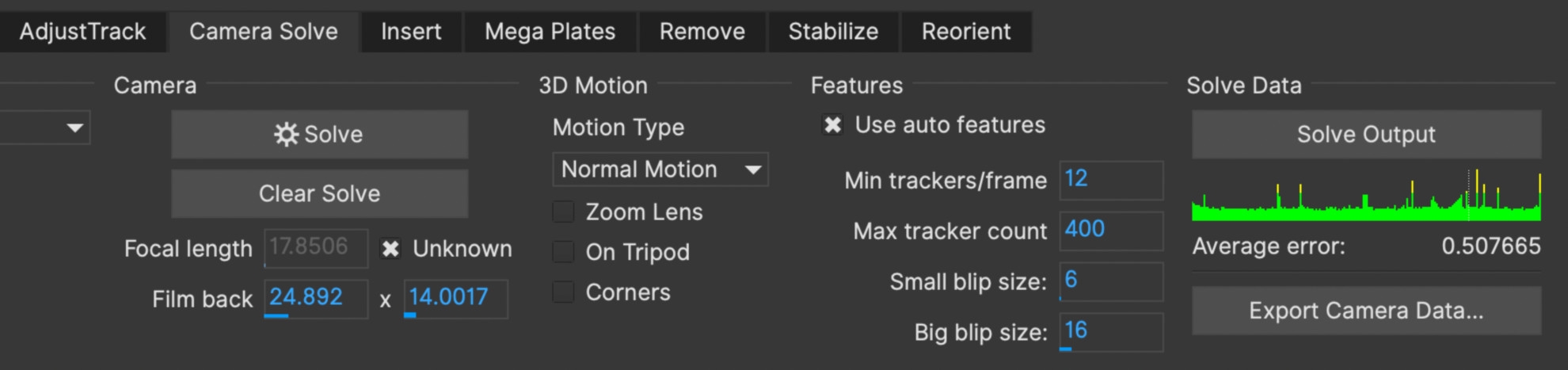
At this point, it will be exciting to see how the company will deal with the new acquisition. It was already announced in the interview (see DP 23:06) that SynthEyes will also be available as a plug-in, although no time horizon has yet been set. With Mocha Pro, BorisFX has shown that it is not simply expanding its portfolio, but that the strengths of the new software are being utilised in other products. This has also started here, as the superior lens correction can already be found in Mocha 2024. Currently, “Camera Solve” in Mocha is still a little slower, even considerably so for very long scenes.
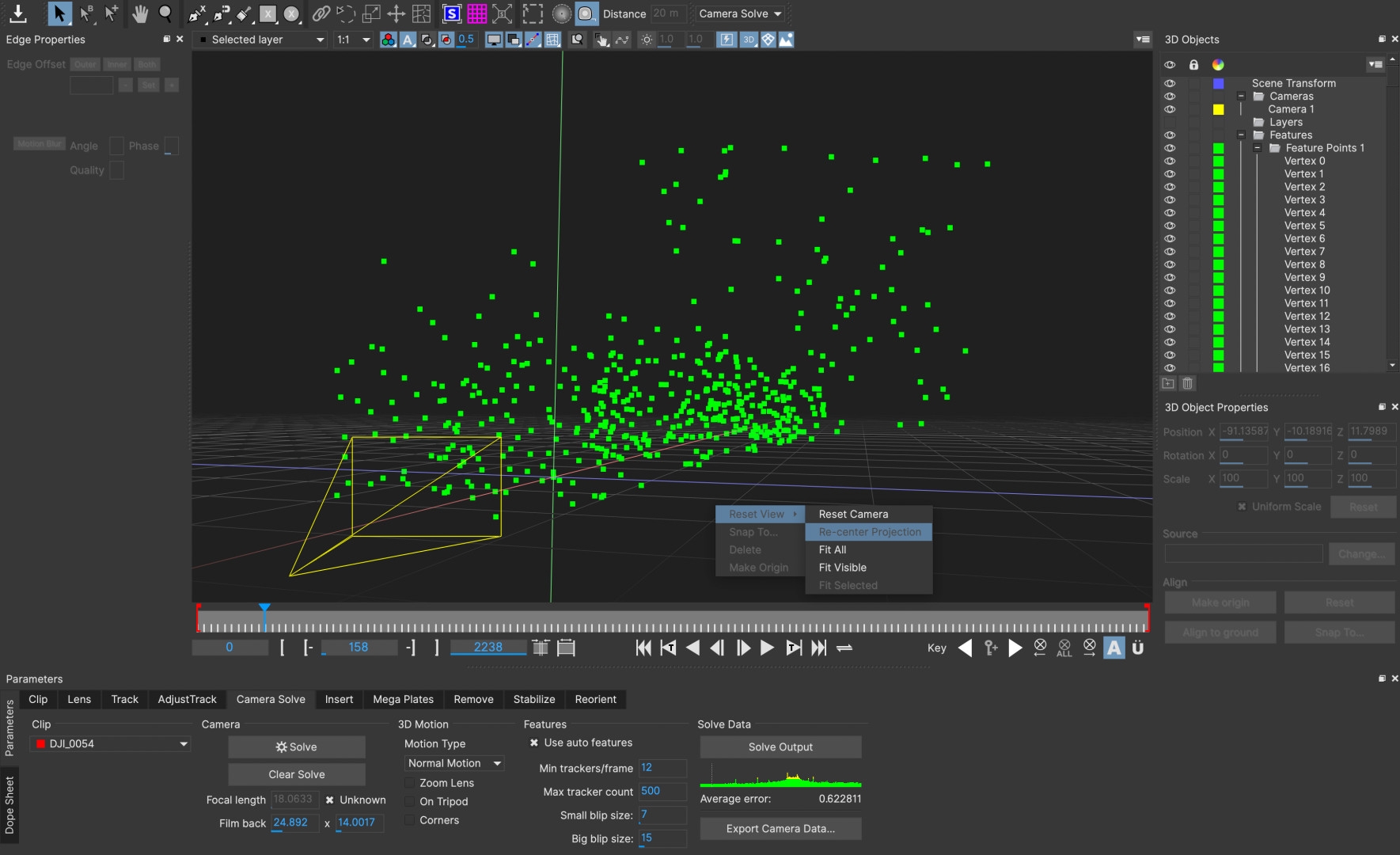
You can define a ground plane, a coordinate origin and scaling based on a known distance between two tracker points. This already works very well for static scenes with a moving camera; moving or deformable objects are in the works. For problematic scenes, the correction options in SynthEyes are much more comprehensive. In Mocha, you are still dealing with a largely automated process in which you can only change the number of trackers and the blip size.
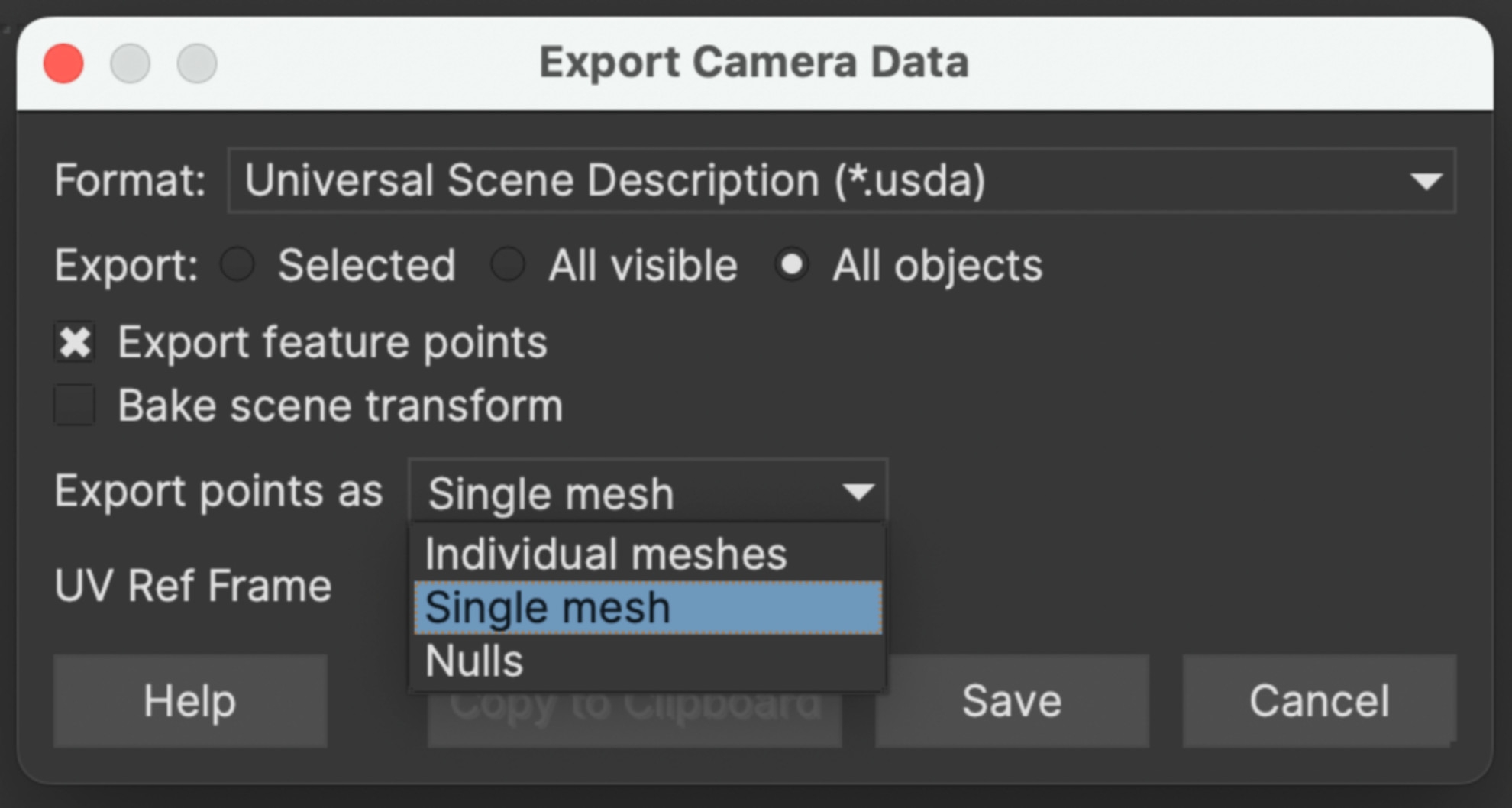
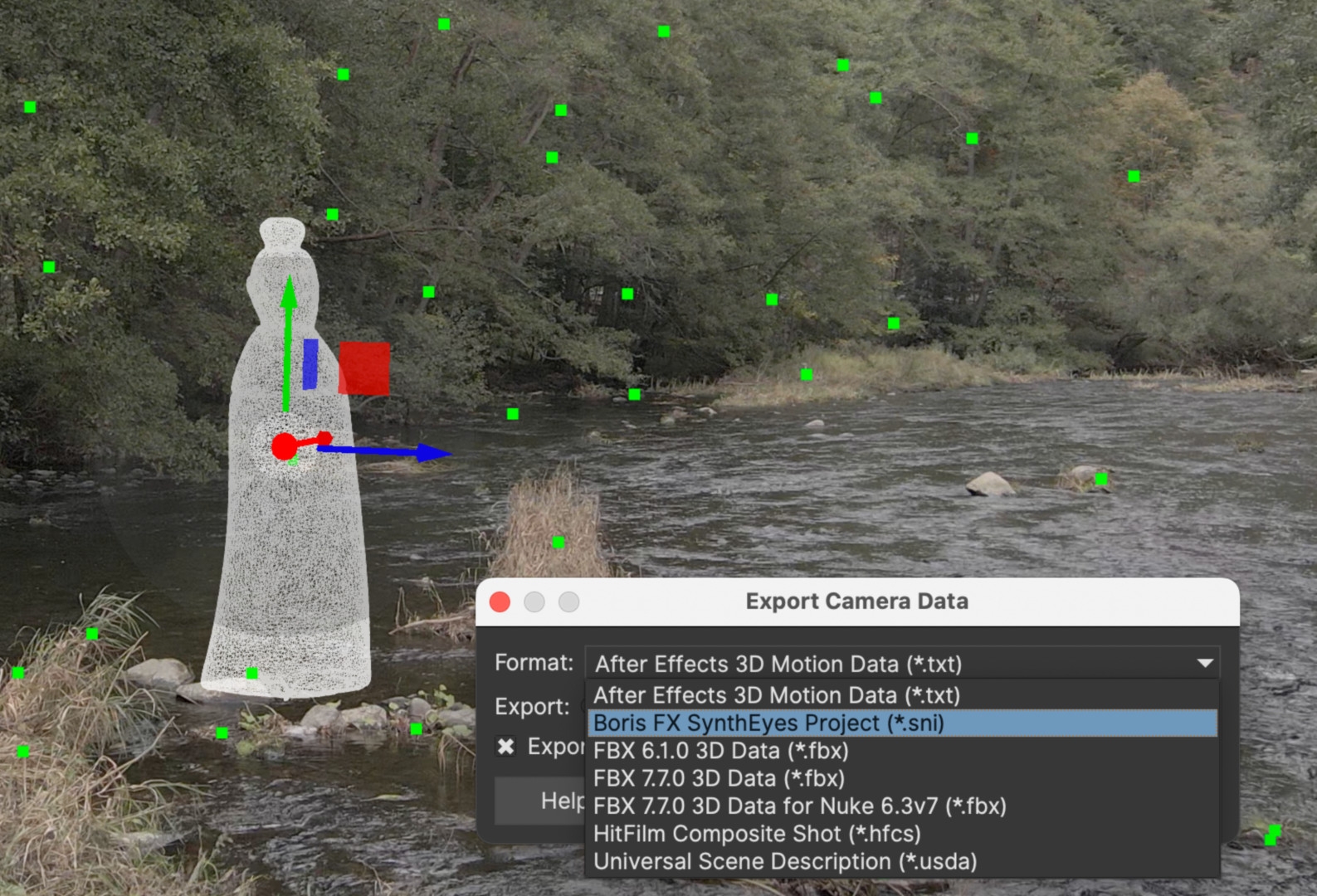
If a “Power Mesh” was defined before camera tracking, this automatically becomes a 3D mesh. You can export this when set to “Single Mesh”, but so far it is still untextured. The export is not as versatile as in SynthEyes, but in addition to some popular target programmes, the increasingly popular USD format is supported and others are in the works.
More can certainly be expected in this area, as Mocha could teach SynthEyes a thing or two in the creation of tracked patches if the products do not completely merge. For example, masks created directly in SynthEyes are less useful elsewhere as they show hard contours. Their creation is also less elegantly solved than working with Mocha 2024, which has been improved again with “Extrapolate Track”. This means that Mocha tracking no longer stops if a few images need to be skipped. SynthEyes can already deliver trackers to Particle Illusion, but with the new “Inherit Velocity” function in version 2024, it could even add the initial movement to the particles.
In our extensive tests, we didn’t find a single scene that couldn’t be tracked with a little fine-tuning, and there weren’t even any crashes. The annual licence now costs 295 US dollars, for shorter projects the programme is available for 49 US dollars per month, and there is also a permanent licence for 595 US dollars. For comparison: PFTrack costs 1,125.00 per year, 3DEqualiser 65.00 for one week. In addition to the tutorials already mentioned at Boris FX Learn, to which more will surely be added, we can warmly recommend Matt Merkovich at Track VFX.
Comment
With SynthEyes, Boris FX has once again acquired a little piece of cream that may eventually merge with Mocha Pro. It comes with the usual exemplary product documentation including bug tracking and workarounds. Experienced SynthEyes artists would certainly be happy if a “Classic” version were to be retained in the event of any further development of the GUI, as is the case with Mocha.
