



Miau’s latest “Fit Camera to Objects” script for 3ds Max allows users to align their cameras with selected objects in the viewport, streamlining the setup of complex shots.
Fit Camera to Objects simplifies camera positioning in Autodesk‘s 3ds Max by automating the camera alignment to selected objects. This tool enables Artists to position their cameras accurately in relation to specific elements, saving time on manual adjustments. The script is especially useful for projects that involve dynamic object arrangements or multiple camera angles. This new release focuses on functionality and reliability, avoiding unnecessary features while ensuring it fits seamlessly into existing workflows.
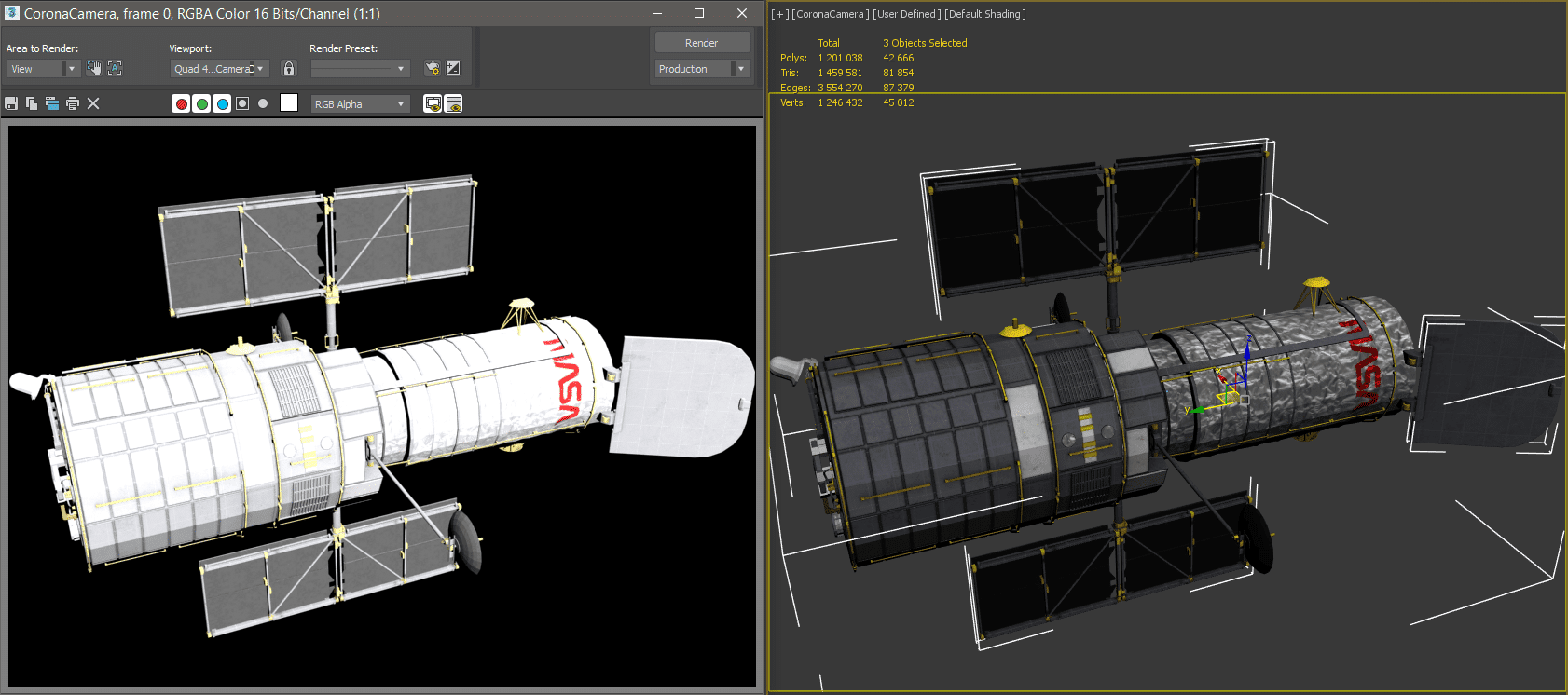
The tool lets you align the camera either by target or perspective, making it flexible for various needs. It supports multiple selections, allowing users to fit cameras to several objects simultaneously. Artists working on animations or still scenes will appreciate the precision it offers, cutting down on tedious camera setup. This script is compatible with versions from 3ds Max 2014 onwards, ensuring broad usability across a wide range of projects.
For more information on the tool’s documentation, visit Scriptspot. The script was developed by Miau, a well-known name in the 3ds Max scripting community, and offers regular updates and support – all for the low price of 5 US-Dollars. With your purchase you can get installers for 2(two) versions of 3ds max, and an installer for the next major update of 3ds max.
Before integrating this script into production environments, it is recommended to test it in smaller projects to ensure compatibility and stability.
