



We had a close look at the public beta, which should be close to general release.




Instruments and Features
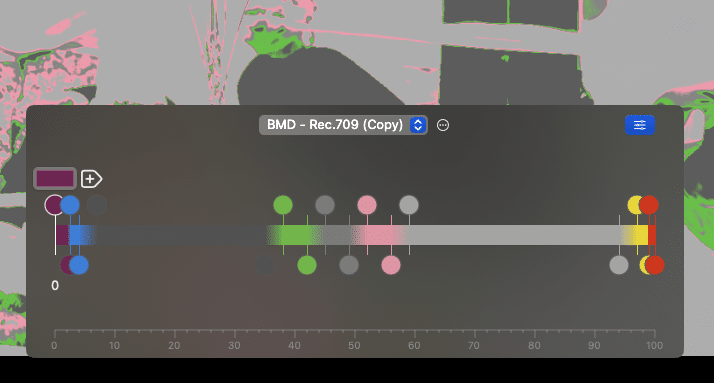
CineMon is offering all the features you’d expect from a full featured monitor, like Grids, Center Mark, Safe Areas, Framing/Blanking, Flip/Flop/Rotate, anamorphic De-squeeze, Focus Peaking, and Zebras. All of these are highly configurable, e. g. separate Zebras can be freely adjusted for a lower and upper limit in different colors. De-Squeeze has not only all the usual ratios, but is also freely adjustable with a slider.
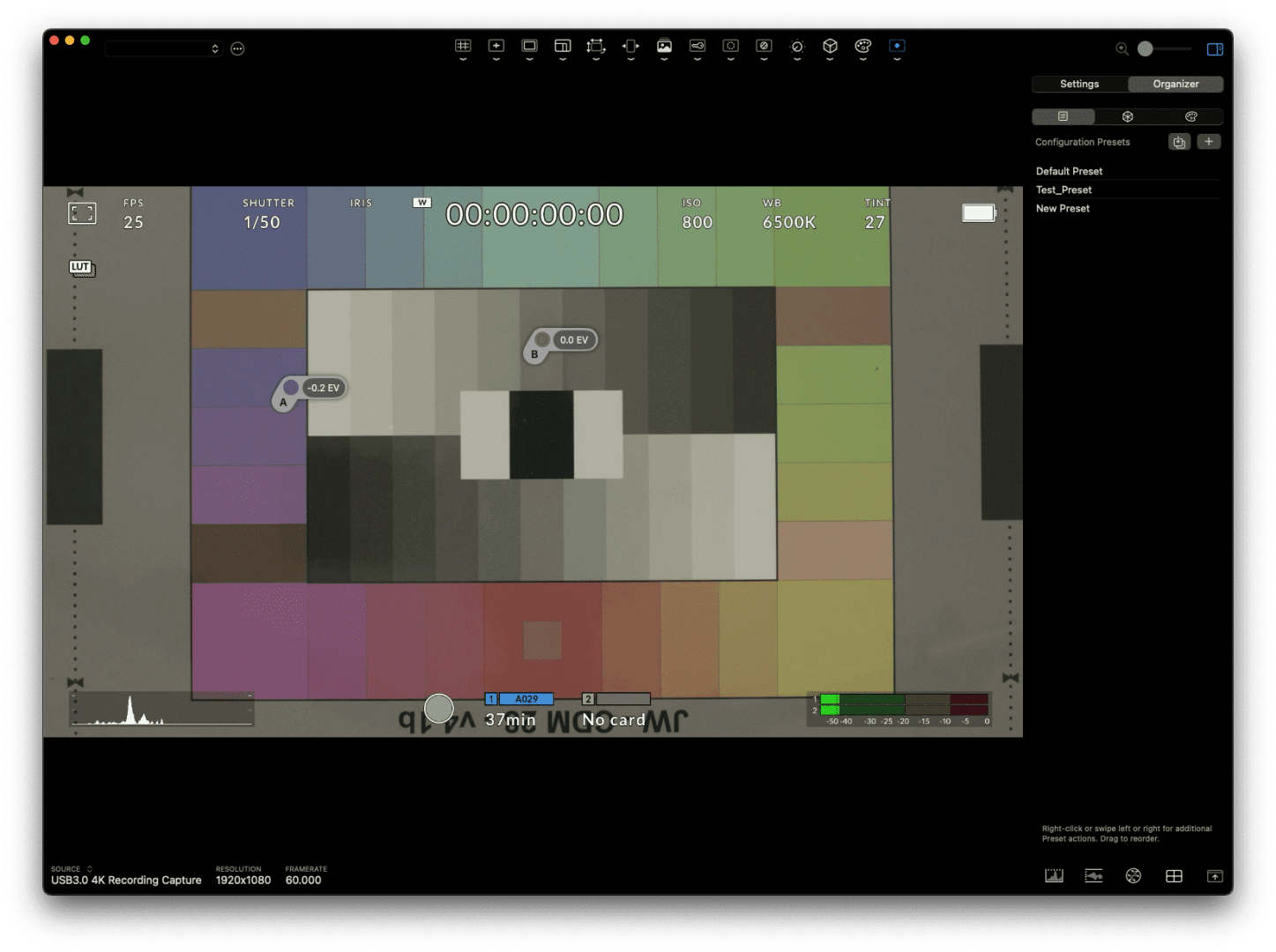
False Color allows the choice of a few versions from high-end cameras, but you can also define your own with unlimited flexibility. These can be saved in the program or exported, to be used by others with the same software. The same applies to complete presets for your own needs in CineMon, both of such settings are saved and read as .json files. Individual presets are indispensable in the light of such impressive flexibility of the toolset.
Dual Spot Meter
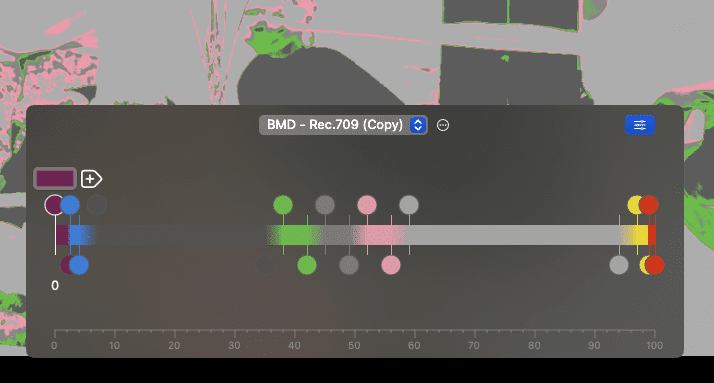
A unique feature is the dual spot meter in photometric EV values. This tool allows you to check middle grey at 0 EV or measure the contrast ratio of specific zones by placing a second spot. It works with gamma 2.4 (for Rec. 709) or with log profiles, which are pretty much complete for all manufacturers, from Arri to Sony. They are integrated and can be chosen directly in the software, while LUTs have to be imported first.

Another photometric tool based on log video input is an exposure slider. If you expose to the right (ETTR) to reduce noise, you can use this to see how your footage will look like when corrected in post. This is particularly useful with some hybrid cameras, like older Sonys, which force you into overexposure when shooting log (SLog2 in particular).
These image adjustments will also simulate changes to contrast or saturation. Of course you can also use LUTs. They should come as .cube files with 33 point lattices, and they can be used as input LUTs or as display LUTs. On the iPad, you can compare looks by swiping between your presets.
The built-in organizer allows renaming or rearranging presets in the list, which also applies to LUTs or false color versions. If a setting has been changed from the saved status, it’ll show in orange. The context menu will give you the option to revert, to save the new status or duplicate under a new name.
If needed for a busy scene with much detail, focus peaking can show edges only. Framing is optionally shown with dimmed look-around blanking areas. Overlaying a freeze from a live source or a loaded still supports precise placement of the camera or objects.
Or you choose a reference frame to match exposure, contrast, color, etc. with the camera settings for the current scene. The CineMon video scopes will process the mixed frame in this case. The difference mode, with a user-defined contrasting color, will immediately show if something has changed in a scene. This will help to spot a missing or misplaced object immediately.

Color Key Preview
Color key preview is not a full quality chroma keyer, but a real-time preview over a checkerboard or background still you have read in. It helps in spotting uneven lighting of the background color or adapting the foreground lighting to the planned environment. It’s even good enough to show problem areas to wardrobe or make-up artists. You can find a video showing all the tools here: cinemon.app
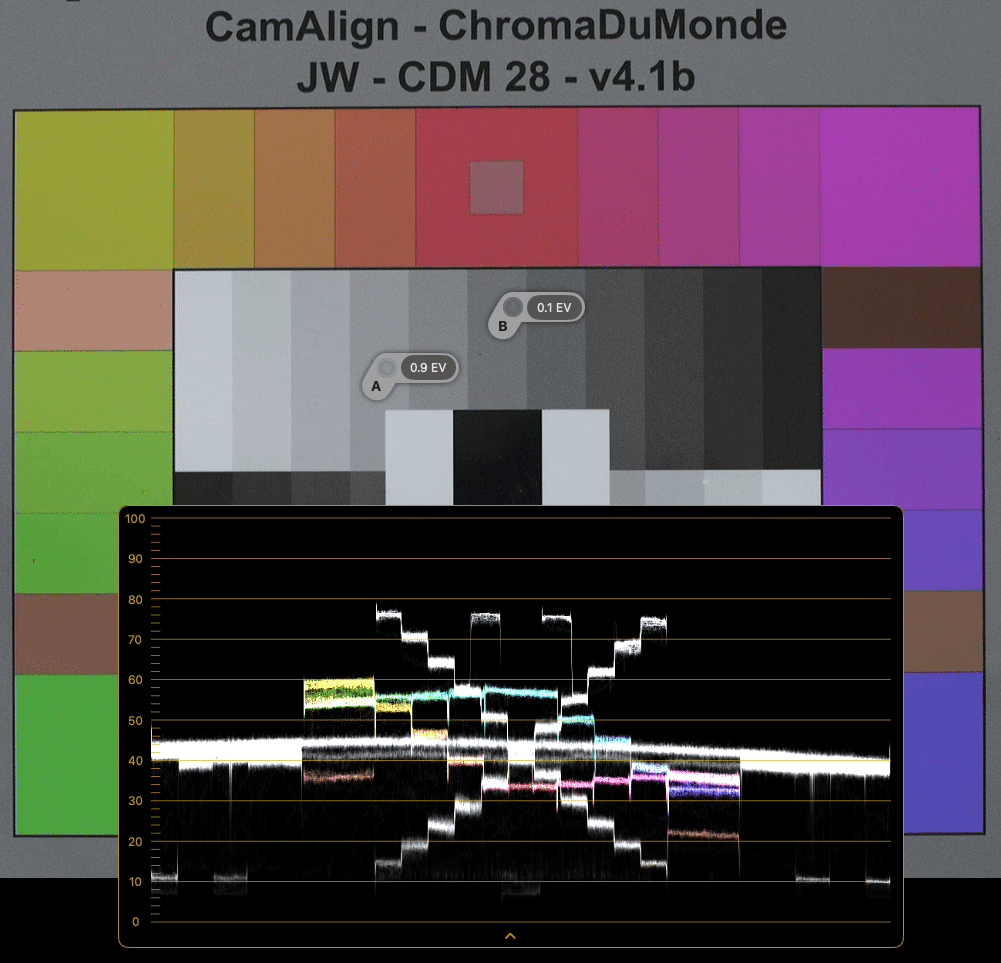
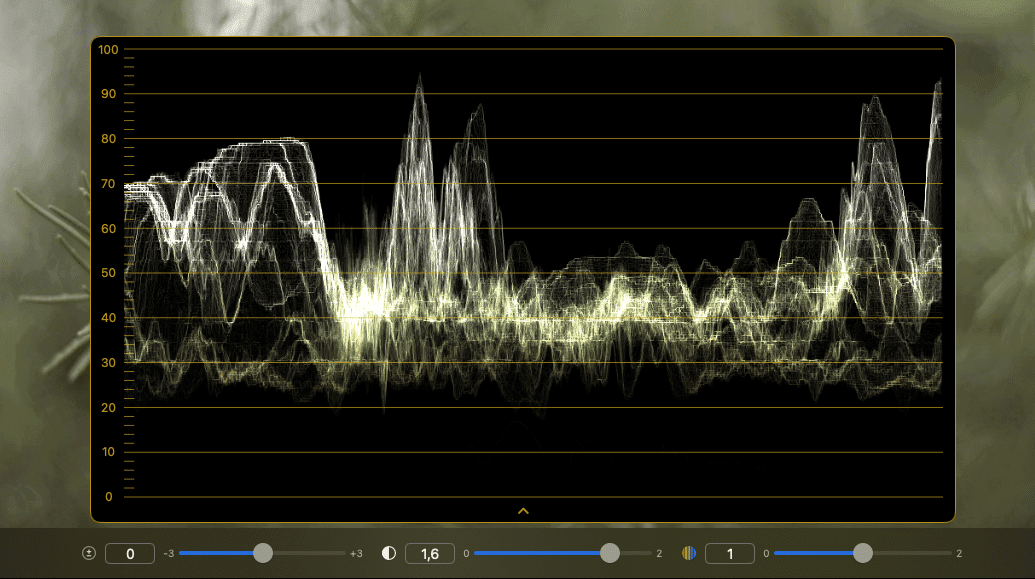
As you may have expected, CineMon has professional scopes, which can be placed and arranged freely, even with adjustable transparency as an overly to the live feed. They adapt to vertical video, but can also be switched to be shown fullscreen. You’ll find a histogram, waveform, and vectorscope with all the usual features and options. If compared with the scopes in DaVinci Resolve with the help of a video read in, they also look very precise. But, obviously, this raises the big question:
How precise is the incoming signal?
If you are using a MacBook, precision interfaces are coming from Blackmagic or from AJA, and they work as expected. But those from Blackmagic need Thunderbolt and don’t work with an iPad, and those from AJA may cost as much as the iPad itself. So, next we’ll look at alternative solutions.
