



Blender enthusiasts, rejoice! The much-anticipated Blender 4.4 is launching today, bringing a suite of enhancements that promise to streamline workflows and elevate creative projects. Let’s delve into the standout features of this release.
Slotted Actions: A New Era in Animation
One of the most significant updates is the introduction of Slots in Actions. This new structure allows for storing animations of multiple elements within the same Action. For instance, mesh objects can now have their location, shape key values, and hook empties’ positions consolidated into a single Action. Similarly, camera objects can combine transform animations with lens parameter changes. This consolidation simplifies animation management, ensuring a more organized workflow. Notably, Actions from older blend files are automatically upgraded to this new slotted system, ensuring seamless integration with existing projects. However, users should verify the accuracy of these conversions before deploying them in active projects.
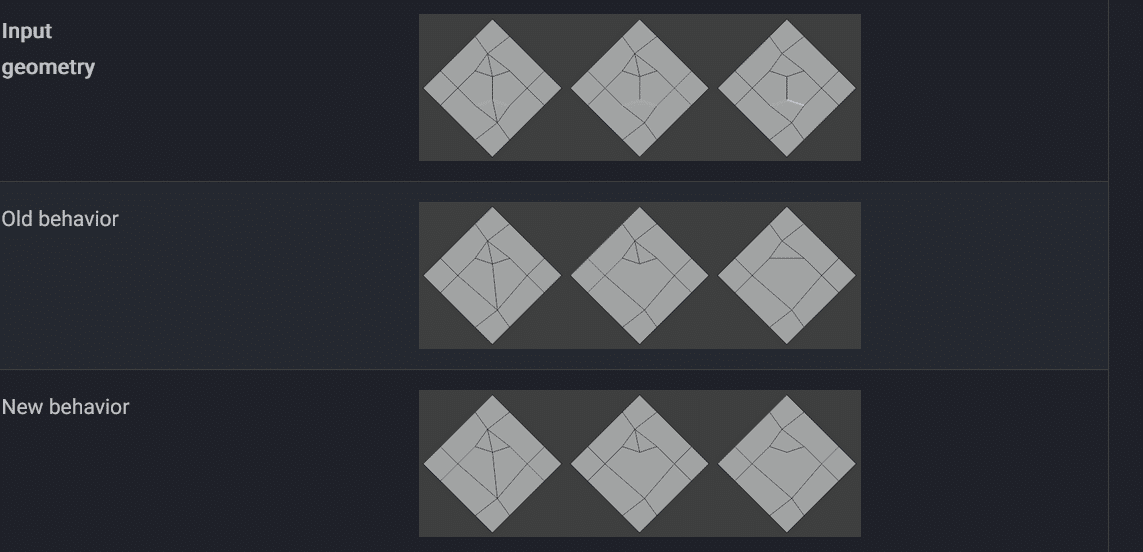
Modeling Enhancements: Select by Trait and Topology Improvements
Modelers will appreciate the new “Select by Trait” feature, enabling the selection of all 3-poles, 5-poles, and similar configurations with ease. This addition simplifies the identification and modification of specific topology traits. Furthermore, improvements to vertex and edge dissolve functions enhance mesh editing efficiency. The process of joining triangles to quads has also been refined; it now prioritizes quad-dominant topology, favoring the creation of quads that form a grid-like structure. This behavior can be adjusted using a topology influence factor, granting modelers greater control over mesh optimization.
Sculpting: Introducing the Plane Brush
Sculptors, prepare to meet your new best friend: the Plane brush. This versatile tool generalizes the functionalities of the existing Flatten, Fill, and Scrape brushes, offering new options to control stabilization and the range of influence above and below the brush plane. This enhancement provides more nuanced control during the sculpting process, allowing for smoother and more precise modifications. Additionally, Cloth brushes have been updated; the Persistent option is now disabled by default, and both Grab Random Cloth and Grab Cloth utilize the Local Simulation Area by default, enhancing their predictability and performance.
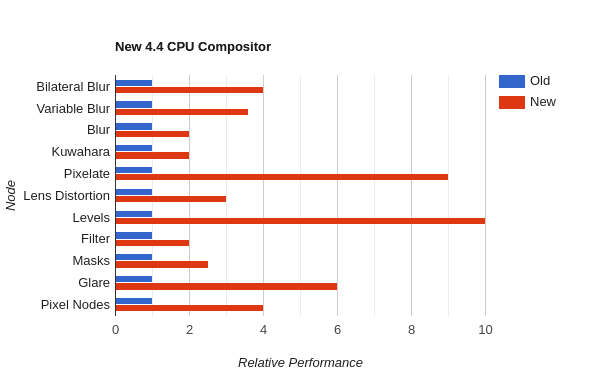
Compositor Overhaul: A Sharper Glare Node
The Compositor hasn’t been left out of the upgrade party. The Glare node has undergone a significant revamp to provide a better user experience and more flexible control. Node options are now single-value inputs that can be linked, and the generated glare and highlights are exposed as outputs. A new Strength input controls the glare’s intensity, allowing for boosted effects. Additionally, the Fog Glow size is now linear, relative to the image size, and can be adjusted to any size, offering compositors more creative freedom.
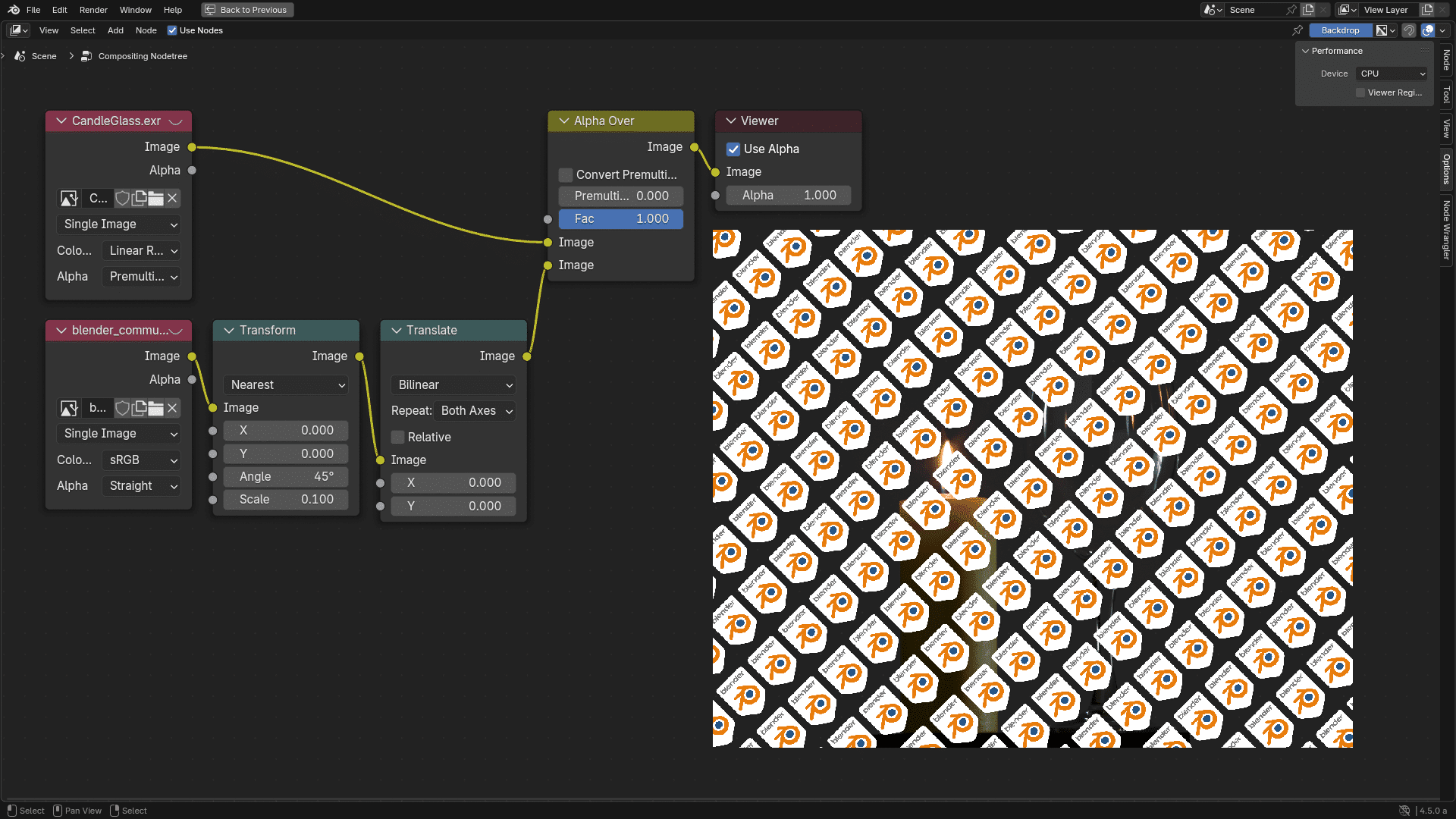
Cycles Rendering: Embracing the Latest Hardware
Rendering aficionados will be pleased to know that Cycles now supports the latest hardware, including the GeForce RTX 50×0 series and AMD RX 90×0 series (RDNA4). This update ensures that users can leverage the full power of modern GPUs for faster and more efficient rendering. Moreover, HIP RT (Heterogeneous-compute Interface for Portability Ray Tracing) is no longer considered experimental and will be enabled by default in the next release. The HIP RT library has been upgraded to version 2.5, addressing numerous bugs and enhancing overall stability. These advancements contribute to a more robust and efficient rendering experience.
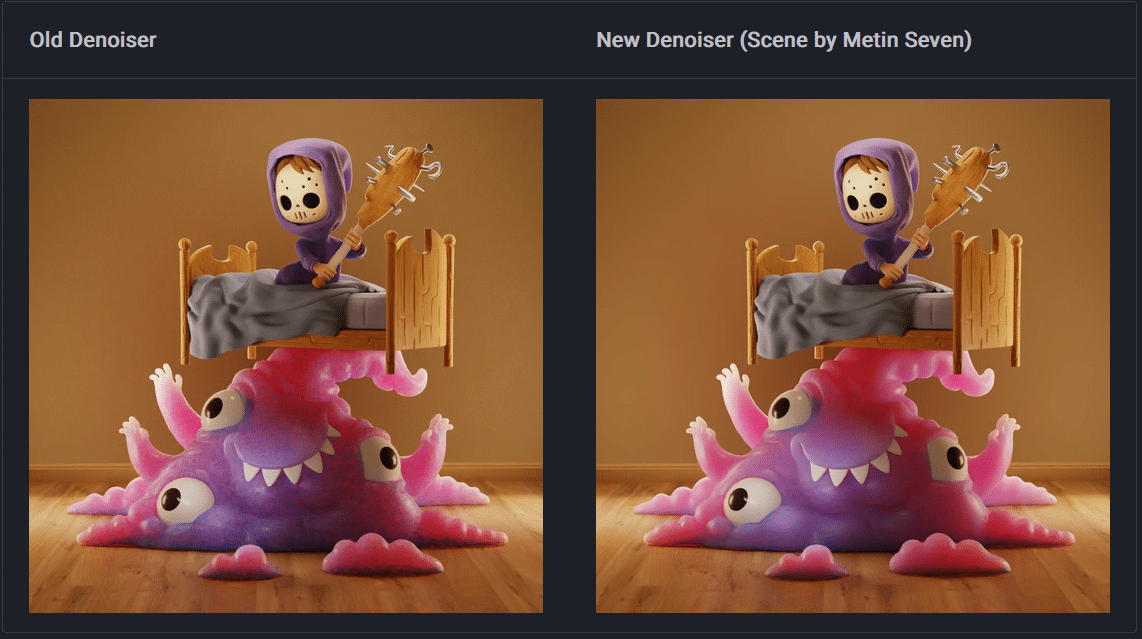
Geometry Nodes: Enhanced Procedural Workflows
The Geometry Nodes system continues to evolve, offering more flexibility and control in procedural modeling. While specific updates in Blender 4.4 are not detailed in the provided sources, users can anticipate improvements that enhance the creation of complex, node-based workflows. As always, it’s advisable to consult the official release notes for comprehensive information on these enhancements.
User Interface: Streamlined for Efficiency
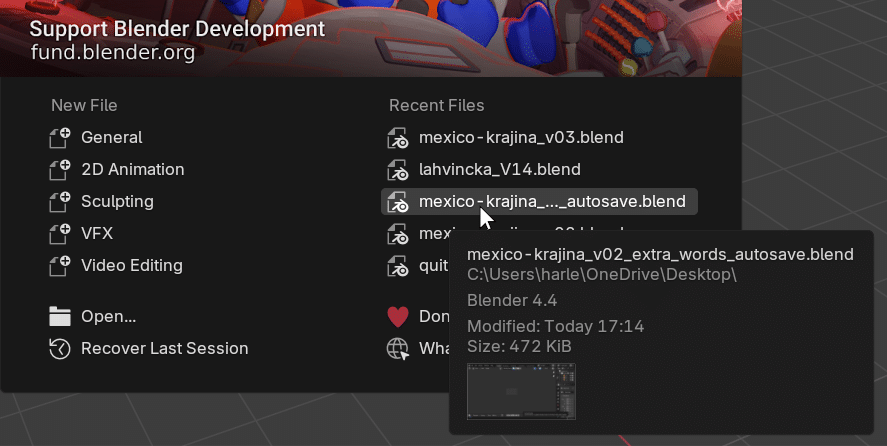
Blender’s user interface has seen subtle yet impactful tweaks aimed at improving usability. For example, the view Lock Rotation property is now accessible in the sidebar’s View panel, providing quicker access to this setting. Such refinements contribute to a more intuitive and efficient user experience, allowing artists to focus more on their creative endeavors and less on navigating menus.
Vulkan Backend: Experimental Yet Promising
For those adventurous enough to explore experimental features, the Vulkan backend has received substantial updates, enhancing performance, stability, and compatibility. While still considered experimental due to missing features like OpenXR, OpenSubdiv, Hydra viewport, and animation performance, these improvements mark a significant step toward integrating Vulkan into Blender’s core. Users interested in testing this backend should proceed with caution and avoid using it in critical projects until it reaches a stable state.
As with any major software update, it’s crucial to thoroughly test these new features within your specific workflows before integrating them into production environments. While Blender 4.4 brings exciting advancements, ensuring compatibility and stability in your projects is paramount. Happy blending!
