



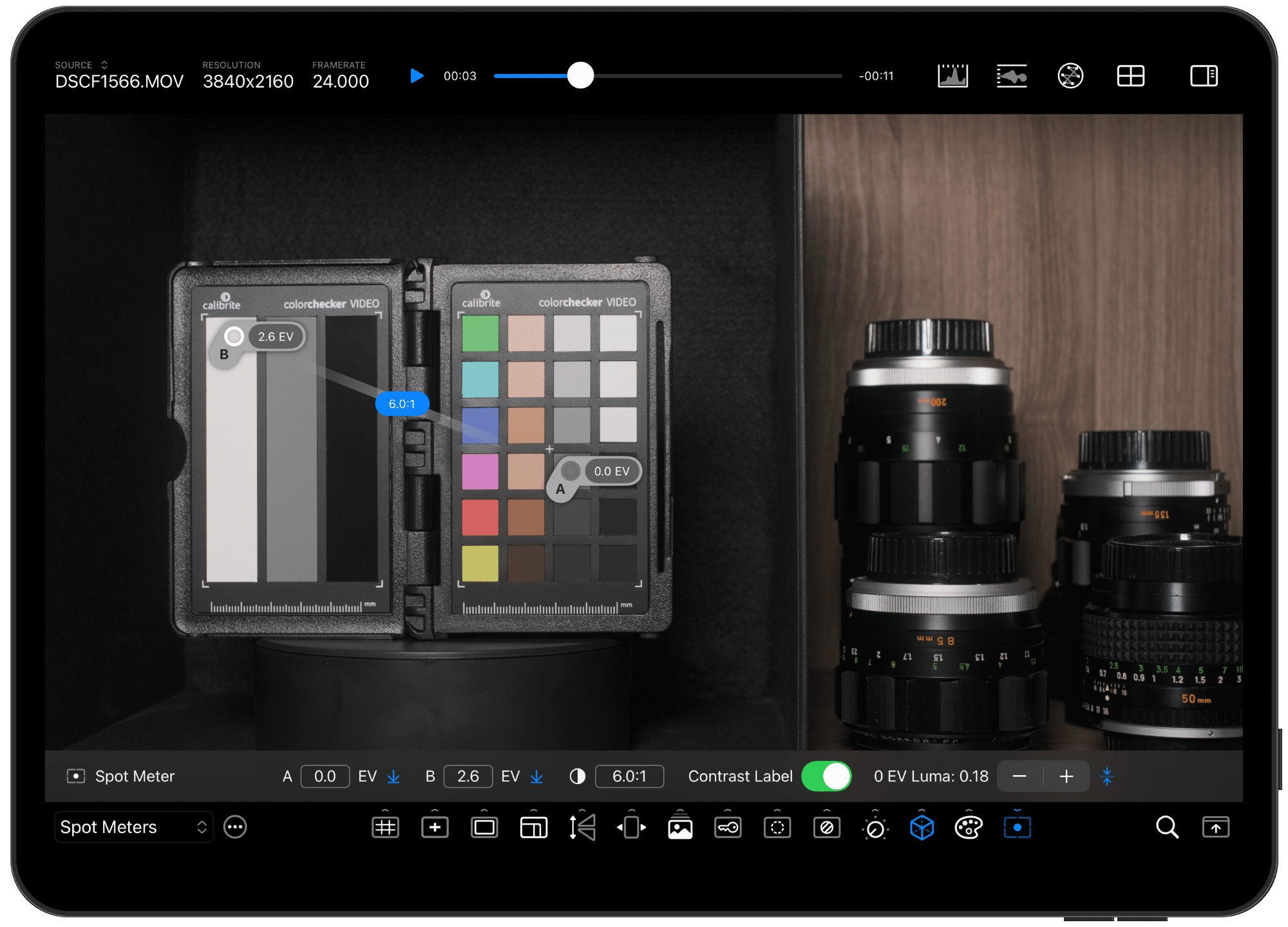


When Cinemon hit beta, it got our attention. Now, with version 1.0 released, it’s no longer just “one to watch”—it’s one to use. Developed by Ike Arias from CineSpices LLC, Cinemon 1.0 brings color pipeline analysis and signal correction to the iPad, in a package that aims to replace external monitors for on-the-go post-production work. For an introduction to what Cinemon is, check our past coverage: Cinemon 1.0: Correcting the Signal, Hardware for Cinemon et al., and the initial Beta for iPad and Mac. But here’s the news: it’s official, it’s final, and it’s still evolving—because Ike is already cooking up further improvements.
Waveform Monitoring
At the core of Cinemon’s toolset is its waveform monitor – this isn’t just a pretty graph—Cinemon’s waveform monitor lets you accurately interpret signal levels across formats. We haven’t tested HDR-workflows with a current gen iPad, but that is one of the next stops in our pipeline! Signal analysis is detailed, precise, and touch-responsive, leveraging the iPad’s display for maximum readability in mobile workflows.
Vectorscope with Color Pipeline Support
For those working on color critical projects, Cinemon’s Vectorscope helps verify color accuracy and pipeline consistency. The tool supports color pipeline analysis, meaning it can display and analyze signal data through your specific color grading and encoding setups. If your workflow includes multiple LUTs (Look-Up Tables) or custom transforms, Cinemon visualizes where color shifts happen—essential for spotting errors before delivery.

Signal Correction Tools
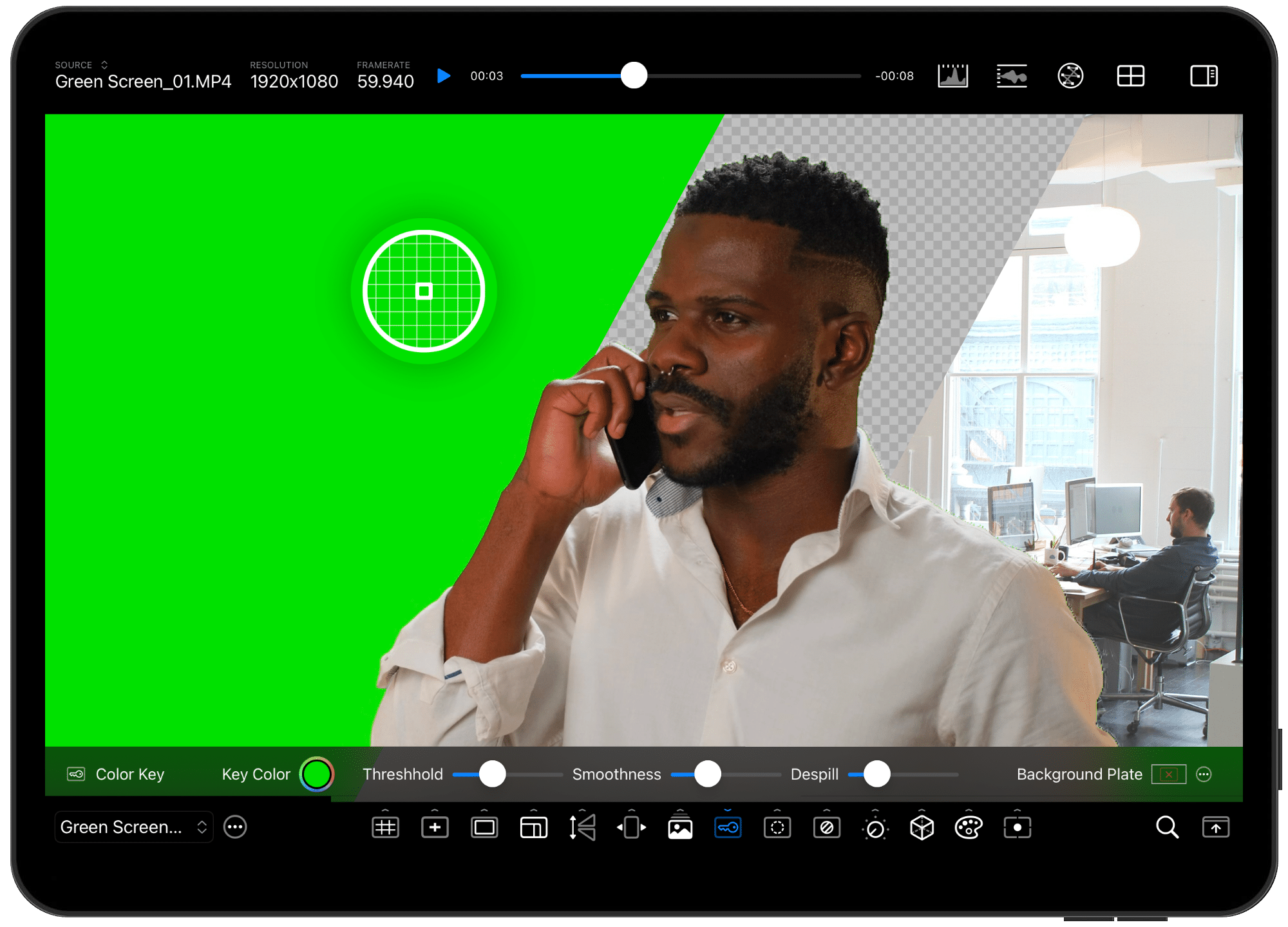
Cinemon isn’t just about analysis; it’s also about correcting signal issues. With tools designed for signal correction, users can identify and adjust color and exposure problems directly within their workflow. Cinemon focuses on signal correction in real time, making it ideal for quick on-set checks or post-production QC (Quality Control).

External Monitoring? Optional.
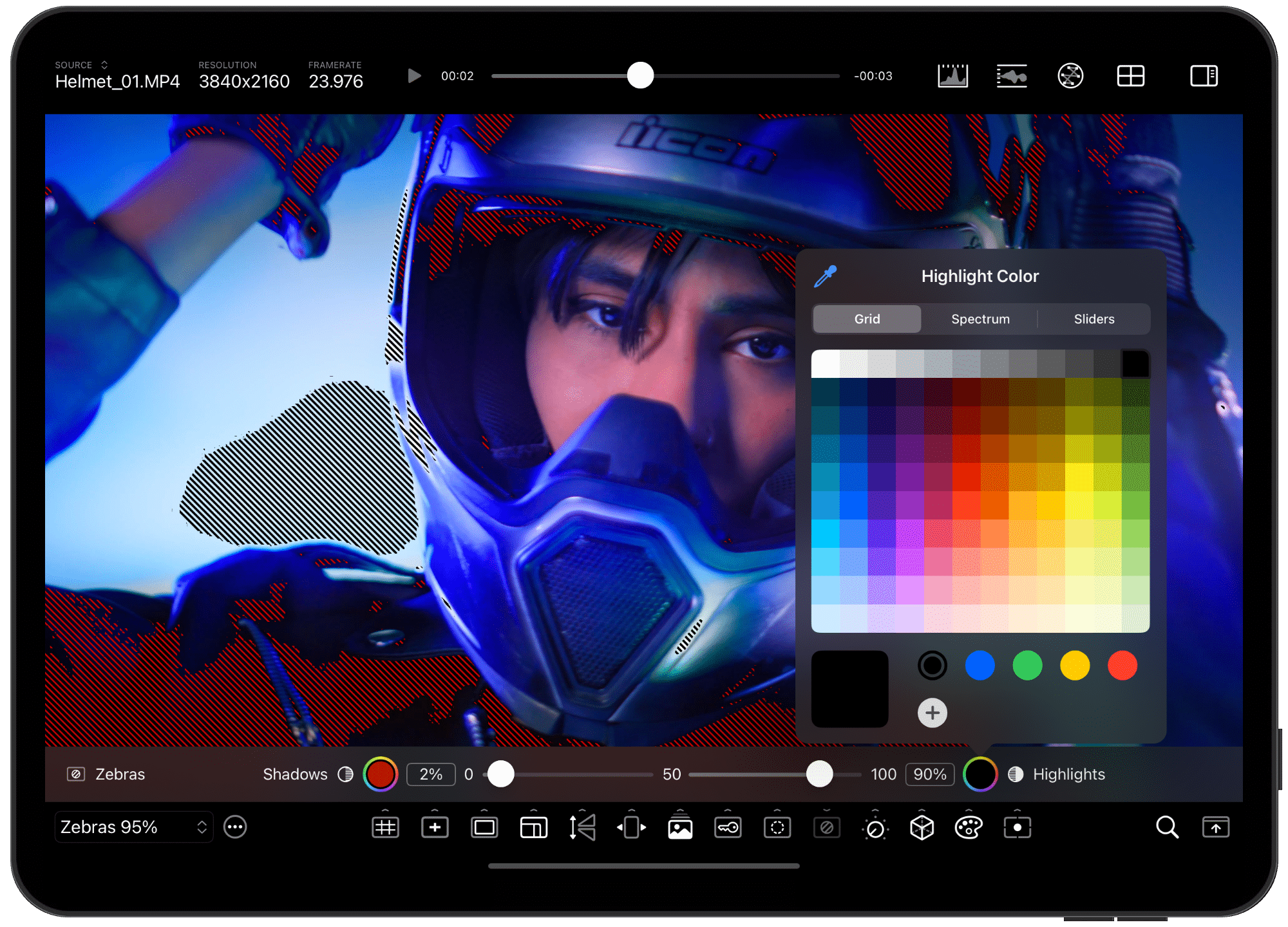
One of Cinemon’s design goals is to replace the need for external monitors in certain workflows. While it doesn’t aim to fully replicate studio-grade reference monitors, Cinemon offers an accurate, HDR-capable display environment on iPad, freeing colorists, DITs (Digital Imaging Technicians), and VFX supervisors from the desk—and from lugging around extra gear.
App Availability and Pricing
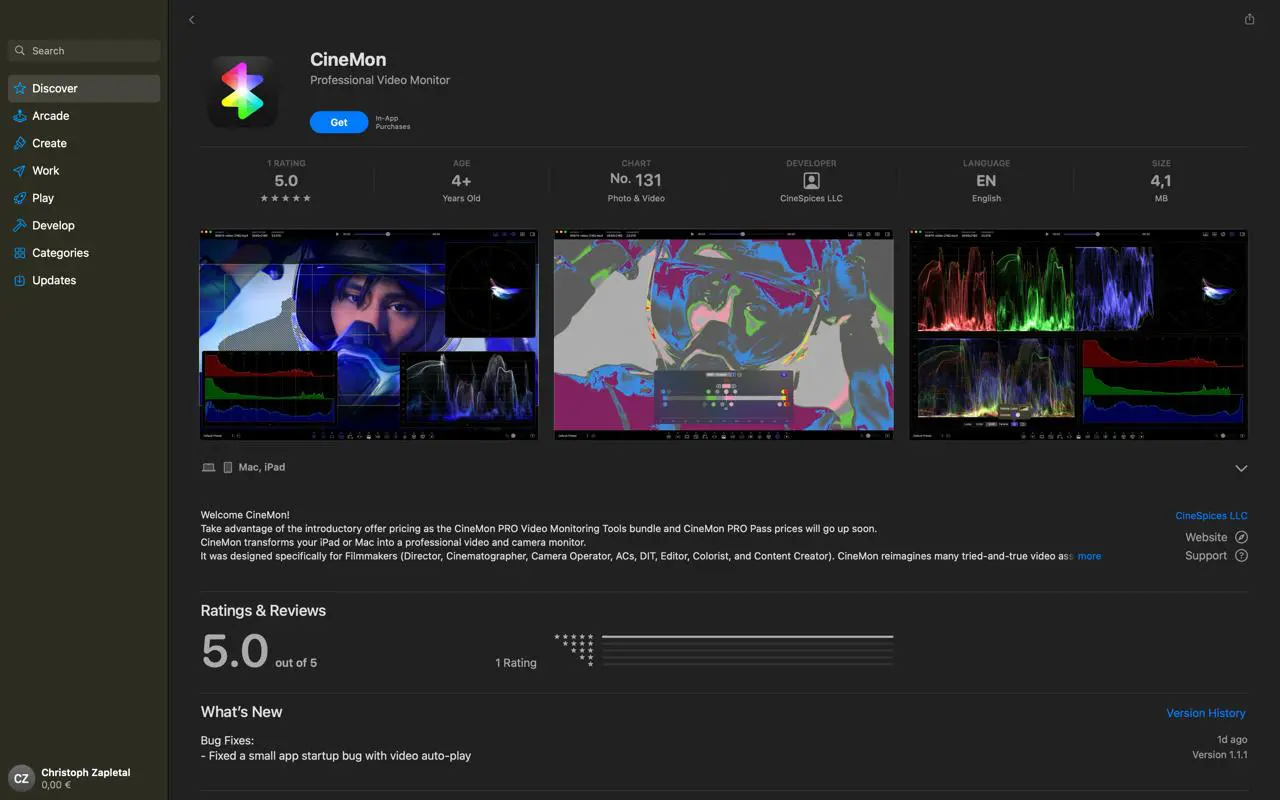
Cinemon 1.0 is available for iPad on the App Store. Pricing details are available via the official website at cinemon.app, where updates and developer insights are also published.
Future Development: It Doesn’t Stop Here
Ike Pius is already developing further features for Cinemon, with the app positioned as a must-watch tool for post-production professionals. The roadmap includes enhanced support for custom color pipelines, potential API integration, and expanded file format compatibility—although none of these features are live yet.
For Now: Field-Test Before Production
As always, test before deployment. While Cinemon 1.0 packs impressive features, its adoption in production pipelines should be evaluated on a case-by-case basis. Especially in color critical workflows, tools need to be stable, predictable, and integratable. That said, Cinemon is well on its way to becoming a staple for post-production artists seeking portable, accurate signal monitoring and correction tools—right from their iPads.
More at cinemon.app – where signal correction meets mobility.
