



Autodesk has unveiled MotionBuilder 2026, the latest iteration of its renowned character animation and motion capture editing software. This release brings notable enhancements to USD workflows and introduces several quality-of-life improvements aimed at streamlining the animation process.
USD Workflow Enhancements
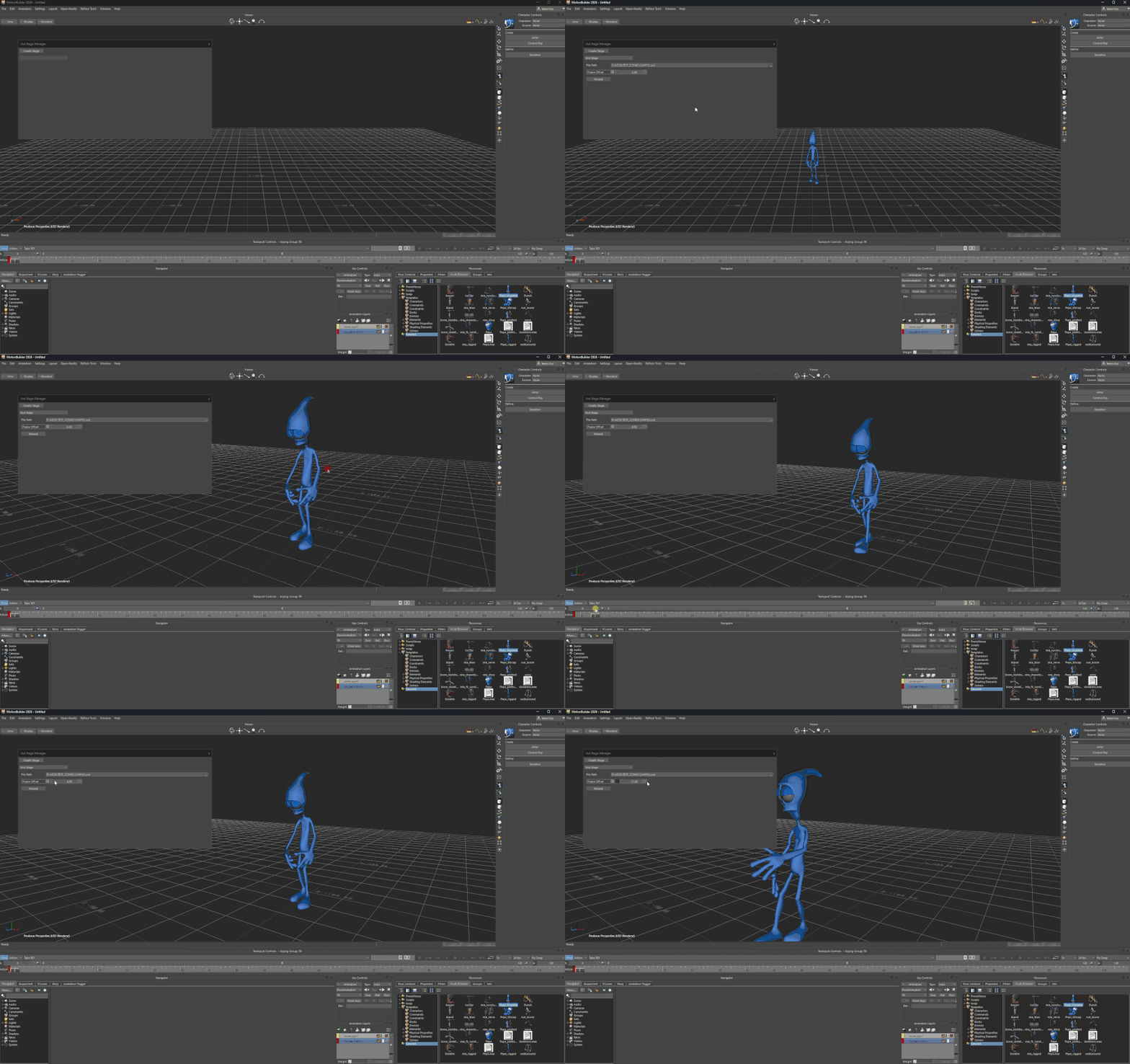
Building upon the initial USD support introduced in MotionBuilder 2025, the 2026 version ensures that when loading a USD stage file, any embedded animation is now retained and rendered within the viewport. This advancement allows animators to work seamlessly with USD data without losing crucial animation information.
Additionally, the Python API now features an animatable frame offset property, enabling users to retime or time warp animations directly through scripting. To further facilitate USD integration, a new UI button has been added to reload USD stage proxies, complemented by a corresponding property in the API for enhanced control.
Quality-of-Life Improvements
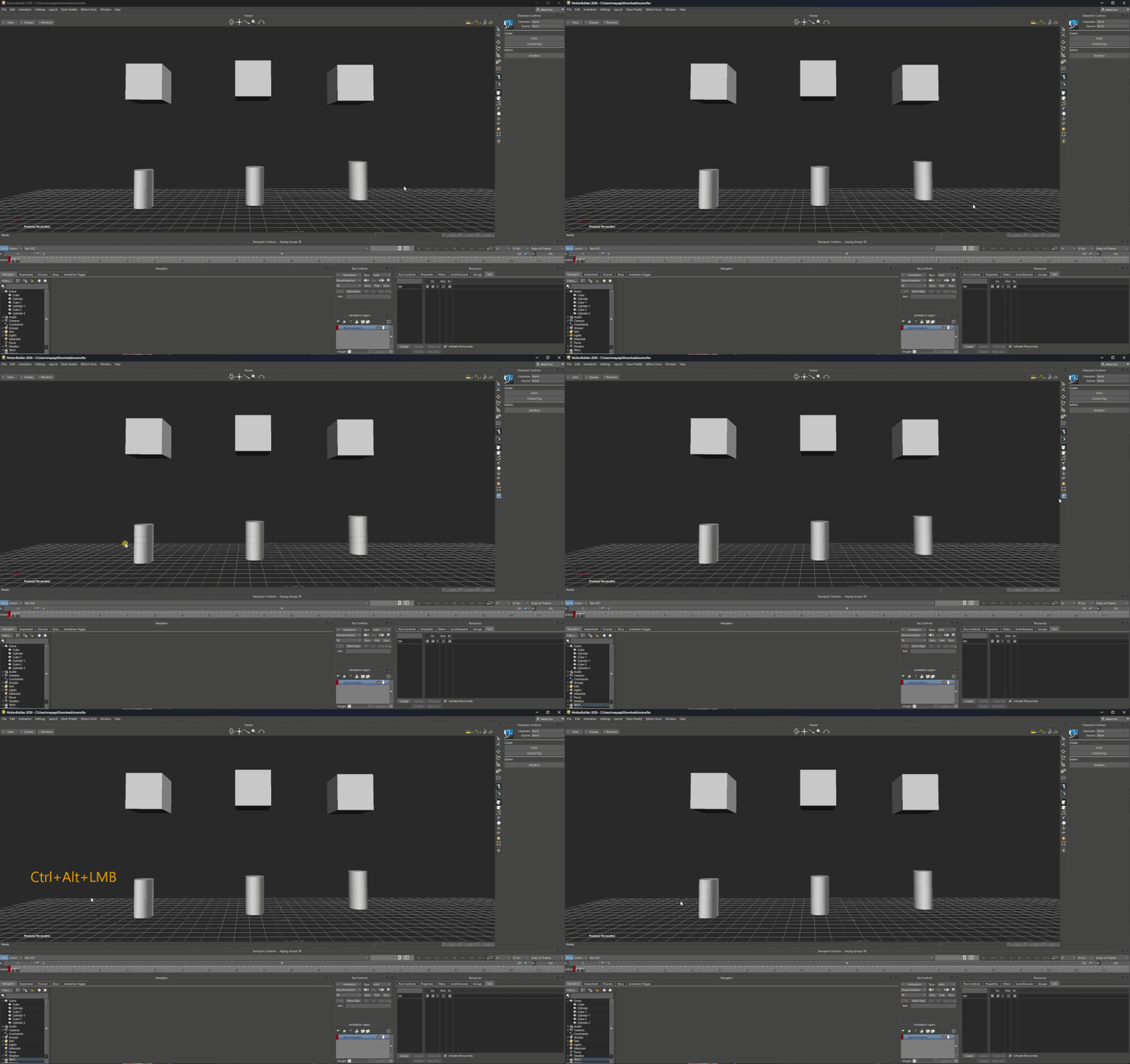
In response to user feedback, MotionBuilder 2026 introduces a shortcut key that allows for the force-selection of previously unselectable objects, addressing a longstanding challenge in the animation workflow. Moreover, the software now supports extended function keys—[F13] and beyond—as keyboard modifiers, offering greater flexibility in customizing input commands.
The SDK has also been updated with a new property to control the inclusion of HUDs in FBX file exports. Furthermore, several API properties have been renamed to enhance clarity and usability, ensuring a more intuitive scripting experience.
Pricing and System Requirements
MotionBuilder 2026 is compatible with Windows 10 and later versions, as well as RHEL and Rocky Linux distributions (versions 8.10, 9.3, and 9.5). The software is available exclusively through a rental model, with annual subscriptions priced at $2,225—a modest increase of $80 from the previous release. For a comprehensive list of new features and detailed documentation, users are encouraged to consult Autodesk’s official resources.
As with any software update, it’s advisable to thoroughly evaluate MotionBuilder 2026’s new features within your specific production environment before integrating them into active projects. This approach ensures compatibility and stability, safeguarding the integrity of your animation workflows.
For more information and to explore the latest features, visit Autodesk’s official website.
