



After a successful beta phase—and a flood of feedback from thousands of industry users—ARRI has officially launched the Camera Companion App, now available on the Apple App Store. Designed for iPhone, iPad and Mac (with Apple Silicon), the app puts full control of ARRI’s camera lineup into a customisable, touchscreen-friendly interface—turning camera control into something that’s actually fun.
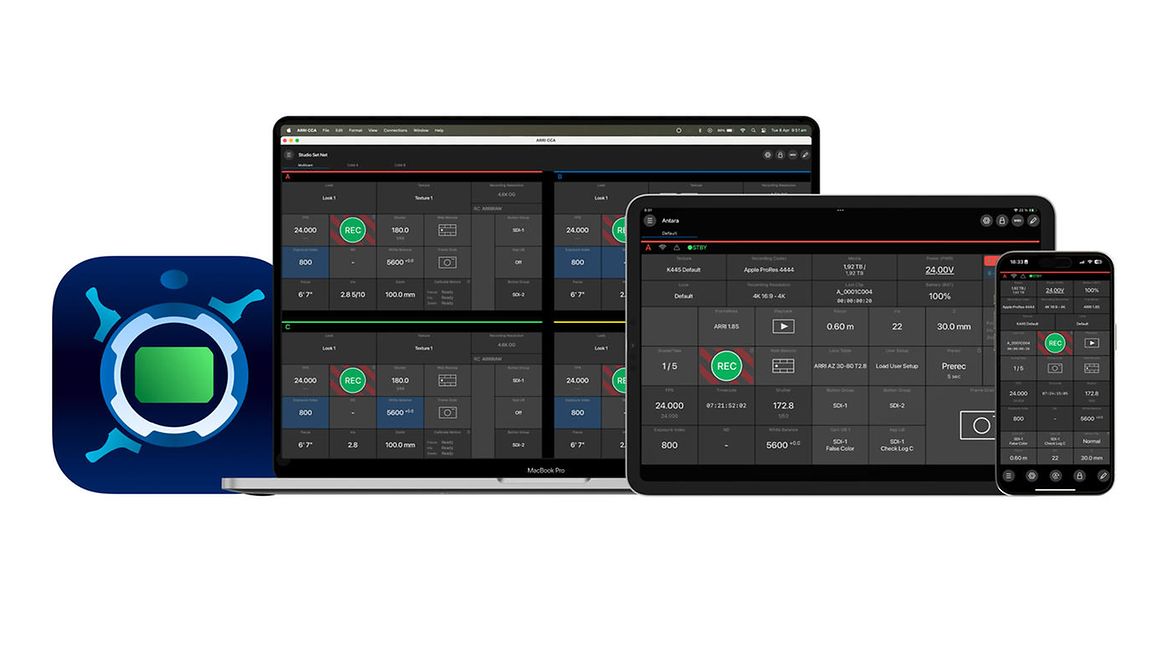
The app supports remote operation of the ALEXA 35, ALEXA Mini LF, ALEXA Mini, AMIRA, and ALEXA 265, with interface options that can be tailored to the user’s workflow. Whether you’re a solo operator, an entire camera crew or a DIT trying to save what’s left of your patience, this app’s got knobs—virtual ones—and tabs to match.
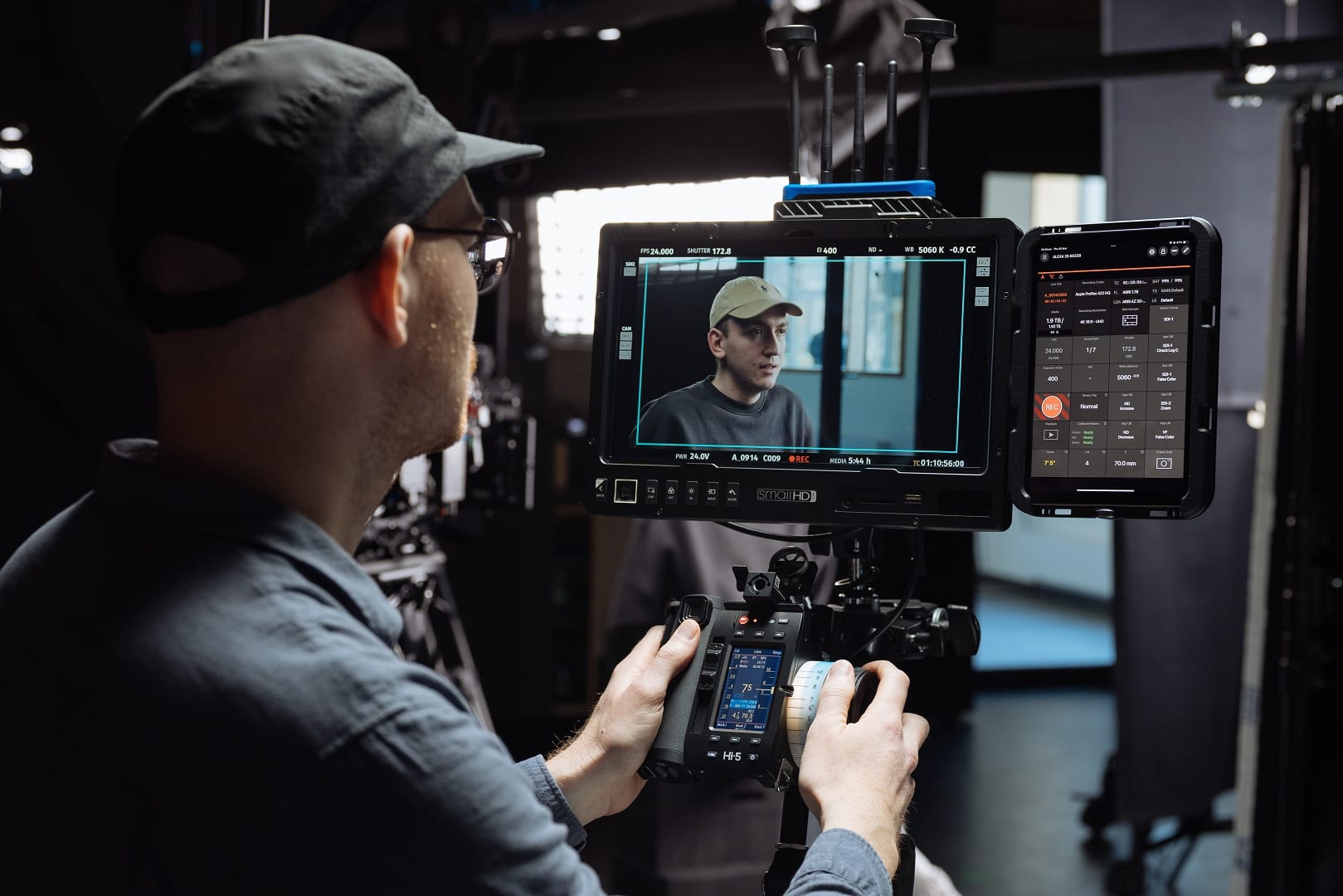
Two Subscription Models and a Simulated Camera
Users can choose between two tiers: the Standard subscription unlocks control over one or two ARRI cameras, while the Premium subscription adds more features—unlimited camera support and MIDI functionality.
Those wanting to test before committing can download a free demo version, which supports single-camera control, offers menu access, and even simulates a virtual camera—perfect for dry runs without hardware on hand. Free trials for both subscription tiers are also available.
Custom Interfaces, Drag-and-Drop Layouts, and Tabs Galore
Core to the app is a fully customisable user interface. Users can begin with a predefined layout or build their own, dragging and dropping control tiles into position. Premium users can split the UI into multiple tabs, which can be assigned to different cameras, shooting scenarios or functions like playback control. It’s the UX equivalent of duct-taping a touchscreen to a focus puller’s soul—only neater.
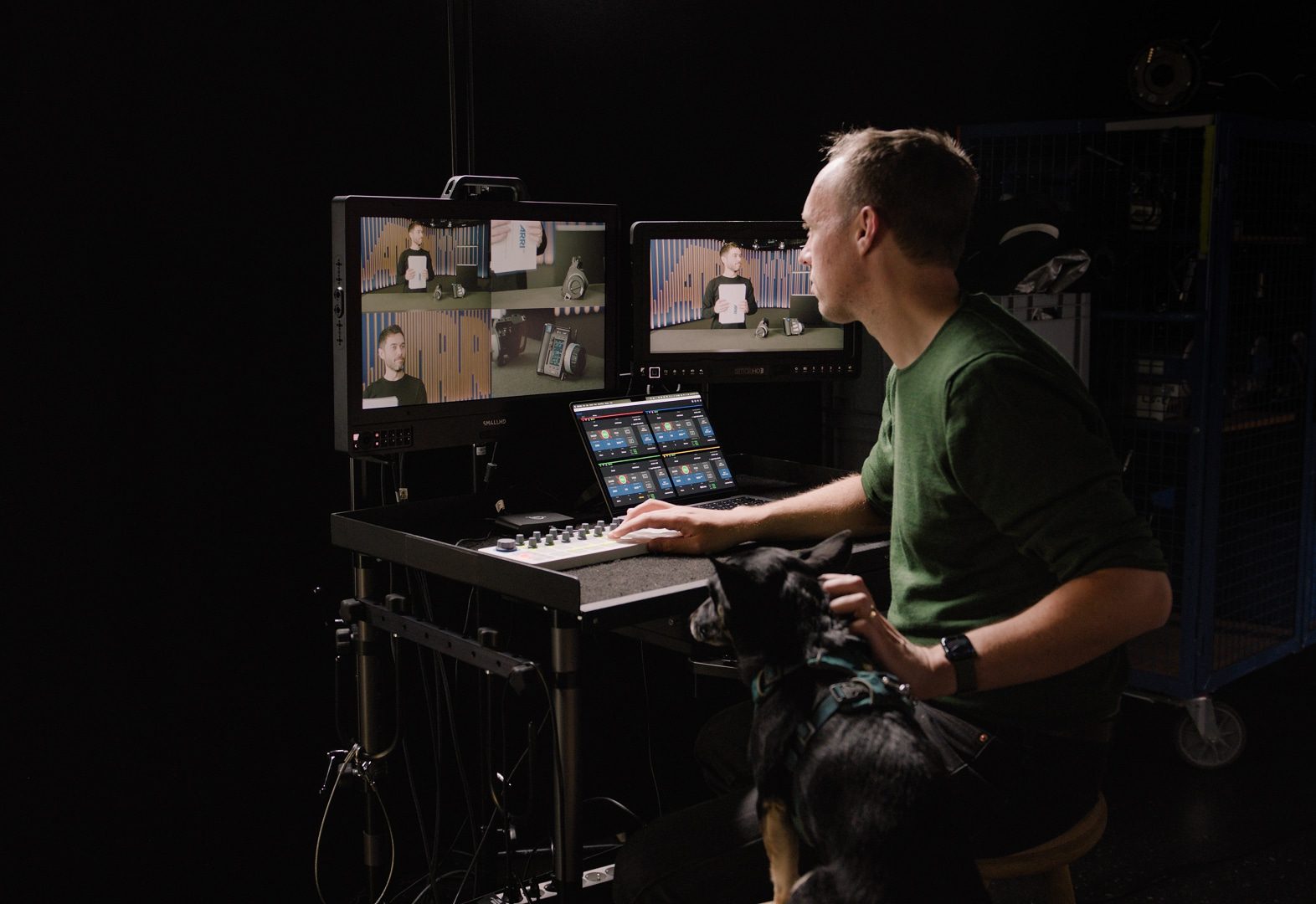
Set Life Perks: Faster Sync, Shared Control
Testers praised the ability to create independent UIs for each crew member, meaning less shouting and more configuring. With simultaneous control of settings by multiple users and accelerated camera matching, the app promises time-saving benefits—although you’ll still need coffee.
Premium Powers: cforce Lens Control, CDL & MIDI
The Premium version extends its grip beyond basic camera settings. Users can remotely control lens settings via cforce lens motors and apply CDL parameters for live grading. It also enables videoparameter control for ALEXA Mini and AMIRA models.
And for those still dreaming of triggering record via a MIDI keyboard: the app delivers. MIDI support allows integration with any compatible physical input devices—offering extensive options for custom controller setups. You want sliders, knobs, foot pedals? Go nuts. Just don’t trigger playback with a wah-wah pedal.

Compatibility & Availability
The app runs on iPhone, iPad and Apple Silicon Macs, and is now available for download on the Apple App Store. Pricing details were not listed in the official release—consult ARRI’s Camera Companion product page for current subscription rates and system requirements. As always: test thoroughly before deploying the app in active production. New tools can smooth workflows—or send them into an unexpected timelapse.
