



A new plugin has entered the ZBrush arena, aiming to take the sting out of material management. The ZBrush Material Manager offers a UI overhaul and a streamlined workflow for assigning, managing, and previewing materials directly inside ZBrush—without requiring you to juggle menus like a caffeinated octopus.
The plugin delivers custom-made features aimed at improving efficiency when working with multiple materials on complex models. Rather than forcing artists to wade through ZBrush’s default material assignment process, this plugin condenses and centralizes those steps into a single workspace.

Presets, Previews, and a Proper UI
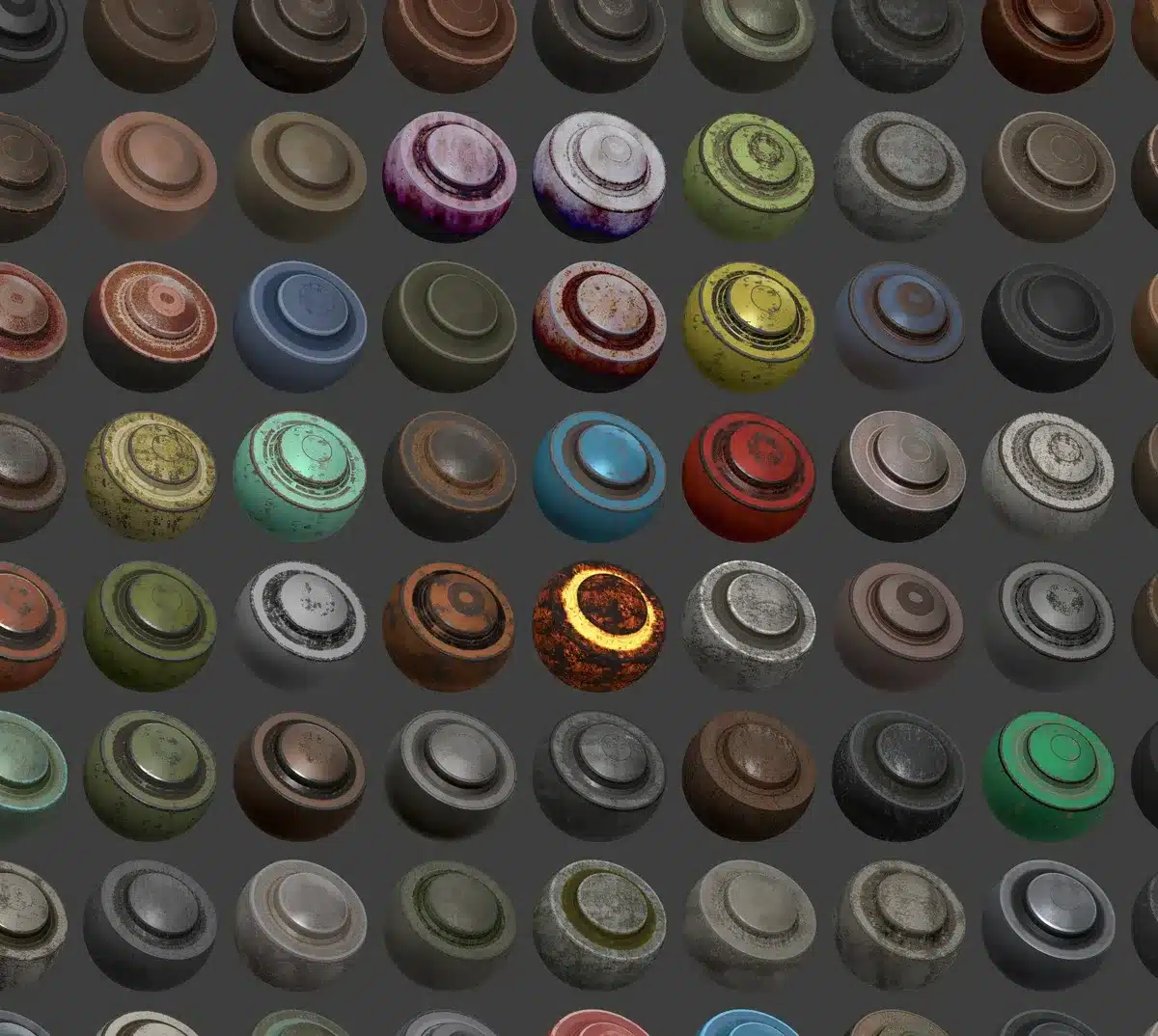
Core to the plugin is its support for custom material presets, allowing artists to store and reuse frequently used material setups. These presets aren’t locked into static previews—they come with live updating thumbnails that reflect any changes made to the material, eliminating the guesswork that usually creeps in during lookdev. Also included is a preview window that updates dynamically, meaning artists can visually track how material tweaks behave in real-time, without needing to render externally or apply changes across the entire model. The plugin interface itself is designed with usability in mind, providing a streamlined, dockable UI that integrates directly into ZBrush’s layout. No extra windows. No context switching. Just materials, right where you need them.
The plugin allows material assignment to individual subtools or multiple subtools simultaneously, which is particularly useful when dealing with complex models composed of many mesh parts. Instead of switching back and forth between subtools manually, materials can now be batch-assigned with a few clicks. Additionally, it includes a batch material replacement feature—making it easier to update several materials across a scene with a single operation. Think of it like a search-and-replace, but for shaders. Artists can also access a material library with categorisation, giving quick access to pre-organised materials. So if you’ve built your own catalog of go-to looks, you won’t have to go on a deep dive into your asset folders every time you want to find them.
The Material Manager plugin is available now via ArtStation Marketplace. At the time of writing, the exact price isn’t listed in the article—check the product page here for current pricing.
Still Experimental? Test First
As with any plugin integrated into a complex DCC (digital content creation) tool like ZBrush, it’s recommended to test its stability before using it in ongoing productions. Especially in professional pipelines where broken material links or lost assignments can quickly become a costly headache.
The plugin’s features are designed for daily production use, but whether it’s battle-tested enough for your current shot pipeline is something best determined in a staging environment. Your nodes (and your supervisor) will thank you later.
