



Kdenlive 25.04, part of the KDE Gear 24.04 release, is out—and while the update doesn’t scream revolution, it brings a handful of genuinely useful features for editors juggling cuts, color, and codecs. You’ll find improved AV1 support, better OpenTimelineIO (OTIO) compatibility, GPU-accelerated filters on Intel and AMD cards, and a much-needed overhaul of the keyframe interface. The timeline and effects workflow also got a bit of care, which, frankly, was overdue. Production artists know that non-linear editors (NLEs) live and die by timeline usability, so this update might warrant a second look—though as usual, test before deploying in active projects.
OpenTimelineIO, meet Kdenlive (again)
OTIO support was introduced in Kdenlive 23.08, but 25.04 improves compatibility and fixes bugs. This should make interop with applications like DaVinci Resolve and ShotGrid more reliable. The format, developed by Pixar, has become a de facto standard for exchanging editorial data—so the fewer quirks here, the better.
AV1 export, minus the eyebrow raise
Version 25.04 finally adds AV1 encoding using the libaom-av1 encoder, allowing for modern, high-efficiency exports. The option is available in the render dialog, although there’s no mention of hardware acceleration—so don’t expect lightning-fast renders unless you’re on a fast CPU.
GPU acceleration for Intel and AMD users
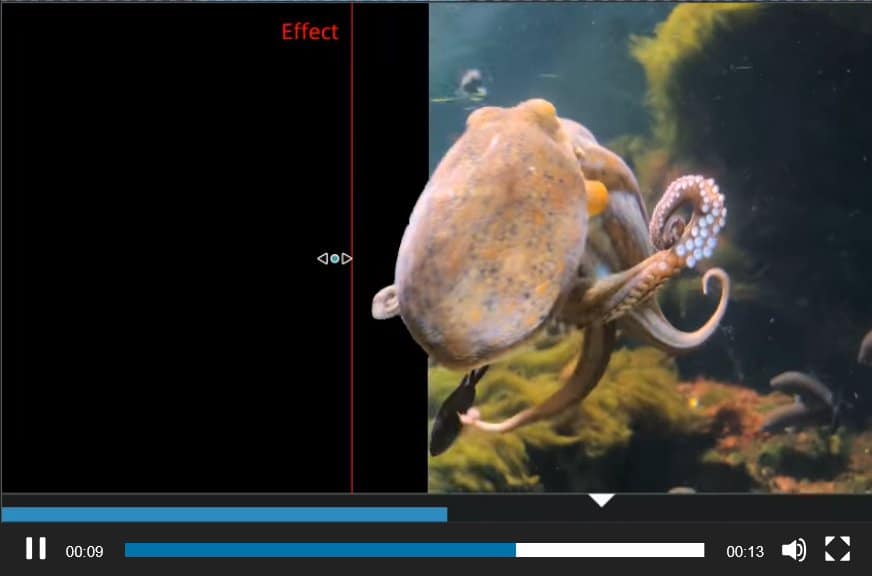
Previously limited to NVIDIA setups, GPU-accelerated filters now work on Intel and AMD graphics cards using the MLT video framework. This expands real-time performance benefits to more users. Again, worth testing: acceleration tends to be driver-dependent and sometimes acts more like a polite suggestion than an actual performance gain.
Curve editor: keyframing gets an upgrade
A newly introduced curve editor simplifies keyframe manipulation, offering smoother interpolation and a clearer visual layout. If you’ve ever wrestled Kdenlive’s old keyframe system, this will feel like a long-overdue detox. The keyframe toolbar is now easier to access and more user-friendly, though no word on whether it plays nicely under all themes or high-DPI monitors—so double-check your UI scaling.
Timeline & UI workflow updates
Users can now select entire track sections directly in the timeline, useful for batch trimming or moving clips. The search function in the Project Bin has been improved, along with a new “Rating” feature to help tag and sort media clips. Smaller UI tweaks include better visibility for bin clips, an improved project loading dialog, and changes to how transitions are handled when clips are trimmed.
Import profiles & render presets: now more efficient
Version 25.04 updates import profiles and rendering presets to reflect current usage scenarios more closely. It also brings small but helpful features like customizable button layouts in the monitor and easier clip replacement tools. This isn’t flashy, but it’s the kind of UX detail that accumulates in everyday workflows.
Timeline: fading and track priorities
Timeline fading has been simplified—something about “fade from/to black” just got more intuitive. Also new: track compositing priority is now determined by track order, not just track number. That’s important for anyone layering complex transitions or chroma keys.
Bugs, bugs, and the cleanup crew
The release fixes a long list of bugs including:
- Audio artifacts on timeline splits
- UI scaling bugs in the clip monitor
- Color correction filters crashing when applied to image sequences
- Timeline not updating when effects were changed
None of these are groundbreaking, but they hint at a team slowly smoothing out long-standing friction points. Stability remains a work-in-progress—though the release page notes a focus on regression fixes.
Still free. Still open source.
Kdenlive remains free and open source. You can get version 25.04 via the official site or through KDE Gear 24.04. The current release does not list a specific download price (spoiler: it’s still €0), and installation is available via AppImage, Flatpak, Snap, or traditional distro repos.
While the new keyframe curve editor and AV1 export are promising, it’s worth reminding: version 25.04 may not yet be stable enough for deadline-driven projects. Especially in collaborative or high-resolution pipelines, test before committing. Production environments still need predictable behavior more than shiny features.
Want to see if Kdenlive is ready for your pipeline—or still best left to hobbyist desks? Download it here, kick the tires, and find out.
