



Push Gets Physical
The Push modifier in Autodesk 3ds Max 2026.1 now supports volume, making it far more production-friendly for character sculpting and shape deformation. Artists can now choose to preserve the volume of a mesh when pushing vertices, ensuring that inflation-like operations don’t lead to balloon animals. The new algorithm approximates volume constraints by projecting affected vertices along averaged normals and applying corrections post-transform.
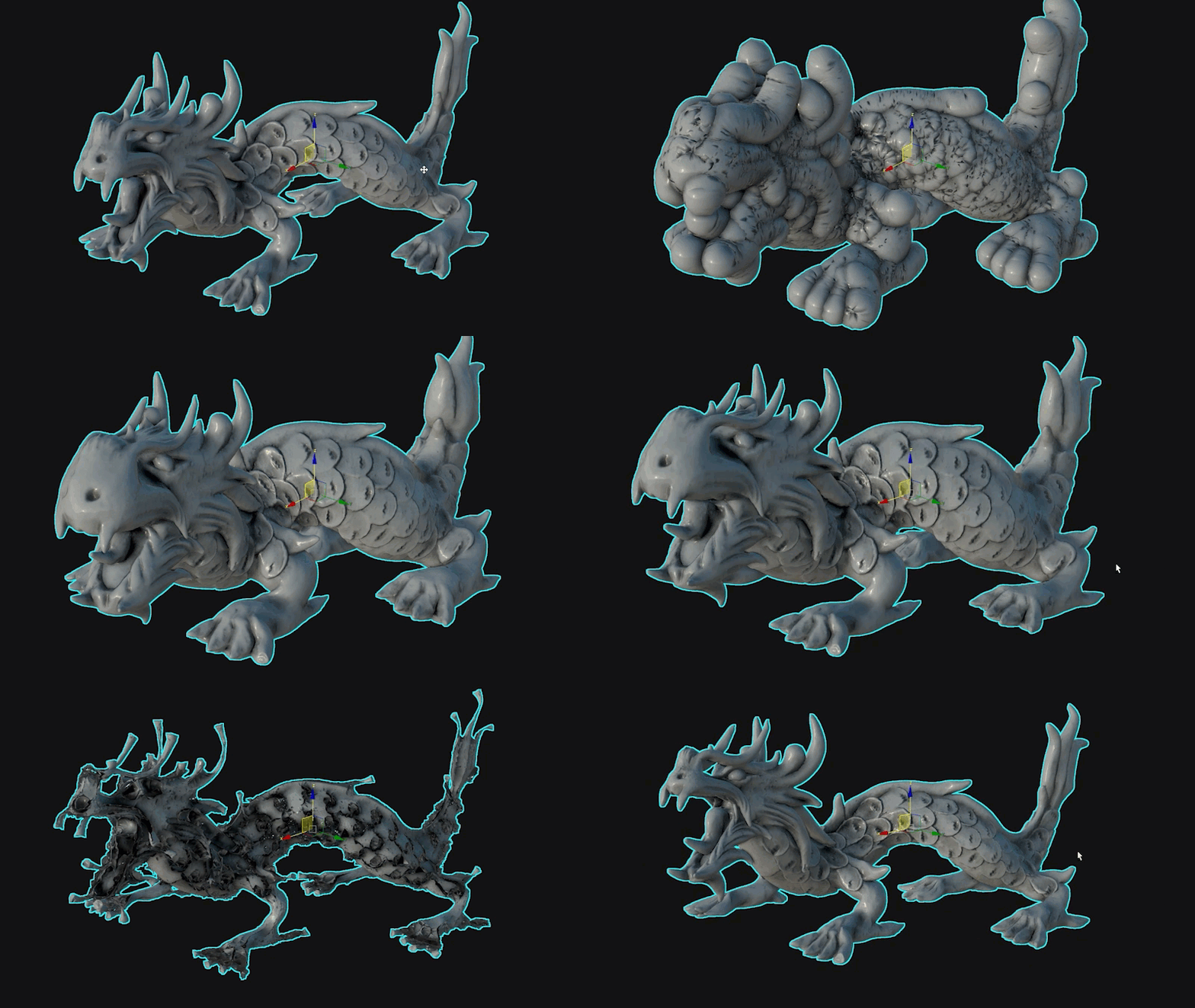
There’s also a new “Use Normals” mode that supports Smooth, Face, and Edge Corner normals as input types, offering more granular control over the deformation direction. For more nuanced sculpting workflows, the modifier supports a “Push Normal Bias” parameter and even provides an optional vertex color channel for custom weighting—meaning you can paint influence directly onto your mesh. This expands the Push modifier from blunt tool to nuanced modeling instrument.
XForm Gets Smarter
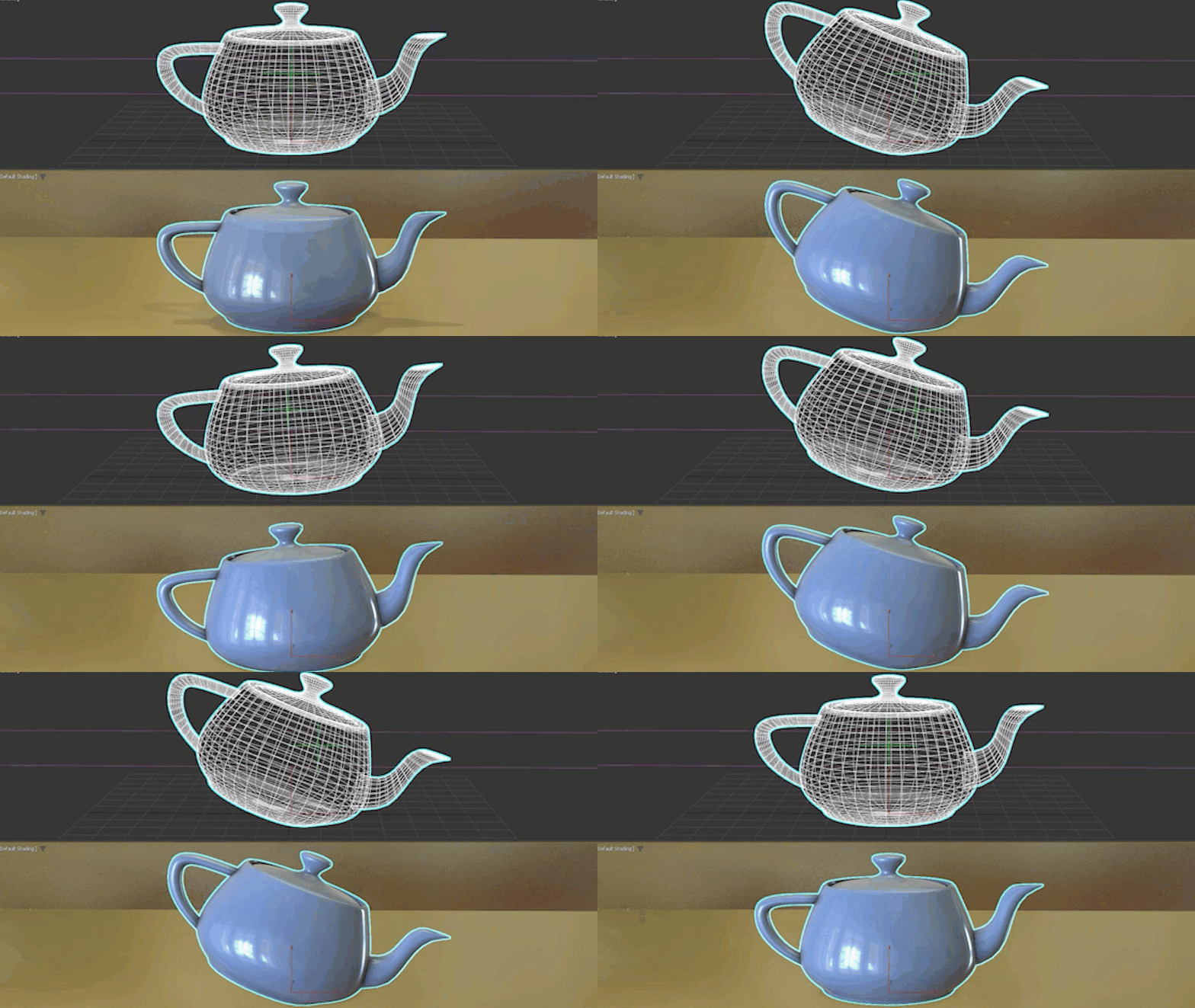
The XForm modifier—long the go-to for non-destructive transformations—finally gains axis-specific controls. Instead of being limited to uniform transform operations, artists can now enable or disable translation, rotation, and scale on a per-axis basis. Want to scale only along X or rotate only around Z? That’s now possible without scripting workarounds. This fine-grained control enables more modular rigging setups, better procedural modeling, and fewer modifiers stacked to accomplish basic transform operations. There’s also a toggle for gizmo display, which makes scene clutter optional rather than mandatory.
Attribute Transfer: Now With More Attributes
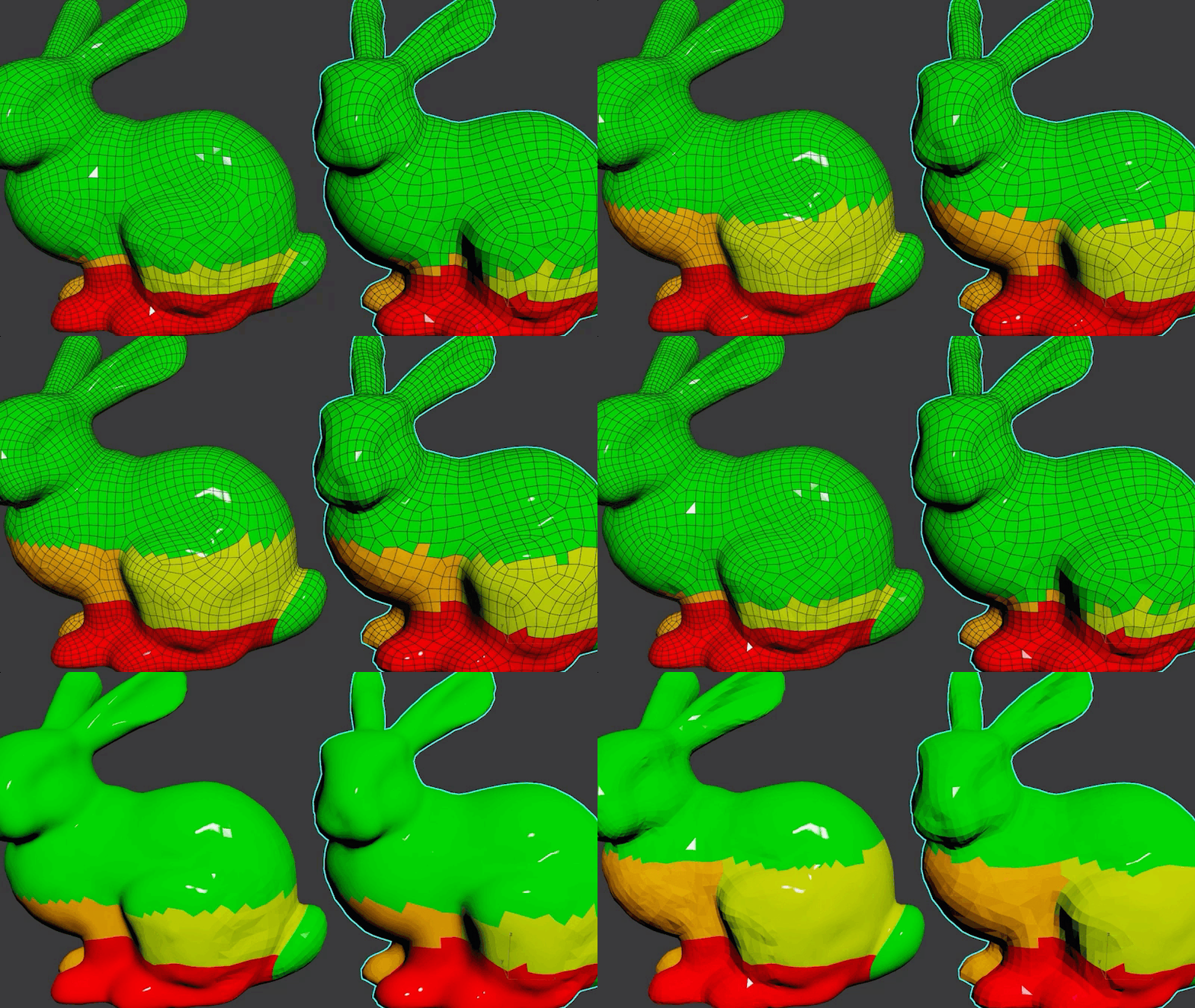
The new Attribute Transfer Modifier brings new tricks: In 3ds Max 2026.1, it can now transfer Soft Selection and Vertex Color data from source to target geometry. That means artists can propagate deformation falloffs or color data (used often for masking or shading control) with less fuss. Transfer operations support both Raycast and Barycentric methods, and filtering by face and vertex normals helps avoid misdirected transfers on complex geometry. There’s also a preview display mode for visual QA before committing, and the whole thing plays nicely with animation and deformed meshes. It’s a technical artist’s Swiss Army knife—without needing a scripting holster.
OCIO, Skin & Spline Tweaks
In 3ds Max 2026.1, even legacy tools get meaningful polish. The Vertex Weld Modifier now defaults to a tighter weld threshold of 0.001 units—more in line with precise modeling workflows and less prone to over-welding adjacent verts. Meanwhile, Optimize Spline adds a new “Colinear Knots” reduction mode, which intelligently culls inline knots before executing other reduction passes. This helps preserve spline continuity while avoiding unnecessary geometry. Both the “By Percentage” and “By Maximum” reduction methods are now animatable, letting artists procedurally fine-tune spline simplification over time—useful in motion graphics or rig-driven shape morphs. On top of that, it now dynamically adapts corner types to reduce intersection artifacts—a critical fix for spline-based rig setups or shape modeling.
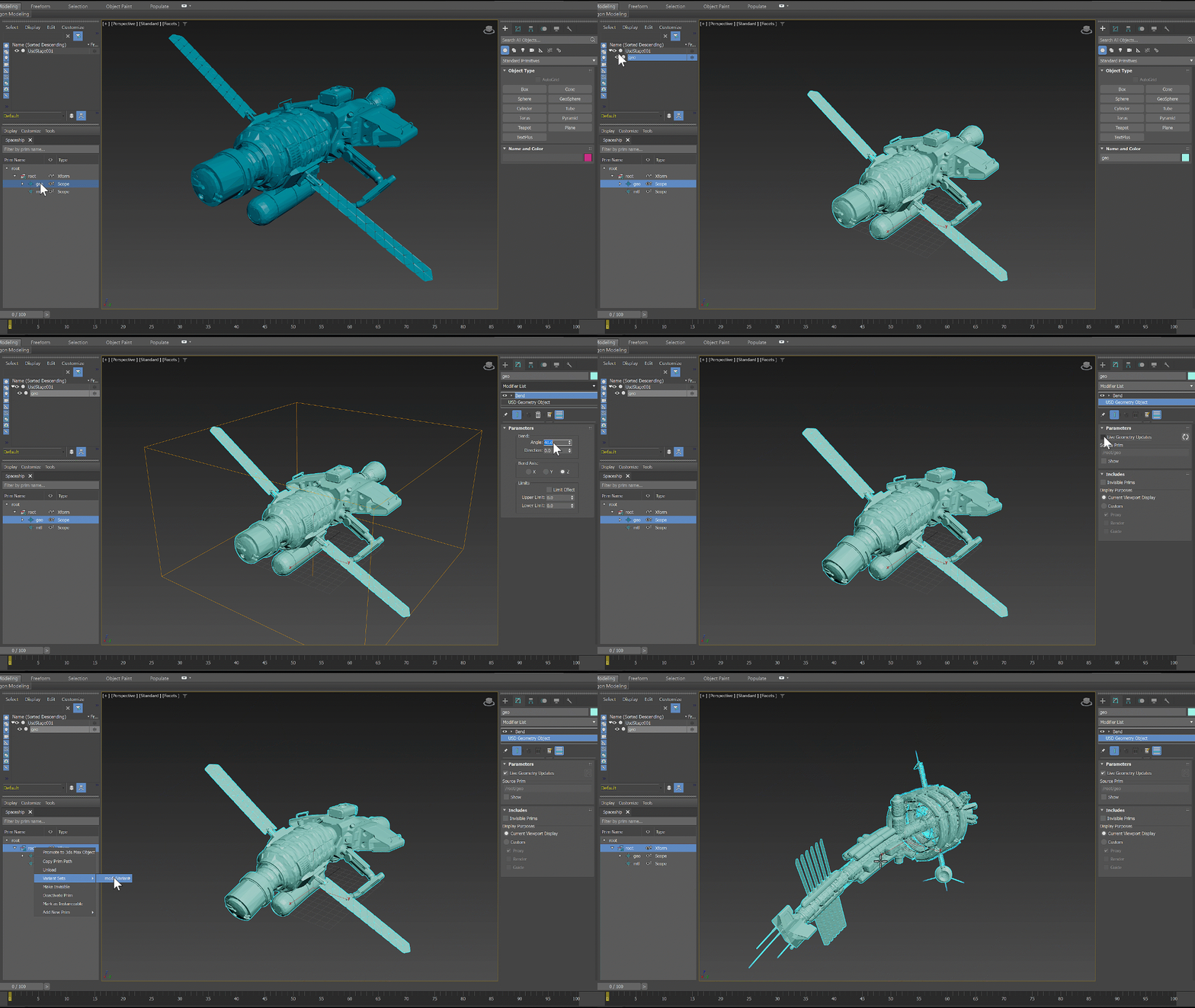
Normalize Spline also joins the animation club, with its parameters now fully keyframeable. This unlocks timeline-driven normalization for procedural workflows where spline uniformity must shift over time, such as in extrusion-based animation or rigged mechanical systems. On the rigging front, Skin Modifier gets a speed pass: voxel calculation and vertex weight adjustment are now faster, and long FBX load times tied to skin data are squashed. That means less downtime when painting weights, swapping bones, or exporting bound geometry. Also under the hood, OpenColorIO support is bumped to v2.4.2, laying groundwork for up-to-date ACES workflows—though the update is technical, not feature-expanding. And while OpenPBR viewport performance has improved, it applies primarily to simplified materials (i.e. those not using SSS, Coat, Fuzz, or ThinFilm)—so you’ll still want to bake those heavy looks before you go full-screen playback on a laptop.
