



DJV 3.0 has made its debut after a five-year hiatus, bringing essential updates for VFX and animation pipelines. Darby Johnston, former Lucasfilm engineer and maintainer of DJV, has rebuilt the core viewer around OpenTimelineIO (OTIO) and added experimental USD playback, while maintaining its reputation for clean, reliable performance.
OTIO timeline support—no guesswork
DJV 3.0 now reads editorial timelines via OTIO, thanks to its new high-performance core built on tlRender. Users can load OTIO or OTIOZ files and scrub through frame-accurate sequences , image and audio, making timeline review straightforward and robust .

USD previews—experimental but promising
A standout new feature is USD rendering: DJV uses Hydra to convert USD files into image sequences. This allows fast, on-the-fly previews of USD-authored scenes, though it remains flagged experimental. Users should confirm sequence fidelity before treating it as production-ready.
Color, A/B, audio support—all intact
DJV retains a strong suite of essential features:
- A/B comparisons with wipe, overlay, difference, split and tile modes
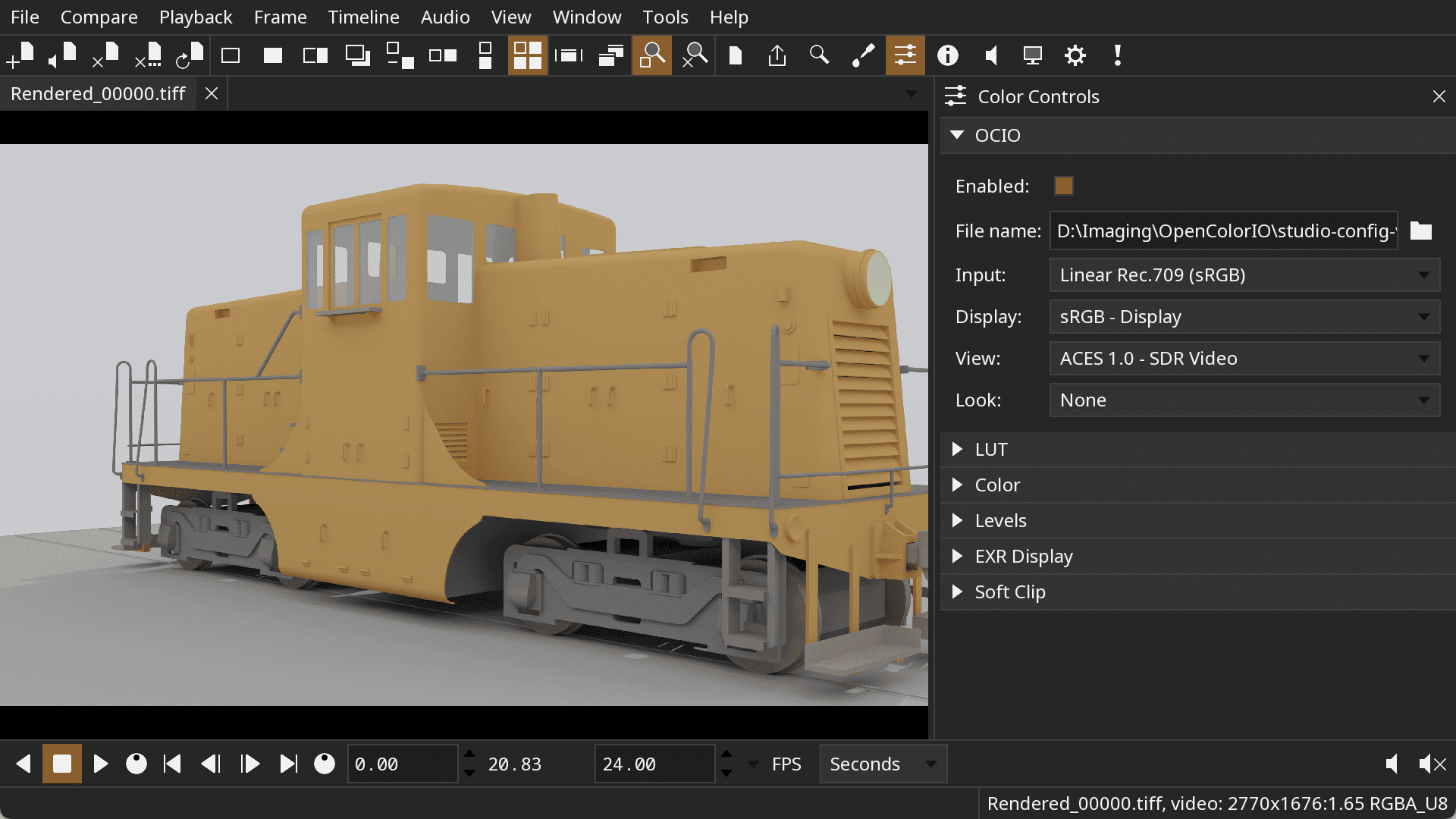
- OCIO for professionally accurate color management
- Multi-track audio, variable-speed playback, reverse playback, and HUD feedback
Free, open source, and cross-platform
DJV 3.0 is distributed under the BSD 3-clause license, with precompiled binaries for Windows, macOS, and Linux. The official site notes that packaged builds include minimal FFmpeg support, so full codec compatibility may require using system libraries or compiling from source.

Stability and pipeline confidence
DJV has long been praised by studios for its uncluttered UI, customizable keys, and reliable playback performance. According to the official documentation, it excels at high-resolution, high-bit-depth playback with frame-accurate controls darbyjohnston. Now with OTIO and USD support, it takes another step toward contemporary pipeline needs. As always, these new features should be evaluated with non-critical assets before integrating into live production.

Other Review Tools Worth Mentioning
Towards the end of DJV’s development cycle, both Autodesk and DNEG released their own pipeline-ready review tools. Autodesk’s Open RV offers OTIO and OCIO support with ShotGrid integration and annotation capabilities. DNEG’s xSTUDIO delivers high-resolution playback, OCIO 2, annotations, HUD overlays, and a Python/C++ API—though it is still maturing. For artists who value a clean, fast, open-source tool with solid OTIO and USD capabilities, DJV 3.0 is a tidy choice. Professionals seeking deeper pipeline hooks and annotation workflows may still look to RV or xSTUDIO—albeit with extra overhead.
