



For 3ds Max users who’ve spent years assigning “Material_01_final_FINAL_NOREALLYFINAL_v2” to everything, Chaos delivers two new AI features in V‑Ray 7 Update 2. The AI Material Generator (beta) builds PBR materials straight from your photos, producing the maps you need and putting them right into the Cosmos asset library.

Because nothing says “workflow optimization” like skipping the endless tweaking of reflection values. The AI Enhancer (beta) spots people, trees, and “important stuff” in your renders, then cranks up realism without touching the rest, so you can keep your archviz hero trees and entourage in Instagram shape, no matter how late you imported them.

Both features are still in beta—test on throwaway scenes before dropping them into a client delivery, unless your client’s review system also supports beta feedback.

Night Sky for Max: Astronomically Accurate, Artistically Flexible
Staring at 3ds Max’s viewport at 2 AM and wondering what the sky looks like? Now you don’t have to guess. The new Night Sky system lets you control stars, constellations, moon phases, and the Milky Way—down to the correct date and geographic location. If your creative director asks, yes, you can override for “more magic.” If your client’s house faces south, so will the moon. Sun Node updates also mean more options for daylight mood tweaks, even for those who think “astronomically accurate” is a buzzword.
3D Streaming: Present Scenes to Clients (Who Think Max Is a Video Editor)
The new Chaos Cloud 3D Streaming lets you toss your scene up to the cloud, send a URL, and watch your clients spin the camera, sometimes even in the right direction. No extra hardware, software, or long support emails required. Anyone can add comments or draw on the scene, and no one has to actually open 3ds Max, which should reduce the average blood pressure in your feedback cycles. Like all things online, this feature is in beta, so enjoy it while it’s still fun.
Triple-Speed GPU Rendering: Because Deadlines Aren’t Flexible
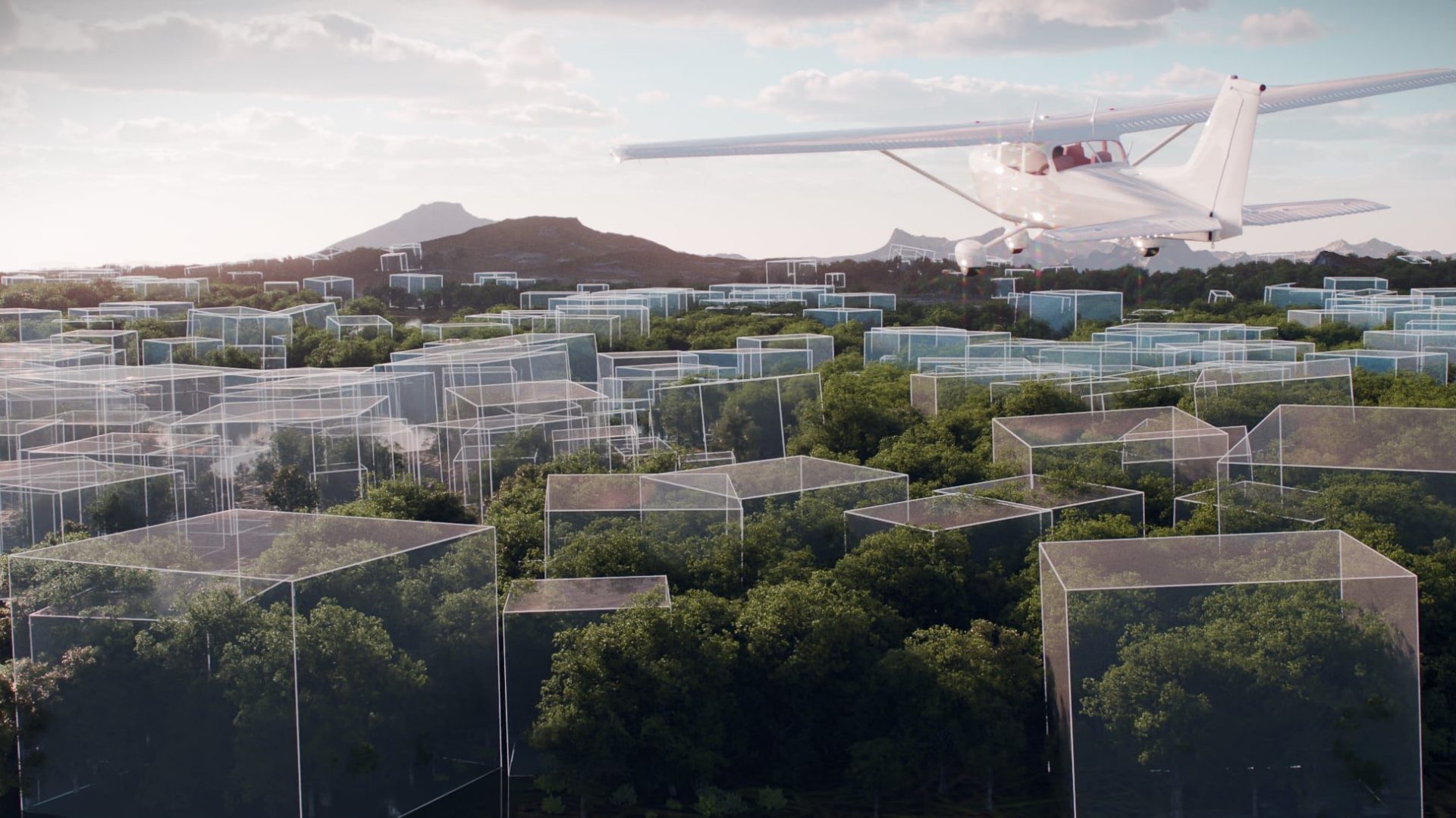
Thanks to Chaos’s backend overhaul, Chaos Cloud GPU rendering is now up to three times faster and “cost-efficient.” If you’re rendering Gaussian Splats (newly supported locally and in cloud), or playing with V‑Ray Luminaires or GPU caustics, you get more results for less time and memory. Yes, that means your boss can ask for more changes at 4:30 PM and you might still get home before midnight.

Features for the Few Who Read Changelogs
Update 2 is packed with smaller features to improve the life of anyone who still launches 3ds Max willingly. You get 256 LightMix lights (one for each of your sanity levels), RAW denoising workflow optimizations, improved DR with better progressive load-balancing, and true multithreaded rendering in complex scenes. The viewport proxy system is also faster, letting you see assets while the rest load in the background. Multi-import from Chaos Cosmos now works for entire furniture catalogs (for those archviz deadlines), while OpenPBR brings shader consistency if you dare export to other apps.

You also get proper front-and-backside texture mapping for the next time your client wants two logos on the same napkin. The new mapping-source and probability columns in MultiSubTex let you fine-tune randomization without writing scripts. Scatter clustering is now available via noise, colour, or (brace yourself) a paintbrush.
Pricing and Availability
V‑Ray 7 Update 2 for 3ds Max is available now for versions 2020 through 2026 on the Chaos website. Remember: All new tools, especially beta features, should be tested before using in production. Your client’s “quick feedback” will be far less entertaining if the scene crashes on delivery.
