



Sitni Sati has released FumeFX 7.1 for Autodesk 3ds Max, a major update focused on simulation speed, viewport clarity, and interoperability. The highlight is a completely redesigned RenderWarps algorithm that applies standard Max modifiers (Bend, Taper, Twist, Skew, and Stretch) up to five times faster than before.
The new method produces crisper deformation results while cutting computation time dramatically. For deformers such as FFD or custom modifiers, FumeFX retains its older sampling-based system, combining both methods into a hybrid that balances speed and compatibility.
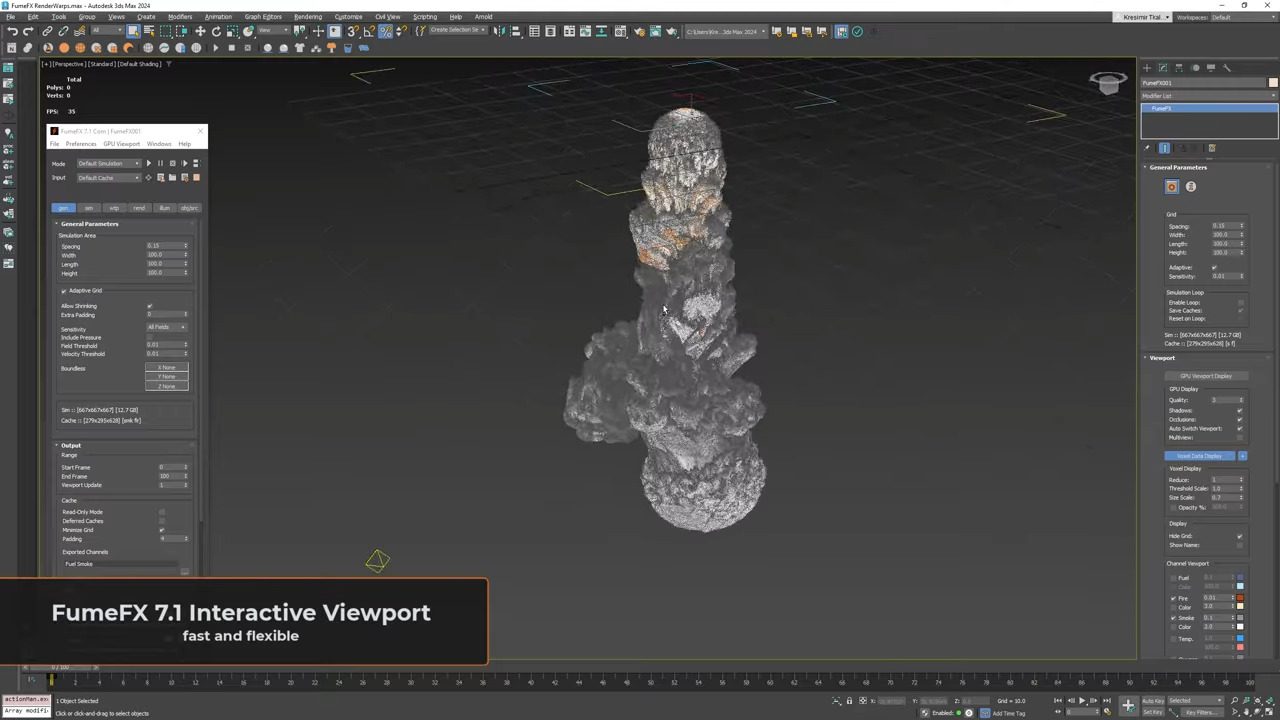
Viewport usability improves too. Artists can now colour-code simulation grids and display grid names directly, with matching colours in both viewport and FumeFX dialogue. Clicking a grid label selects its source object, streamlining multi-grid setups in larger scenes.
Smarter Caches, Cleaner Imports
Cache handling sees multiple upgrades. The .vdb import function now includes a Y-Up orientation option and auto-detects channel names when loading caches from Houdini, EmberGen, or other tools. Users no longer need to manually assign fields on import. Cache output paths now accept custom separators and user-defined frame digits, giving more flexibility for naming conventions. Voxel Data Display can show cached colour information, while a new Hide Grid toggle is available across all display modes. Under the hood, the update reduces the risk of oversized VDB caches and resolves a number of bugs affecting grid shifting, RenderWarps stability, and Arnold rendering of the first frame in wavelet or post caches.

NodeWorks: Now Speaking Alembic
NodeWorks, FumeFX’s procedural node system, gains extended support for the Alembic (.abc) format. Particles can now be exported as Alembic point clouds, producing minimal cache files optimised for geometry efficiency. These caches can be loaded directly into Houdini or imported back into NodeWorks.
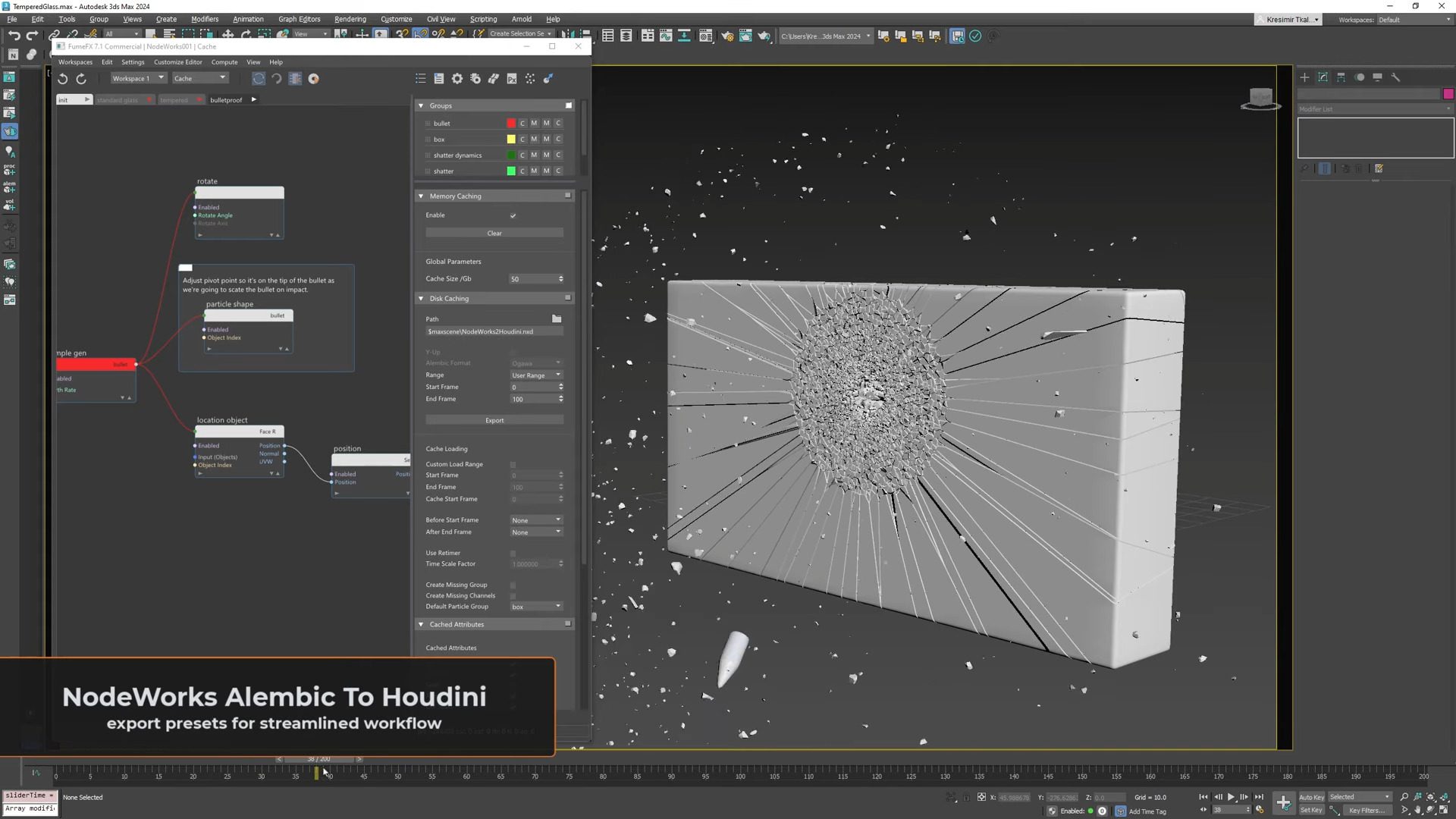
The Load Caches node can also import Alembic point clouds, allowing 3ds Max users to bring in data from external solvers such as Houdini or LiquiGen.
Additional refinements include extrusion along vertex normals or custom vectors, material ID control, and a clear visual warning when NodeWorks outputs an error message.
Stability fixes cover various nodes, including Grid Info, Ocean Spectrum, and Particle Cache. NodeWorks now updates correctly when force parameters are changed, addressing earlier issues where simulations would fail to restart automatically.

PartLoad and FumeFX Wind
The PartLoad component benefits from a significant speed boost when displaying particles, now with colour support. It also gains Alembic point cloud import and path variable functionality, easing project portability.
FumeFX Wind, the in-built force system, adds a simple but useful animatable Active toggle, allowing artists to keyframe its activation state without workaround scripting.

Additional Angle: Getting Out of Max
While FumeFX remains a 3ds Max-native tool, this update expands its export and exchange options. The addition of Alembic point clouds, improved VDB import with auto channel mapping, and consistent Y-Up support make it far easier to move data between Max, Houdini, or standalone simulation tools. These changes suggest Sitni Sati’s continued focus on cross-application compatibility, a practical priority for production teams working with mixed DCC pipelines.
Production Reliability
FumeFX 7.1 is available now for 3ds Max. The update addresses multiple stability and caching bugs, reducing file size inflation and grid desynchronisation during playback. As always, production users should verify new caching and deformation behaviour on controlled test scenes before applying it in live projects.
