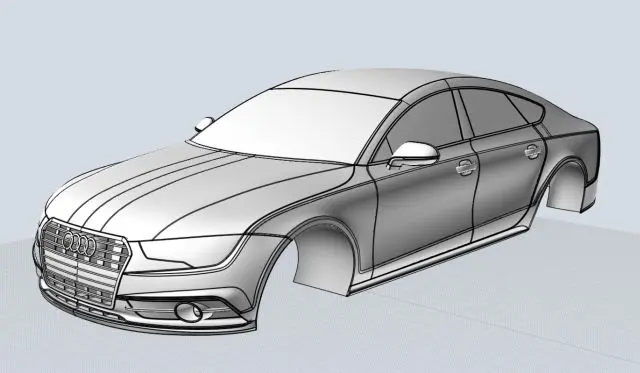
For those who don’t know the tool: Plasticity by Plastic Software is a NURBS modeller designed for artists who prefer CAD precision without CAD overhead. It runs on Windows, macOS and Linux, sits between MoI and Fusion, and exports clean geometry for Blender, Maya, Houdini and other DCC tools.
Instancing Arrives
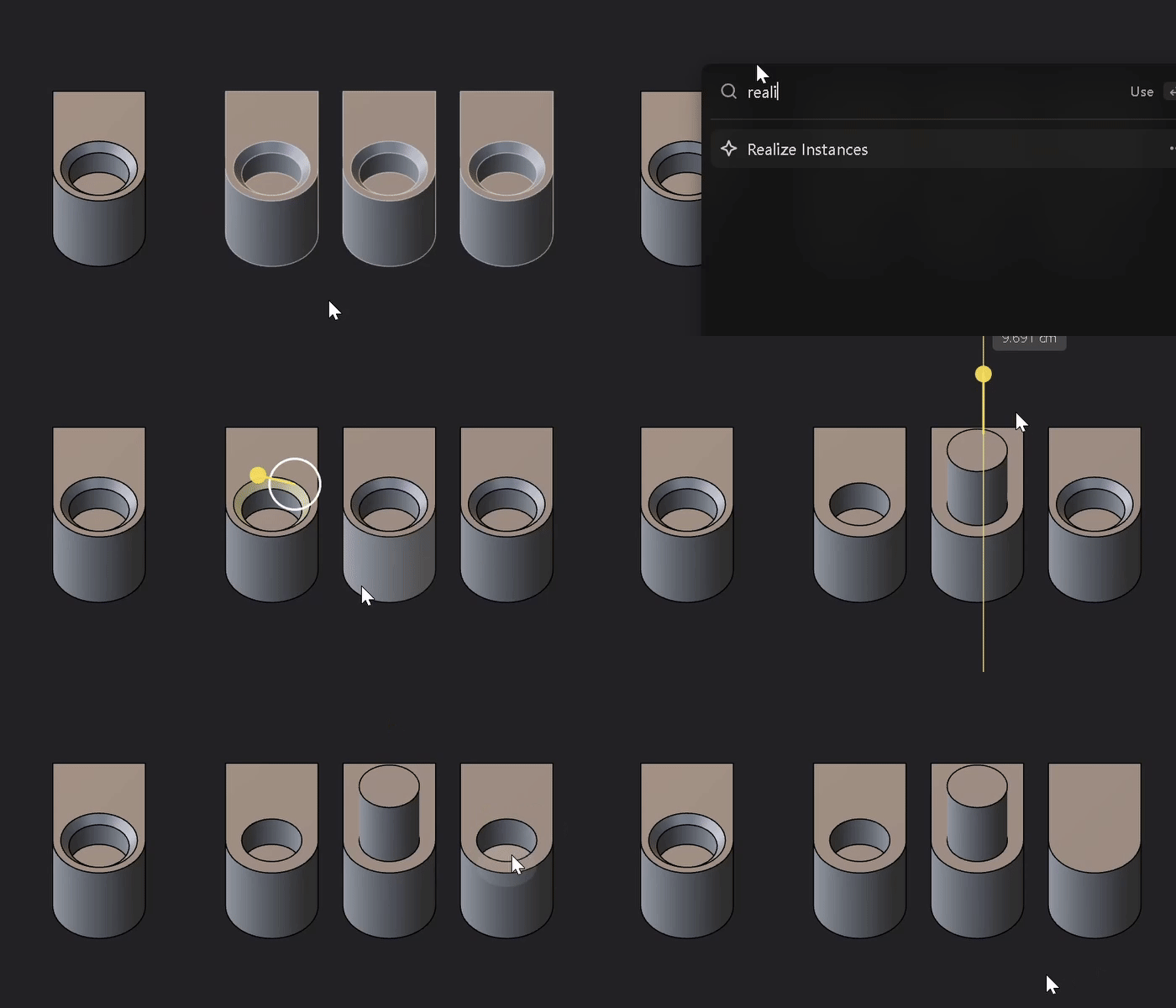
Plasticity 2025.3 adds proper instancing. The new Create Instance command generates live references of solids, sheets, curves or groups. Changes to the master object automatically propagate across all instances, keeping files light and consistent. When geometry needs editing, Realize Instances converts them back into full bodies. Array and Mirror commands now also support instances, allowing users to pattern complex forms without duplication.
Cloud Preview: Publish to Plasticity Share
The new Publish to Plasticity Share feature lets users export a lightweight mesh preview to the web. Only mesh data is uploaded (no CAD data or full project files) so models can be reviewed safely by clients or collaborators through a browser link. It is designed for quick visual checks rather than full production transfers.
Precision Modelling Tools
Plasticity 2025.3 expands its measurement toolkit with Measure Radius, providing direct readouts on cylindrical or conical forms. The new Ellipse Tool finally delivers native ellipse creation with precise control. Measurements now display clear arrowheads at both ends, and curves render with thinner strokes for cleaner viewports.
Smarter Manipulation and Pivot Control
Edges on cylindrical or conical surfaces can now be moved directly while retaining analytical geometry. The Move tool supports both interior and exterior edge adjustments if the adjacent faces are planar, cylindrical or conical. Pivot points now align automatically along surface normals when primitives or sketches are placed, streamlining operations on complex shapes.
Curvature and Continuity with Real-Time Feedback
The former Measure Curvature command is now Toggle Curvature, featuring a right-panel menu for comb scaling and visibility control. Both Toggle Curvature and Measure Continuity now display live updates: manipulating curves or edges shows curvature and continuity changes immediately. Each offers its own panel with G0/G1/G2 scaling and deviation displays. Files from 25.3 remain backward compatible, with curvature data stripped when opened in older versions.
Enhanced Arrays, Mirrors and Sweeps
Array commands now support meshes, images and instances, with a Make Instances toggle for lightweight duplication. The Mirror command can now mirror meshes and instances, including negative scaling for direct axis reflection. The Sweep tool gains Mitre and Round corner types for guiding curves around sharp or smooth bends, adding control for product-style surfacing.

Export and Topology Controls
Plasticity’s export engine grows more configurable. OBJ export gains several topology and cleanup features:
- Remove Small Features strips fine details by numeric threshold for retopology or baking workflows.
- Simplify Radial Surfaces maintains continuous edge flow across curved forms.
- Convex Ngons Only prevents concave ngon generation, improving downstream shading in tools like RizomUV or 3ds Max.
- OBJ export also now supports empty meshes and un-realised instances. SVG export is now available for curves, enabling vector output for documentation or design applications.
Section Analysis for Meshes
Section Analysis can now cut through mesh data (STL, FBX, OBJ), not only NURBS bodies. This gives users a quick way to inspect internal geometry or verify imported scan data.

Material Handling and Visuals
Render Mode ships with a new default HDRI for better baseline lighting. The Cathedral Tile PBR material joins the library, and material management is now more interactive: dragging a material from the Assets menu or directly from the Outliner applies it in the viewport. Hovering over materials in the Assets panel highlights every object using that material.
Performance, Snapping and Navigation
Mousewheel zooming is faster and smoother, particularly in dense assemblies. Snap performance on OBJ files has been improved for both face and vertex snaps. Incremental snapping now respects grid settings during scaling, and spherical faces feature new centre snap points.
Localisation and Preferences
Plasticity now supports ten interface languages, including English, German, French, Japanese, Portuguese and Chinese. Faceting density in Preferences can be adjusted without restarting the application. Mesh objects’ pivots can be repositioned and saved for consistent orientation.
General Optimisation
Curve performance has been improved for intersection-heavy scenes. The outliner now better handles instanced hierarchies. Render and viewport updates deliver smoother interaction with high-poly models.
Availability
Plasticity 2025.3 is available now for Windows 10+, macOS 12.0+ and Ubuntu 22.04+. Users should test all new tools and exporters in controlled environments before deploying them in production.
Social Media: Plasticity 2025.3 lands with live instances, SVG export, new curvature toys and a cloud preview. Time to model smarter, not heavier.