



For those who don’t know the tool: Milo is the real-time rendering companion to Silo from Nevercenter, designed for fast lighting and lookdev directly from models edited in Silo. It runs as a linked app, updates automatically on save, and ships with the same perpetual licence.
Unreal Engine upgrade does the heavy lifting
Nevercenter has released Milo version 2026.0.0, a substantial technical update centred on a full migration to Unreal Engine 5.7. According to Nevercenter, the engine upgrade delivers significant improvements in both rendering quality and performance, following systematic optimisation across the renderer.
In a video walkthrough accompanying the release, Nevercenter founder Tom Hudson demonstrates real-time raytracing running on an Nvidia RTX 3060, (a five-year-old GPU), with lighting rigs adjusted interactively at high frame rates. Hudson states that comparable scenes in previous Milo versions ran significantly slower on the same hardware, particularly when raytracing was enabled.
Raytracing and pathtracing split by platform
Rendering features now diverge more clearly by operating system. On macOS, Milo 2026.0 adds real-time raytracing support. Nevercenter states that this mode is broadly equivalent to the raytracing implementation on Windows, with improved shadow quality and lighting fidelity compared to earlier raster-only Mac builds.
On Windows, Milo gains a pathtracing mode intended for final-quality output rather than interactive navigation. Pathtracing is described by Nevercenter as physically based and progressive, refining the image over time when the camera remains still and restarting when the view changes. Hudson notes that lighting interpretation differs slightly from raytracing and raster modes, requiring manual adjustment of ambient levels or lighting rigs when switching between modes. Pathtracing is not available on macOS, due to Unreal Engine limitations on that platform (for now at least).
Soft shadows without raytracing
One notable rendering change applies across all platforms and quality modes. Soft shadows are now supported even when raytracing is disabled, for example, the Ring Light preset, which previously produced hard-edged shadows in raster mode.
In Milo 2026.0, raster mode preserves softer shadows for certain light types, while others such as the Sun rig continue to produce harder shadows by design. Nevercenter positions this as a quality improvement for users working without raytracing enabled, including those on lower-power systems.
All built-in lighting rigs have been updated and equalised. Nevercenter states that these presets now behave more consistently across raster, raytracing and pathtracing modes, and respond more smoothly to interactive adjustments.
Separate display and render quality settings
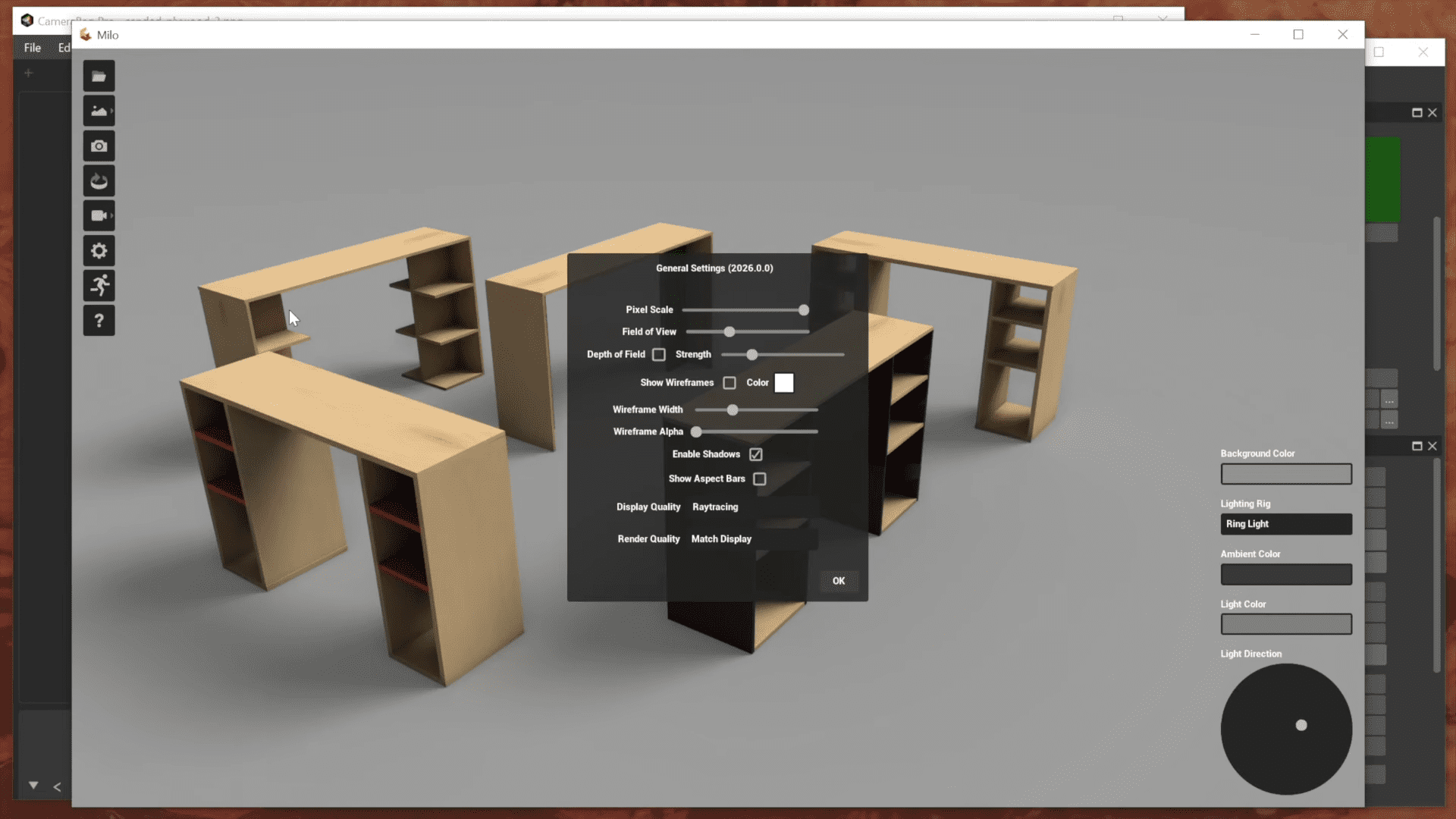
Milo 2026.0 introduces independent quality settings for display and render output. Users can navigate scenes in raster or raytracing mode while rendering final output using raytracing or pathtracing. This is a workflow feature intended to maintain interactivity in heavier scenes while still enabling higher-quality final frames. The render quality can be set to follow the display mode or overridden per output. Hudson notes that raytracing performance is now fast enough on many systems, including Apple Silicon machines such as the MacBook Air M2, that users may choose to stay in raytracing mode full time.
File handling and Silo synchronisation tweaks
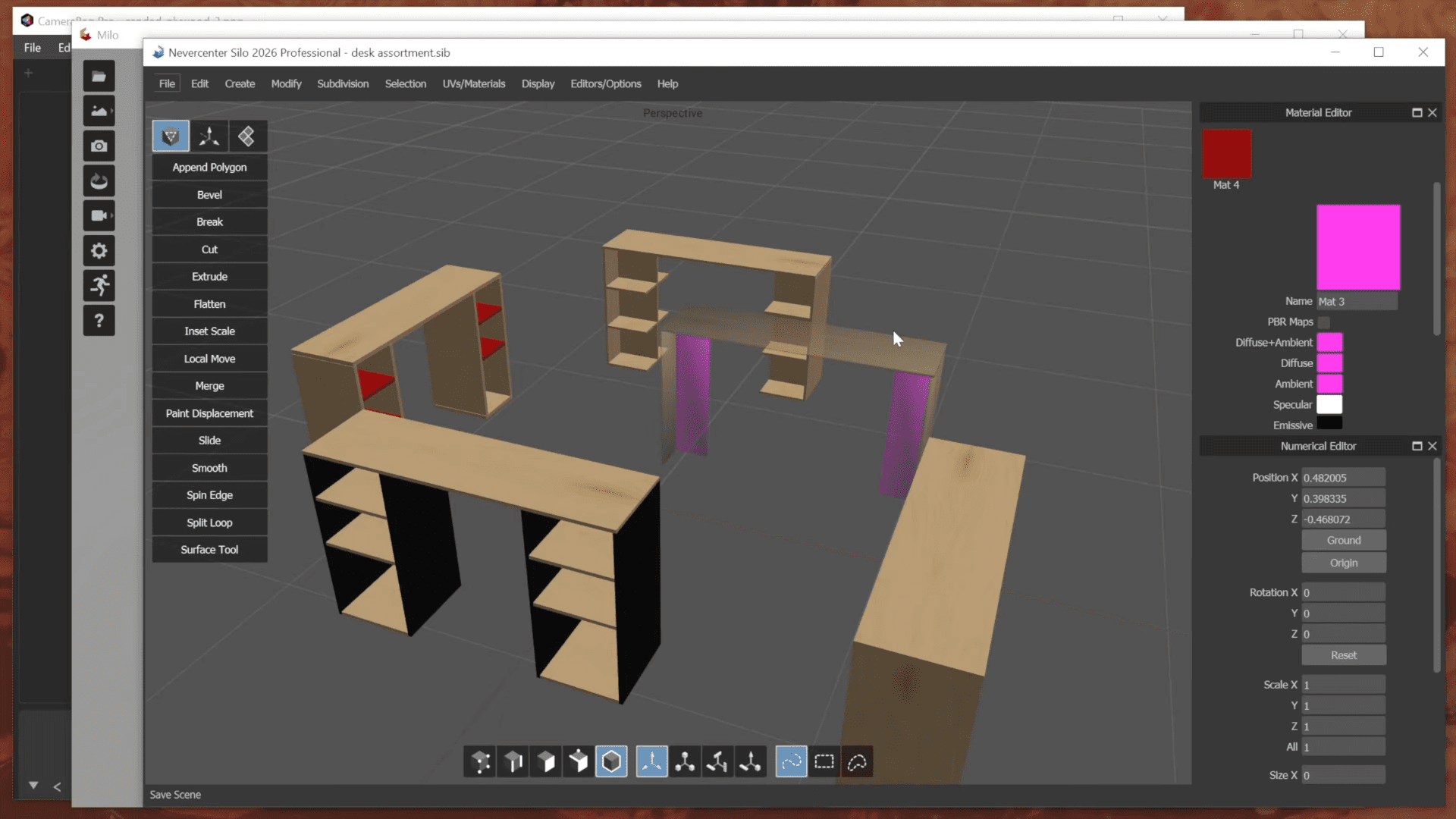
Several small but practical workflow changes are included. Milo now supports drag-and-drop loading of model files directly into the application. Nevercenter also states that support for loading additional file formats has been added, and Integration with Silo has been refined . Objects set to wireframe or ghost shade mode in Silo are now automatically hidden in Milo when the file is saved. Nevercenter describes this as a convenience feature to exclude alternate or work-in-progress geometry from renders without manual layer or visibility management.
As in previous versions, material changes saved in Silo continue to update automatically in Milo, including adjustments to specular values that affect surface shininess in the renderer.
VR quietly exits
VR support has been removed entirely in Milo 2026.0. Nevercenter states that the feature was used very little and became increasingly difficult to maintain alongside new rendering features. Hudson describes the removal as a compromise to prioritise rendering quality and performance. Nevercenter does not rule out reinstating VR support in the future if user demand is strong, but no roadmap or commitment is provided.
What stays the same
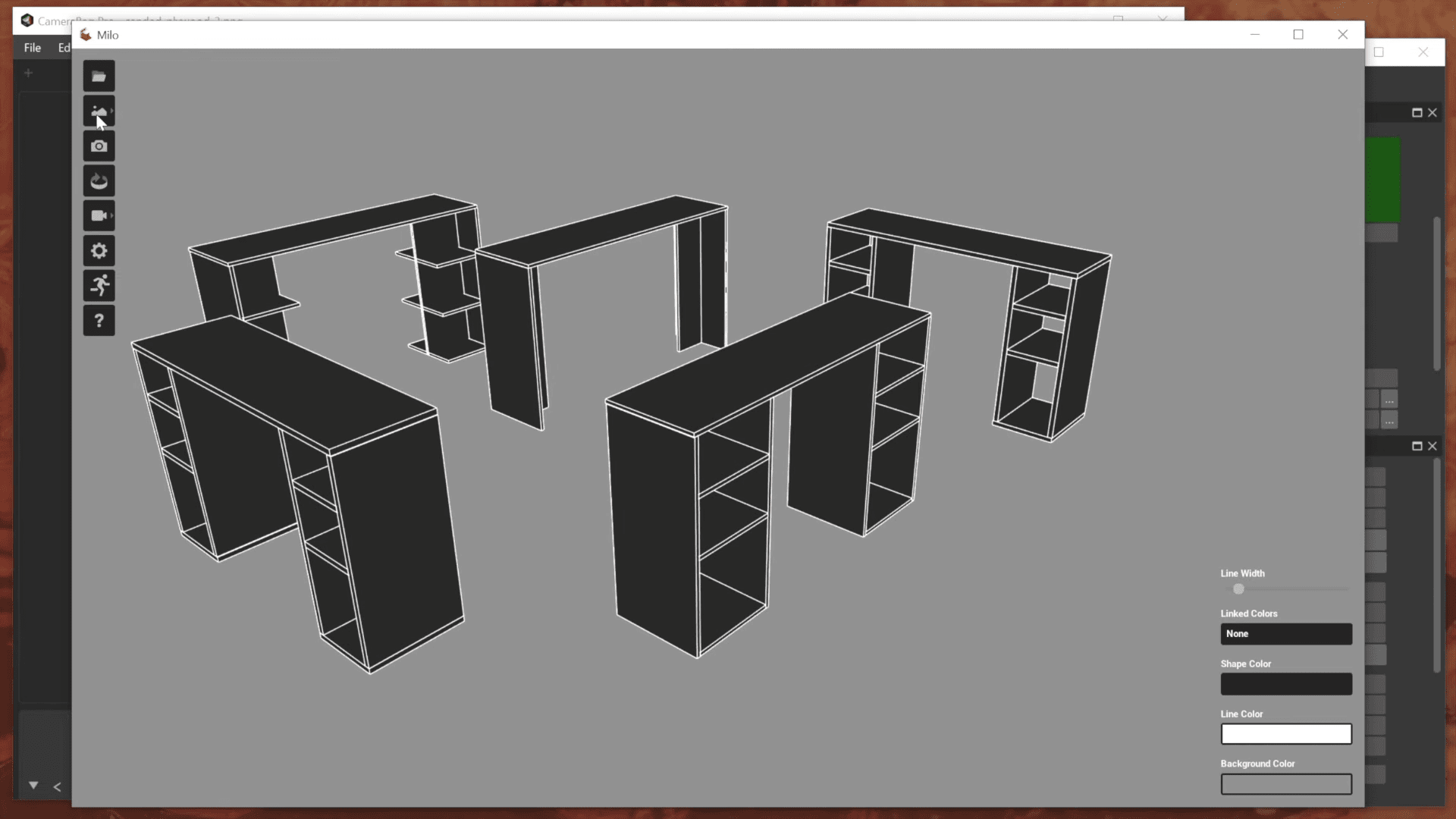
Existing Milo features remain intact. These include turntable rendering and live spin previews, depth of field controls, wireframe overlays, adjustable background modes including sky, gradient, solid colour and image backgrounds, and line-art style rendering. Nevercenter emphasises that these features benefit indirectly from the performance improvements, remaining responsive even with higher-quality lighting enabled.
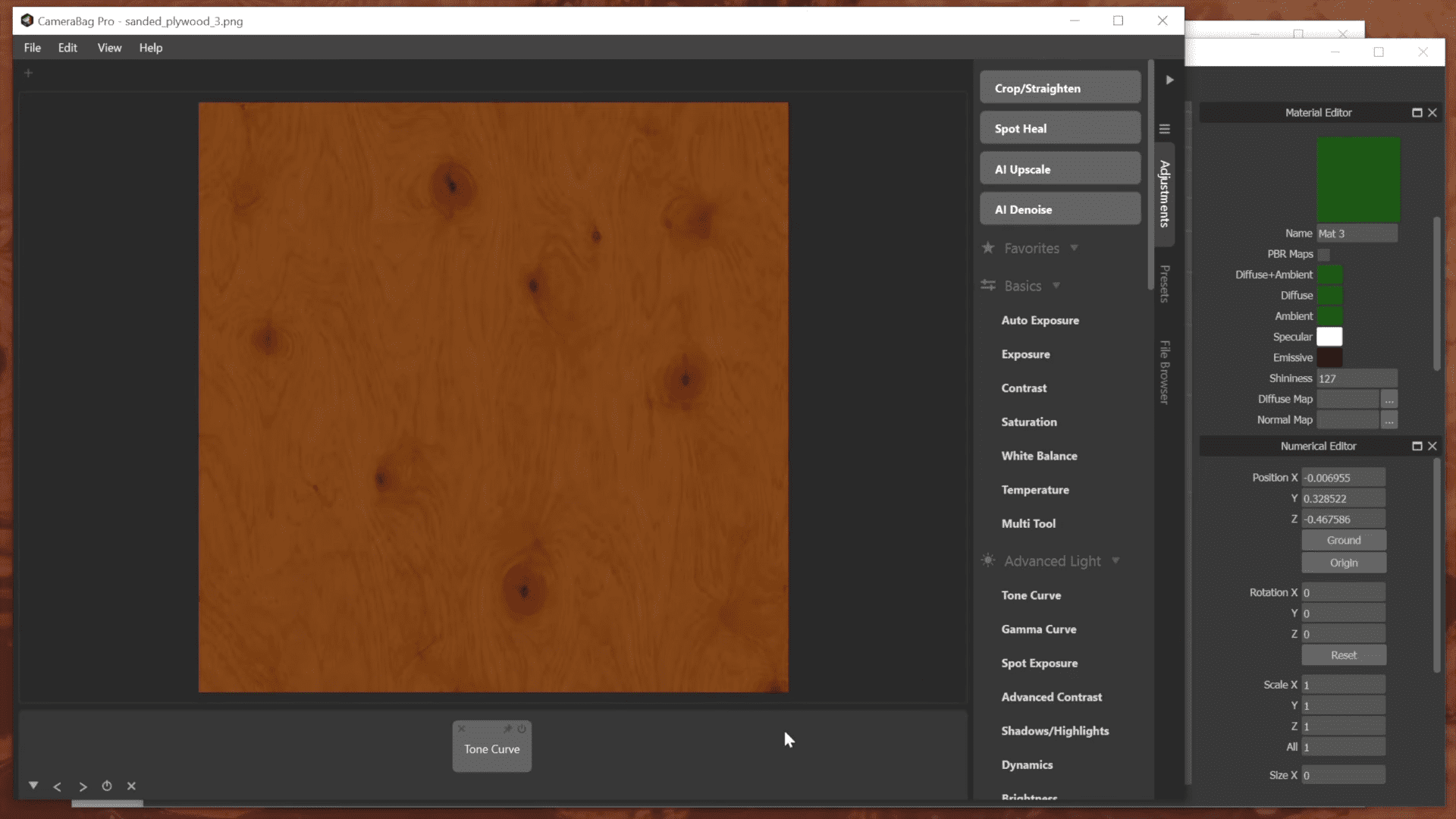
Nevercenter also highlights continued compatibility with its photo editing application CameraBag as part of the broader workflow, although no changes to that integration are described in this release.
Licensing and availability
Milo is not sold separately and continues to ship as part of the Silo licence. Nevercenter sells Silo as a perpetual licence, with Milo included at no extra cost. Milo 2026.0.0 is available to all current Silo users.
Supported platforms are Windows 10 or newer and macOS 12 or newer, including Apple Silicon systems. Hardware requirements for raytracing and pathtracing depend on GPU capabilities and operating system support, as defined by Unreal Engine.
Production notes
Milo 2026.0.0 represents a technically significant update, driven largely by its Unreal Engine 5.7 foundation and a focus on renderer performance. While Nevercenter demonstrates strong interactive results, particularly with raytracing enabled, artists should test the new version carefully on representative scenes and hardware before adopting it in production workflows.
// Nevercenter Milo 2026.0 release notes
// https://nevercenter.com/silo/features/#release_notes
