



For those who don’t know the tool: Adobe Firefly is Adobe’s browser-based generative AI studio within the Adobe ecosystem, complementing Creative Cloud tools. The Firefly Video Editor adds AI-assisted video editing in the cloud, positioned for fast-turnaround content and lightweight workflows.
From blank timeline to first cut
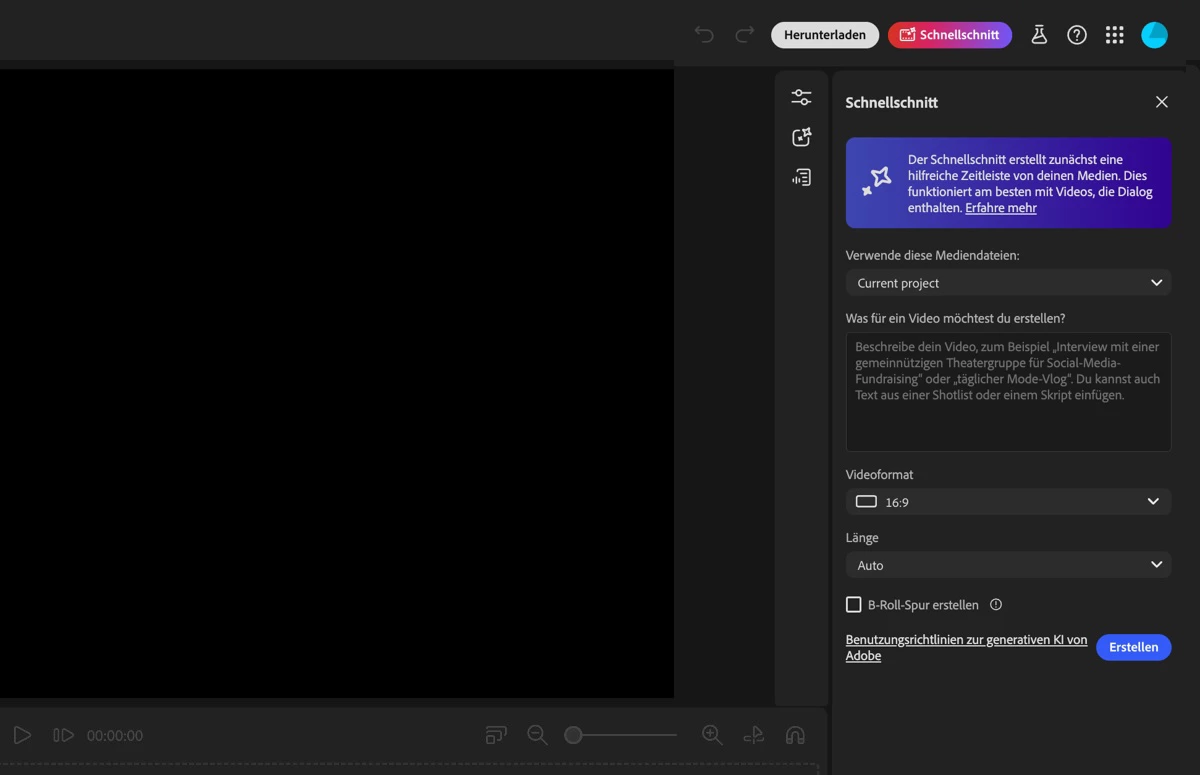
Adobe has introduced Quick Cut in beta for the Firefly Video Editor. The company describes it as an AI-supported feature that generates a structured first-draft edit from a natural-language description. According to Adobe’s documentation, users describe their video concept in natural language. Quick Cut then creates an initial sequence that serves as a starting point for further refinement. The stated goal is to reduce the time spent reviewing footage and assembling a first edit.

Adobe positions this as a response to a common bottleneck in video production: the initial review and assembly phase that precedes narrative refinement. The feature is presented as particularly relevant for formats such as social media videos, product demos, interviews and event recaps. The beta is available from today.

Text prompts as edit instructions
Adobe specifies that users can describe the intended structure or concept of a video, such as an interview or event recap. Quick Cut uses these inputs to automatically generate a structured draft edit. The resulting edit can be refined and adjusted by the user. Adobe states that creators retain control over parameters including aspect ratio, pacing and B-roll organisation.

There is no published information on supported codecs, maximum timeline length, track limits, or interchange formats. It is also not specified whether sequences can be exported to other Creative Cloud applications such as Premiere Pro.
Positioned for fast-turnaround content
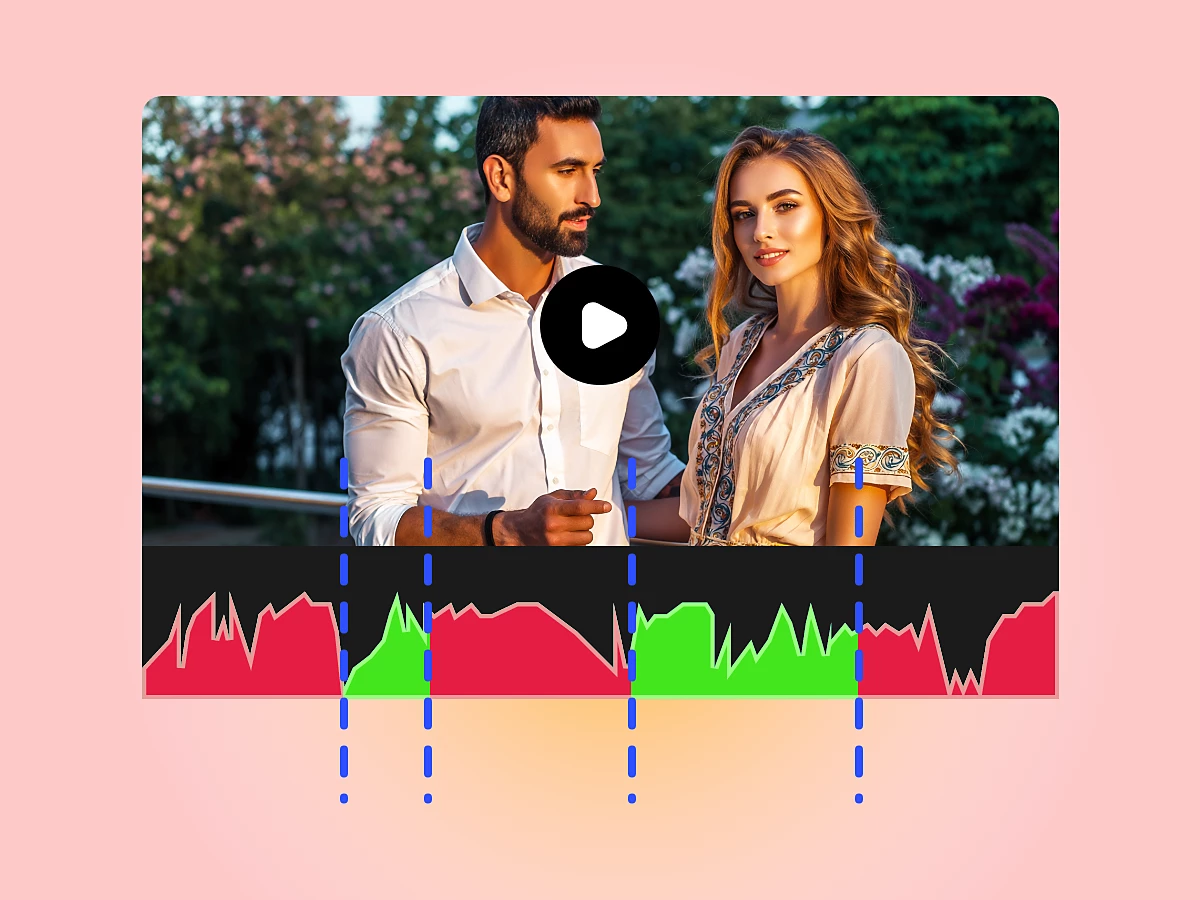
Adobe explicitly frames Quick Cut as optimised for “creator workflows,” particularly for social videos, product demos, vlogs, and event recaps. The documentation highlights use by hobby editors and time-constrained creators who want a structured starting point without engaging in a complex editing process.
This positioning indicates a focus on rapid content production rather than high-end broadcast or feature post pipelines. There is no mention of advanced editorial controls such as multi-cam handling, script-based editing, EDL export, or collaborative review workflows. Whether Quick Cut will expand beyond these use cases has not been announced.
Firefly as a creative AI hub
Quick Cut is part of Adobe Firefly, which Adobe describes as its all-in-one creative AI studio. Firefly spans image, video and other generative workflows within Adobe’s broader Creative Cloud strategy. Adobe states that Quick Cut integrates with the existing Firefly Unlimited offering. The company presents this as enabling greater iteration speed and flexibility. As with other Firefly features, Adobe emphasises commercial safety in relation to its own Firefly image and video models.
Unlimited Firefly and model access
Adobe is offering access to Quick Cut beta through the Firefly app. Users can register until 16 March to benefit from what Adobe describes as unlimited image and Firefly video generations at resolutions up to 2K.
The offer applies to customers on Firefly Pro, Firefly Premium, 4,000-credit, 7,000-credit and 50,000-credit plans. Adobe states that this includes unlimited generations using image models such as Google Nano Banana Pro, GPT Image Generation and Runway Gen-4 Image, alongside Adobe’s own Firefly image and video models. No detailed technical comparison between these third-party models is included in the announcement. Adobe does not specify which models are used by Quick Cut for edit generation versus image or video asset generation.
What is not specified
The currently available documentation does not clarify several points relevant to professional pipelines. There is no explicit statement about media ingest limits, storage quotas, or project retention policies within Firefly Video Editor. Integration with on-prem or MAM systems is not mentioned. There is no information about API access, automation hooks, or enterprise deployment models.
Colour management, LUT handling, audio track control, and support for professional camera formats are not described in the Quick Cut overview. These omissions may reflect the current scope of the beta, but they are not addressed in the official text. Professionals considering use in production environments should evaluate these factors directly within the beta before committing deadlines or client deliverables.
Beta status and production caution
Quick Cut is explicitly labelled as beta. As with any beta feature, stability, performance and feature completeness may evolve. New tools and innovations should always be tested before use in production.
// https://helpx.adobe.com/de/firefly/web/firefly-video-editor/create-quick-cut/quick-cut-overview.html
