



For those who don’t know the tool: Spline Mesher Pro from Staggart Creations is a Unity editor extension for generating procedural meshes along splines inside Unity.
A rewrite, not a tweak
Spline Mesher Pro has been rebuilt from the ground up. The new version focuses on performance, scalability and editor responsiveness for large spline networks. The tool generates meshes along Unity splines for paths, fences, cables, pipes and other curve driven geometry. It runs entirely inside the Unity editor and targets level design, technical art and gameplay prototyping workflows.
Under the hood, mesh generation now uses Unity’s Jobs System and Burst compiler. Jobs enables multithreaded CPU execution. Burst compiles C# jobs into optimised native code. In practice, spline rebuilds are no longer chained to a single core while the rest of the CPU watches. Performance improvements of up to 50 times are claimed compared to the previous version. Not independently verified so far.
Segments, not monoliths
Generated meshes can be split into segments. This improves frustum culling, allowing Unity to discard off screen sections of long spline meshes such as roads or rails. For large environments, this matters. One continuous mesh spanning kilometres is efficient for nothing except confusing the renderer.
Spline Mesher Pro now supports spline fill meshes. Closed spline shapes can generate planar meshes, suitable for lakes, islands or platforms. Instead of exporting a flat polygon from a DCC, artists can define the outline directly in Unity and generate the surface procedurally. Topology details and triangulation methods are not specified. Not independently verified at press time.
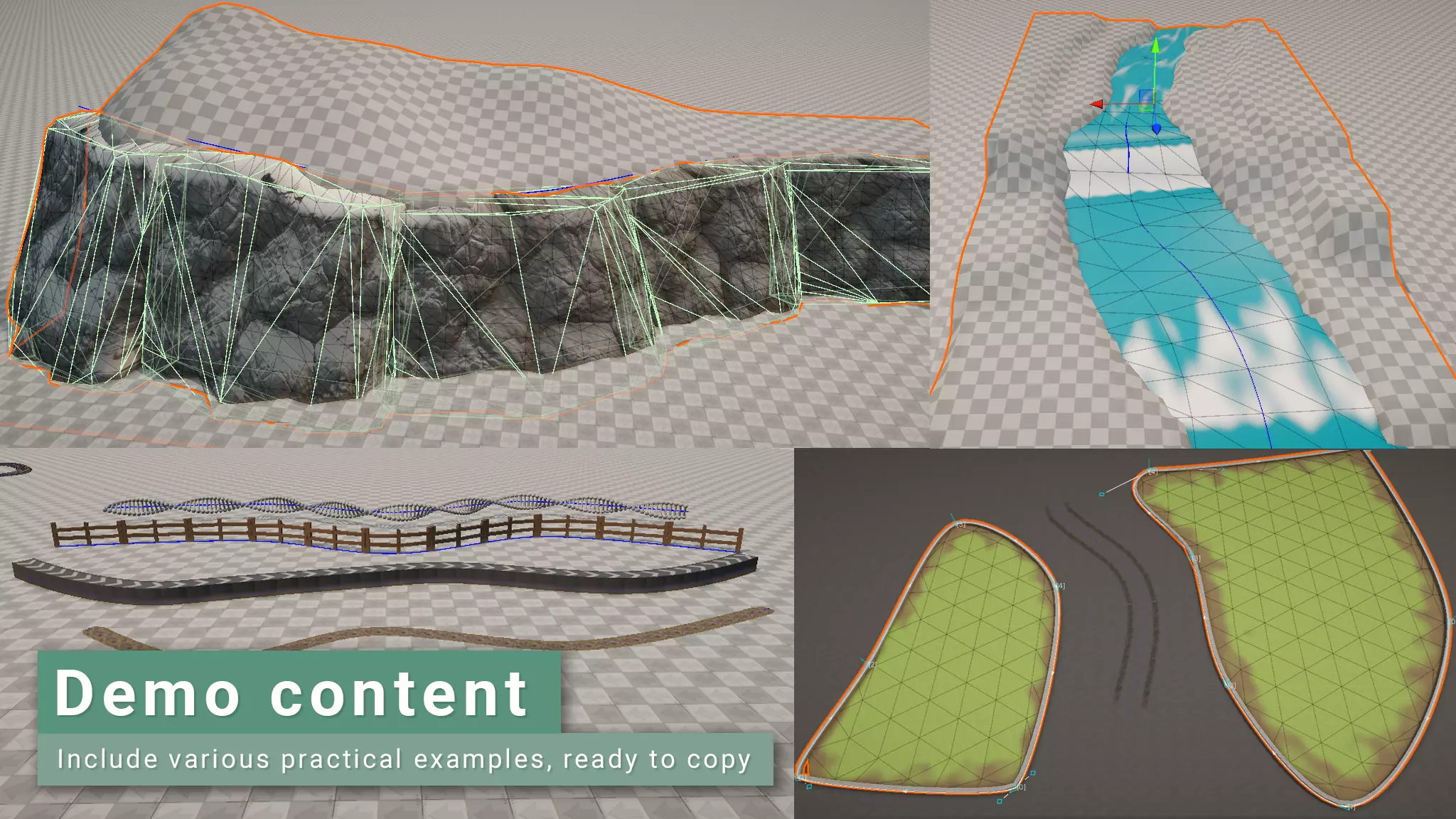
Procedural primitives and collisions
The tool supports procedural primitives such as cubes, cylinders and planes as source geometry. These can be deformed along splines without requiring external meshes. Colliders can be generated alongside the visual mesh, including convex and kinematic types, with support for collision and trigger events. This places the system somewhere between level art and technical design. It is not a physics engine, but it does save a round trip.
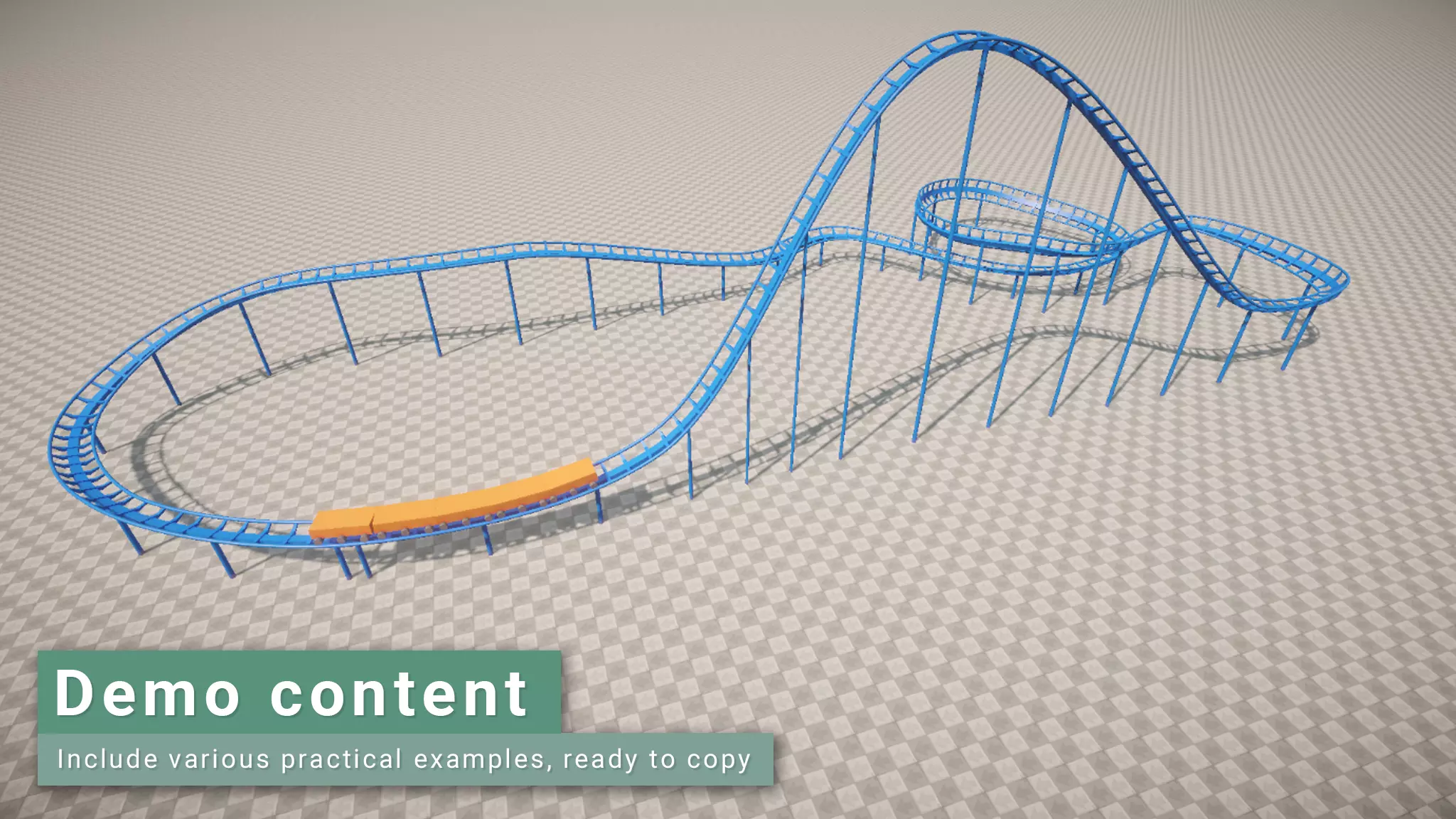
Editor side LODs
Mesh LOD generation is available in the Unity editor, with support stated for Unity 6.2 and newer. LODs reduce geometric complexity at distance using simplified mesh variants. Having LOD generation integrated into the spline workflow avoids exporting to external tools just to decimate a road. The specific simplification algorithm is not disclosed.
Pricing and upgrade path
Spline Mesher Pro is available on the Unity Asset Store. At the time of writing, the listing shows a launch discount of 50 percent, at approximately 36 euros before tax. You can do the math for the full-price version.
Users who recently purchased the Standard version can upgrade to Pro for free until early May. Exact eligibility conditions should be confirmed on the Asset Store page.
// Official documentation and feature descriptions
// https://staggart.xyz/support/documentation/spline-mesher-pro/
// Product listing and pricing information
// https://assetstore.unity.com/packages/tools/modeling/spline-mesher-pro-338468
