



Table of Contents Show
For those who don’t know the tool: CrumplePop from Boris FX provides AI audio restoration and separation tools for editors and post facilities. Its plugins run inside applications such as Adobe Premiere Pro, DaVinci Resolve, and Avid Pro Tools. The included SoundApp standalone utility processes files outside the NLE or DAW.
Audio engineers often repeat a simple rule. Once a stereo mix is exported, the ingredients are baked together for good. Boris FX would prefer that rule to be more of a suggestion.
The company has released the 2026 version of CrumplePop, expanding the toolkit beyond dialogue cleanup into demixing and stem reconstruction. The update centres on SoundApp, the standalone application included with the CrumplePop toolkit. The redesigned software introduces several AI models capable of splitting finished audio or video mixes into separate elements such as voice, music, or sound effects.
The premise is simple and familiar to anyone who has opened an archive project at 2 a.m. and discovered that the original audio session is missing. Instead of reopening a DAW or NLE project and hunting through old drives for multitrack files, the user can import a rendered mix and attempt to isolate the individual components directly from the master.
CrumplePop’s separation models attempt to reach inside that master file and reconstruct stems such as drums, bass, vocals, or dialogue. All processing runs locally on the user’s machine. No cloud upload is required, and there are no server-side processing limits.

The demonstration material frames the concept in familiar terms for audio engineers. Once a stereo master is rendered, individual elements are normally fixed inside the mix. CrumplePop positions its separation models as a way to reopen that mix and extract elements such as drums, bass, vocals, and instruments as independent stems.
A tidier SoundApp
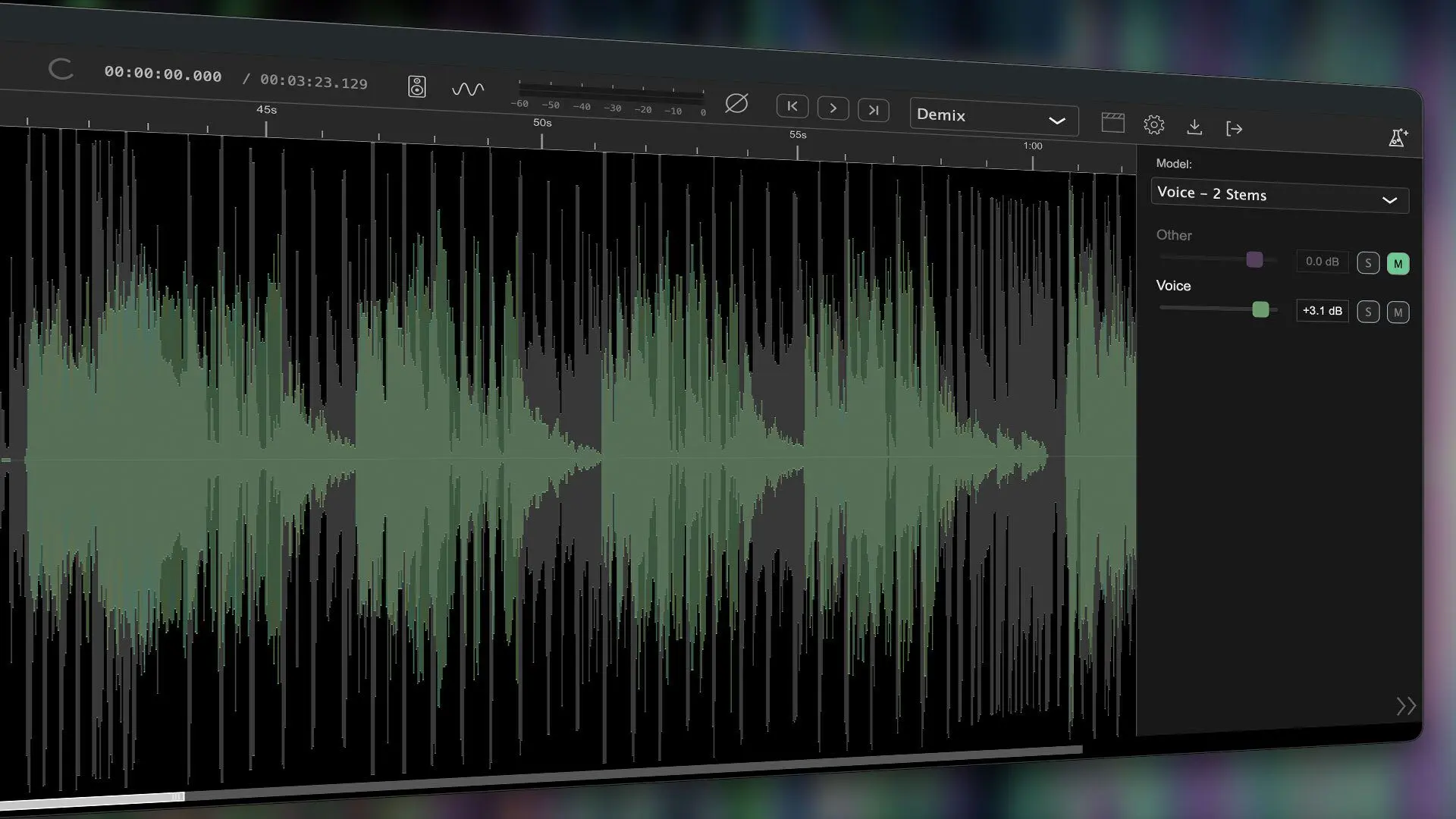
SoundApp itself has been redesigned for the 2026 release with a darker interface and updated layout aimed at music and postproduction workflows. A new model manager provides a central location for downloading and managing AI models used by the application. The interface allows users to browse and install new denoise or demixing models as they become available. The manager is accessible through a laboratory-style icon in the interface or from the model selection menu.
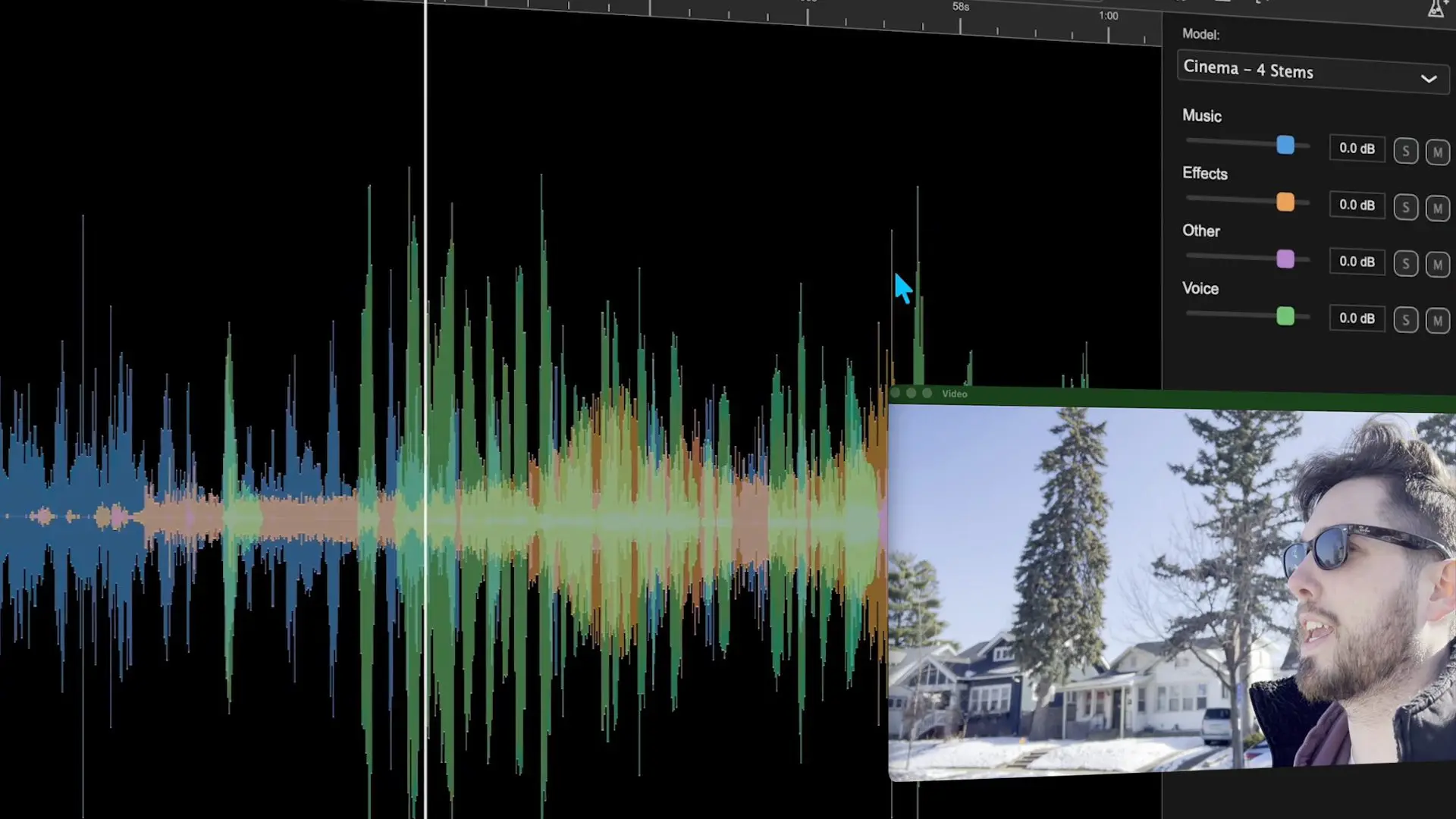
The system allows the application to evolve over time as improved models are released. One practical addition is on-the-fly processing. Instead of analysing the entire file before playback, the user can move the playhead to a specific point and begin rendering from that position.
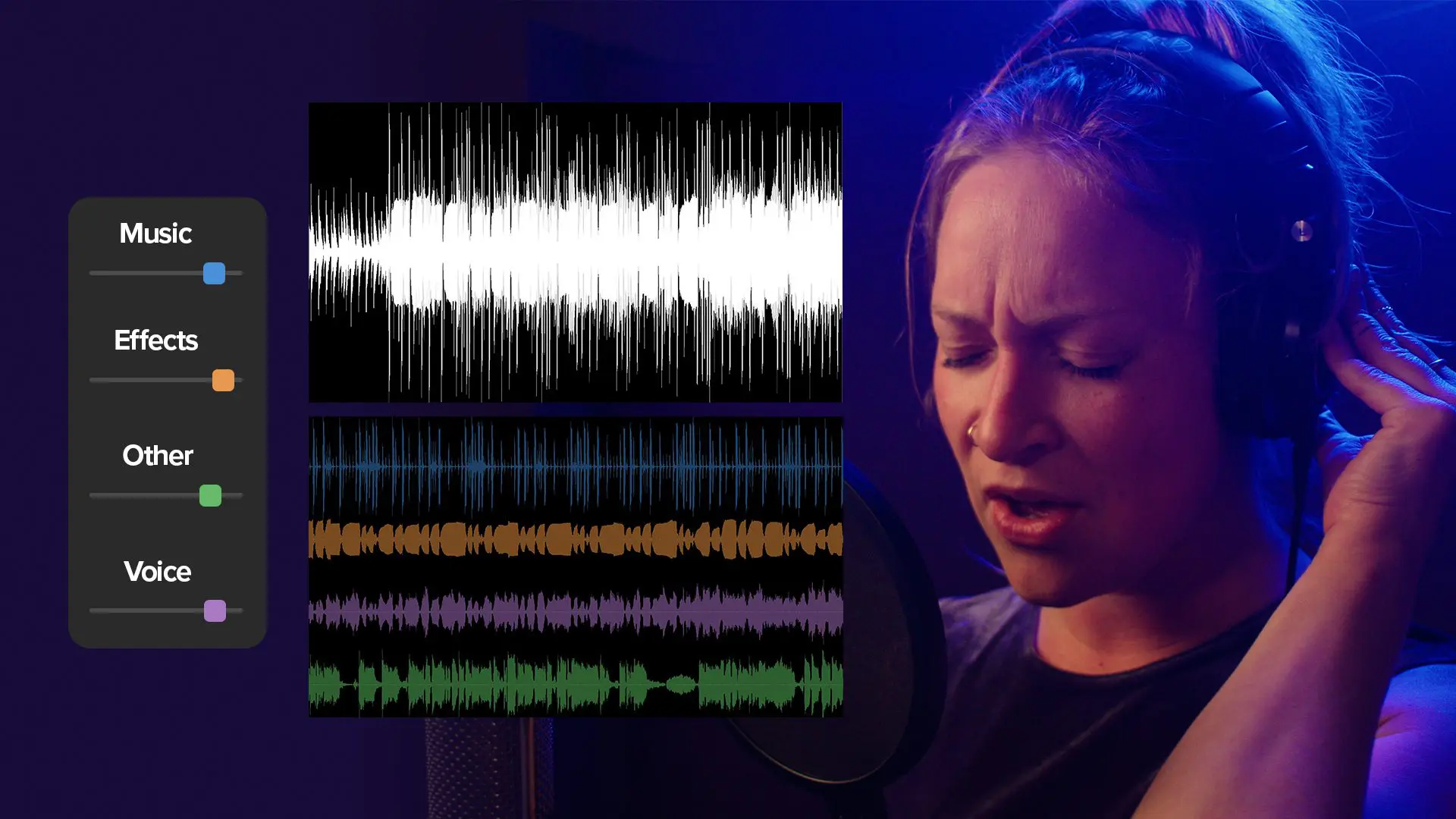
In practice, this means the user can scrub through a file while the system processes the section around the playhead. For long recordings, that behaviour may reduce the amount of waiting normally associated with demixing tools. Waveform visualisation has also been expanded. SoundApp displays separated stems dynamically as the user adjusts settings. The tracks can be shown as overlapping waveforms or as individual layers. The intention is to make it easier to see which sections contain speech, music, or effects while the separation process runs.
Three models for different mixes
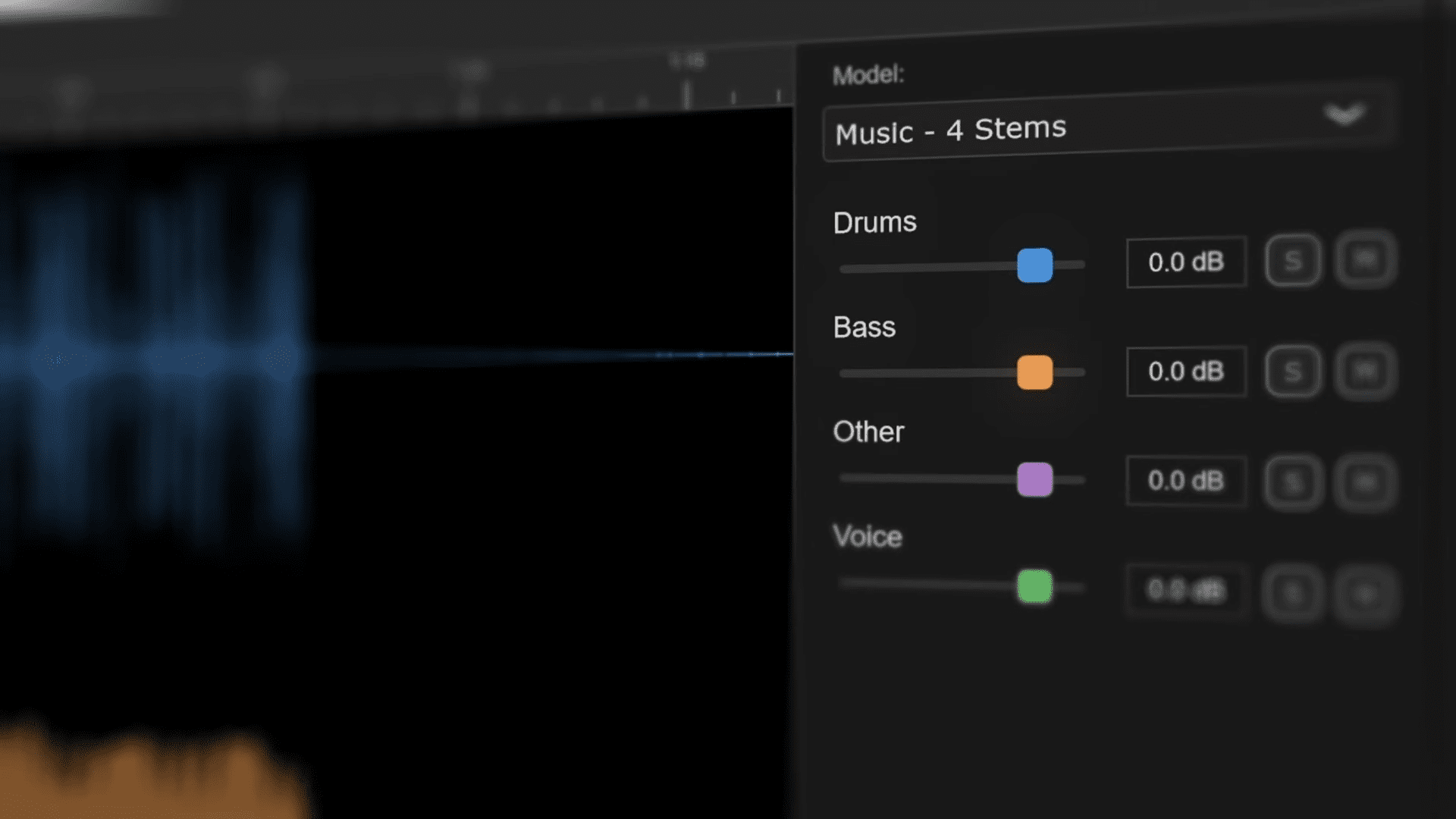
The update introduces separation models designed for different types of material. Music 4 Stems divides a finished music mix into four categories: vocals, drums, bass, and other instruments. The final group includes guitars, synthesisers, and melodic parts. Maybe even Bagpipes.
Each component can be exported as an individual track after processing. Users can rebalance the mix, remove elements, or repurpose isolated stems in other projects.
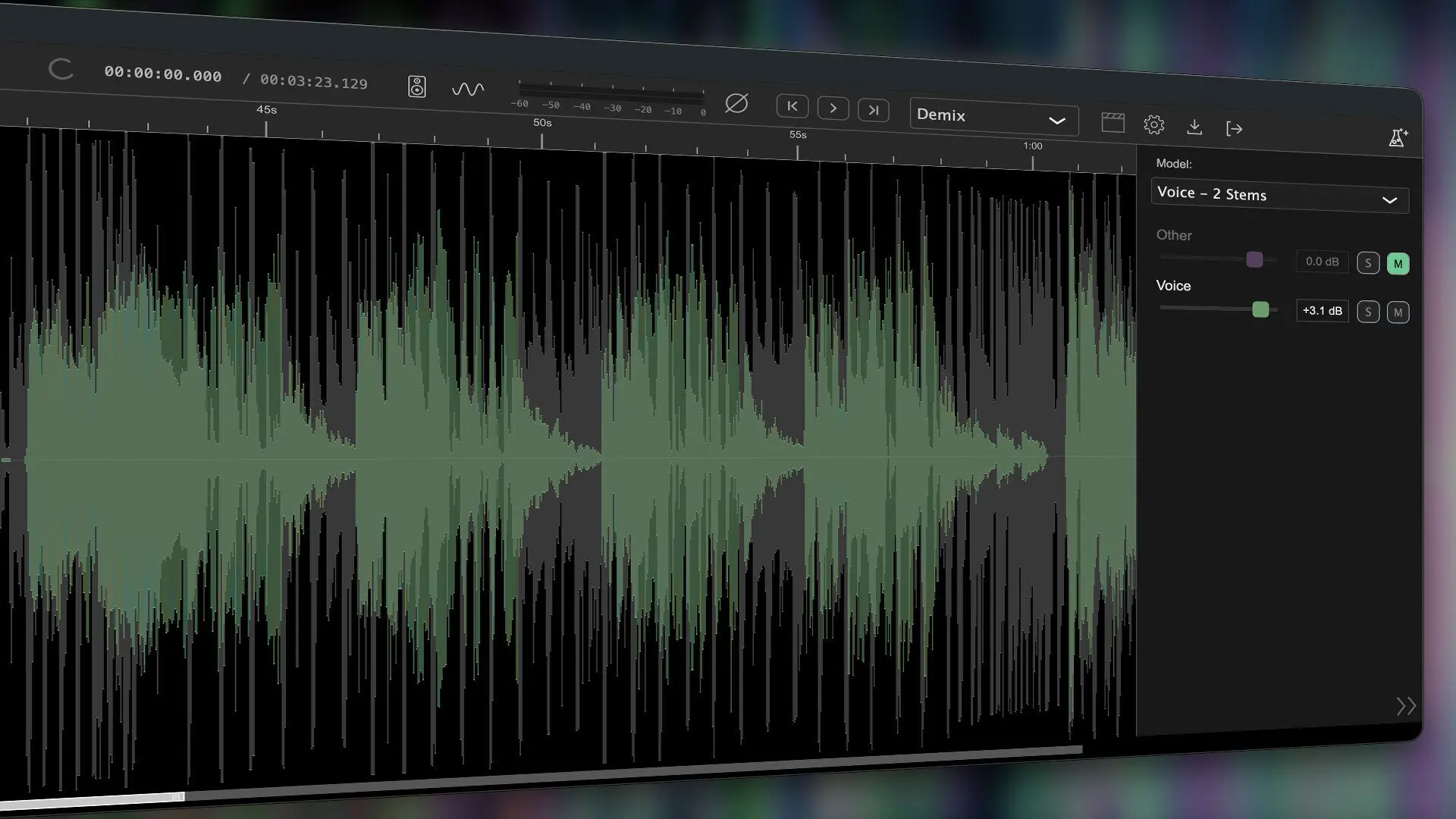
Voice 2 Stems focuses on separating vocal material from background audio. It can extract vocals from music recordings or isolate spoken dialogue from mixed audio. Possible uses include generating instrumental tracks, preparing remix material, or removing background music from dialogue recordings. Or getting tracks ready for Karaoke, we are not judging. The model may also reduce recording artefacts such as headphone bleed or environmental noise that appears alongside speech.
Cinema demixing for editorial triage
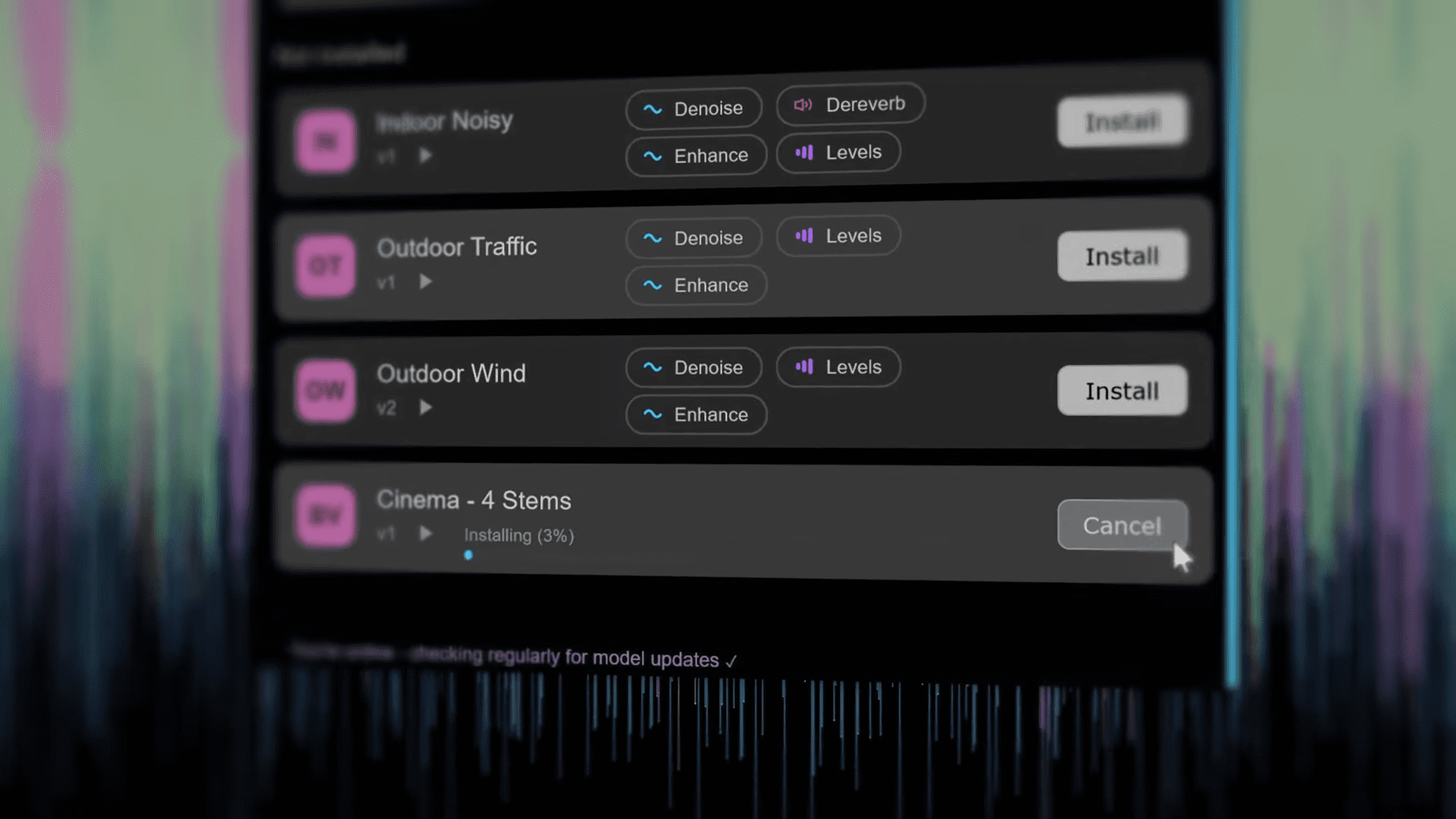
The third model, Cinema 4 Stems, is aimed at video editors dealing with finished programme audio. The model splits imported audio into four tracks: voice, music, sound effects, and other material.
One example involves online video that contains copyrighted music playing in the background. If a platform detects the music, the video may be demonetised. By isolating the music stem, the editor can mute it while preserving the spoken dialogue track.
Another demonstration shows extracting a clean sound effect from mixed audio. In the example, a rocket launch recording contains both a spoken countdown and the launch sound. The separation model isolates the effect so the voice track can be muted.
A further scenario involves removing speech from environmental recordings. If someone talks during otherwise useful B-roll audio, the voice stem can be muted while leaving the ambient sound intact. These workflows happen directly inside SoundApp. The user imports the finished media file, separates its audio components, adjusts or mute selected stems, and exports the result.
The familiar restoration tools remain
CrumplePop continues to include the audio restoration models that originally defined the toolkit. These tools address common recording problems such as wind noise, traffic rumble, echo, and uneven vocal levels. The models improve dialogue clarity while reducing environmental noise or room tone. The corrections are applied directly within the interface. These restoration tools remain available both in SoundApp and as plugins inside editing and audio software.
Integration with editing and audio software
CrumplePop continues to ship both as a standalone application and as plugin effects. Plugin versions are supported in editing and audio applications including Adobe Premiere Pro, Adobe Audition, Avid Media Composer, Avid Pro Tools, Apple Final Cut Pro, and DaVinci Resolve. Music applications such as GarageBand and Logic Pro are also supported. SoundApp operates alongside these plugins as a standalone environment for analysing or repairing mixed audio, then returns the result to the timeline.
Pricing and availability
SoundApp is included with every purchase of the CrumplePop toolkit. Subscription pricing begins at 18 USD per month or 180 USD per year. Perpetual licences, upgrade and support renewal plans are also available through the company’s online store. Customers with an active CrumplePop subscription, a Boris FX Suite subscription, or a current upgrade and support plan receive the 2026 release as part of their existing entitlement.
A familiar problem, now with algorithms
The underlying problem addressed by the update will be familiar to anyone working in audio post. Once a mix has been rendered to stereo or surround, the original elements are usually locked inside the file. Recovering dialogue or removing music normally requires the original multitrack project.
Machine learning separation models have recently begun to address this problem by reconstructing stems from mixed audio. CrumplePop 2026 joins that group of tools. Whether the separation quality holds up under complex mixes will depend heavily on the material.
The cautious verdict
CrumplePop 2026 expands the toolkit well beyond dialogue repair into broader audio demixing and remix preparation. The addition of GPU processing, on-the-fly rendering, and multiple separation models suggests that SoundApp is gradually evolving into a central utility for working with mixed audio.
Whether it consistently delivers clean stems from dense mixes remains to be tested in production environments. Because, as always, new tools and innovations should be carefully tested before deployment in professional pipelines.
