



Pi-Slices has released Gradient Generator, a free, pay-what-you-want tool for Maxon Cinema 4D. It is a Cinema 4D 2025+ add-on, available for Windows and macOS, and compatible with Octane Render 2025+ (Though Octane is not required). In other words, you can install it without swearing eternal loyalty to a renderer first. The package itself is a Python file plus an icon, which is refreshingly honest compared to the classic “installer that installs an installer” approach
What the tool does
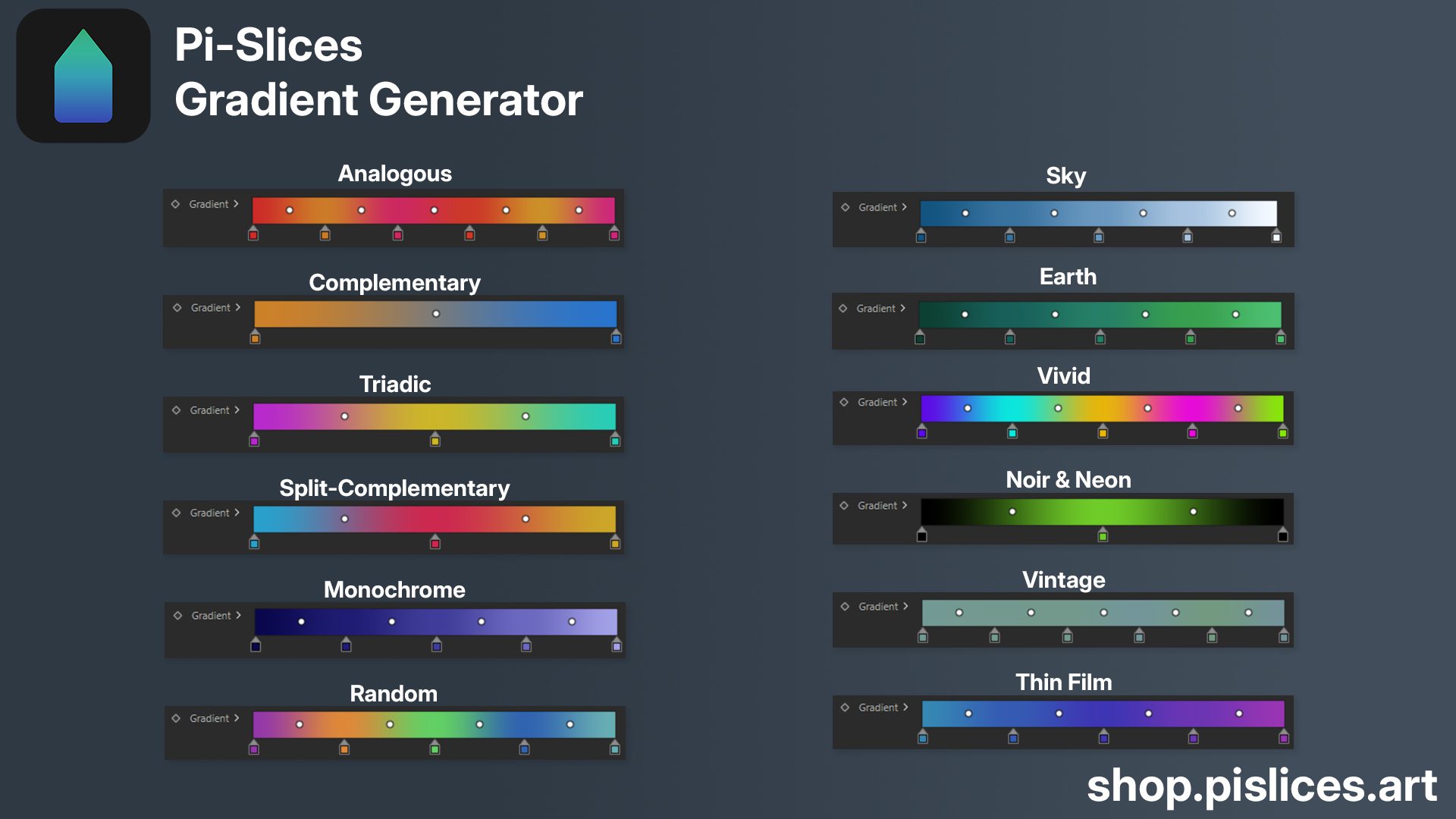
Gradient Generator is aimed at quickly producing editable gradient variations for look development and motion design style work in Cinema 4D. Pi-Slices lists it directly as “Cinema 4D 2025+ / Octane Render / Redshift”, which makes the intended audience clear: people who want gradients that behave like a controllable design element, not a hand-crafted one-off that you are afraid to touch again once it “kind of works”.
Real-time sync with Redshift and Octane
An update announcement states that the tool now supports real-time synchronisation with both Maxon Redshift and OTOY Octane Render materials.
Import mode for editing existing gradients
Alongside live synchronisation, an import mode intended to bring existing gradients back into the tool for editing, including gradients originating from presets (described as Asset Browser preset gradients in community posts).
