



Assimilate’s software has long been established as a professional grading system, and our colleague Mazze Aderhold explained the workflow for dailies with Scratch in detail in DP 01:20 and its practical use in the VFX workflow in 06:20. In the same issue, Michael Radeck expressed his positive impression of Play Pro. All mature tools, while we would like to present beta software here, which I normally don’t like to do. However, as Assimilate is pushing ahead with the development of this new tool with an extensive public beta phase, I’m making an exception.
Live grading is basically old hat. In DP 06:18 we described it in FireFly Cinema, and even the free DaVinci Resolve can do it. Assimilate has to offer more to get us out from behind the stove. The plus is hidden in the addition “FX”.

In fact, we should be talking about a virtual set here. Since “The Mandalorian”, it has been clear that engines such as Unreal are fast enough on a few synchronised computers to display pre-produced, highly detailed backgrounds in real time, and that modern LED walls are bright enough to keep up with studio lighting. A making-of can be found at is.gd/mandalorian_VP and the further developments for season 2 at is.gd/mandalorian_VPS2.
Anyone who now thinks that this is all too artificial is forgetting that film has always been essentially created in studio buildings made of wood, cardboard and paint. The trend is being driven not only by travel restrictions due to the pandemic, but also by cost savings and reduced environmental impact.
Compared to a conventional VFX production, one major advantage is that the actors and props are in the same room as the virtual elements and are therefore directly influenced by their light. Reflections of the backgrounds (e.g. on the main character’s armour) also take place naturally and do not have to be elaborately inserted.
What sounds banal is very important for the director, camera and actors: unlike with conventional VFX, where the final image is only created in post, here in the studio the scene can largely be seen as it will be in the end. As LED walls can also be quite large, realistic distances can be maintained, at least for interiors, so that even the depth of field of the lenses corresponds to established viewing habits.
This is where Assimilate’s new product comes in. It is aimed at live compositing. Of course, grading capabilities are also needed to harmonise the foreground scene, but in particular lighting control, tracking, greenscreening and matching the virtual cameras with the real ones. Sources for live video can come in via SDI interfaces, a USB converter and even via NDI, although we have not yet been able to test the latter due to a bug in the function. When outputting via I/O cards, a key or mask information can be supplied as a separate alpha channel, provided the card supports this
Channel, provided the card supports this.

Lighting control via DMX
Of course, the illumination of the foreground scene must change when something happens to the light sources in the background. With pre-produced material from a game engine, you can set appropriate triggers, but what about real film? Let’s say you want to shoot a wild car chase on the Berlin city motorway in wintery flat light. Presumably not even Hollywood could close a major arterial road in LA. So the background material will be shot in advance with several angles and the rest will take place in the studio.

Naturally, the sun will be obscured by buildings from time to time or you’ll be driving under a bridge. To look believable, the lighting in the studio must be frame-accurate. Live FX helps here by controlling light sources based on the measured brightness and colour of a reference surface in the image material.
DMX is established as a control system for stage lighting, but Arri equipment for film lighting in particular also supports it extensively; after all, Arri worked on “The Mandalorian” and must have had a close look at everything. Assimilate has fully integrated the process under the ART-Net DMX controller, including all information on the configuration of the respective light sources and links to manuals, product information and, if necessary, videos.
Tracking and keying
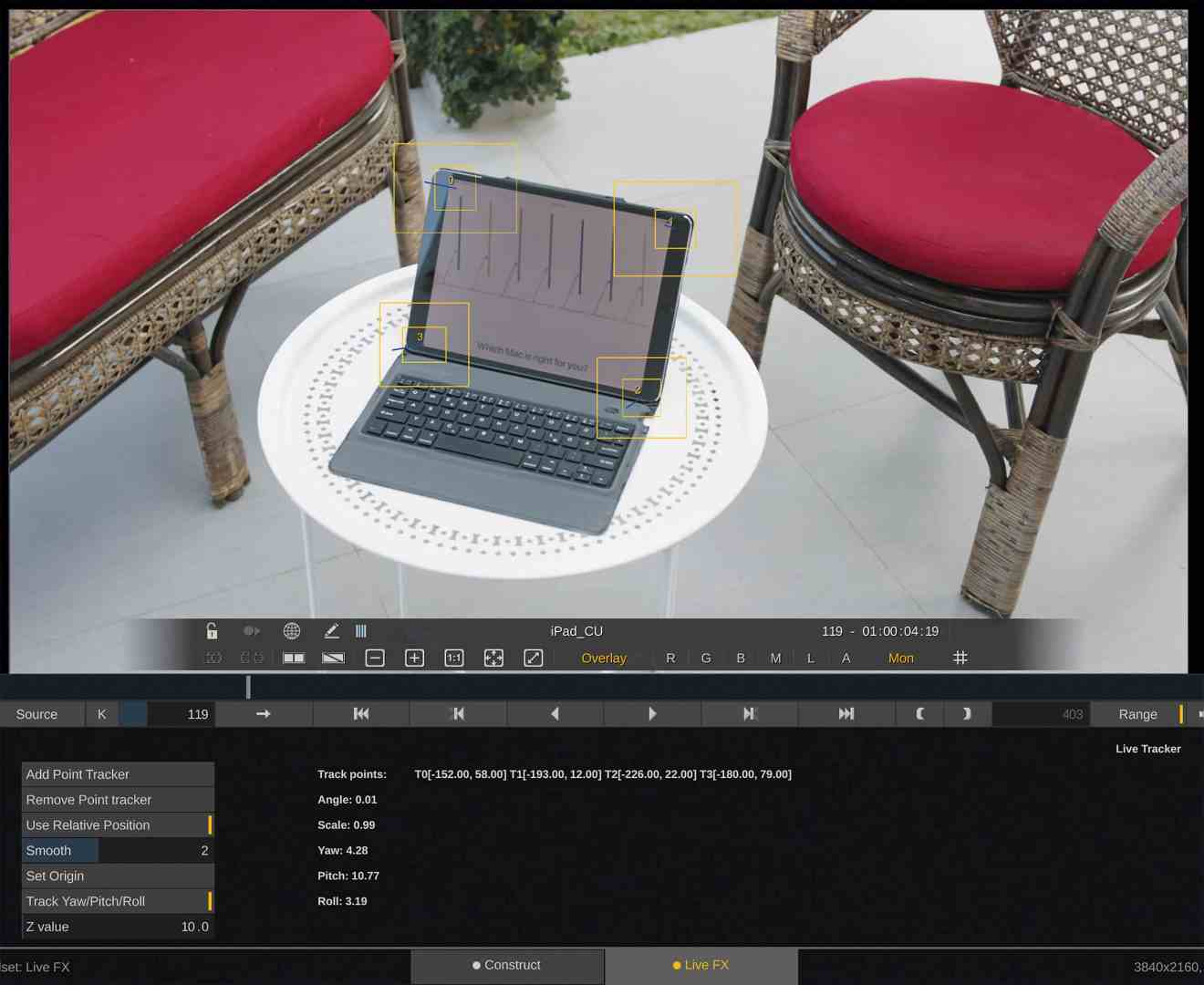
It is not yet possible to realise a planar tracker in real time. This function in Live FX is therefore a classic point tracker with a reference point, pattern and search area. However, you can define up to four tracking points, which can then be used to calculate yaw, pitch and roll. Smoothing is also provided. This means that screen replacements or the exchange of window areas with the correct perspective are possible. This already works quite well in our early beta and can be used in virtual 3D space, even if the tracker can in no way replace Mocha – but that also takes longer.
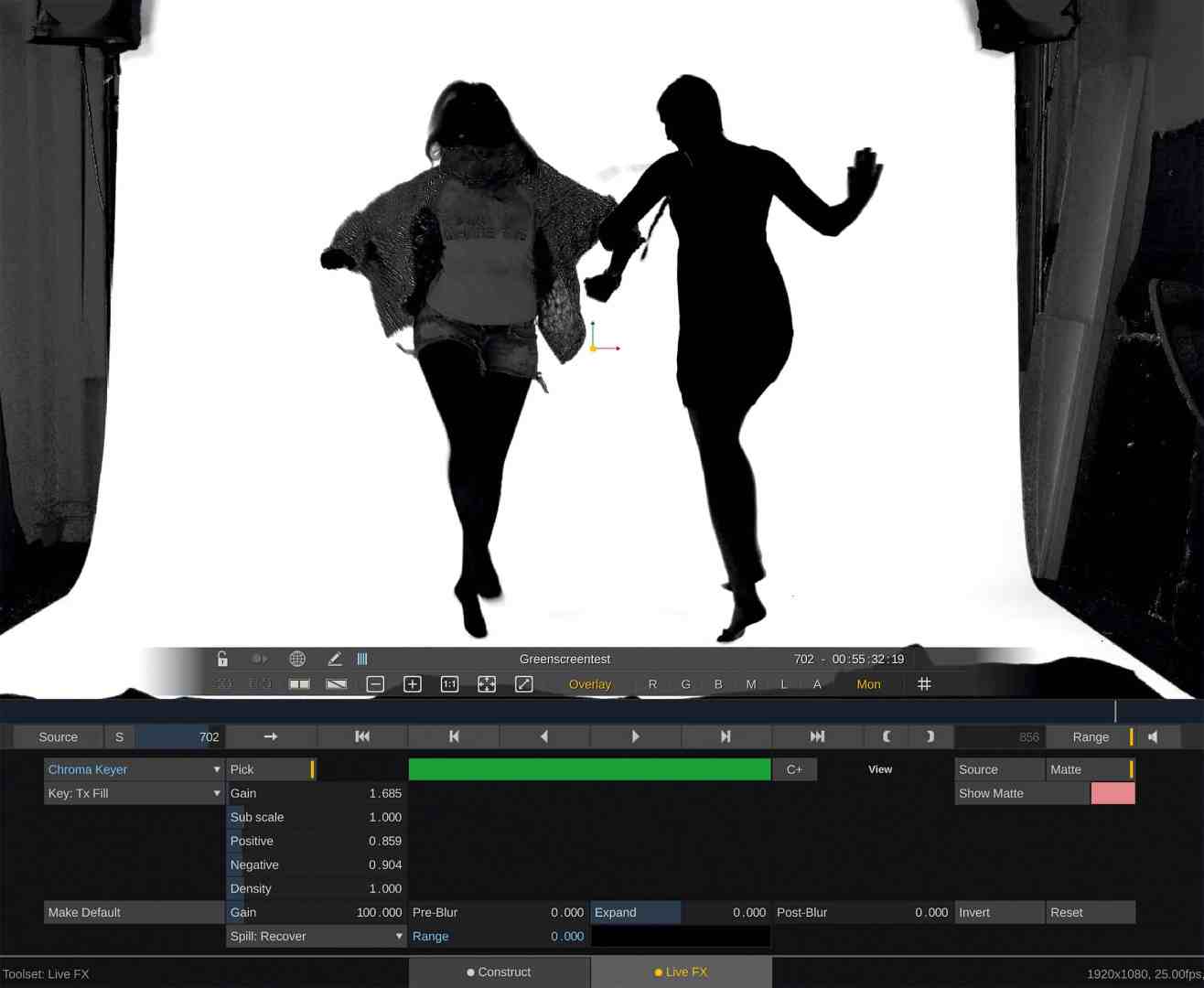
Several keyers are also offered, although depending on the quality of the lighting for green screen, you often need several layers, just like with other products. This works quite well as long as you don’t need blur – then GPU performance is required. Real-time has its price, and we tested on a mid-range computer with a Radeon RX 580.
It is important that the work screen is connected directly to the GPU, as the programme avoids unnecessary data transport between the CPU and the graphics as far as possible. Even the YUV conversion to RGB takes place on the card. This is why you should work under Big Sur on the Mac, as Catalina unfortunately has a bug after the last security update.
Metadata from the camera
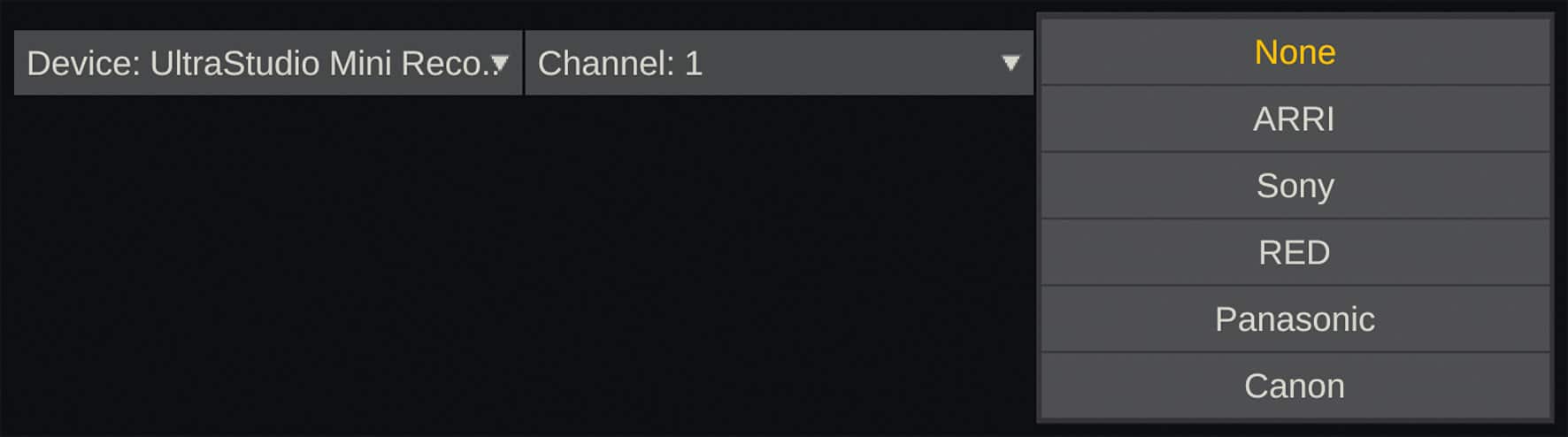
A number of professional devices provide frame-accurate data about the lens setting and the position of the camera in the room so that this can be analysed by the programme for tracking a background. DaVinci Resolve, for example, can pass such data from a Sony Venice into an EXR sequence, but does nothing with it itself. Live FX, on the other hand, can utilise this information. However, there are also some solutions for cameras without such data in the SDI stream, such as the cameras from Blackmagic.

The cheapest are two programmes called GyrOSC for the iPhone and oschook for Android. They send their data based on the OSC protocol from the world of music (Open Sound Control), which can be considered a much more advanced successor to MIDI.
So you mount your mobile phone on the camera and at least record its position in space using a gyroscope, although no lens data. You have to look for the connection somewhat hidden in the setup panel in the system settings, where you also specify the port via which the data comes in. The IP address of the computer and this port are then communicated to the app, and everything is up and running.
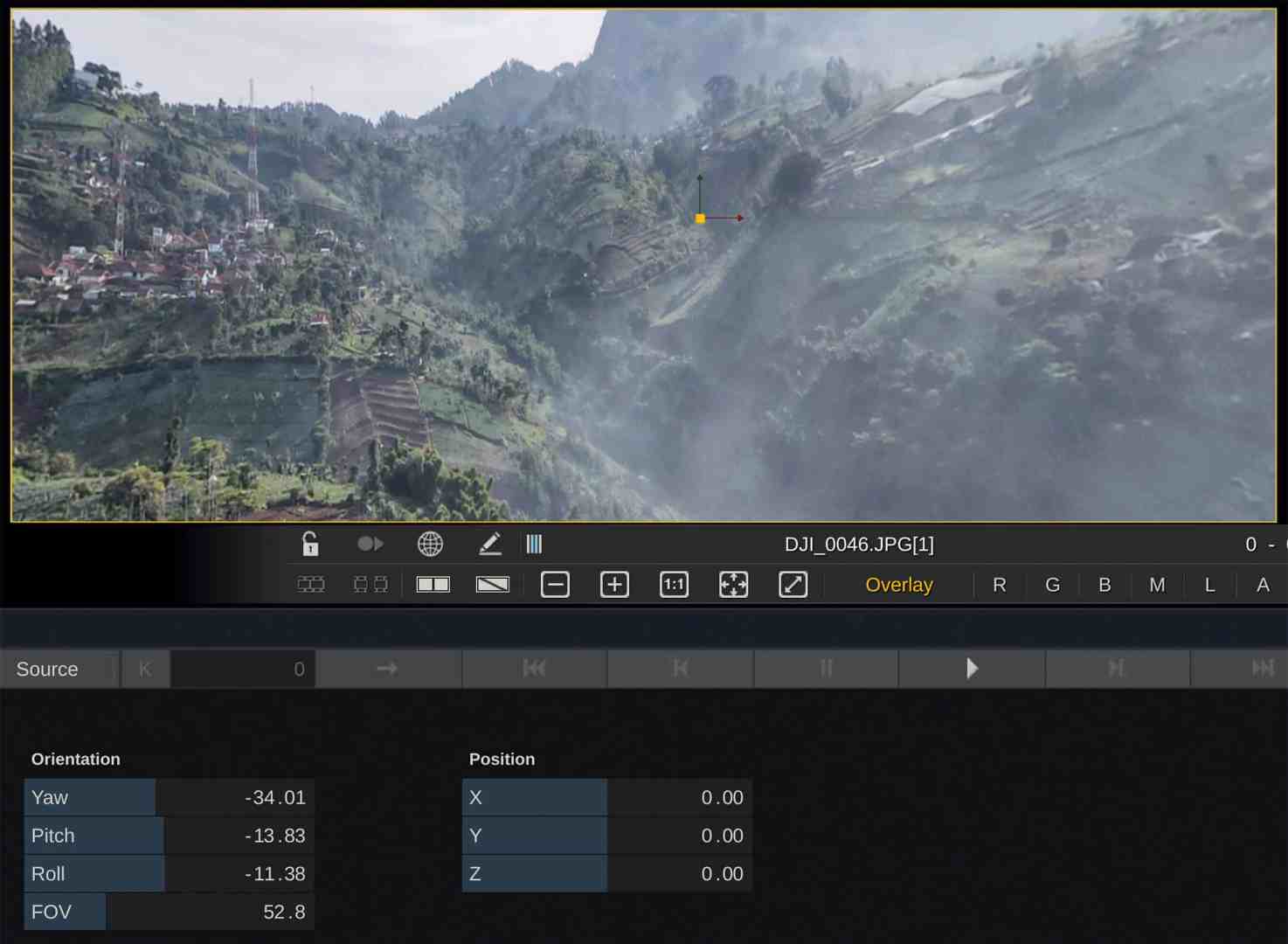
In general, however, the HTC Vive Tracker, Unreal Live Link or Intel’s RealSense are also supported for camera tracking, which we have not yet been able to test here in the lockdown. The camera can be calibrated on the basis of a checkerboard in order to eliminate distortions and take into account an offset of the focus area. With such camera alignment data, you can control a seamless background in high resolution so that the alignment matches the movements of the live camera. The programme offers rectification under Plug-ins > Effects VR for various formats, the most common of which is probably Eq > 2D (equirectangular to planar). Where the lens data is not transferred, it must be adjusted manually.
Comment
Assimilate Live FX is not yet a direct competitor to StageCraft from Industrial Light & Magic, but it aims in the same direction. It can already do quite a lot, even if everything is still somewhat unfinished and prone to crashes. The manufacturer is also relying on your tests and your ideas for further features during the public beta for bug fixing and further development – you can find all the news at assimilateinc.com.
