



2003, Jan, together with his wife, founded Cinegy GmbH as technical director – already in 2002 as Cinegy LLC in the USA. His responsibilities at Cinegy include overseeing developments at the Munich, Ampfing, US and UK locations. The largest office, however, is in Ukraine, where, as Jan tells Digital Production, „most of the most employees are still holding out, although many have already fled to Germany – and are now working here.“

Jan also coordinates customer projects, takes care of meeting deadlines for deliveries. Before founding Cinegy, Jan‘s career included business unit manager at the former software developer Integraph Computer Systems (ICS), business development manager at Access Graphics, a subsidiary of the conglomerate General Electric, and sales and marketing manager at the IT company Cinegy. marketing manager at the IT company Aist Medialab AG. Jan is an alumnus of the University of Hamburg, where he studied history.
DP: What are the advantages of Daniel2?

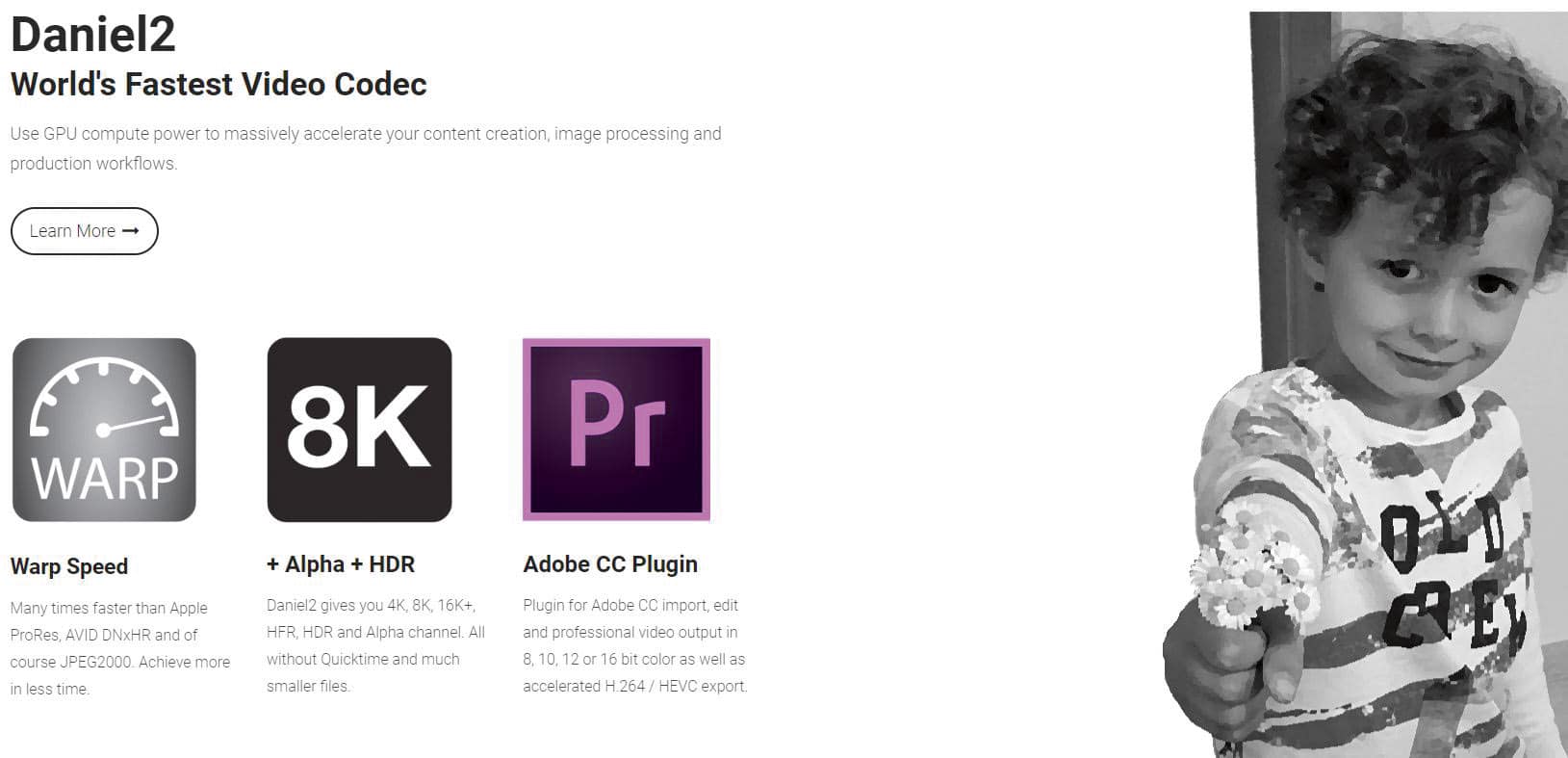
Jan Weigner: The same field of application as, for example, Apple ProRes or JPEG2000, but many times faster. The computer‘s processor can be relieved by conventionally powerful GPUs. Our Daniel2 codec allows demanding or complex edit, VFX or compositing projects to be accelerated significantly using existing CPU and GPU components.
DP: You say Daniel2 offers three key advantages: lower usage of of the system bus bandwidth, lower storage space/bandwidth consumption on the hard on the hard disk or in the network, freeing the CPU for other tasks. How did you and your team achieve this?
Jan Weigner: Unfortunately, this statement is only true to a limited extent and in ideal cases. If applications are adapted to the advantages of Daniel2, then one can achieve significant performance leaps that otherwise cannot be achieved even with the most expensive hardware. But if you look at Daniel2 like an easily exchangeable codec à la AVI or Quicktime, you will still achieve performance advantages, but not nearly as much. but nowhere near as much. To take advantage of a GPU-centric codec, the application must have a GPU pipeline into which the Daniel2 codec is integrated.
„Don‘t open your life jacket until you‘re off the plane!“ is another way to sum up Daniel2. If I use the CPU to decompress my video data, which then has to be shovelled by the CPU from system memory into the GPU, then we have a similar scenario. Ideally, the CPU is degraded to a data shovel, shovelling the compressed Daniel2 data back and forth – and leaving the rest of the work to the GPU, which can do it much faster. However, we have to admit, with the latest CPUs, which also have more and more CPU cores and faster RAM, we are now also getting very far. With just one 16-core AMD Epyc processor, you can achieve an encoding speed of over 800 fps 8K Daniel2, which is more than you can deliver in image data with eight BMD Decklink 8K Pro SDI cards, more than 32x UHD60 channels.
DP: What sparked the idea for Daniel2?
Jan Weigner: Daniel2 is a further development of our Daniel (V1) codec, which is already almost twenty years old. „Video for Windows (VfW)“ AVI codec with the main focus on preserving the alpha channel, i.e. the ability to preserve transparency in the output. The many problems with the AVI format were the initial spark, along with the official end of Windows support for VfW. We switched to MXF as the format and wrote Daniel2, the first native Nvidia GPU codec that can completely unload the CPU. This development process took several years until we had the first pure Nvidia Cuda video codec.
DP: Who else was involved in the development of Daniel2?
Jan Weigner: As a company we have been developing video codecs for over twenty years. Our team is partly recruited from AIST times. Maybe someone still remembers MoviePack? The software was sold almost a million times. Even then we developed our own DV codecs, MPEG1 and then MPEG2 codecs. Then came XDCAM and with our own H.264 codec also XAVC and AVC-Intra and -Ultra. We refrained from developing our own HEVC codec because we consider the pure CPU implementation of an HEVC encoder to be a waste of energy.
HEVC cries out for hardware acceleration, which is included in all common GPUs and also some APUs (CPUs with integrated graphics unit). During the development of our H.264 codec, we had already tried to accelerate it with Nvidia GPUs using Cuda but this quickly turned out to be impossible. The design of the H.264 encoder does not allow the sensible use of a massively parallel (GPU) architecture. architecture. The experience gained with Nvidia GPUs, especially Cuda, then flowed into the design of the Daniel2 codec.
DP: Why was Daniel2 developed with PC hardware in mind?
Jan Weigner: My six-year-old Dell XPS15 notebook with Nvidia GTX 1050 graphics is fast enough to cut 8K:60 using Daniel2 in Adobe Premiere – or play 8K:60 smoothly using our free player.
DP: Which projects would Daniel2 be disadvantageous for?
Jan Weigner: In reality, many editing projects remain in the codec format in which the recording took place natively, which also makes sense in many cases, as transcoding can cost time. If a camera records directly in ProRes, for example, then it is usually also edited in ProRes. So the productivity gain has to be big enough to justify a move to Daniel2, which is not always the case for small projects. When shooting directly in Daniel2 or rendering directly in Daniel2, this problem does not exist.
DP: What technical hurdles were cleared during development?
Jan Weigner: On the fastest GPUs, such as the Nvidia RTX 4090, we achieve around 4000 fps decoding and over 1500 fps encoding in 8K. The problems remain the same: The RAM is too slow and the system bus too small. The fastest PCIe-based graphics cards are are still based on PCIe 4.0 and are thus far too narrowly connected to feed the monster – consisting of thousands of GPU cores. More than 300 fps of 8K data will not pass over the PCIe bus, at least until PCIe 5.0 arrives, which will then allow for doubling, which is still far too little to fully utilise an RTX4090.
Conversely, of course, you can say that a much smaller GPU will do. We can save the planet at the same time because we burn much less energy. Or the unused 80 per cent GPU performance of the RTX4090, which I could at most utilise with image material generated directly on the card, remains for other tasks. 8K60 Daniel2 real-time encoding on an RTX4090 card uses about 4 per cent and 8K60 playback about 1.5 per cent. These values are so small, one can almost speak of background noise. A GPU fan does not start for Daniel2 8K60 encoding or decoding. With 32K or 64K, of course, it‘s different.
To achieve this speed, we have reworked every aspect of the codec over many years. RAM is slow, even on the latest and fastest graphics cards. Any RAM access, any avoidable operation that would require RAM access, has been avoided. The codec arithmetic has been tailored precisely to the optimal processing capability of GPUs. All together, it took almost five years of development work.
DP: The Cinegys website says: „Daniel2 aims for the same place in the production workflow as Avidss DNxHR, Apple‘s ProRes, JPEG2000 or Sony‘s XAVC.“ What similarities does Daniel2 share with these codecs?
Jan Weigner: Daniel2 is a DCT codec like MPEG2 or H.264; but it is an I-frame codec, so each frame is compressed individually, just like DNxHR, ProRes and JPEG2000. With XAVC, there is also a long GOP variant that also includes the adjacent frames. DNxHR, ProRes and JPEG2000 are wavelet codecs, just like RED RAW. XAVC is a DCT codec. We are talking about a nano-DCT codec in Daniel2, which shares some features with wavelet codecs like JPEG2000, such as progressive decoding and the option to compress lossless.
Progressive decoding means that if, for example, I have compressed an 8K video in Daniel2, but only select HD as preview in the editing programme, then I only have to read a fraction of the data from disk or over the network – and only need 5 per cent of the performance compared to 8K. In production, this means that proxy workflows become superfluous. Daniel2 can scale and convert colour spaces at the same time as decoding – and is faster than copying the same amount of uncompressed data from A to B in memory. Of course, Daniel2 still supports transparency using the alpha channel, and does so so efficiently that the alpha channel can always be left on. When it is empty, it does not cost any extra bandwidth or memory.
DP: The Cinegy website says: “All old dependencies and old codec architectures have been left behind.” Are there any disadvantages to this?
Jan Weigner: Catch 22 is what you would say in English. In other words: the world has not waited for another codec. To get more support for Daniel2, Daniel2 would have to be better supported. No camera manufacturer will include Daniel2 as a format unless most editing software supports it. No editing software manufacturer will support Daniel2 unless most camera manufacturers support it.
For Adobe CC (Premiere and AFX) we have had free Windows and Mac plugins for years, now also for MacOS ARM. But the Adobe customer has to find and install the plugin themselves. On top of that, the Adobe codec plugin architecture is not designed for GPUs, everything has to be copied again from the GPU to the CPU’s memory and then back again, which is idiotic.
Daniel2 is by far the fastest codec for Adobe Premiere, but with direct Premiere integration a further performance increase by a factor of three to six would be realistic.
We have been talking to manufacturers like BMD about Resolve for over four years. You only have CUDA and only Windows, they said at the beginning. In the meantime, Daniel2 also runs on Linux, MacOS, iOS, Android, OpenCL, Metal, and so on – but Daniel2 on Raspberry Pi4? Check! Jetson Nano/Nintendo Switch? Check! Intel ARC GPU? Check! Maybe one day we’ll get to BMD and Daniel2 will become an integrated part of Resolve. We can already export today, but that’s less interesting.
Cineform was one of the best codecs of its time and has dissolved into irrelevance at the latest since the GoPro takeover. As with Betamax, Video 2000 and VHS, the best technology usually never wins, but market power. We could shoot 8K 60 4:2:2 10bit on the latest iPhone with Daniel2 if the camera could. But at least 4K60 4:2:2 10bit would already be possible. Our Daniel2 codec has been ported to iOS for years. It’s just that Apple won’t let us (or anyone else) get that close to the iPhone’s camera hardware to make it a reality.
DP: For which type of media output is Daniel 2 most suitable?
Jan Weigner: Daniel2 is not suitable for Internet streaming in the conventional sense, and thus not for the usual live-streaming-YouTuber. There are a number of application scenarios in the broadcast sector, but these are now eclipsed by other industries and application areas. Daniel2 now scales up to a resolution of 4 billion x 4 billion pixels = 16 trillion pixels (18 zeros); this is well beyond what Premiere and After Effects support.
The most interesting areas at the moment are: desktop virtualisation, video surveillance, monitoring, AR/VR/XR, gaming and hyper-video walls.

DP: In which areas would you like to improve Daniel2?
Jan Weigner: We use Daniel2 in our own cloud products, sometimes for cloud-based playout within the AWS cloud. Daniel2 is hardly suitable as a delivery format, the data rates are too high for that, but within the AWS cloud I hardly have any bandwidth problems. Thanks to Daniel2, we can increase efficiency to such an extent that we can deliver the same playout features as the competition – in comparison to the competition, respectively on many times smaller AWS Cloud instances.
We do need a GPU as part of the instance, but it can be very small. Furthermore, using Daniel2 as the playout format leaves the Nvidia H.264/HEVC hardware unused and can be used for delivery encoding or decoding SRT Live input. For a FullHD playout channel, we only need a single CPU core, also thanks to Daniel2. This is just one application scenario. With Daniel2, we can offer an alternative to SMPTE 2110 broadcast workflows that can easily scale up by a factor of ten using the same hardware.
DP: Looking back, what would you do differently in the development of Daniel2?
Jan Weigner: We wasted a lot of time trying to get people who were never interested in working with us. The innovations have not been happening in broadcast for a long time. UHD still hasn’t caught on in linear television. In Germany, real HD on ARD and ZDF would already be an enormous step forward. We’ve been doing 8K for five years and now much, much higher resolutions. I don’t have to look for customers for this in the TV or film sector. Gaming and AI are fields that we concentrated on too late.
DP: In the near future, what developments await us in the in the world of codecs?
Jan Weigner: The next version of the Daniel2 codec is on the way – and it will be even faster, require significantly less bandwidth and offer better quality. That covers the horizon for the next two years. What will be in five or ten years, I can only guess. Resolutions will increase in any case, but I dare to doubt that this will happen through the TV sector. Gaming and AR are more likely. Daniel2/3 is the ideal codec for AI training. Faster than any hardware-accelerated JPEG or H.264/HEVC/HEVC decoder, with no resolution restrictions but progressive decoding. AI training image databases encoded with Daniel2 can be pushed through the AI cluster much faster.
DP: How do you view the fact that RED, or rather James Jannard and team, are taking legal action against competitors?
Jan Weigner: We’ve been following the action from the beginning. That RED ever received this trivial patent is a disgrace to the US Patent Office. There is clearly prior art (also called “prior art”. In patent law terms, refers to the technical and other knowledge at the time of the patent application. – Editor’s note). The RED RAW format is JPEG 2000. The fact that RED got a patent on a certain form of debayering is astonishing, as there is no technical innovation behind it. Others have brought better solutions to the market before.
DP: Was there a point in the history of Daniel2’s history that makes you particularly proud?
Jan Weigner: Various national American TV stations would not be on-air without Daniel2. Virigin Media’s first UK UHD channel (hosted in the AWS Cloud) could only be launched thanks to Daniel2, as the performance of the AWS instance was not sufficient at the time.
