



Table of Contents Show
TL:DR: 5K is great if you want to have a lot of stuff on your screen, and the screen excels on displaying pure information, and otherwise is a solid companion to your main broadcast monitor.
The standout feature of the ASUS ProArt Display 5K PA27JCV is its 5K resolution (5120 x 2880 pixels). For most (but not all) work, the difference between 4K and 5K at typical (!) viewing distances can be negligible, especially when working with compressed or lower-resolution content. Scaling footage to 5K often leads to a loss of sharpness, with the added pixels not providing a noticeable improvement.
But isn’t bigger better?
Where 5K does make a significant difference is in non-video/color tasks, such as using the monitor as a secondary display for software interfaces. The clarity provided by 5K resolution is quite nice when managing complex tool-sets and windows, making this monitor ideal for professionals who rely on precise visual organization. So, if you squint at your node-tree, scroll for ages through settings, or can’t see the bottom of the To-Do-List, 5K (Especially when running it in portrait) is very nice indeed. Well, not when the To-Do-List is this long, but you know what I mean.
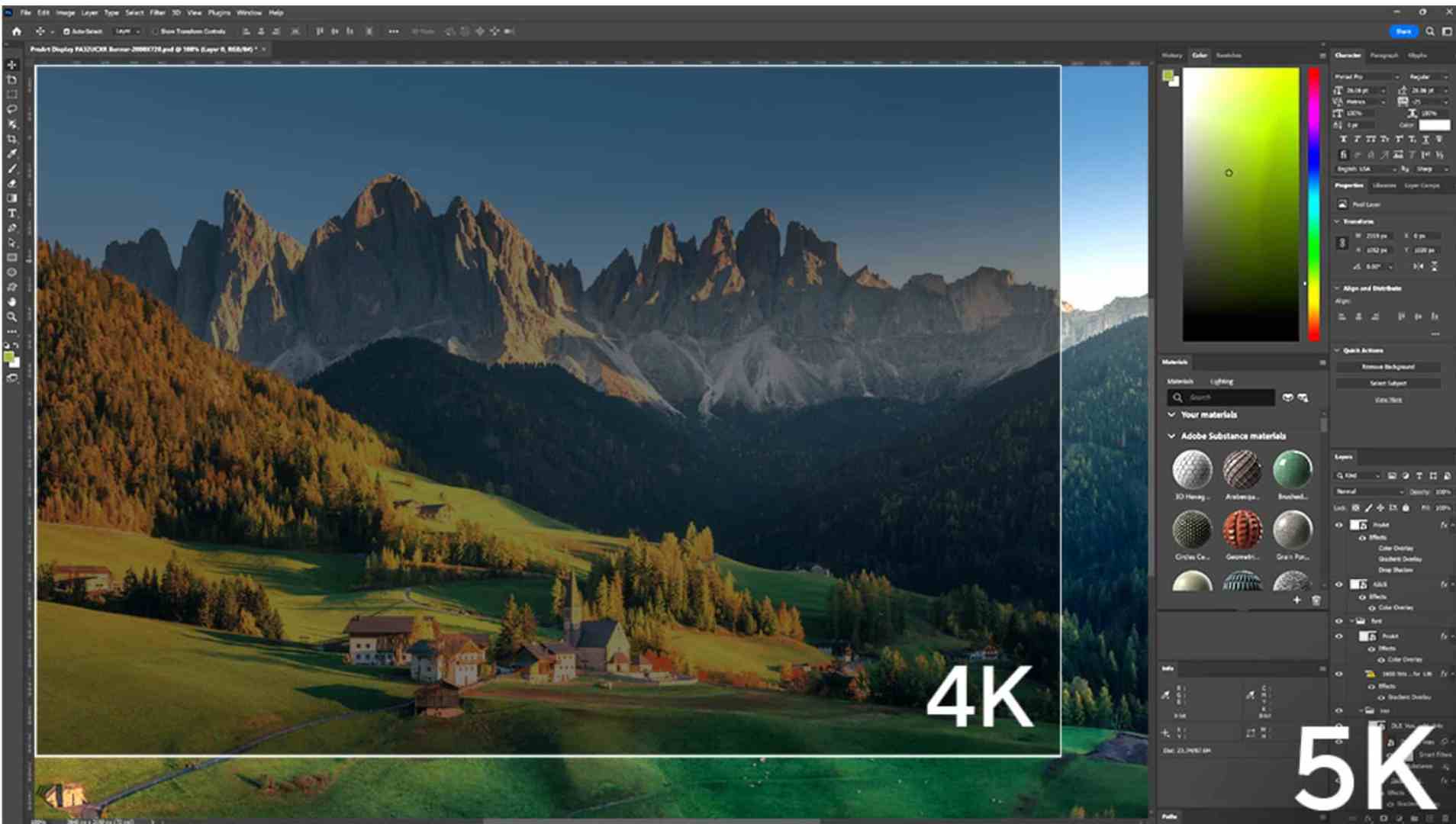
Pixel Density and Color Accuracy
The ProArt PA27JCV offers an impressive pixel density of 210 PPI, more than 2.5 times that of a typical 27-inch Full HD display. In terms of color accuracy, the PA27JCV covers 99% of the DCI-P3 color space, which is more than enough for content creators needing reliable colors. We measured a Delta-E below 2 (Again, the edge of what we are actually confident of saying with the available Colorimeters). That means, if you want to watch some of your footage, or have the Media Browser / Library on that screen, you will not have any problems, judging which Shots, Takes or Renders are best.
Tech Specs
The 27-inch IPS panel features 5120 x 2880 resolution with a 218 PPI density. It offers 100% sRGB, 95% Adobe RGB, and 99% DCI-P3 color accuracy. The monitor delivers 400 cd/m² typical brightness, 500 cd/m² peak HDR, and supports HDR10 with 10-bit color depth. It has USB-C connectivity with Power Delivery, and adjustable tilt, height, and pivot. VESA DisplayHDR 500 and TÜV Low Blue Light certification ensure a comfortable viewing experience. For more details, visit the ASUS ProArt Display PA27JCV Tech Specs.
One additional thing, because I personally think all company should be commended for the efforts: The packaging is almost completely plastic free, recyclable, no Styrofoam, and can be reused in some ways, or, give it to your cat – if we didn’t have to send the sample back, the editorial floof would have claimed that box.
Adaptive Color and Brightness: Pros and Cons for Color Grading
The ProArt PA27JCV features adaptive brightness and color adjustments, which automatically adjust to ambient lighting conditions. While this is useful for office work or as a secondary display, it can interfere with color-critical tasks like color grading. For professionals who require precise color accuracy, these dynamic adjustments can distort colors. Thankfully, these adaptive features can be disabled, allowing users to manually control brightness and color temperature. The settings are comprehensive, and there are many , many parameters to tweak – Adaptive light AND a sensor for background keep the screen “in the sweet spot” all day long, no matter how bright/dark the weather is outside, and no matter which of your fellow artists works under a spotlight or is going full troglodyte. Basically: The second screen in your setup gets “out of the way” and just does what it told.
But there is a backside to that: If you don’t realize there are two systems for light, and you use it as main monitor, you will either have to turn of both, or, if you didn’t read the manual with full concentration (Not that this has happened to me, ever….*cough*) you’ll think something is seriously wrong when the screen cycles into the measured area.
Brightness and HDR: Comfort and Clarity for Extended Sessions
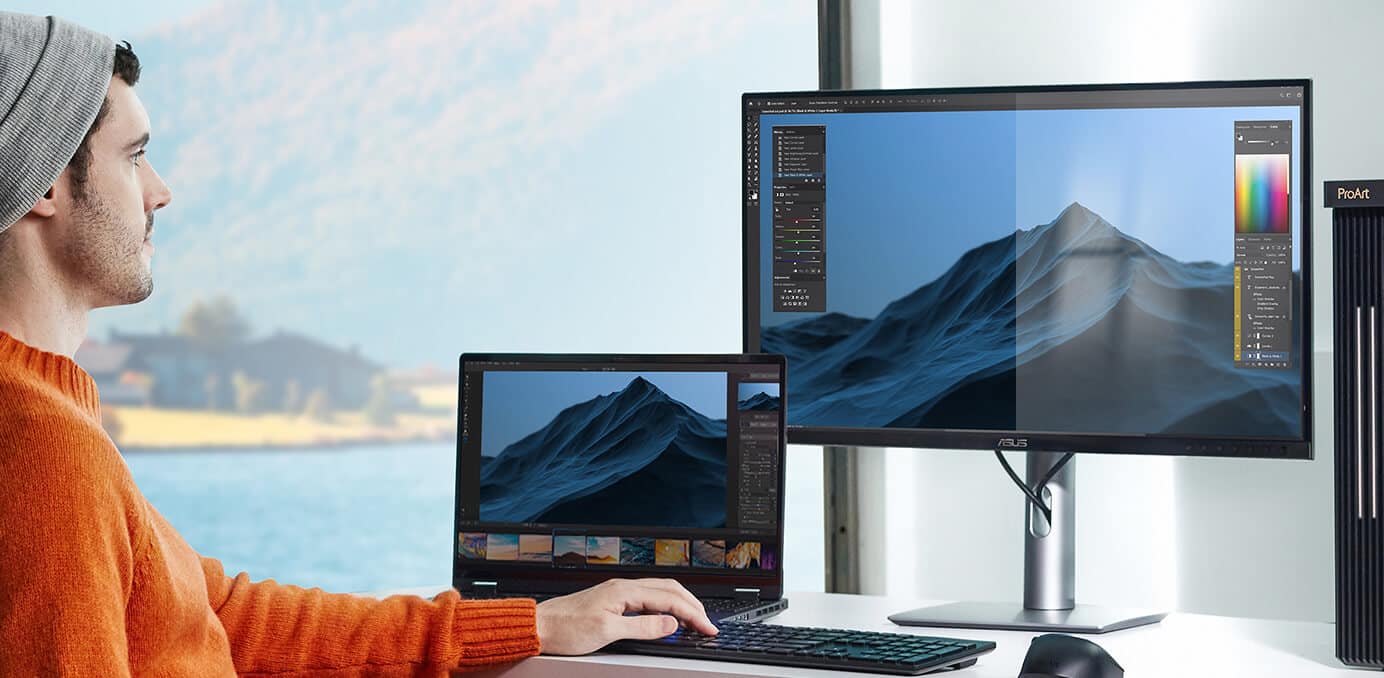
While not the brightest monitor, the ProArt PA27JCV strikes a balance between vibrant and comfortable brightness. With VESA DisplayHDR™ 500 certification, it produces deep blacks and bright whites, delivering excellent contrast for professional workflows. The monitor’s peak brightness is sufficient for most tasks, providing a vibrant viewing experience without straining your eyes during extended use.
But one thing is “spot on”: The anti-glare. Asus has hit the sweet spot between “no reflections” and “crisp colors”, making the PA27 a workhorse , even in difficult “environmental situations”. Keeping with the theme of the Second screen: You can place it where it is convenient, and don’t have to worry about light-treating your environment. And, comparing to another Screen with 5K, proper Antiglare is a gamechanger – not to mention about half the price, and you get a stand included in the price.
Connectivity
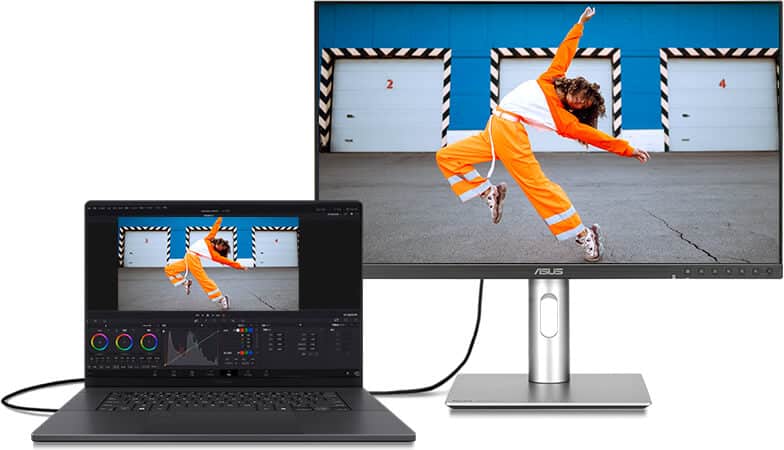
The screen comes with a built-in KVM (Which we did’t test, because currently there is only one workstation around), as well as 2 HDMI 2.1, a Display Port 1.4, an USB-C (with 96 Watt Power Delivery, Displaysignal, Data and Audio, making it a single connection to your mobile Workstation), as well as a Usb-Hub with two easy to reach ports in the left corner of the screen, one USB-C and One USB-A, and last but not least, a headphone jack, if you are “hotdesking” (I don’t know if that is a verb these days…) So, that is solid and has everything you need in a Multi-Monitor Setup.

Additional thoughts after 2 Months of testing …
Since I had this screen on my desk, let me tell you a few notes – I ran it in Portrait mode, which is such a relief with the extra resolution – no more scrolling in many things and with the excellent anti-glare, the window opposite the screen does not bother me at all.
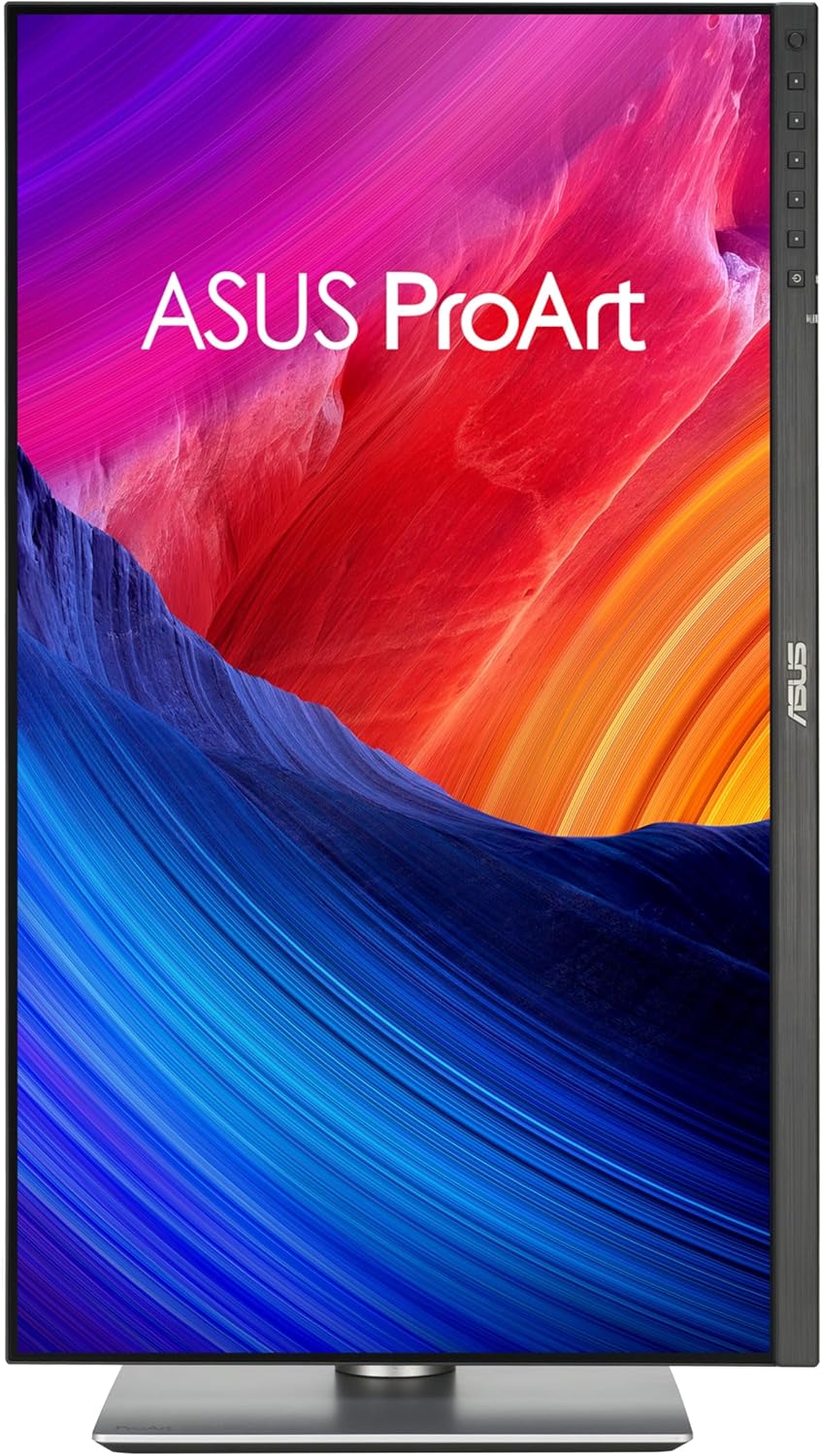
While talking about placement: The Vesa-Mount is solid and to spec, but Asus made the “Shell” around it quite tight – if you have a “bigger mount”, that might require some wiggling.
And one other thing: Since I was running it in Portrait, usually you see the “Angle” Problems with both brightness and color. Even if IPS-Panels in this case are better than TN-Panels, usually there is some “tradeoff” – but in all this time of testing, I haven’t noticed it – you have to actually look for the problem, otherwise it will not impact your daily work.
Pricing and Value: Who Should Invest?
Well, so, this means, we are the point where we ask: Should you get one?
Before considering that, there is a caveat: When you are working with the Adobe Suite, you might consider the three-month-promotion, which this screen is eligible for – so, register in the “MyAsusApp”, then click through Redeem and put in your serial number, and choose which Adobe thing you want. That lowers the actual price for the screen. If you aren’t working with the adobe tools, then… well, forget what I just said.
So, what do you have to pay for this product? The current price is around 940€, which is not cheap, but not absurd either – considering that ASUS Screens keep and are solid work machines. But, as is the development in this day and age, the street price will come down – Amazon lists the screen for 900€, and we have seen offerings around the 800€ mark – which make the screen maybe not a “steal”, but a solid offering for everybody who can’t take a 1440p – Interface anymore.
For all those die-hard Mac users, who enjoyed 5K with the old Intel iMac and are still waiting for a 27“ iMac with Apple silicon, this is good news. After all, the 5K LG (with the same panel) is not available any more, and Apple is still asking Apple prices for their screen. So, if you don’t desperately need a stylish all-in-one aluminum gadget, a tiny aluminum gadget called Mac mini Pro and this Asus model should please your eyes and your purse.
(Remark by Uli Plank, who is already slightly tippsy
around 9 p.m. after one or two Japanese Highballs
in SE-Asia, but still longing for his 2017 iMac’s screen.)
Conclusion: Best for Interface Work
The ASUS ProArt Display 5K PA27JCV excels as a high-resolution monitor for managing complex software interfaces. Its sharpness and color accuracy make it a valuable tool for professionals who need clarity and precision in their workflow. However, for tasks involving color grading, the monitor’s adaptive features and 5K resolution may not be as advantageous as they seem.
Ultimately, this monitor is best suited for professionals who need a reliable secondary screen or a sharp display for design work—not necessarily for color-critical video post-production, but as a very, very good GUI-monitor. Who would have thought that screens would diversify to a point like this!
