


![A group of people in various poses, with a focus on a woman in white attire, overlayed with the text 'SWITCHX' and the tagline 'SWITCH [ANYTHING]. KEEP WHAT MATTERS.' The scene is set against a beach background at dusk.](https://i0.wp.com/digitalproduction.com/wp-content/uploads/2026/02/beeble-switchx-hero.png?resize=110%2C110&quality=72&ssl=1 "a group of people in various poses with a focus on a woman in white attire overlayed with the text switchx and the tagline switch anything keep what matters the scene is set against a beach background at dusk digital production")


February has arrived, and with it, a fresh batch of free Unreal Engine 5 learning content that’s more loaded than a VFX artist’s caffeine stash. This month’s offerings span from crafting stylized water ripples to animating MetaHumans, ensuring your post-production toolkit remains sharper than ever.
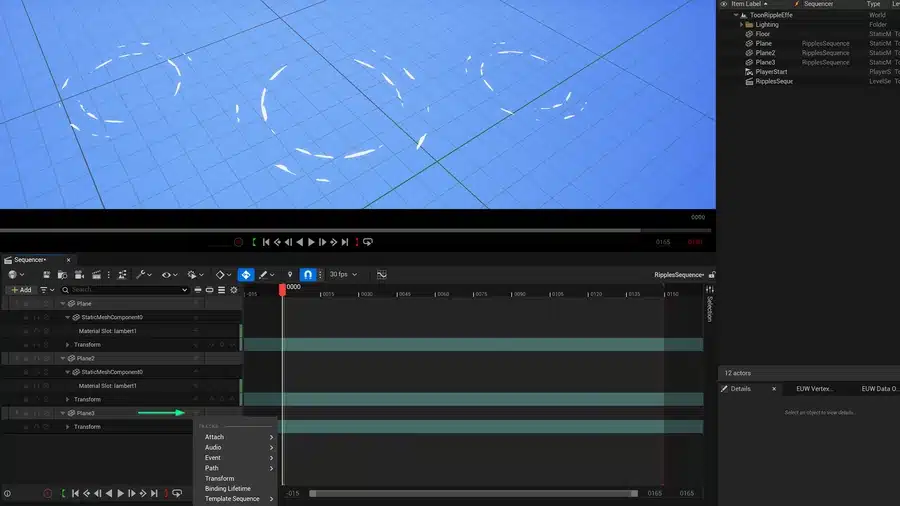
Dive into Stylized Water Ripple Creation
Ever wanted to create water ripples that look hand-drawn? The latest Epic tutorial guides you through designing a simple, customizable, and animated material. This material can be tailored to match your project’s aesthetic, adding that extra splash of uniqueness.
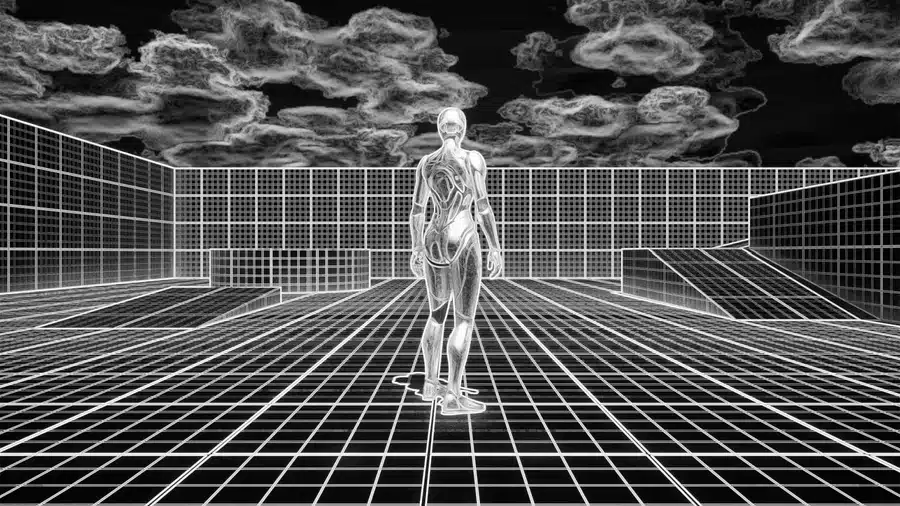
Integrate Neural Networks into Your Render Pipeline
For those ready to venture into the deep end, there’s a guide on programming C++ and Blueprint classes to embed a neural network into the render graph pipeline. This integration enables neural post-processing on final rendered images, pushing the boundaries of what’s possible in real-time graphics.
Illuminate Scenes with Realistic ‘God Rays’
If your scenes need a divine touch, a quick tip is available on creating atmospheric “god rays” using ray-traced shadows within Unreal Engine 5. This technique adds depth and realism, making your visuals heavenly.
Master Procedural Content Generation (PCG) Tools
David Edwards offers a beginner-friendly tutorial on PCG tools, teaching you how to dynamically scatter assets across landscapes. Learn advanced filtering techniques for precise placement and utilize tags and splines to craft immersive, optimized environments. It’s like having a magic wand for level design.
Navigate the Color Grading Panel
Reza Sarkamari’s guide demystifies the Color Grading panel, centralizing scene color adjustments. By managing actors with color grading properties like Post Process Volumes and Color Correction Regions, you can fine-tune your project’s visual tone with precision.
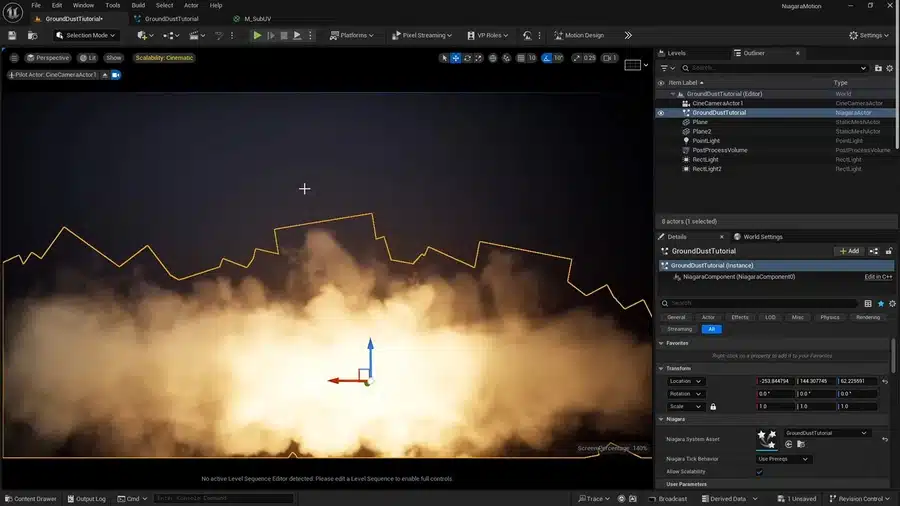
Create Realistic Smoke and Fog Effects
Viral Shah’s tutorial on generating realistic smoke and fog in Unreal Engine 5 caters to both beginners and seasoned developers. Enhance your scenes with atmospheric effects that add depth and mood, making your environments more immersive.
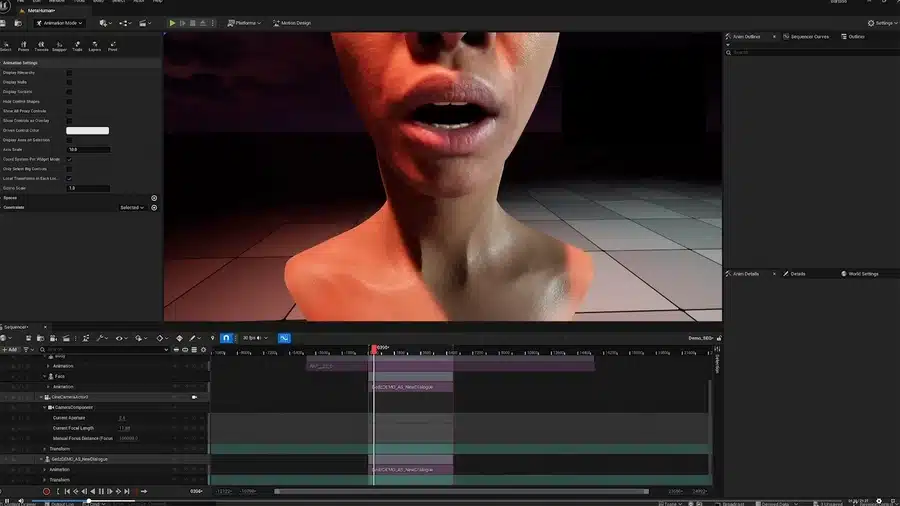
Animate MetaHumans with the Game Animation Sample Project
A recorded talk from Unreal Fest Seattle 2024 provides insights into animating MetaHumans using the Game Animation Sample Project. The session covers importing and manipulating character animations, dynamically switching characters, creating cinematic camera sequences, and utilizing the Mesh-to-MetaHuman workflow. It’s a treasure trove for those looking to bring digital humans to life.
To dive into this wealth of knowledge, start exploring here.
Source Links:
Learn Animating MetaHumans & Explore PCG Tools With February’s Free Unreal Engine 5 Courses
