



Epic Games has launched RealityScan 2.0, a comprehensive rebranding and feature update for its formerly desktop-centric photogrammetry solution, RealityCapture. The rebrand comes with a refreshed focus: mobile-first workflows, automated AI tools, and integrated support for aerial LiDAR. The move repositions the app to better serve users across industries from VFX and game development to geospatial analysis and AR/VR content creation.
From Capture to Scan: A Unified Ecosystem
The new branding consolidates Epic’s photogrammetry tools under the RealityScan name: desktop software becomes RealityScan 2.0, while the mobile companion app is now called RealityScan Mobile. Both are positioned as part of Epic’s ecosystem supporting Unreal Engine workflows.
While the underlying reconstruction engine remains based on RealityCapture technology, the update improves usability and broadens appeal beyond photogrammetry veterans. Epic’s aim: turn scanning into a faster, simpler step in asset pipelines—without sacrificing accuracy.
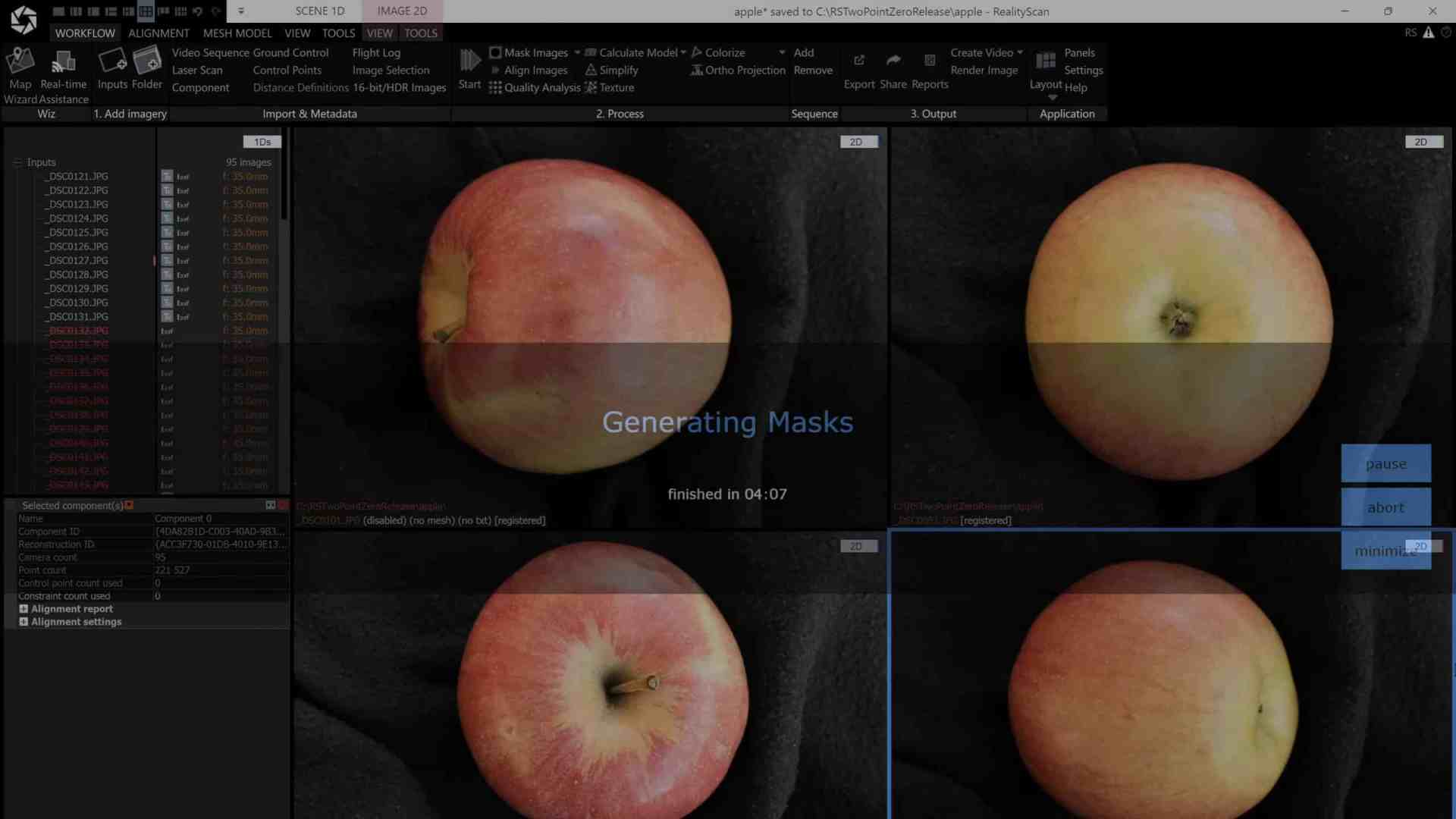
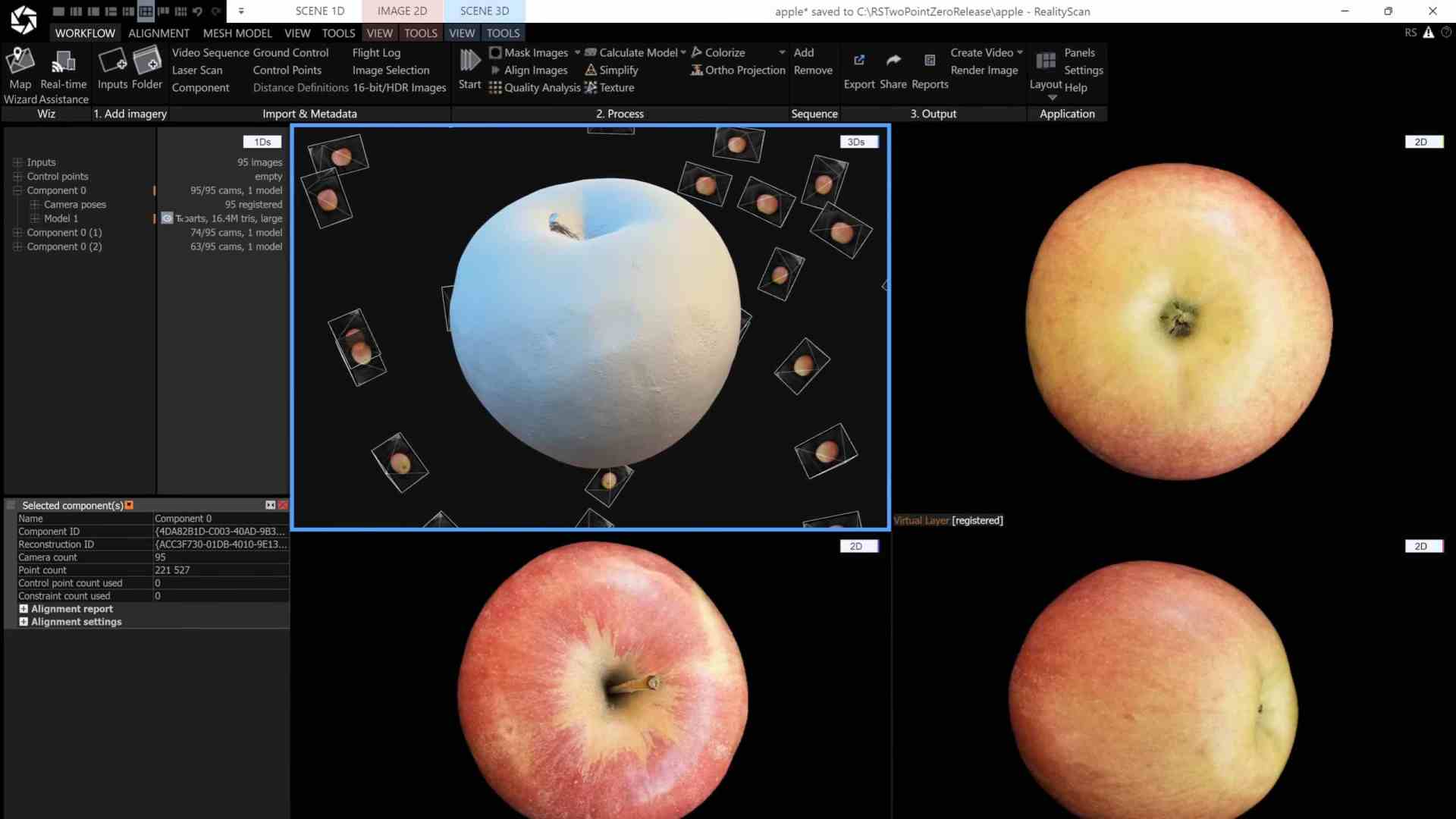
AI Masking: Segmentation Without the Pain
RealityScan 2.0 introduces an AI-powered segmentation tool that automatically isolates foreground objects from cluttered or textured backgrounds. A scan of fruit on a tabletop, for instance, no longer needs manual cropping or custom masking—machine learning handles the dirty work.
This AI model performs per-image semantic segmentation, making it particularly useful when scanning single assets like props or small objects. It’s a speed boost and a time-saver, especially for teams who need to generate quick scans for previz, virtual production, or rapid prototyping.

Better Alignment = Fewer Headaches
Another under-the-hood improvement: enhanced image alignment algorithms. Especially for objects with low-feature surfaces—like smooth metals or organic shapes—the updated alignment makes it easier to get stable reconstructions without constant tweaking of parameters. This shift reduces the failure rate of initial reconstructions, offering more consistent results out of the box.


LiDAR Joins the Party
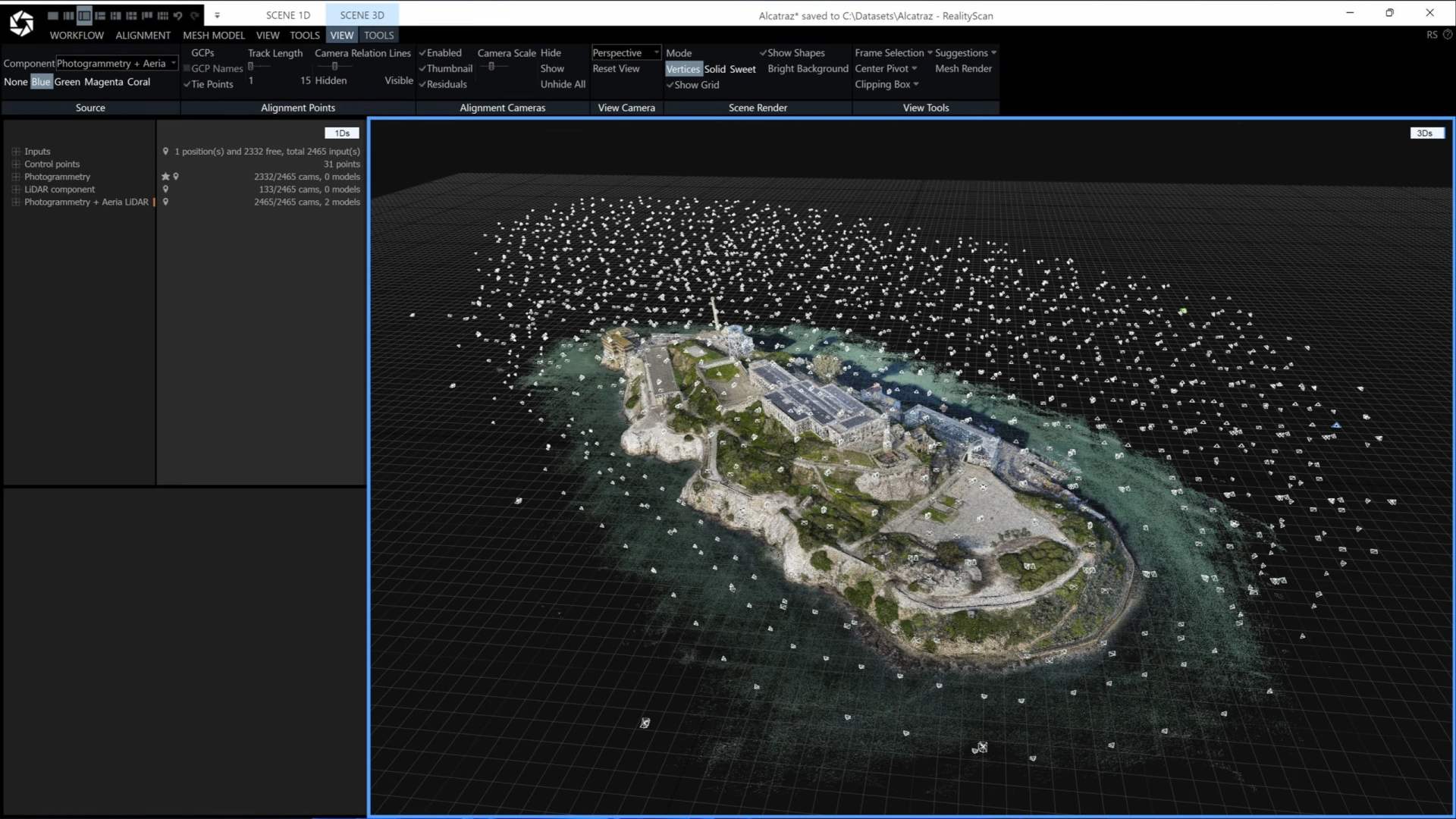
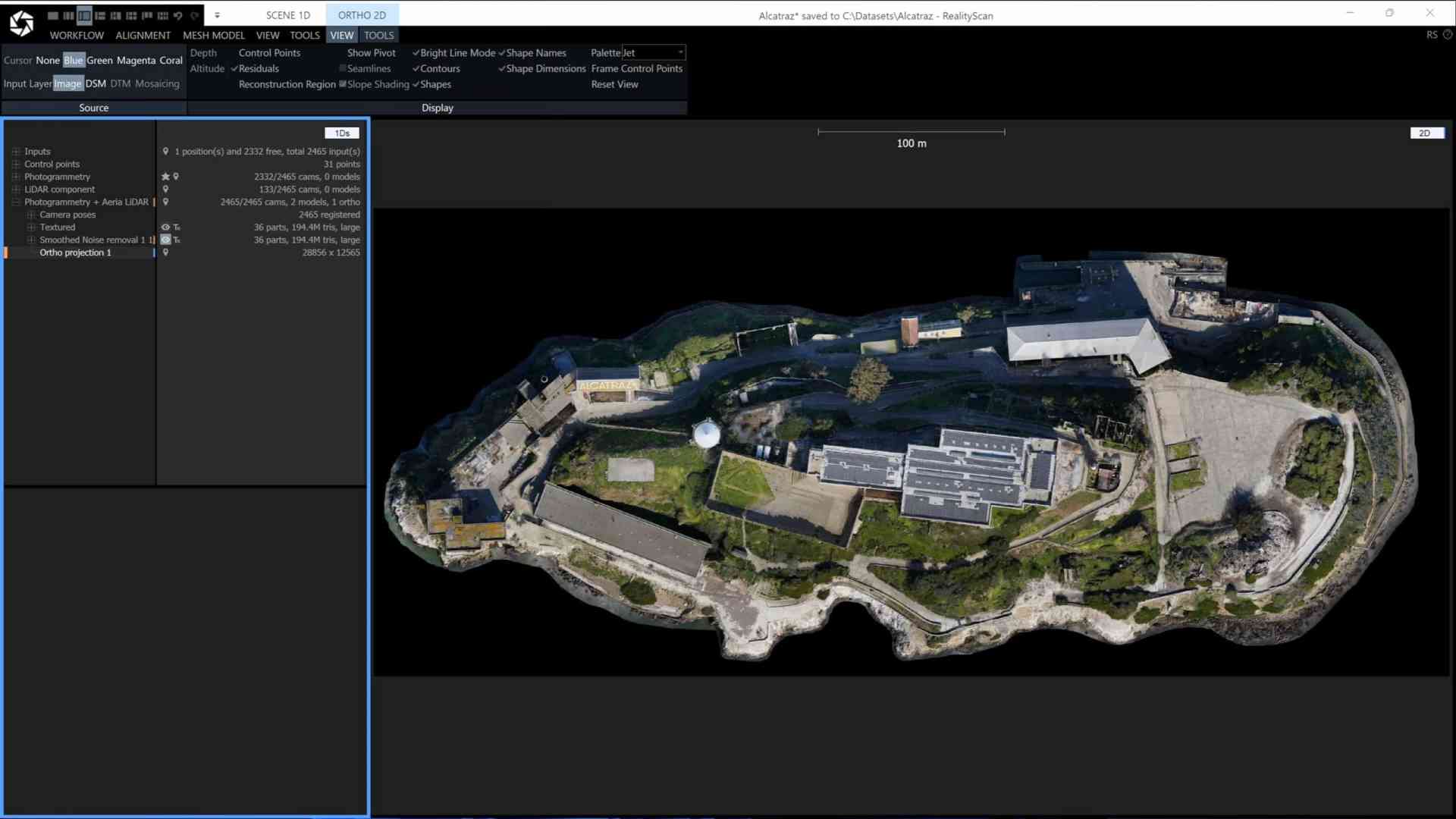
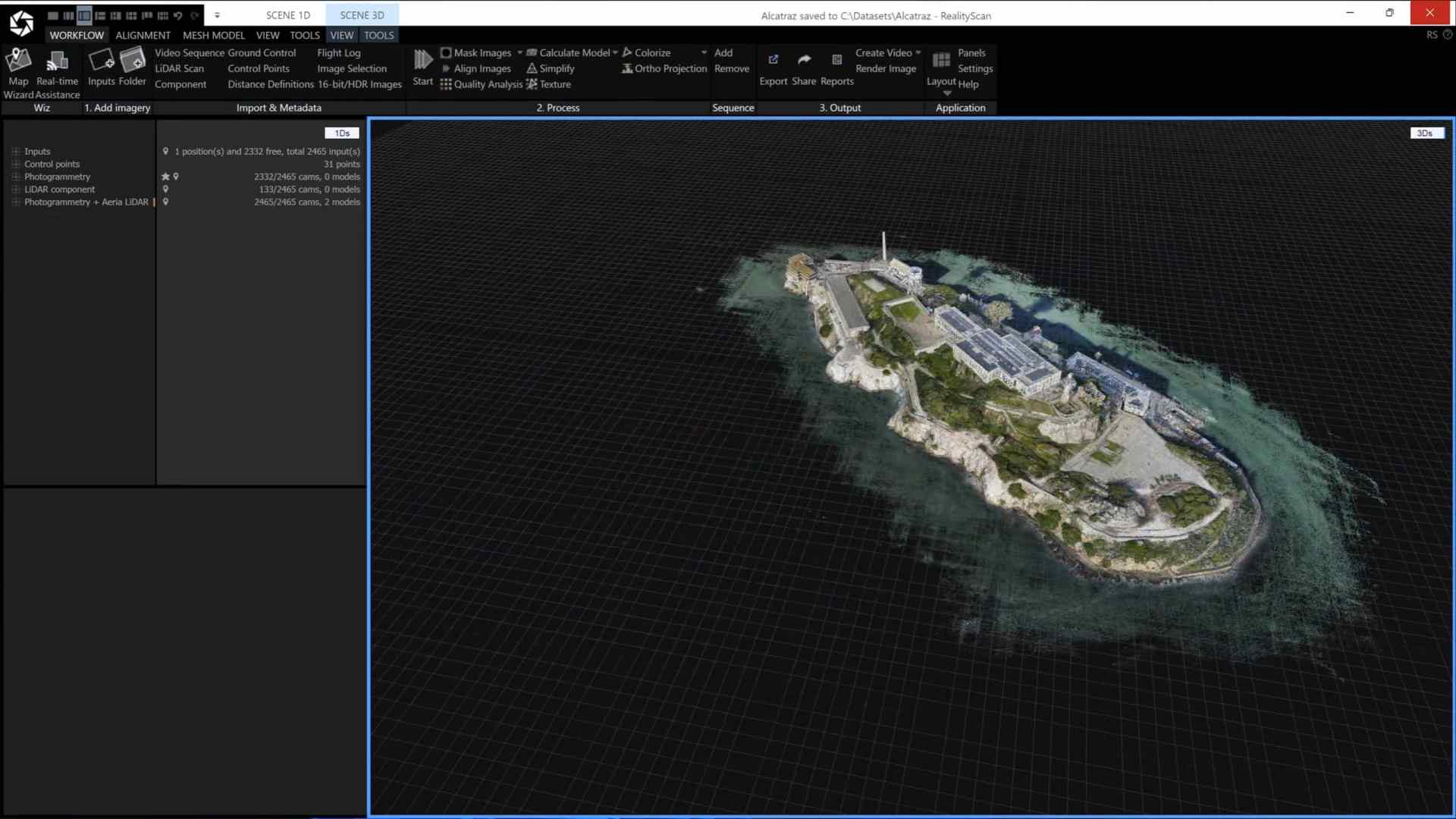
Perhaps the biggest technical expansion in RealityScan 2.0 is LiDAR data integration. The software now supports combining aerial LiDAR scans with terrestrial or aerial photogrammetry—a feature previously limited to the desktop version. This makes RealityScan 2.0 applicable to a broader range of production types, including environmental reconstruction, terrain modelling, orthophoto generation, and site mapping.
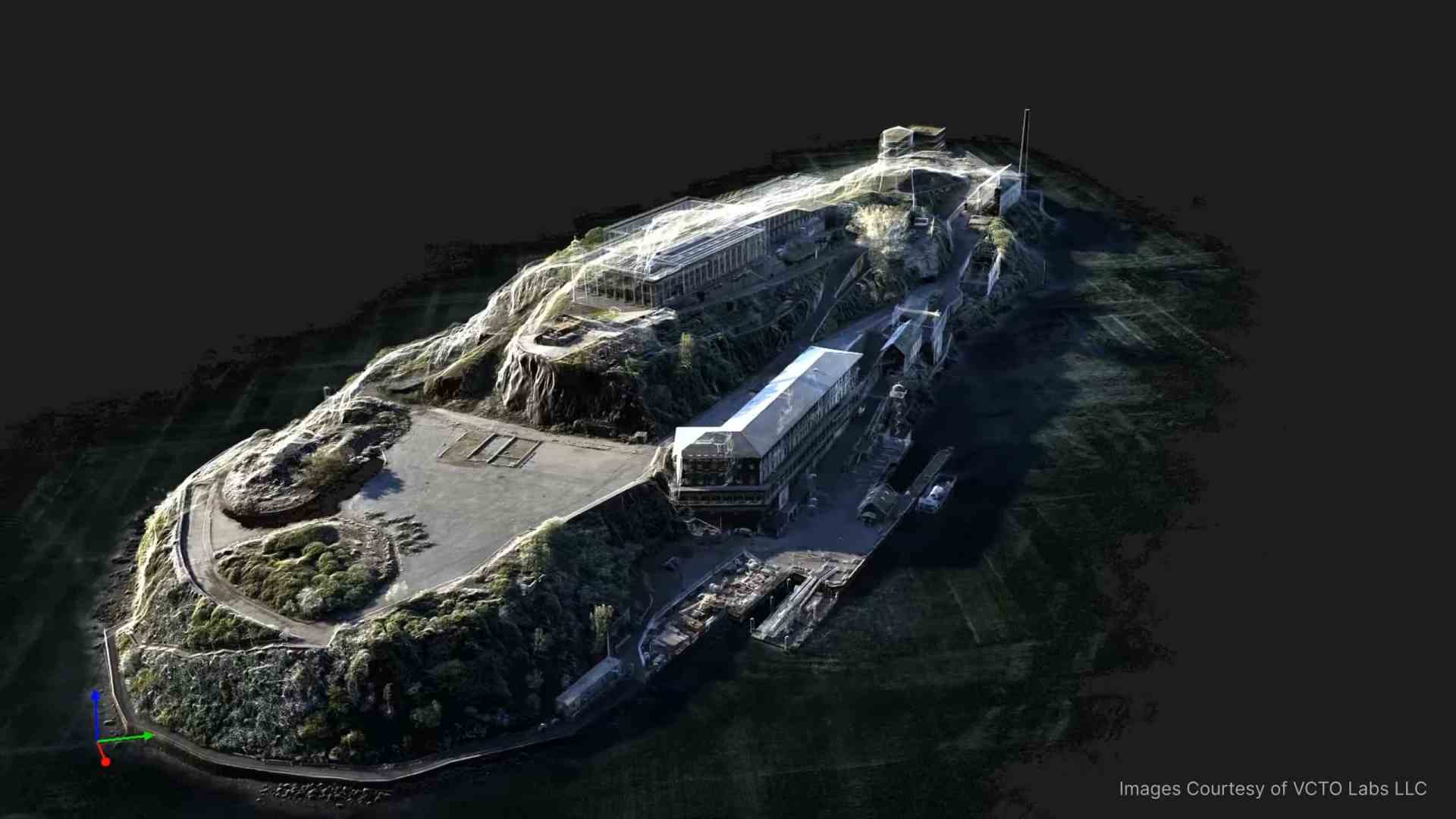
During Geo Week, Epic showcased a full environment scan of Alcatraz combining aerial images and LiDAR. While niche, the workflow will appeal to studios and teams creating virtual environments or working on large-scale simulations.
Heatmaps for Mesh Confidence
RealityScan 2.0 now includes visual quality inspection tools in the form of data completeness heatmaps. These maps display sampling coverage over scanned objects, helping users identify weakly covered areas before proceeding to meshing or texturing.
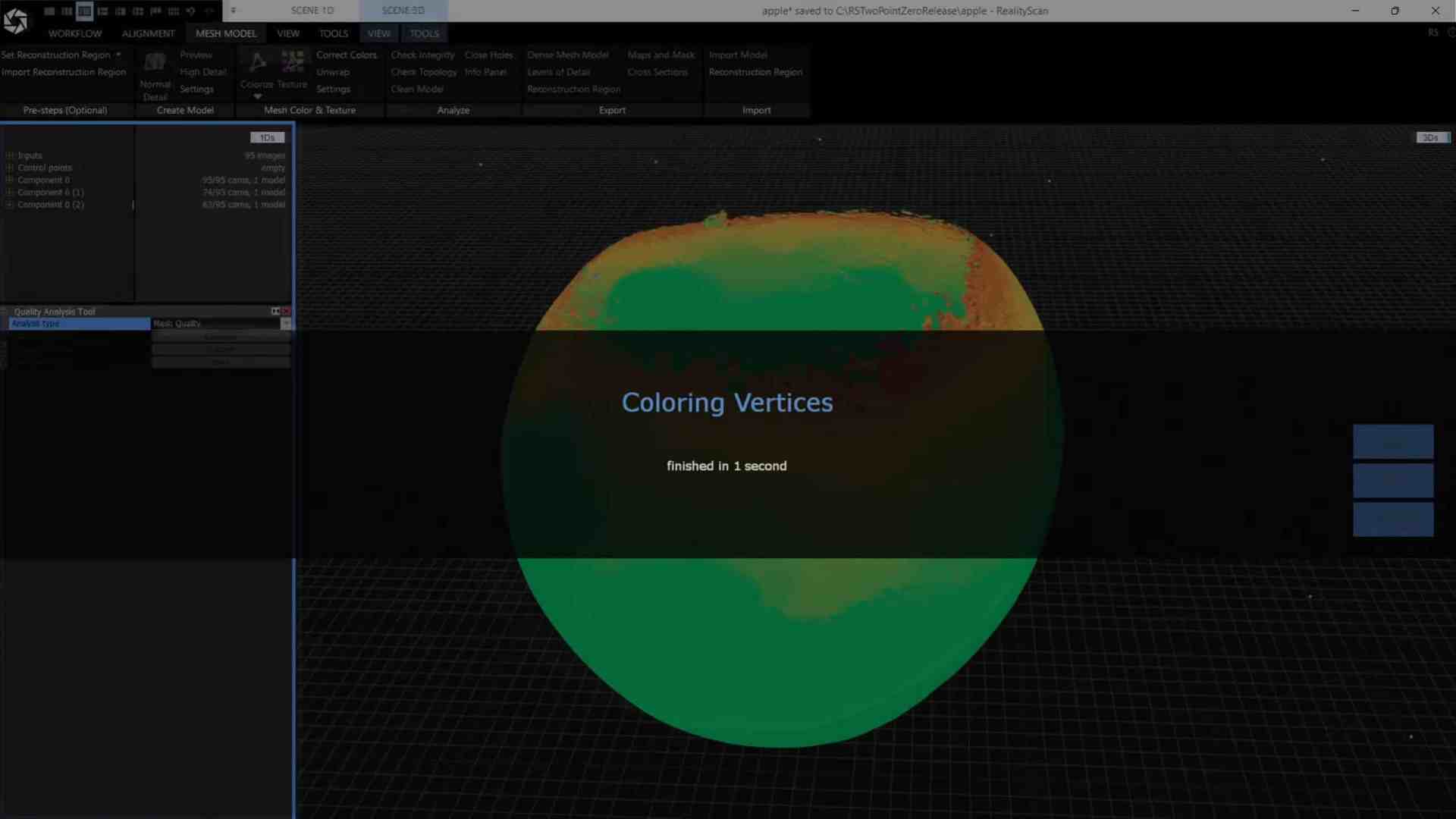
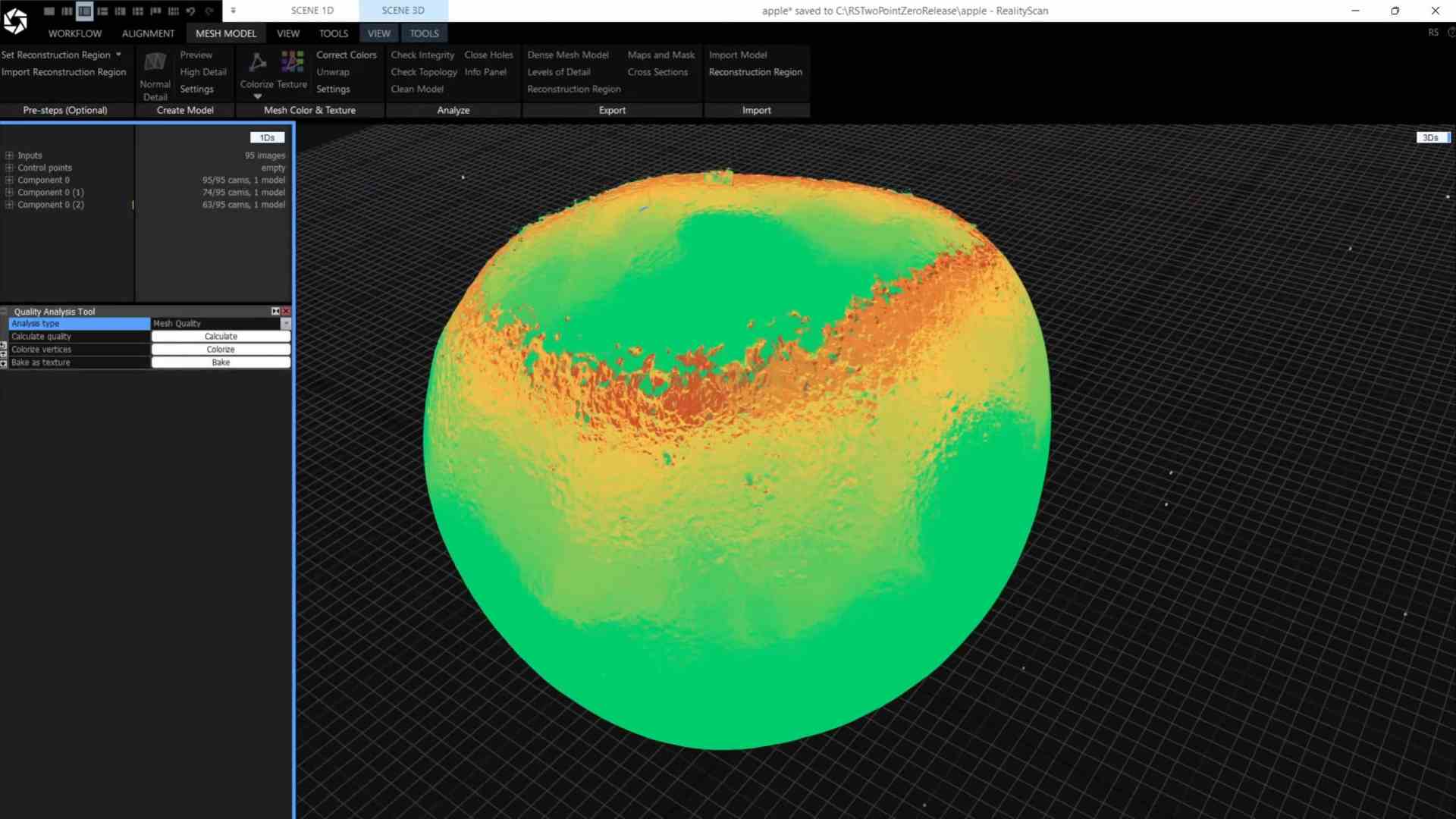
This feature isn’t just cosmetic. It can prevent wasted processing time and unexpected reconstruction errors, particularly when dealing with intricate or occluded geometry. For asset teams in production, that’s a tangible win.
Real Artists, Real Feedback
Initial community responses, particularly from photogrammetry and AR developers on Reddit, suggest cautious optimism. Users welcomed the improvements in masking and alignment, though many voiced the usual caveat: these tools need to be tested before being trusted.
A Tool That Still Needs Vetting
While the update introduces smart automation and expanded formats, the core of photogrammetry hasn’t changed. Users will still need to validate mesh fidelity, texture resolution, UV cleanliness, and topology before production integration. As with all tools promising simplified workflows, RealityScan 2.0 needs a test drive in real-world conditions.
For professionals in VFX, game development, digital twins, and AR/VR, the draw is clear: faster, lighter, and more automated photogrammetry. But as always, performance matters more than promises.
Learn more here: RealityScan
