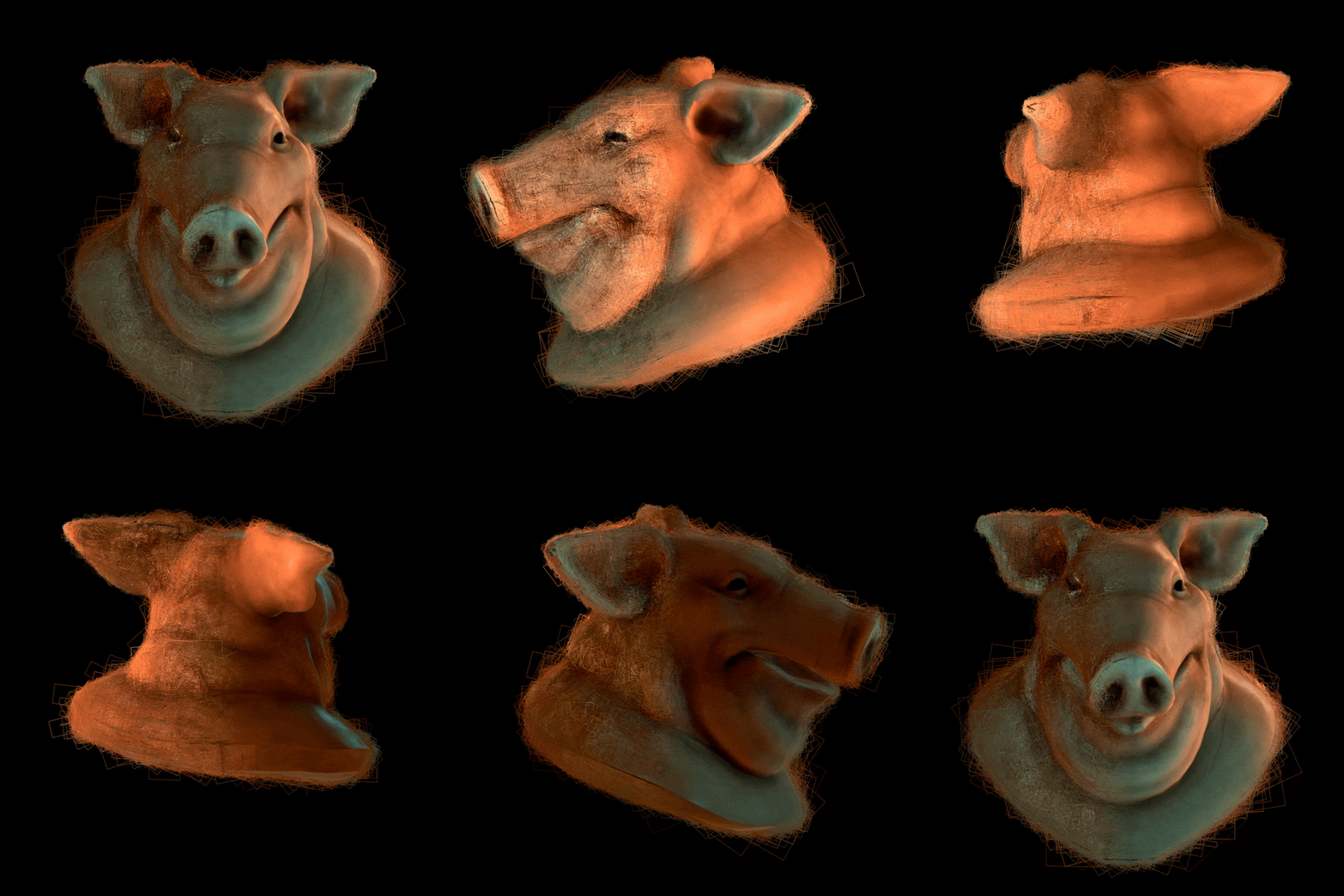
Anyone working with Gaussian Splatting in Houdini can thank David Rhodes and Ruben Diaz for the kind of open-source toolkit that doesn’t just patch holes, but gives artists an entire toolbox. Now under the CG Nomads banner, GSOPs 2.6 lands as a free, AGPL‑licensed Houdini Digital Asset package—ready to import, edit, relight, mesh, animate, and export both 2D and 3D Gaussian Splats, all from inside Houdini 20.5.
Built for Houdini Artists, Not Marketers
Installation isn’t a mystery hunt: clone the develop branch, open the bundled installer HIP file, and (optionally) grab sample data with a checkbox. The full suite is compatible with Houdini 20.5 on Windows and macOS; Linux gets no official love, at least for now. Documentation and a detailed wiki are live on GitHub, and yes, it really is free—unless you want Early Access, which adds some exclusive toys for $10/month.
Not Just 3D—2D Splats Arrive, Too
While GSOPs has supported 3DGS (.3DGS) files for a while, v2.6 brings in support for 2DGS (.2DGS) files as well. Artists can load, render, and edit both 2D and 3D Gaussian Splat models right in Houdini’s viewport, with real-time GPU rendering and full attribute support. No more conversions or third-party hops just to view your splats.
Viewport Renderer and a Node Roster for Everything
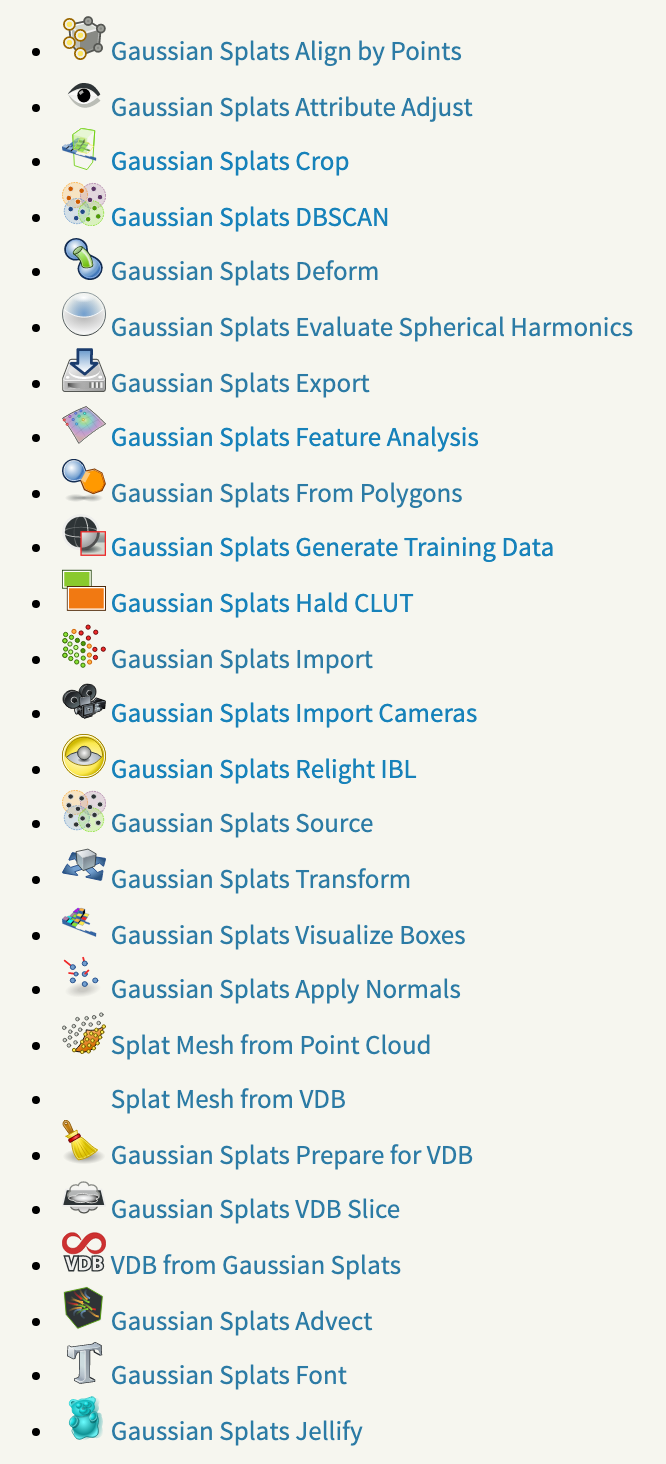
The GSOPs SOP suite is far from a one-trick import node. Here’s what you actually get:
- Importers for .ply, .2DGS, .3DGS models, converting them to native Houdini point clouds, including spherical harmonics (SH) for view-dependent rendering.
- Viewport Source SOP: Real-time GPU-based splat rendering.
- Alignment and Transformation: Tools like
gaussian_splats_align_by_pointsandgaussian_splats_transformallow full reposition, rotation, and per-point scale, with SH support baked in. - Clean-Up Nodes: Use
gaussian_splats_dbscanto remove noise or isolate regions withgaussian_splats_crop. - Attribute & Color Control: Adjust SH coefficients, tweak attributes, or drop a Hald CLUT for color corrections.
- Deformation & Animation:
gaussian_splats_deformenables mesh-driven deformation, and a set of “toys” includes advect, font, and jellify (Vellum soft-body splats). - Mesh Generation: Convert splats to coarse meshes using nodes like
vdb_from_gaussian_splats, or build sparse polygon graphs for further edits and downstream workflows. - Synthetic Data Output: The
gaussian_splats_generate_training_dataSOP renders out training datasets (PNGs, COLMAP cameras) and is compatible with Karma and third-party renderers. - Relighting and IBL: Relight splats with image-based lighting (
gaussian_splats_relight_ibl), exploiting SH for dynamic effects. - Exporters: Dump splatted models back to disk with full point and SH data for round-trip pipelines or external use.
Early Access: Karma & Solaris—Now with USD Integration
Those who support CG Nomads on Patreon get a little extra: USD integration and Solaris-native LOP nodes, including the “Gaussian Splats Import LOP.” This node injects splats into the Solaris USD pipeline, baking SH into Houdini’s v@Cd color attribute. Result? Real splat relighting, shadows, and reflections in the Karma renderer—and direct compatibility with USD-based lookdev and lighting workflows. Early Access also unlocks premium demo scenes.
Motion, Synthetic Data, and Feature Analysis
GSOPs isn’t just about static scans. It supports playback and editing of motion sequences—one splat file per frame—for workflows in Unity, Postshot, or SuperSplat. The toolkit also generates synthetic data for AI training or procedural content, and includes nodes for statistical analysis and data cleanup, giving artists deeper insight into their splat clouds.
Community, Support, and Licensing
GSOPs is AGPL-licensed—so it’s open for most studios and indie teams, with custom licensing for larger commercial studios if required. Community feedback and bug tracking are handled via GitHub, with further community showcases on LinkedIn and video reels linked in the repository. GSOPs recently placed third in the SideFX Houdini H20 Tech Art Challenge, earning a nod from the developer crowd.

What’s Missing? Official Linux Support and Caution
No official Linux support yet—Windows and macOS only. Documentation is extensive, but as with any new rendering pipeline, test every feature in your own environment before deploying in production. Real-time viewport speed depends on GPU horsepower and splat count; massive scenes may challenge Houdini’s interactive preview.
Closing Note for Cautious Professionals
GSOPs 2.6 is the most comprehensive Gaussian Splatting toolkit yet for Houdini, opening the full edit–relight–mesh pipeline for both static and animated point-based volumetric models. Karma and Solaris USD integration makes it genuinely production-minded, not just a tech demo. But, as always: test before you trust, especially if your deadline depends on it.
Cited Sources
// GSOPs official docs, feature list, node breakdown, licensing, installation // GSOPs – cgnomads/GSOPs GitHub
// GSOPs node documentation // GSOPs Wiki – github-wiki-see
// Karma/Solaris features, demo scenes // LinkedIn post by Ruben Diaz