



LumaTouch has released LumaFusion 5.3 for iOS, delivering several workflow improvements as a free update for existing users. Editors can now apply any transition to multiple selected timeline clips by double-tapping in the Library. The Color and Effects Editor consolidates blurs, styles, and distortions into a single control to make room for incoming third-party plugins. A new search function in the presets library allows effects to be located by name.
Timeline handling gains batch addition of head and tail transitions or cross dissolves via the Add Clip Menu, plus a track height adjustment in Preferences. Clip previews can now be set to full fit mode or match the timeline’s fit mode. Creator Pass subscribers receive three additional transition sets: Circular Wipes, Mod Lines, and Anchor Slides.

Plugin API Debuts
The 5.3 release also introduces LumaFusion’s first third-party plugin architecture for iOS. According to LumaTouch, the system is an internal API based on Apple’s CoreImage CIFilter framework, extended to allow advanced capabilities such as custom plugin UIs. Developers can request access to the API, create plugins as CIFilters, and test them in a developer build of LumaFusion before release. LumaTouch confirmed they evaluated OpenFX but chose a customised approach for performance reasons.
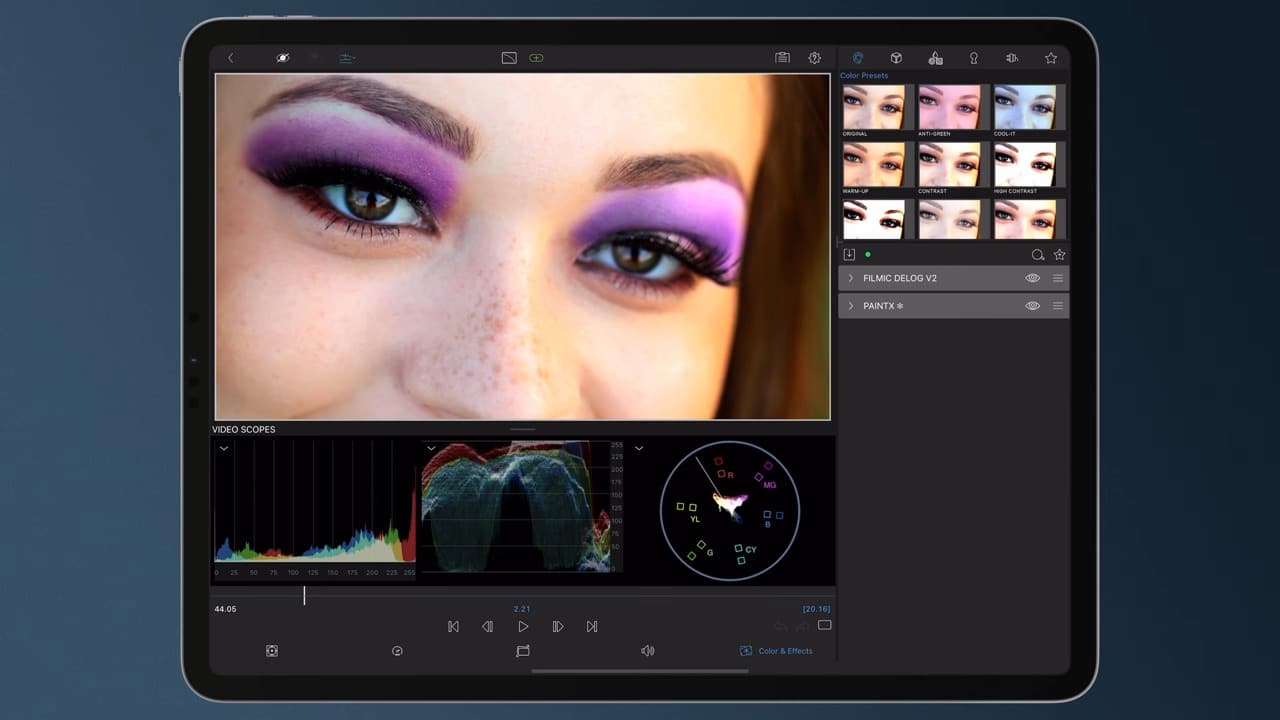
First Plugin: PaintX for LumaFusion
The first tool built for the new architecture is PaintX for LumaFusion by CoreMelt. Available immediately as a $19.99 USD in-app purchase, PaintX offers paint-based retouching and effects with integrated planar tracking, based on Mocha. Tasks include painting out unwanted objects, applying tracked colour corrections, digital makeup, warping, and repair. Each effect is tracked with a single tap after drawing the stroke. PaintX is sold directly by CoreMelt.

Platform Availability and Pricing
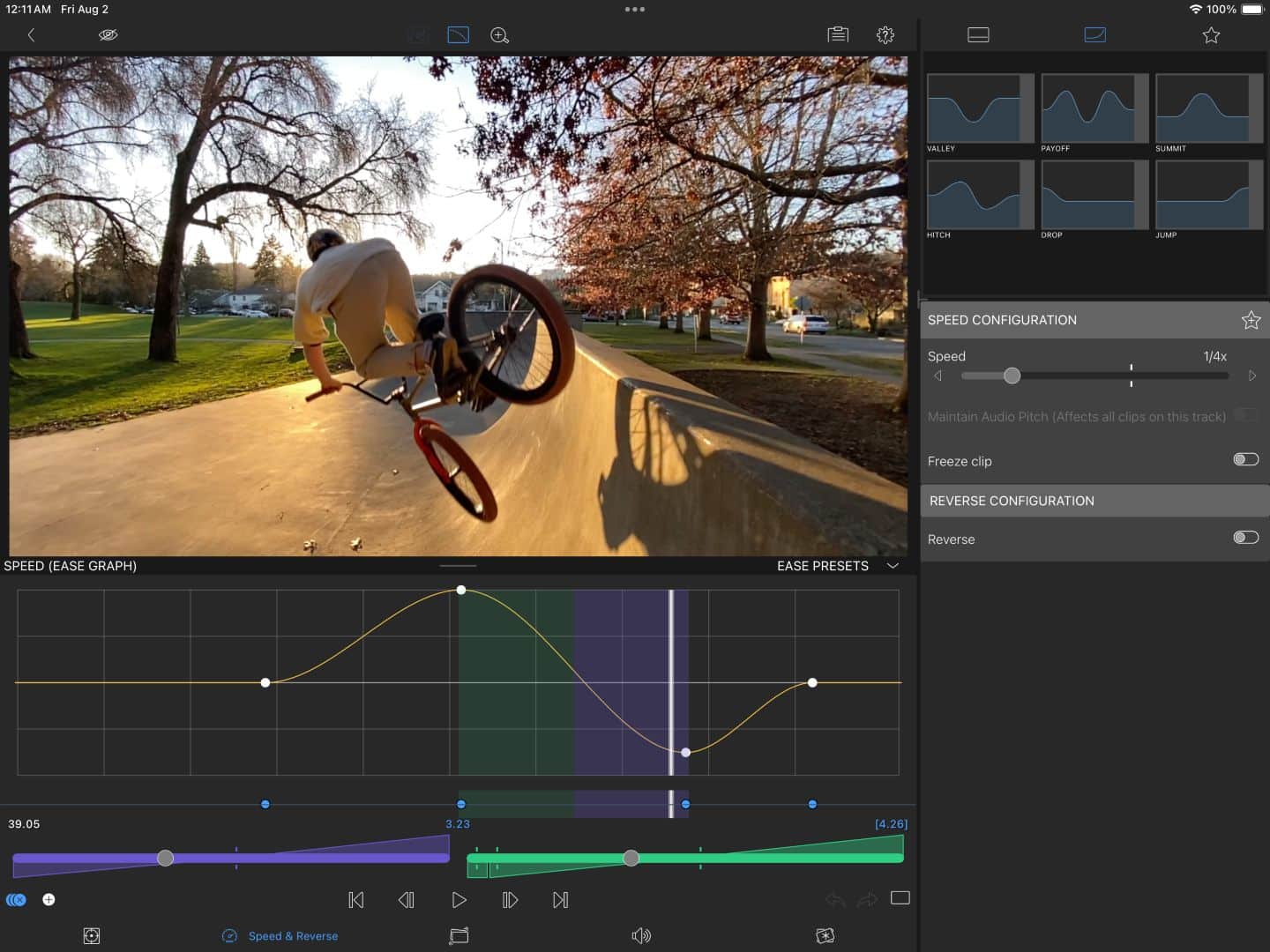
LumaFusion for iOS and macOS is priced at $29 USD as a one-time purchase. Versions for ChromeOS and Android are available on Google Play and the Samsung Galaxy Store. The Creator Pass subscription, formerly Storyblocks for LumaFusion, costs $9.99/month or $69.99/year and includes speed ramping, enhanced keyframing, 12-track editing, adjustment clips, Multicam Studio, FCPXML export (iOS), and the Storyblocks royalty-free library. Enhanced features can also be purchased individually for $19.99 USD.
Caution for Production Use
As with all new software versions and APIs, professional users should test LumaFusion 5.3 and any third-party plugins within their own pipelines before deployment in active projects.
