



Table of Contents Show
TL;DR
The ProArt Display OLED PA32UCDM is a 31.5-inch 4K UHD QD-OLED monitor with not really necessary 240 Hz refresh, Dolby Vision certification, and a factory calibration promising Delta E < 1. In other words: it ticks the boxes that colourists and editors have been pestering about for years. Price: $1,899.
Why bother? Because this is a rare all-rounder: looks corporate enough for client calls, handles HDR mastering, and even moonlights as a gaming panel. If you’ve ever wanted to preview After Effects at 240 frames per second (spoiler: it won’t speed up RAM previews), this is your chance.


First Impressions
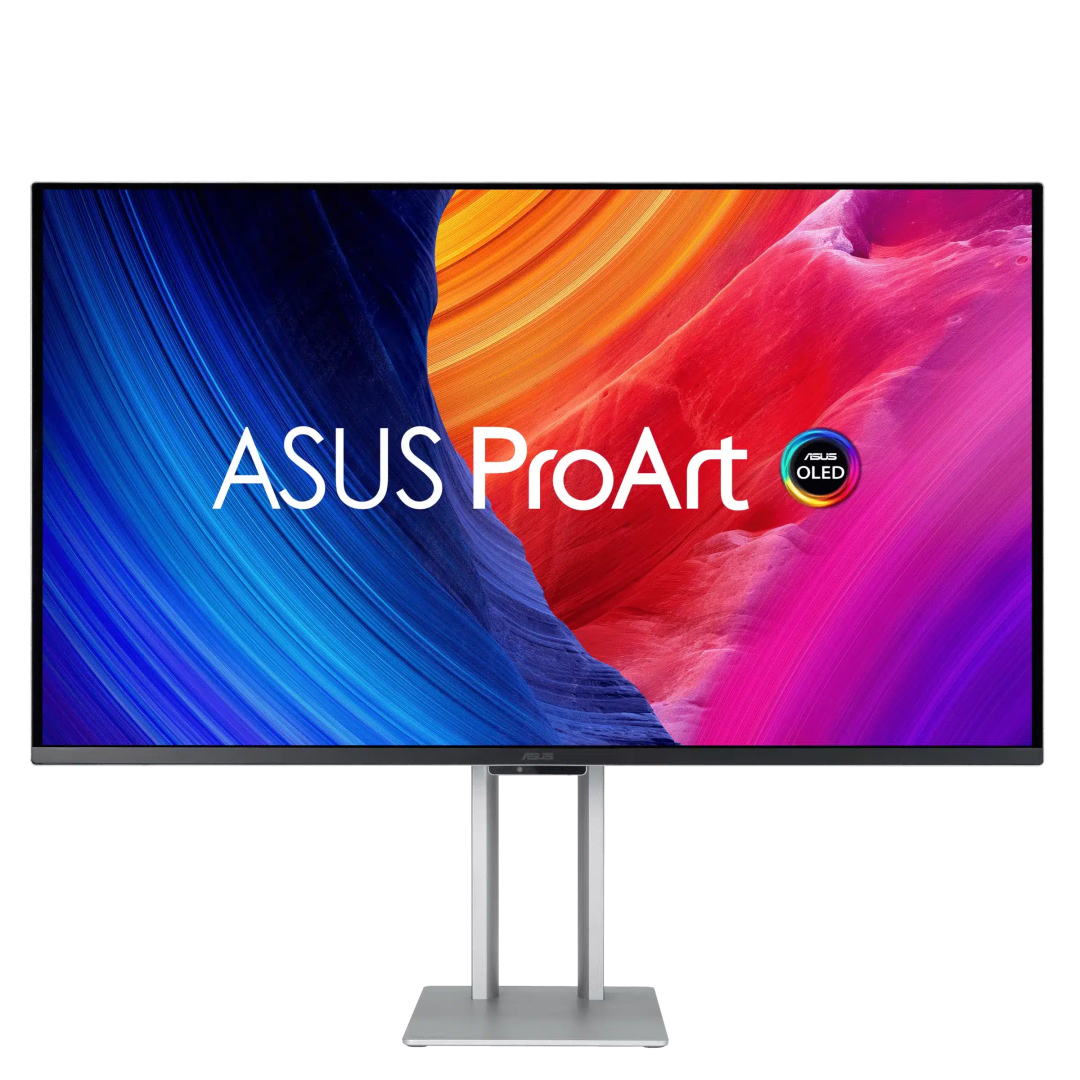
The ASUS ProArt PA32UCDM is the Clark Kent of displays. On your desk, it could pass for a premium, but otherwise unassuming office monitor: sleek, thin, and lightweight, with none of that over-designed “gamer” bling. But underneath? A 32-inch QD-OLED with UHD-resolution (3,840 × 2,160), 1,000 nits peak brightness, HDR support across the board, and a decent Delta E (Measured always below 2), so colour-accurate, you’d expect to see it on a colourist’s wishlist.
In daily use, the PA32UCDM mostly stayed out of the way, which is high praise for a display. The first setup-wrestle with Uniform Brightness aside (more on that later), it behaved impeccably. At 31.5 inches, the panel feels luxurious, though anyone coming from a 27-inch will find themselves turning their head more than expected. First world Problmes? You betcha!
The 240 Hz Question: Do You Need a Screen This Fast for VFX or Grading?
Let’s get this out of the way: 240 Hz is a spec normally reserved for serious gamers. Does it matter for content creation? In practice, yes and no. Yes for Game developers, obviously – if you create the things that are supposed to run at this speed, then you should test them! For the people in video/3d-Land, at full tilt, the higher refresh is easy on the eyes, with ultra-smooth UI movement and instant response, but it also means increased energy consumption and a bit more heat (in our Munich summer, that translates to unobtrusive but audible fan noise). For everyday work, 120 Hz is the real sweet spot—snappier than the 60 Hz “old normal,” without making the fans work overtime. Still, seeing 240 Hz on a premium OLED work display? Ten years ago, that would’ve sounded like sci-fi.

What We Liked
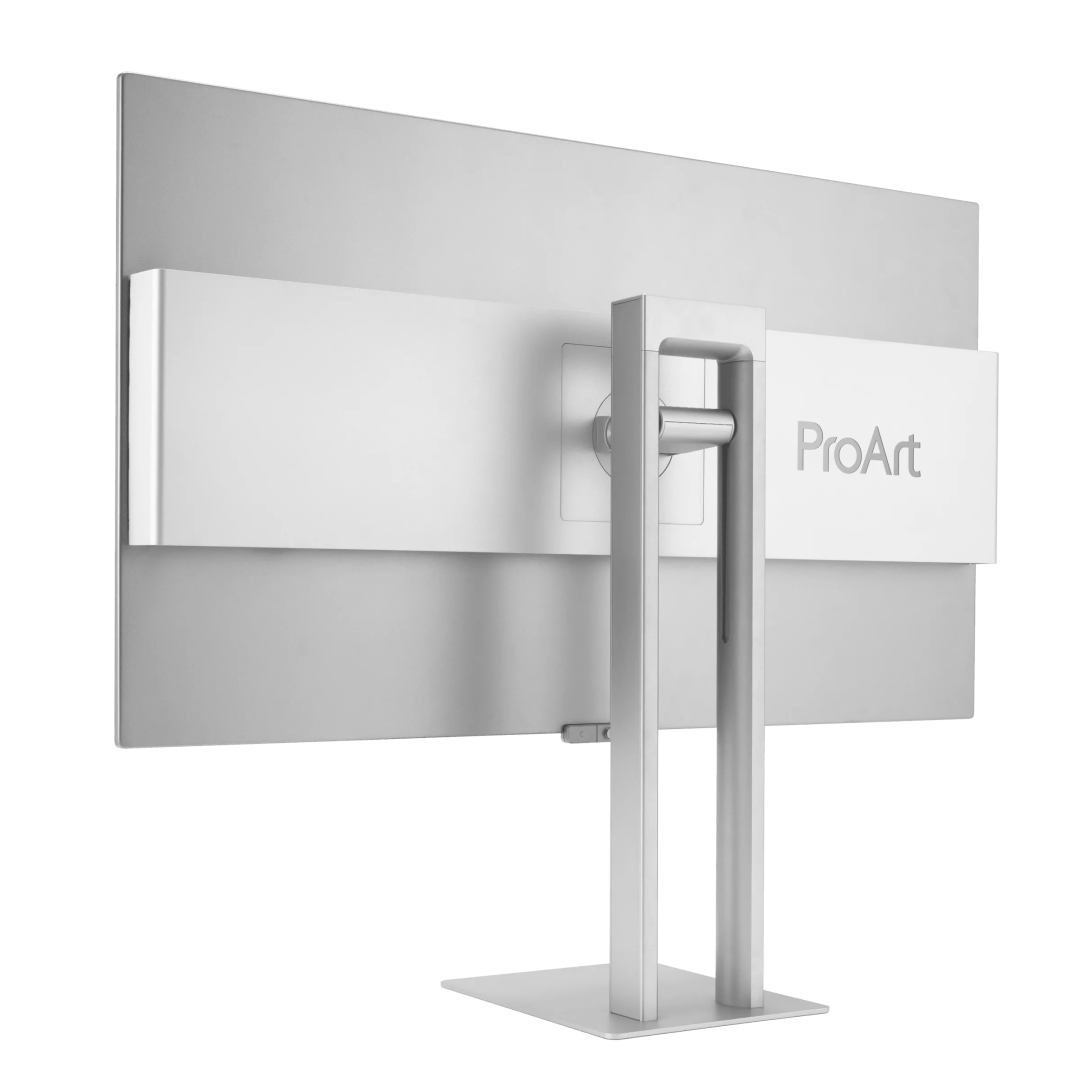
It just works, no fuss, no tantrums. Even casual gaming (Gamescom made us do it) looked sharp and fluid. The 240 Hz refresh rate exists, but we quickly settled at 120 H. At full tilt, 240 Hz feels more like ASUS’s party trick for spec sheets than a real-world need for editors. The thin profile means it looks like a normal office display until you switch it on and the QD-OLED panel smacks you with perfect blacks. For content creation, editing, compositing, light grading, it is more than enough. Calling it a “reference monitor” would be stretching it (For a “true” refrence Monitor, we would expect 12G-SDI, for example), but as a daily workhorse? Absolutely recommended. The extras (USB-C charging, Thunderbolt daisy chain) are convenient, even if the most used feature was charging a phone without hunting for a spare wall socket.
On color, the PA32UCDM is exactly as precise as you’d hope. With our spectrometers, we consistently measured Delta E below 2, effectively invisible even to most pro users. 99% DCI-P3 coverage, full sRGB, and 10-bit color mean you can throw nearly anything at this screen: SDR, HDR, live-action, animation, you name it. OLED brings perfect blacks (native contrast rated at 1,000,000:1, if you care for big numbers), with VESA TrueBlack 400 certification. That is, in our opinion, the sweet spot for professional in 2025: Yes, you can get more HDR and Contrast and stuff, but right now, you’ll enter the world of diminsihing returns. VESA 400 is perfectly fine for most things.
Limitations
OLED giveth and OLED taketh away. Full-screen brightness is locked to 250 nits in Uniform Brightness Mode—a mercy for colourists, a disappointment for anyone expecting searing HDR. Disable the limiter and you’ll get 1,000 nits, but only in stampsized highlights. Mid-sized highlights? About 400 nits. Burn-in is managed with ASUS’s OLED Care wizardry, but the risk remains. That Risk isn’t too big though: Asus has a three year garantuee, which covers Burn-in – so if your DCC interface killed the Screen, you’ll get help, or at least a replacement panel. Nobody can help a hardcore 3ds Max user, but that is a different topic.
That might be feature worth an explainer: Uniform Brightness Mode. By default, the monitor can give you full-screen brightness with 250 nits—great for critical grading or UI work where uniformity matters. If you disable it, you unlock that 1,000-nit peak, but only in small patches (up to 3% of the screen). For mid-sized highlights, 400 nits is your limit at about 10% screen area (This is where the VESA-400-thing comes from).
In practice? Watching movies or scrubbing through VFX shots in a dim room, those 1,000-nit highlights are plenty for sunlight, explosions, or the occasional science fiction lens flare. But for serious color work, you’ll probably stick with uniform mode anyway for reliable, consistent output.
What We Don’t Like
The glossy panel. We even confused reflections for image artefacts at one point, which says more about us than the monitor (note to self: LED indikators from your Voice assitant can masquerade as image artefacts …). At 240 Hz in summer heat, the fans can get loud enough to remind you that physics exists.
The Menu navigation is straightforward once you learn ASUS’s vocabulary. We skipped the bundled calibration software, which felt like bloat after a brief play. Worth noting: although the screen is Calman ready, connecting via a Blackmagic Design DeckLink will not let the software detect the panel. A small but annoying gotcha. To be fair: Since we send the test unit back, both the firmware for the screen got an update, as well as the ProArt Calibration Software, so test in the beginnning! And yes, we send the test samples back, even though sometimes that hurts. Would have had no problem keeping this screen!
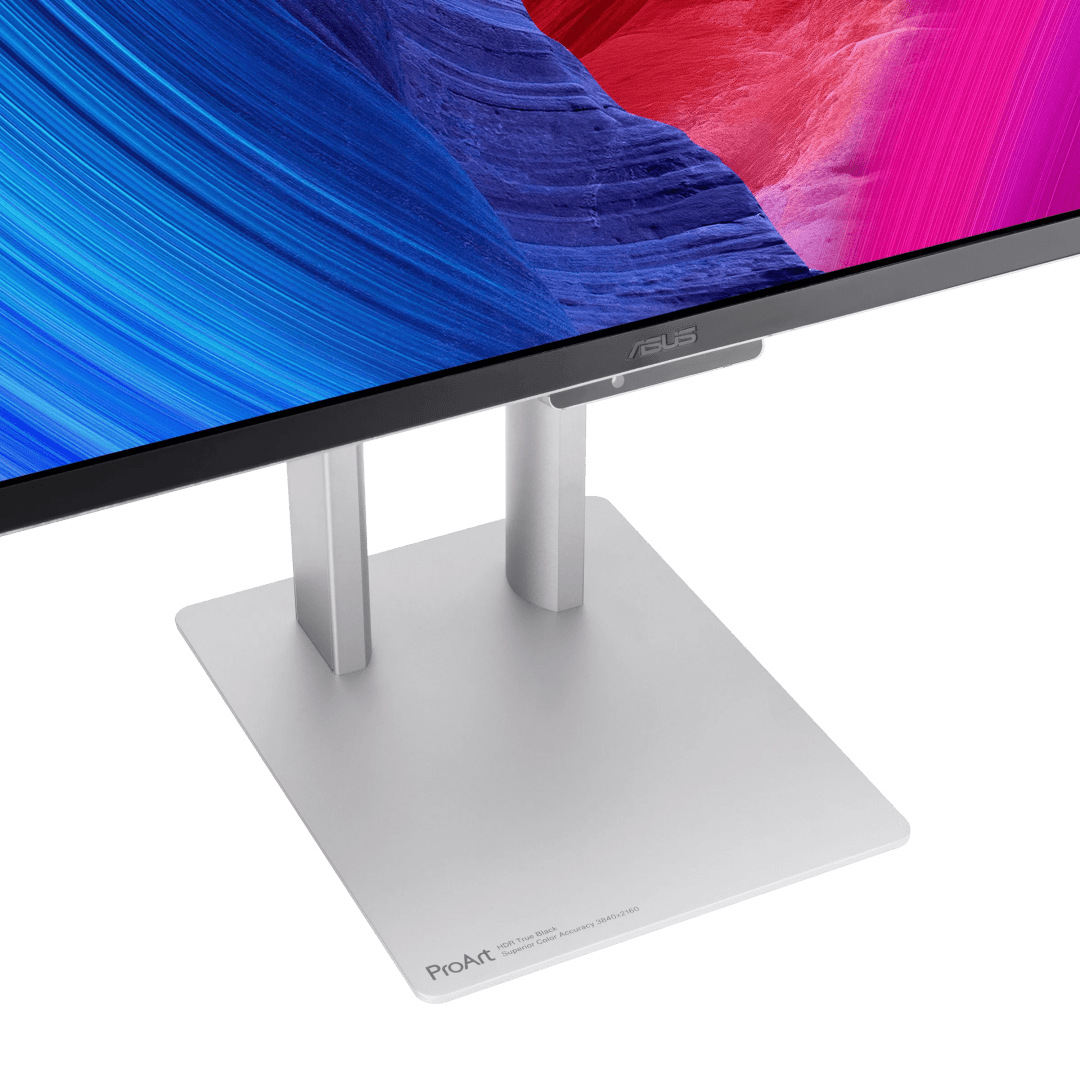
And while the VESA mount precision is technically commendable, it also means some budget monitor arms need “persuasion” to fit. Percussive persuasion. If you stick to the stock stand, you’ll be fine—it’s heavy, stable, and less likely to tip over by lunch.
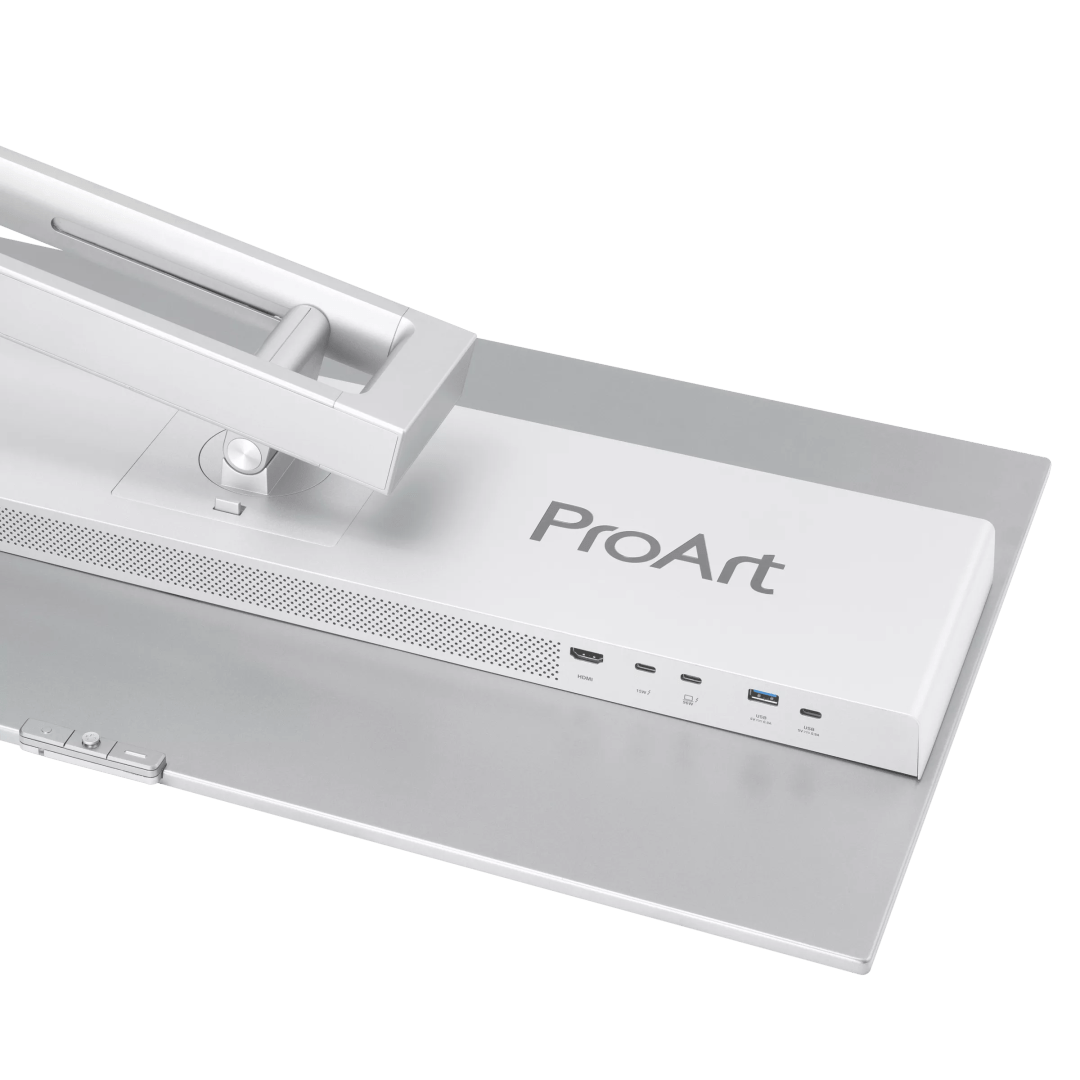
And in 2025, omitting a dedicated DisplayPort on a $1,899 pro monitor still feels “meh”. Again, first world problems. “Noooo, I don’t want to use the cables there, I am too lazy to switch those!”). But this is literally the ony things we can complain about – and that shows you, that aside from the glossy panel, the PA32UCDM makes a lot of things right.

Verdict
The ASUS ProArt OLED PA32UCDM is the OLED professionals have been asking for, minus the RGB circus of gamer panels. It delivers the formats (Dolby Vision, HDR10, HLG), the contrast, and the calibration options that make it credible for post work. At $1,899, it is a compelling deal for freelancers and studios who want OLED precision without selling their kidneys to buy a reference monitor. And you can get it for around 1600€ to 1750€ delivered tomorrow!
Full Technical Specifications
| Category | Specification |
|---|---|
| Panel | 31.5″ QD-OLED, Anti-Reflection surface, 16:9 aspect ratio, 3840 × 2160 (140 PPI), Pixel pitch 0.182 mm, Viewing angle 178°/178° |
| Brightness & Contrast | 250 cd/m² typical, 1000 cd/m² HDR peak, Contrast ratio 1,500,000:1 (typical & HDR) |
| Colour | 1.07 billion (10-bit), 100% sRGB, 99% DCI-P3, Factory calibrated ΔE < 1 |
| HDR Formats | Dolby Vision, HDR10, HLG |
| Performance | 240 Hz refresh rate, 0.1 ms GtG response, Adaptive-Sync VRR, Flicker-free |
| ProArt Presets | Native, sRGB, AdobeRGB, DCI-P3, BT.2020, DICOM, Rec.709, HDR_PQ (DCI, BT.2020), HDR_HLG (BT.2100, DCI), Dolby Vision, 3 × User modes |
| Calibration Tools | ASUS ProArt Hardware Calibration (Calman & ColourSpace support), ProArt Palette (RGB, gamma, temp), QuickFit Plus, DisplayWidget Center |
| OLED Care | Pixel shifting, screen saver, proximity dimming |
| Connectivity | 2 × Thunderbolt 4 (96W PD, daisy chain), 1 × HDMI 2.1, USB hub: 1 × USB 3.2 Gen 2 Type-A, 1 × USB 3.2 Gen 2 Type-C, HDCP 2.3, No dedicated DisplayPort (only via USB-C Alt mode) |
| Audio | 2 × 3 W speakers, no headphone jack |
| Ergonomics | Tilt +20°/−5°, Pivot ±90°, Height 0–130 mm, VESA 100 × 100 mm |
| Sensors | Ambient light, Proximity |
| Dimensions & Weight | 71.7 × 60.2 × 22.8 cm (with stand), 9 kg (with stand), 6.5 kg (without stand) |
| Power | <32W typical, <0.5W standby, <0.3W off, 100–240V 50/60Hz |
| Certifications | TÜV Flicker-free, TÜV Low Blue Light, VESA DisplayHDR 400 True Black, Calman Ready |
| Warranty | 3 years (including panel burn-in) |
