



At the conference Adobe MAX 2025 (Los Angeles, 28-30 Oct 2025) the company CYME unveiled a significant new version of its media-manager Peakto, including a public-beta plugin for Adobe Premiere Pro. The logic: give editors access to all their media (local drives, NAS, shared libraries) inside Premiere via AI-driven search and discovery.
What Peakto claims to offer
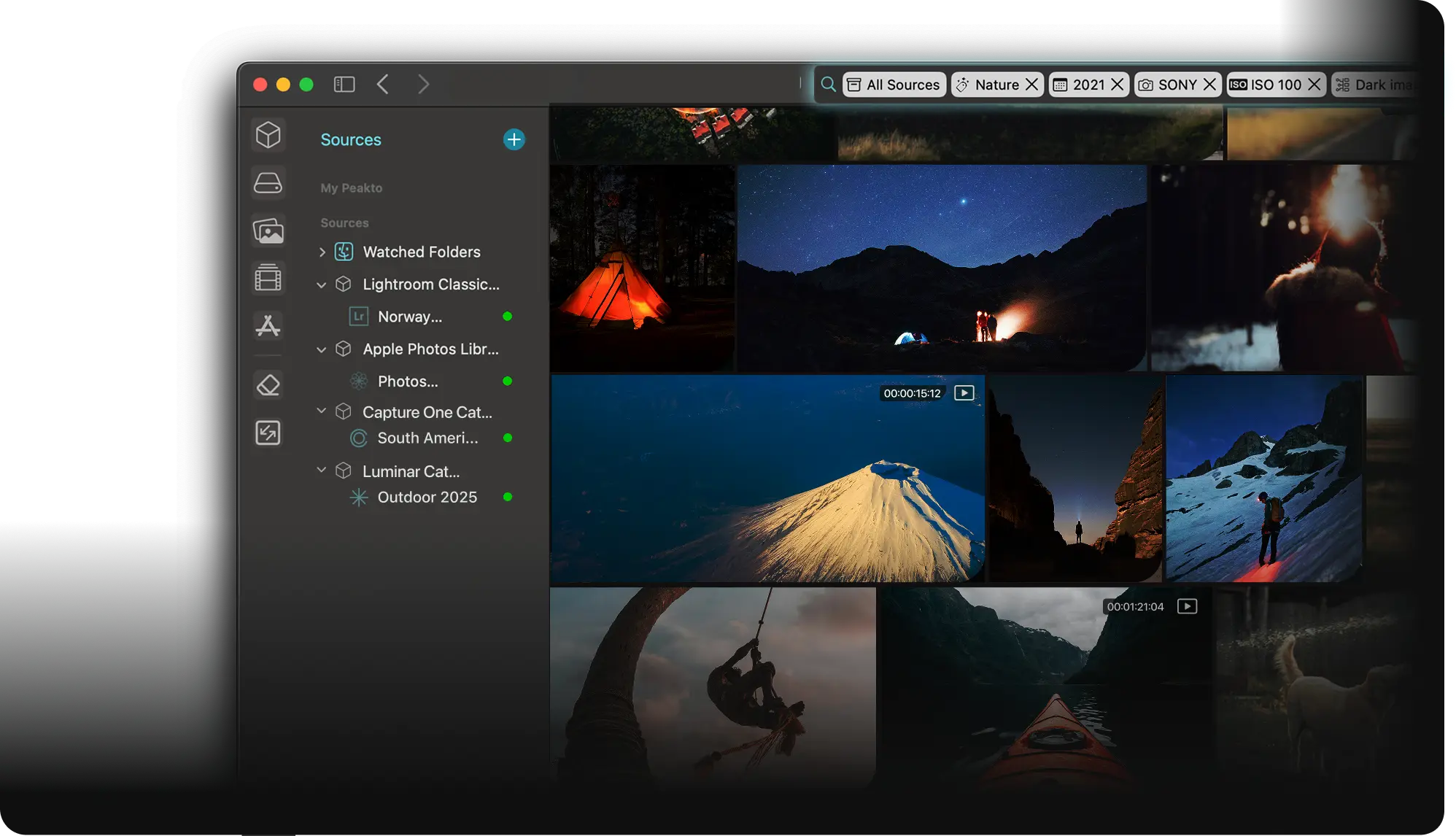
According to CYME the plugin lets users search across drives, NAS, and catalogues (such as Lightroom, Premiere projects, Apple Photos) using natural-language prompts. It enables insertion of found clips into the active Premiere timeline with one click. It supports collaboration via encrypted peer-to-peer sharing of media access without using the cloud. It runs on-device AI for media analysis (thus reducing reliance on cloud compute) and maintains local media storage.
How it differs from built-in capabilities
The article notes that Premiere’s own Media Intelligence (a built-in feature) only analyses clips imported into the current project. By contrast, Peakto extends search and discovery to the editor’s entire local library (imported or not) plus shared archives.

System requirements & licensing
The plugin is optimised for macOS 12+ (Monterey and newer), running on Apple Silicon (M1/M2/M3) and Mac Intel with a “powerful GPU”. Minimum requirements include 2 GB free space, 4 GB RAM (8 GB recommended). Storage must allow accommodation for the Peakto library and database; SSD is recommended. Pricing at launch: Standard tier (Mac-compatible software + web access) starts at US $10/month. Pro tier (adds multi-user web access, guest access and the Premiere plugin) starts at US $25/month per user. A perpetual licence for the Standard version (includes one year of updates) is also offered. Also: Depending on your location, the prices are adjusted in diffrent currencies. Just a warning.

Editorial take for production pros
For editors, colourists, DI-artists and post-supervisors the key value proposition here is discoverability and collaboration: If you maintain large local media archives (drives, NAS), or work with remote collaborators, a tool that lets you search everything by natural language from inside Premiere could save time. Also keeping media local and private (no cloud upload) is a plus for projects with strict confidentiality.
However: It’s still beta, so stability, performance and integration quirks are unknown. It’s Mac-only (at least at launch), no mention yet of Windows support (or if there ever will be one). The time cost of indexing large archives could be substantial (not disclosed in detail). As with any plugin that intersects editing workflow the risk of workflow interruption exists – testing in a non-critical environment is recommended.
Bottom line
“Peakto for Premiere Pro” is a promising add-on for asset management inside editing workflows, addressing a genuine pain-point on large projects. But until it’s fully released and tested across platforms the standard caveats apply: test before deploying in production.
