



The release of Corona 14 by Chaos introduces a broad set of enhancements for artists working with 3ds Max and Cinema 4D. According to the official “What’s New” overview from Chaos, the update emphasises three areas: smarter AI-assisted workflows, advanced procedural materials and greater environmental and scene-context realism.
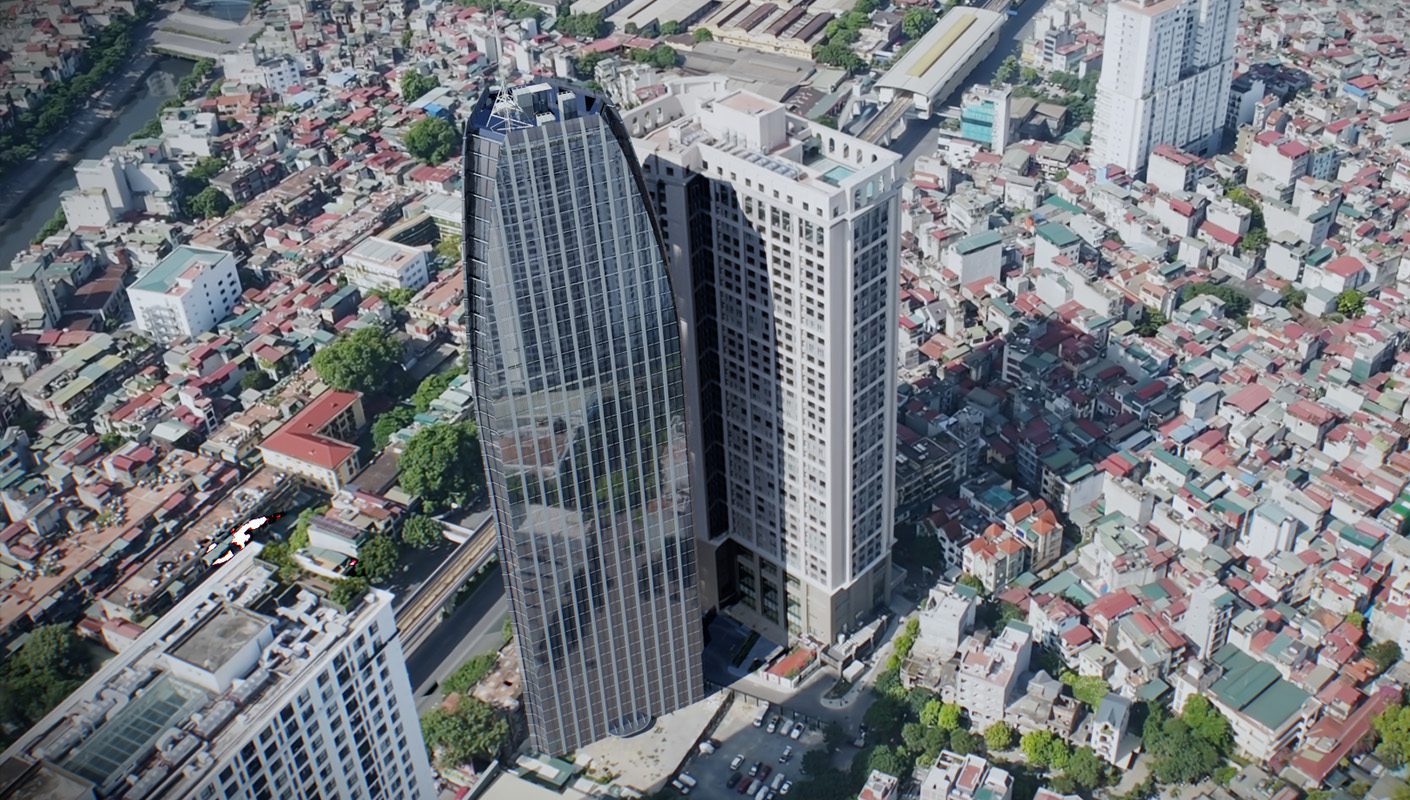
Gaussian Splats
One of the standout additions is support for Gaussian Splats, a novel method for scene reconstruction designed to accelerate the placement of buildings and objects within realistic contexts. Chaos describes this feature as enabling memory-efficient “splats” derived from real-world environments, which provide smoother surfaces, richer volumetric detail—meaning more accurate light and particle interactions with depth and atmosphere—and a more natural sense of depth in renderings.
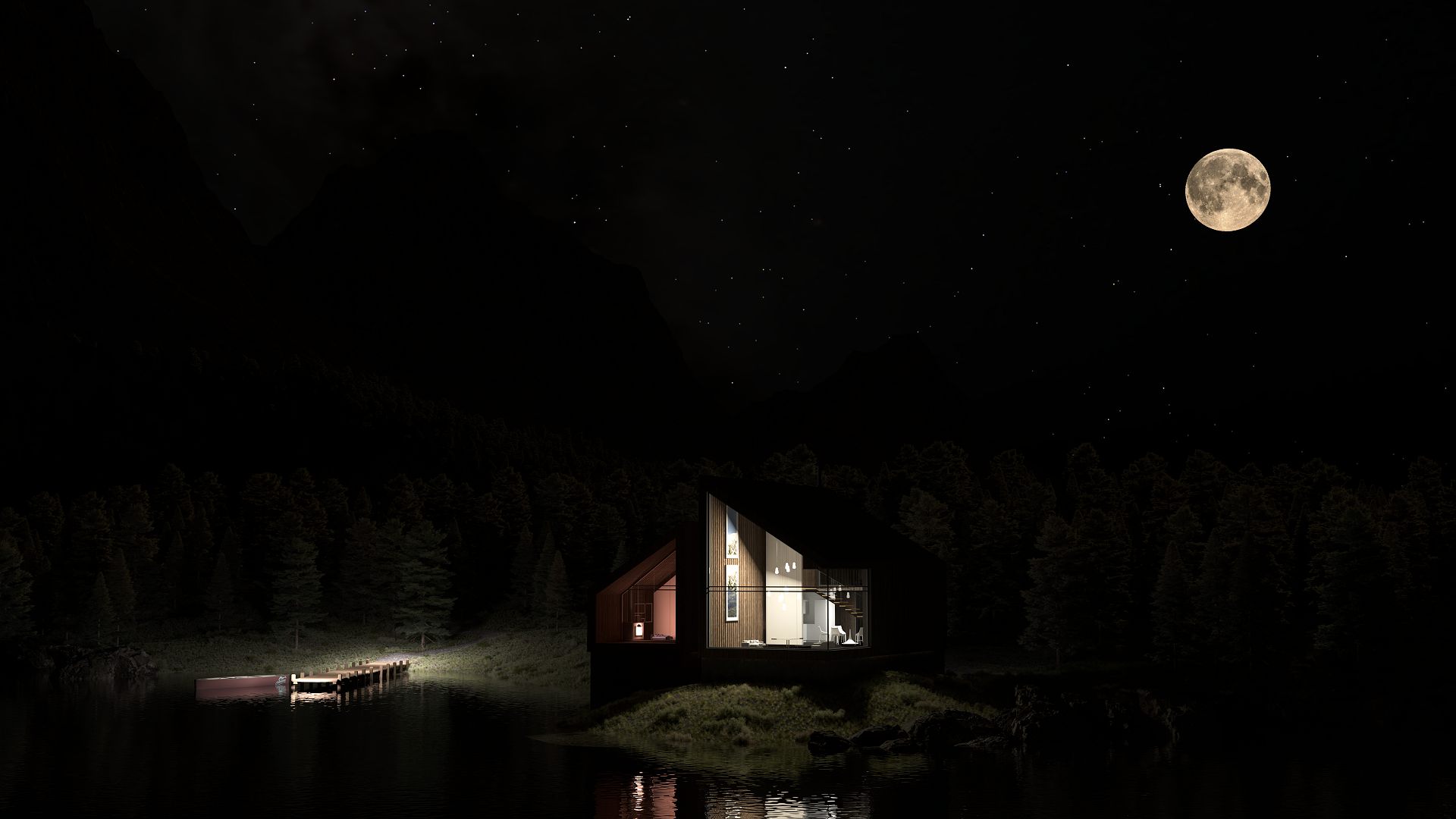
Nighty-Night!
In the domain of night-time and atmospheric visualisation, Corona 14 expands its Sky system with the Night Sky feature. Artists can specify location, date and time to simulate moonlight, stars and the Milky Way, or manually adjust celestial elements for artistic control. The feature is fully animatable, offering potential benefits for time-lapses or cinematic render sequences without relying on external HDRIs (high dynamic range images).
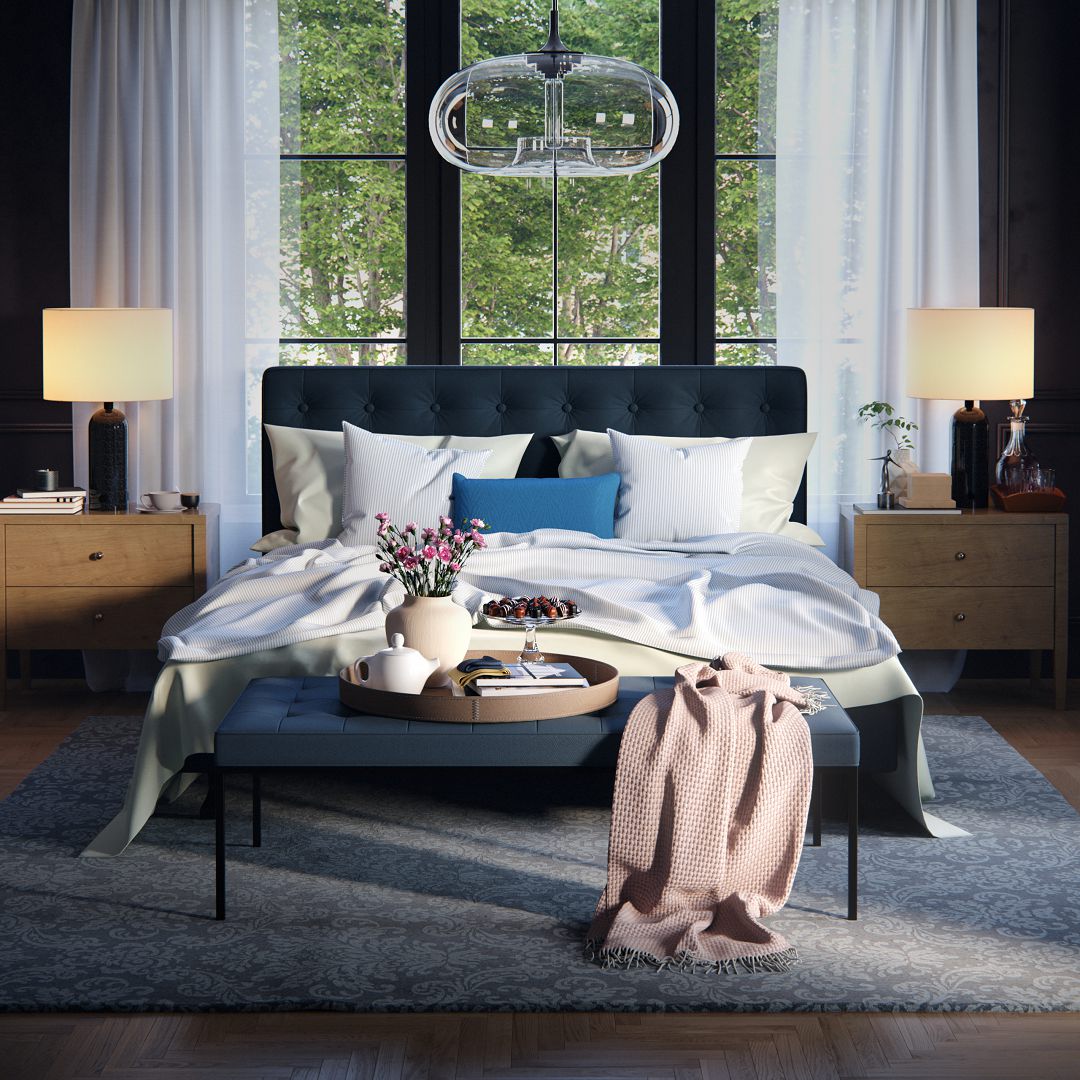
Materials
Procedural material creation receives a boost with the Fabric Material, enabling the creation of realistic textiles via native control over weave structure, threads, opacity, bump and displacement without the need for external bitmap textures or complex node graphs. A set of presets is provided for rapid deployment.
On the AI-tooling front, Corona 14 introduces an AI Material Generator that takes a photo of a real surface and transforms it into a fully render-ready PBR (physically based rendering) material. The goal is to expedite creation of secondary materials that need little artistic input. An AI Image Enhancer improves detail and texture in supporting scene elements such as vegetation, people or terrain while preserving the core design; this tool supports sending LightMix results (lighting scenario composites) directly into the enhancer. An AI Upscaler enables conversion of low-resolution drafts into high-quality presentation imagery, potentially saving render time while maintaining crisp output. Users may toggle AI features on or off, giving full control for studios with strict AI policies.
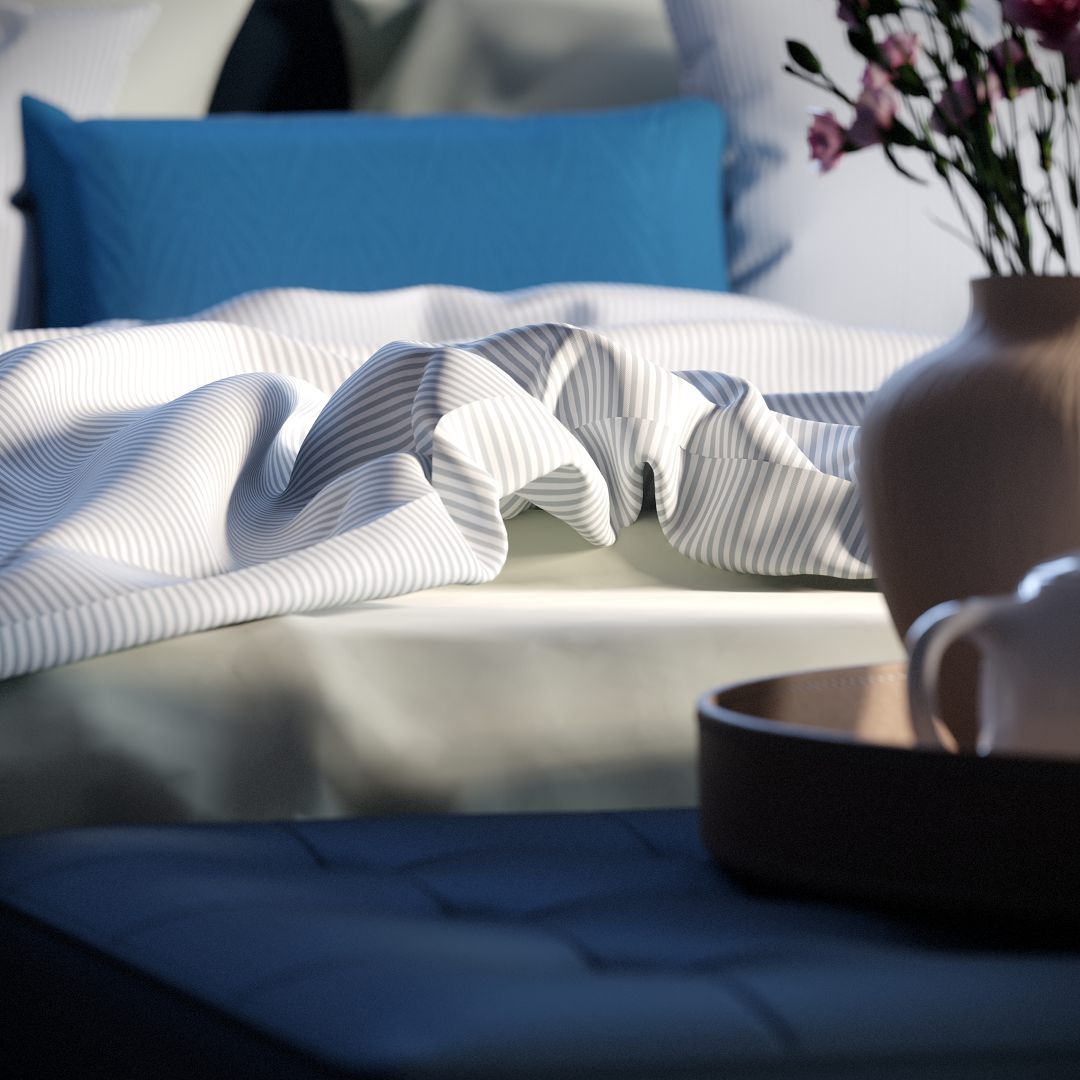
And more ….
Performance and workflow refinements accompany these major features. Volume sampling for render-intensive volumetric effects such as fog, light rays or smoke is optimised. A new option enables rendering at double resolution and automatic downscaling on save, which, according to Chaos, may allow higher noise levels or fewer passes and thus reduce render time. The UI has begun a rewrite using Qt (initial phase), starting with the Physical Material interface.
The Virtual Frame Buffer (VFB 2) has been updated with a cleaner, more compact interface, simplified navigation and clearer icons; the Corona Image Editor now mirrors the VFB 2 look and feel, enabling tone mapping, LightMix variants and other post adjustments outside the host DCC (digital content creation) tool. Additional workflow improvements include triplanar controls inside the Corona Bitmap (no separate node setup required), multiple-camera export to Chaos Vantage (initial implementation) and docking of the VFB window in 3ds Max.
Corona 14 is listed as compatible with Autodesk 3ds Max versions 2018–2026 (64-bit) on Windows and with Maxon Cinema 4D R17–2026 on Windows and macOS. Subscription licensing is offered on monthly or yearly payment terms.
However, the true impact of features such as Gaussian Splats and the AI modules will depend on how they perform in real-world production environments. Testing before deployment remains essential.
