



Lost Marble’s Moho 14.4 update, charmingly titled “Side Quest,” arrives as a free upgrade for all Moho 14 owners. It’s more than a maintenance patch, it’s an expansion that connects 2D animation workflows to 3D pipelines and game engines via native glTF/GLB export.
The new exporter allows animators to bring Moho rigs, skeletons, and animation directly into Unreal Engine, Unity, or Godot, as well as 3D applications such as Blender. For production artists juggling both dimensions, this means Moho’s bone-based 2D animation can now live inside fully interactive environments without tedious conversion work.
The glTF Portal
At the centre of the Side Quest update lies the new glTF/GLB exporter. It preserves key rigging data such as bones, mainline animation, Smart Bones, Dynamic Bones, and Actions and transforms them into reusable animation clips ready for playback inside real-time engines. Each Action created in Moho, such as walk, jump or idle, is saved into the glTF file as independent animation data, making it possible to drive game character behaviour through player input.

Smart Bones, Moho’s custom rigging controls that manipulate complex deformations, now translate into Morph Targets (also known as Shape Keys) on export. This mapping ensures expressive deformations, like mouth shapes or limb warps, survive the jump into 3D software. Lost Marble notes that while not all Moho features are supported by glTF, the exporter retains the most essential rigging and animation data for cross-environment use.

Smart Bones Go 360°
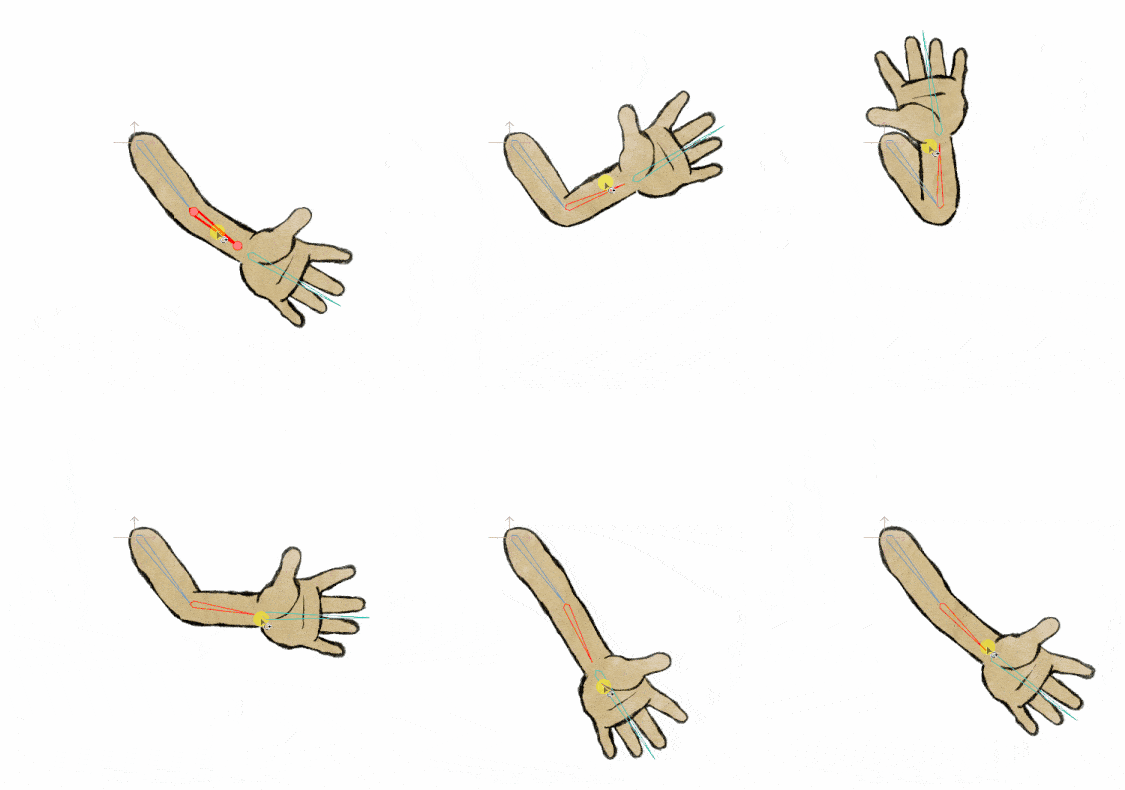
Beyond the export layer, Moho 14.4 introduces a new 360° Smart Bone type. If a bone rotation reaches exactly 360 degrees, Moho automatically identifies it as a full-rotation Smart Bone, enabling artists to control the appearance of artwork at any viewing angle. That means animators can now smoothly rotate limbs, faces, or even entire character poses around a full turn, which is ideal for complex movements such as spins or walk cycles that require full rotational control.
Particles Behaving Better

Particle simulation sees a notable upgrade. Particles can now follow curve-based source layers, creating organic arrangements such as hair strands, tentacles, or tails. A new playback offset lets artists stagger particle timing to produce natural wave-like motion. Distribution has been improved to eliminate uneven gaps, and Moho now allows particle interpolation at variable frame intervals (1s, 2s, 3s, or custom) supporting both traditional and stylised timing.
Workflow Polishing and Quality-of-Life Fixes
The Side Quest update doesn’t stop at headline features. Lost Marble has tweaked dozens of small but significant details that make day-to-day work smoother. Freehand strokes are now more stable and visually consistent, with an improved smoothing algorithm and consolidated undo steps for pen input. Layer caching has been refined, reducing redraw lag when editing complex scenes. Vector layers now cache even when influenced by bones, and timeline zoom levels persist between sessions. Layer selection, particle rendering on macOS, and PSD import behaviour have all been cleaned up. Undo behaviour, motion blur logic, and bone visibility in Vitruvian rigs have been refined, while Moho’s scripting API gains new Lua functions for developers. New device presets have also been added for TourBox and Xencelabs Quick Keys, expanding the software’s hardware compatibility out of the box.
Styling, Simplified
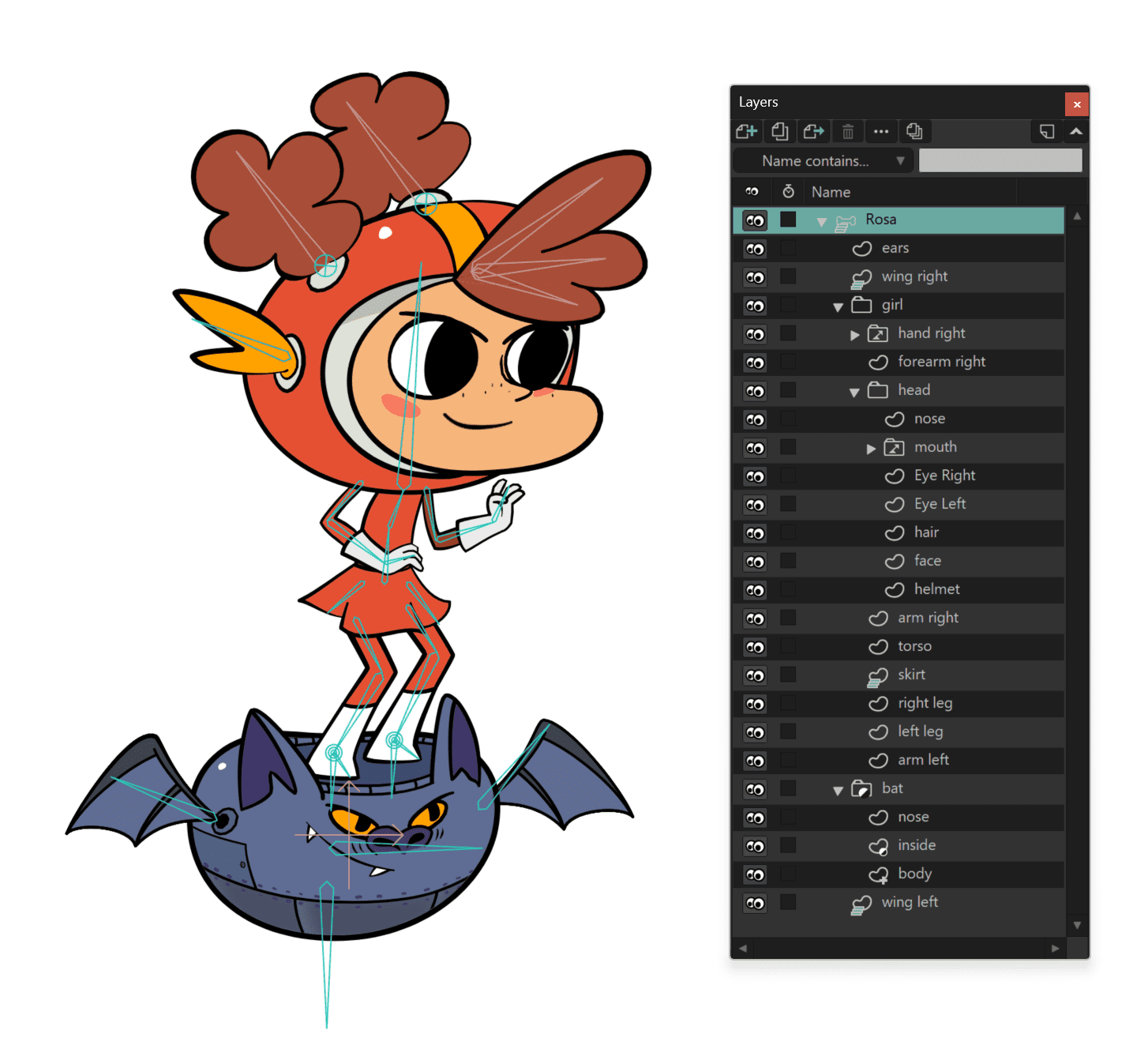
A small but welcome improvement: users can now create a new Style directly from an existing shape. Instead of defining styles before drawing, artists can select any shape and automatically group others sharing its visual properties like fill, line, width, and brush. This makes it trivial to recolour or globally adjust line attributes across entire characters, without manual layer-hunting.
A Long List of Fixes, and a Few Quiet Triumphs
The update also addresses long-standing quirks such as accidental timeline drags, over-sensitive pen inputs, and incorrect particle rendering on macOS. Multi-threaded rendering now supports higher resolutions, and Liquid Shapes gain an obscure but potentially life-saving correction script.
These aren’t glamorous additions, but for working animators, stability improvements often matter more than new toys and Lost Marble’s changelog reads like a response to real production feedback.
Pricing and Availability
Moho Pro 14 retails for USD $399.99, and Moho Debut 14 for USD $59.99. The Side Quest 14.4 update is free for all Moho 14 owners, available now through the Lost Marble website or via Moho’s in-app update check. As always, users should verify compatibility within their specific production pipelines before deploying it in live projects.
