



Epic Games has released version 2.1 of its desktop 3D-scanning software RealityScan. The update introduces expanded LiDAR workflows, automation interfaces for production pipelines, and several image-processing and export improvements.
LiDAR, SLAM and classified point clouds
RealityScan 2.1 now supports importing SLAM (Simultaneous Localisation and Mapping) data, including trajectories, images and point clouds from drones or handheld scanners. SLAM captures can be merged with standard photogrammetry or laser scans, improving reconstructions in large or complex environments. The release adds support for classified point clouds in LAS/LAZ formats using ASPRS classification tags. Users can include or exclude specific classes, such as vegetation or vehicles, when generating meshes, a workflow particularly useful for urban or environmental captures. These additions extend RealityScan beyond photogrammetry into hybrid LiDAR and image-based scanning.

Automation and server integration
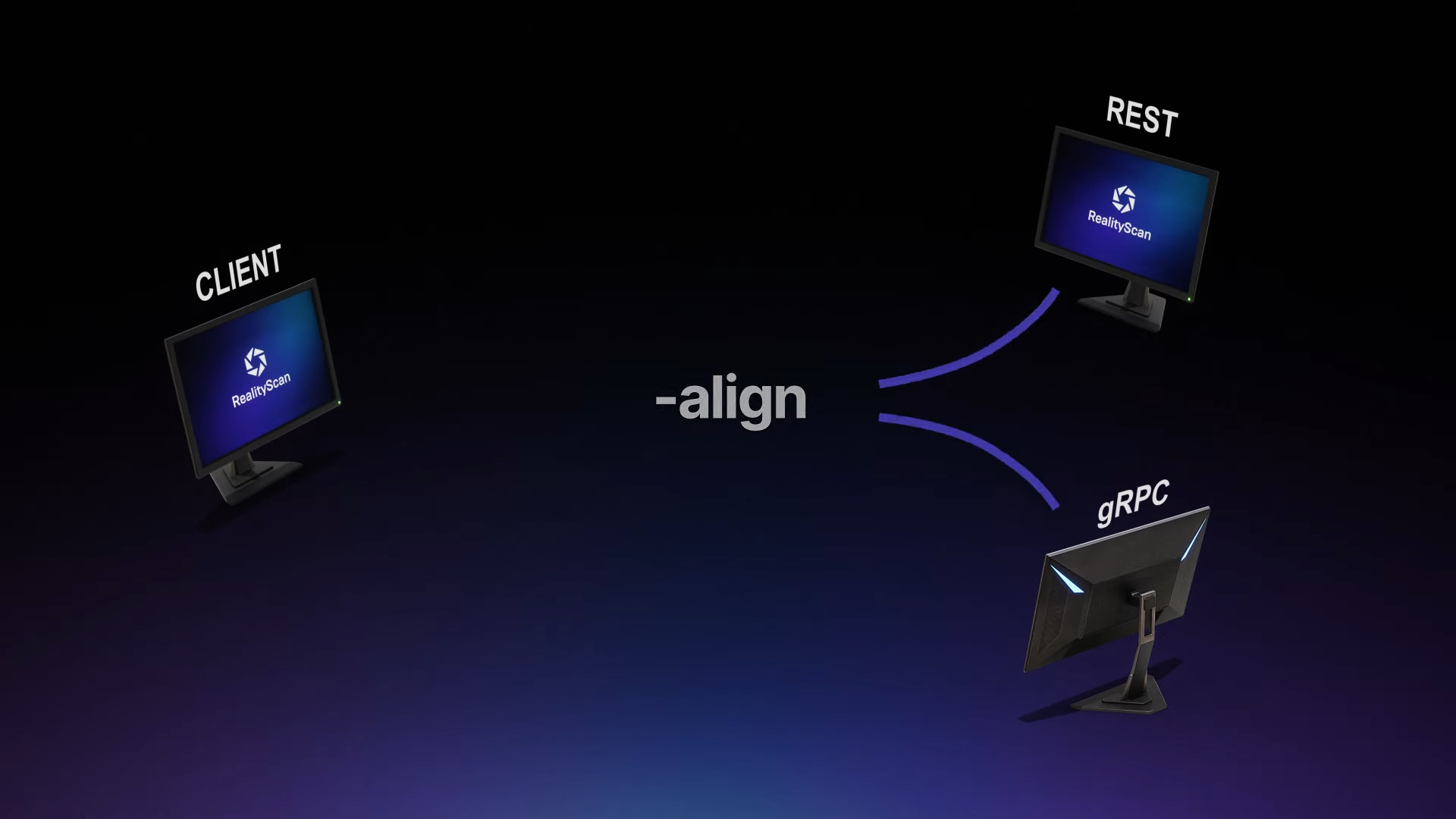
Version 2.1 places strong emphasis on automation. A new command-line interface (CLI) provides batch commands for import, reconstruction, and export tasks. It replaces the older reporting system with a template-based data extraction tool that can generate structured outputs for tracking and review. RealityScan can now be remotely controlled through REST and gRPC APIs, allowing studios to run automated or farm-based scanning operations. Sample Python scripts are included to demonstrate integration. For headless setups, a Linux-compatible CLI build is provided. It operates through a bundled Wine environment and can process alignments, meshing, texturing and exports without a GUI, supporting scalable production farms.
Workflow and quality improvements
UV unwrapping has been revised with a coloured checker map that visualises distortion, adjusted thresholds for large-triangle removal, and a default-enabled texture defragmentation chart to maintain clean UV layouts. Rendering now includes a “render-camera view” that reuses the original capture camera positions. Artists can match or remove lens distortion and export surface normals in world or camera space. Export formats have been expanded with OpenCV registration files, XMP metadata for distorted and undistorted imagery, and improved COLMAP export that retains native distortion parameters.

Licensing, hardware and availability
RealityScan remains free for individuals or studios earning under US $1 million per year. A commercial licence costs US $1,250 annually. The software supports Windows 8 and later or Windows Server 2008 +. A Linux CLI build targets Ubuntu 24.04 and Fedora 39 via Wine. Because RealityScan’s reconstruction relies on CUDA acceleration, an NVIDIA GPU is required.

RealityScan Mobile 1.8
In parallel, Epic Games released RealityScan Mobile 1.8 for iOS and Android. The update adds AR-guided capture, object-mode background removal, focus peaking, mesh clean-up tools, a capture-interval timer, and an optional watertight mesh export for 3D printing. It remains free and targets rapid on-site asset capture for integration into RealityScan desktop or Unreal Engine pipelines.
Conclusion
RealityScan 2.1 advances Epic’s scanning suite into a hybrid LiDAR and photogrammetry toolset, pairing automation with precision UV and export control. The update strengthens its role as a practical choice for VFX, game, and visualisation workflows. As always, test stability and compatibility before deploying the new release in production.
