



Beeble Studio is the desktop version of Beeble, designed to run entirely on a user’s workstation. It uses the company’s latest AI model, SwitchLight 3, to convert ordinary video footage into a full suite of VFX passes: normals, base-color, metallic, roughness, specular, alpha mattes, and depth maps. The goal is to enable a “video to VFX” workflow: give it footage, green-screen or not, and get back “2.5D assets” that can be relit, composited, and integrated into 3D environments or compositing pipelines with realistic light behaviour.
Technical Features and Pipeline Details
Beeble Studio accepts native 4K footage and can process video clips up to one hour in length in a single render job. The processing happens fully on the user’s machine using the local GPU, with no upload or cloud involvement. Rendered output can be exported as multi-channel 16-bit EXR files containing all AOV passes (normals, base-color, metallic, roughness, specular, alpha matte, and depth) or as PNG or MP4 if desired.
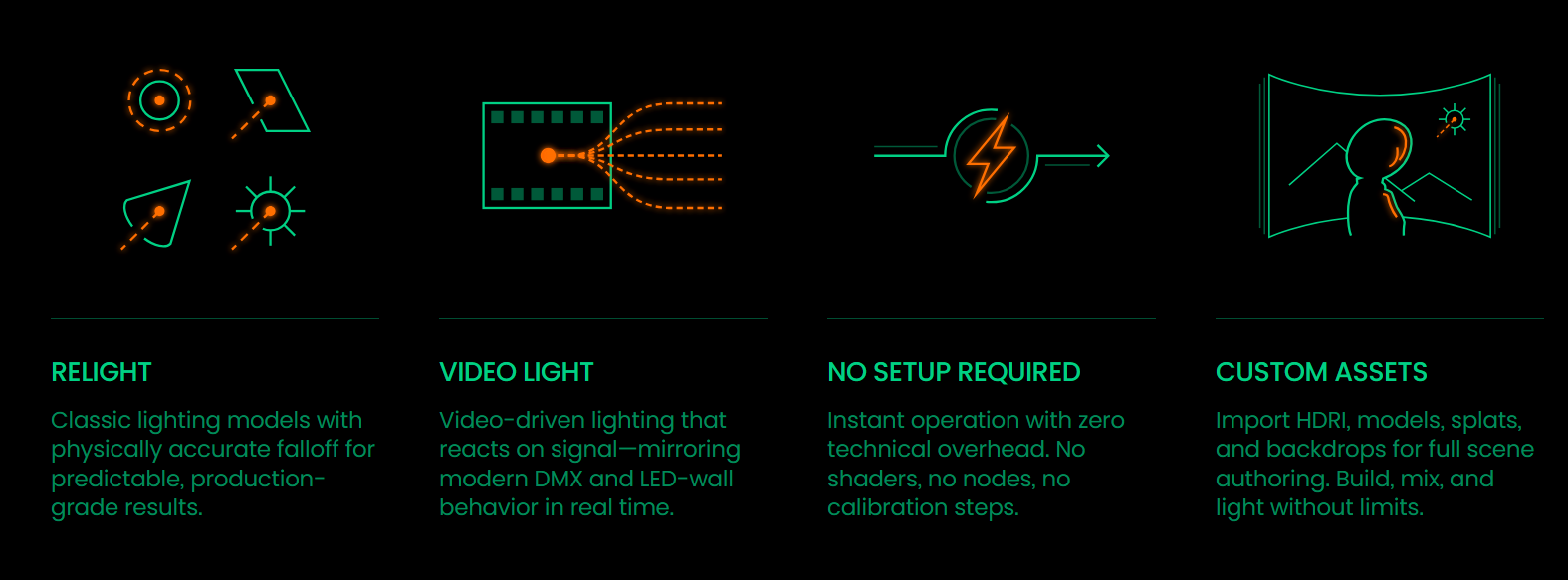
The internal Beeble Editor allows artists to relight footage in real time. Users can place point lights, area lights, environment HDRIs, or simulated video lights, animate lights over time, adjust depth and material responses, refine alpha masks, and blend 2D and 3D elements. A 3D viewport is available for physically correct camera and lighting control, alongside a 2D preview for fine image-level tweaks. Integration plugins are provided for popular DCC and compositing applications such as Blender, Unreal Engine, and Nuke, making it possible to bring the generated PBR passes into standard production pipelines.
Input formats supported include EXR, PNG, MOV (for example, ProRes), or MP4. Export formats include EXR, PNG, or MP4. Batch processing is supported via a render queue. Advanced controls such as “deflicker” and toggles for render parameters are available to help manage temporal consistency and output quality.
Beeble’s technical specification for VFX-pass output defines normal, base-color, metallic, roughness, specular, and alpha as standard 8-bit maps (PNG or MP4), with depth map exported as a 16-bit float EXR for better precision. Normal maps are in object space (OpenGL format). The depth map is a normalized grayscale within the foreground range. This setup follows typical PBR workflows where scene geometry and material properties are inferred from 2D footage rather than full 3D scans.
Improvements in SwitchLight 3
The core change in version 3 of the model is that it treats video as true video. Instead of processing each frame in isolation and then deflickering after rendering, SwitchLight 3 processes multiple frames simultaneously. This delivers more stable temporal results with less ghosting, fewer flicker artifacts, and better continuity in motion sequences. The training dataset for SwitchLight 3 is reported to be ten times larger than the one used for the prior version. This broader data foundation helps the model better understand a wider variety of lighting conditions, materials, and scene types, which should translate into improved realism and generalisation across differing shots.
In practice, Beeble claims that surface details such as skin texture, hair strands, fabric weave, or small geometric cues survive relighting better than before, and that artifacts present in older versions such as odd normal-map tinting or flattening under shadows are substantially reduced. SwitchLight 3 also improves edge consistency and temporal coherence between frames. This reduces shimmer and incorrect shadow transitions when playing back moving footage, which was a common limitation in earlier models.
Use Cases, Practical Considerations and Limitations
Beeble Studio is targeted at VFX compositors, lighting and look-dev artists, small to mid-sized studios, independent filmmakers, and virtual production workflows that lack access to full 3D scans or elaborate set lighting. The tool offers a route to relight live footage, perform background replacements, or integrate real footage into CG scenes with minimal setup compared with traditional photogrammetry or scanning-based pipelines.
However, the quality of AI-generated passes is strongly dependent on the source footage. For best results, footage should feature clear subject separation, sharp focus, high bitrate, correct colour space (Rec.709 or sRGB for video or PNG/JPG for images), good exposure and lighting, and minimal extreme camera motion or motion blur. Compressed, noisy or low-detail footage, or video shot in non-standard color spaces, may degrade final PBR output.
If footage includes a proper alpha (for example, ProRes 4444), Beeble Studio can use that directly instead of attempting AI-based background removal. Otherwise it will attempt to generate a clean foreground matte.
Users adopting Beeble Studio should evaluate its output on a case-by-case basis. While SwitchLight 3 offers improved fidelity, AI-driven relighting currently remains a complement, not a replacement, for dedicated photography, lighting setups, or traditional 3D-scan workflows.
At press time, these technical specifications and claims are drawn from Beeble’s published documentation and vendor announcements. Studios and post-production teams planning to integrate Beeble Studio should run their own tests with real-world footage to confirm whether output meets their pipeline standards.
