



For those who don’t know the tool: Affinity is a free single app that combines vector, photo, and layout work under one roof, with account ties to Canva for AI tools.
A lighter UI, on purpose
The March 2026 update introduces Light UI inside Affinity. Light UI is presented as a long-requested feature and it is described as fully customizable, including the ability to fine-tune interface brightness. Light UI also matters for a very practical reason that rarely makes it into feature lists: the UI you stare at for hours is part of your working conditions. A darker UI can reduce glare in some environments. A brighter UI can feel cleaner in others. This update makes that preference something you can dial in rather than endure.
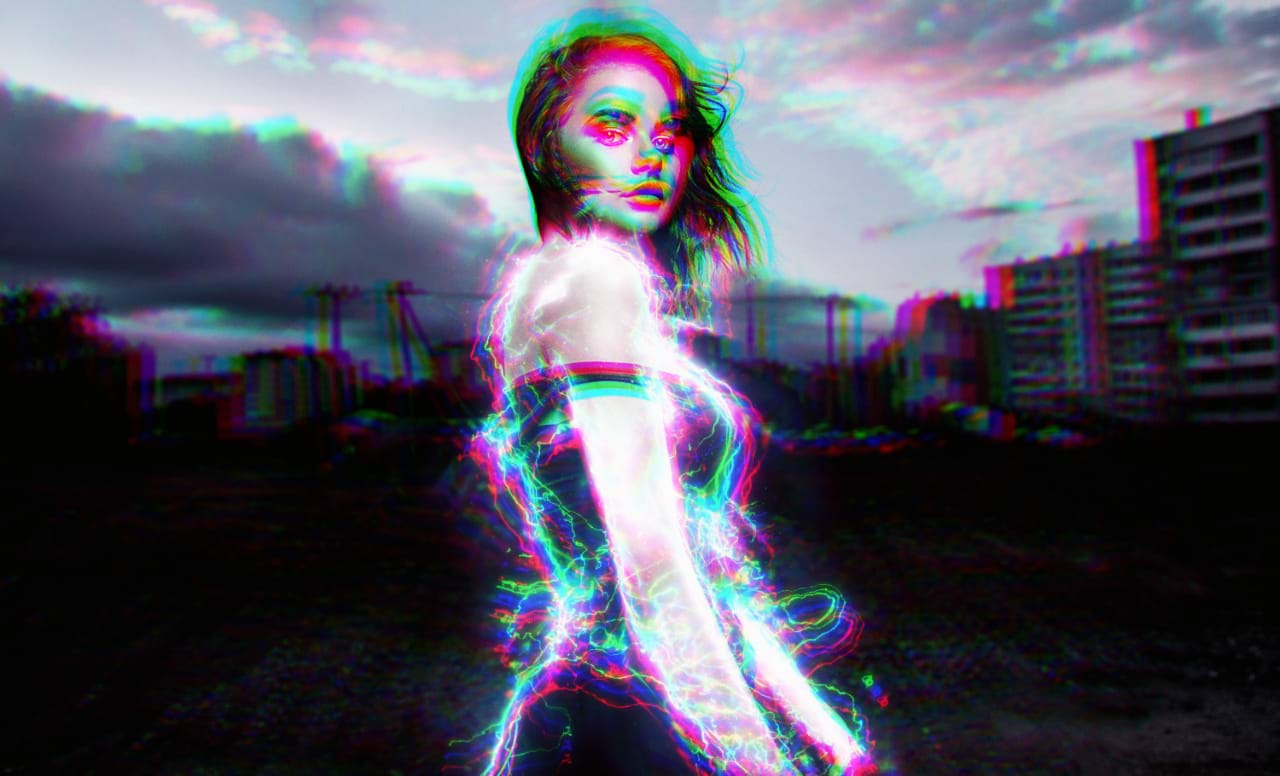
Raster selections that turn into editable curves
A new Convert to Curves command appears in the Vector menu in Affinity. It turns a pixel selection into a fully editable vector curve. The feature is framed (See what I did there?) as a faster path from raster to vector. The update is removing the need for manual tracing for designers and illustrators who want to convert parts of a photo into clean vector artwork. That is a capability claim, so treat it as a marketing claim until you validate it on your own files.
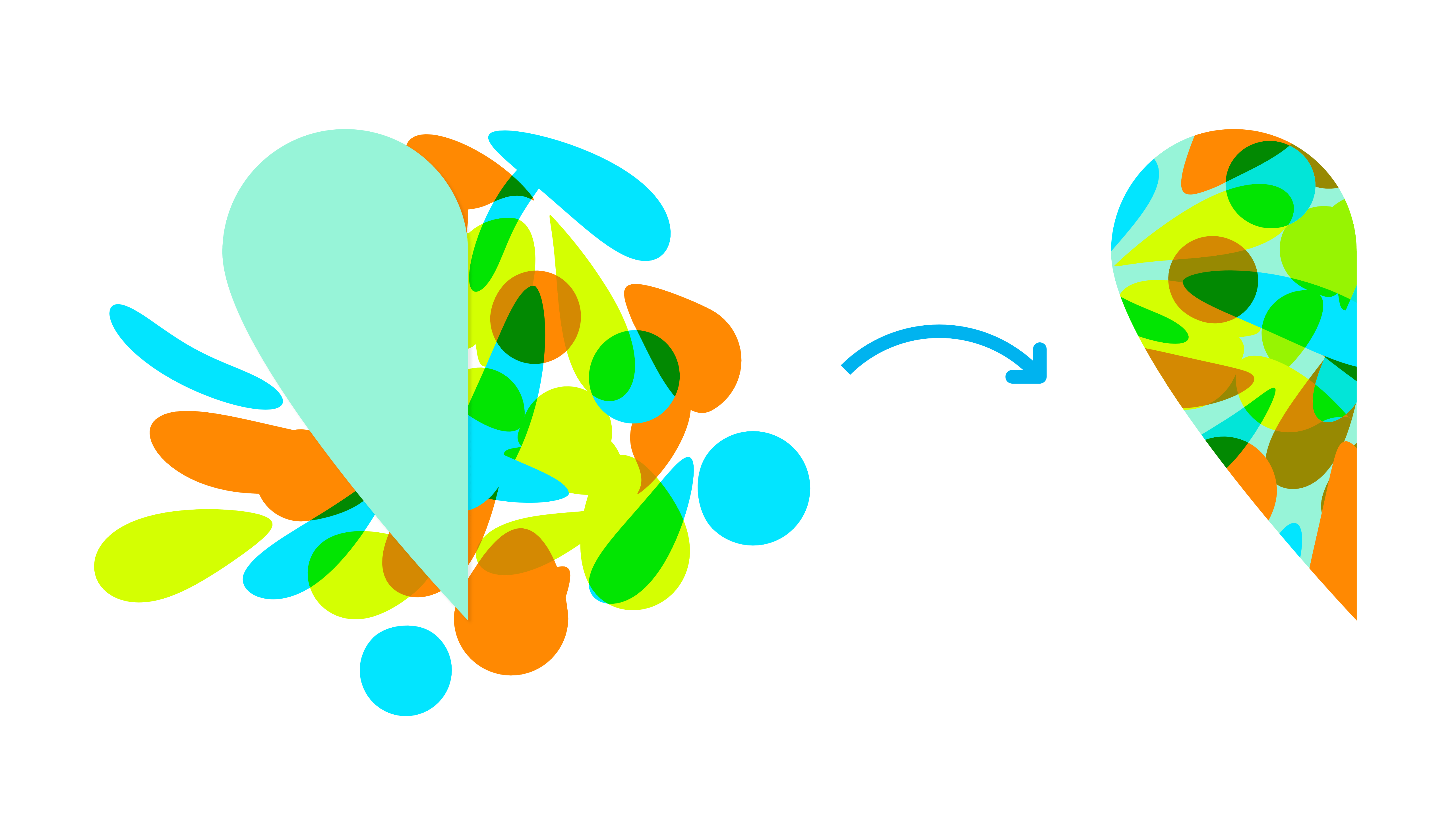
Convert to Curves is also useful for turning selected subjects into curves that can be refined without redrawing every contour. The same update text lists silhouettes, logo-style graphics, and cut-outs as example outcomes. The Convert to Curves workflow is described as pairing well with the Object Selection tool, with the goal of keeping the transition from pixels to vectors smooth and uninterrupted. Again, that is a promise about feel and flow, not a benchmark.
If you live in the world of revisions, this is the part worth testing immediately. Vectorizing from a selection is only valuable if the resulting curve quality and editability hold up under actual production demands, including later reshaping and downstream exports.
Live Tone Blend Groups for non-destructive compositing
The update introduces Live Tone Blend Groups in Affinity. A Live Tone Blend Group is a dynamic group where layers placed inside begin blending with the underlying composition in real time, non-destructively.
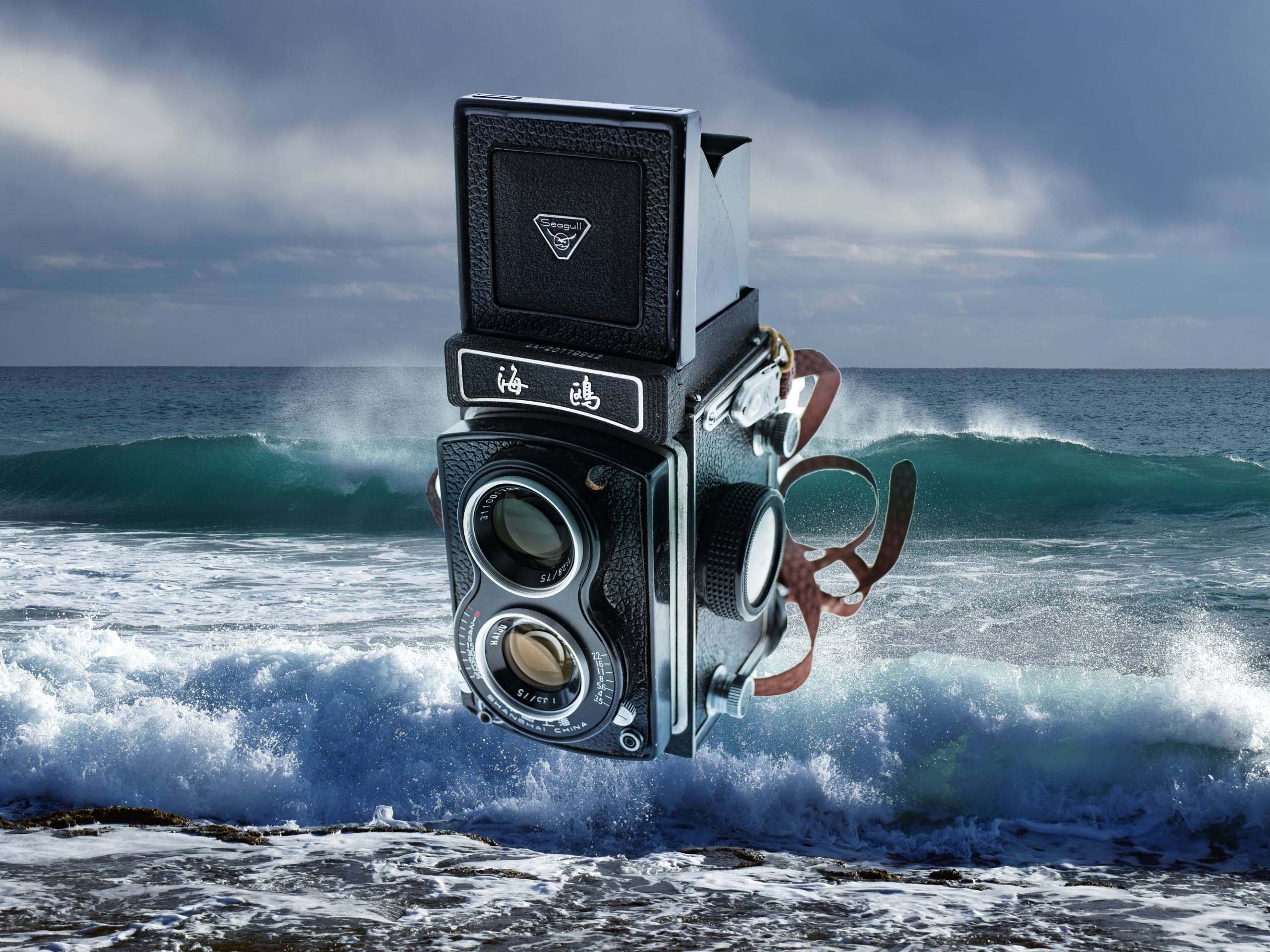
The feature is a new approach to compositing. The changelog describes it as simplifying tonal matching by reducing the need for manual matching with clipped adjustments and channel manipulations, and blending has ALLLEGEDLY become a one-click process. The update also describes Live Tone Blend Groups as fully editable, with blending settings that can be refined at any stage and individual layers that can still be adjusted as needed. It also claims the groups render smoothly even in complex documents. Rendering smoothness is highly file-dependent, so that statement stays in marketing-claim territory until independently verified.


If your day includes backplates, patches, and the slow dance of getting elements to sit in the same world, the key promise here is non-destructive tone integration that stays editable. The key question you should test is control. Specifically, how predictable the blend behaves across different kinds of underlying content, and how it interacts with your existing adjustment habits inside the app.
Small workflow refinements that add up
Alongside the headline features, the update includes a right-click brush menu in Affinity, giving illustrators and digital painters instant access to their full brush library. The update also adds a right-click menu on document tabs, enabling quick checks for Color Format and Size, and it includes actions such as closing other files and floating a window.
None of these are flashy in isolation, but they target the friction points you hit dozens of times a day. The update positions them as answers to everyday workflow pain. Whether they actually reduce your click count depends on your habits and your muscle memory, so build a quick sanity test: open your usual number of documents, keep your usual brush sets around, and see if the new menus cut steps or just add another place to look.
What to test before you trust it
Light UI is easy to validate. You can confirm whether the brightness controls land where you want them and whether the look stays consistent across your workspace setups.
Convert to Curves needs tougher love. Test it on messy selections, hard edges, hair, glass, motion blur, compression artefacts, and anything else that makes selection tools sweat. Validate how editable the resulting curves feel, how clean they export, and how stable they remain after further edits.
Live Tone Blend Groups deserve a proper comp trial. Toss in layers with mismatched exposure, hue shifts, and different texture frequencies. Then test editability. Make changes upstream and see if the blend stays predictable. If it does what the feature claims, it can save time. If it surprises you, it can also cost time. Either way, you want that surprise to happen before a deadline.
Serif will not ship your shots, your layouts, or your client approvals. You still have to do that part yourself, so treat this update like any other new tool: exciting, useful, and guilty until proven stable on your pipeline.
