



For those who don’t know the tool: World Creator is a GPU terrain tool from BiteTheBytes with bridge plugins for Blender, Cinema 4D, Godot, Houdini, Unity, and Unreal Engine.
The big headline is a small textbox
World Creator 2026.4 lets you type mathematical expressions into numerical fields. That sounds like a nerdy feature, because it is. It also means fewer hand-calculated offsets, fewer copy-and-paste accidents, and more repeatable setups when building layered terrain that needs to stay art-directable. The same release adds full decal support. Decals are often the difference between a terrain that looks generated and one that looks dressed. They also help when you need localised detail without turning every change into another texture bake cycle.

Seams get quieter
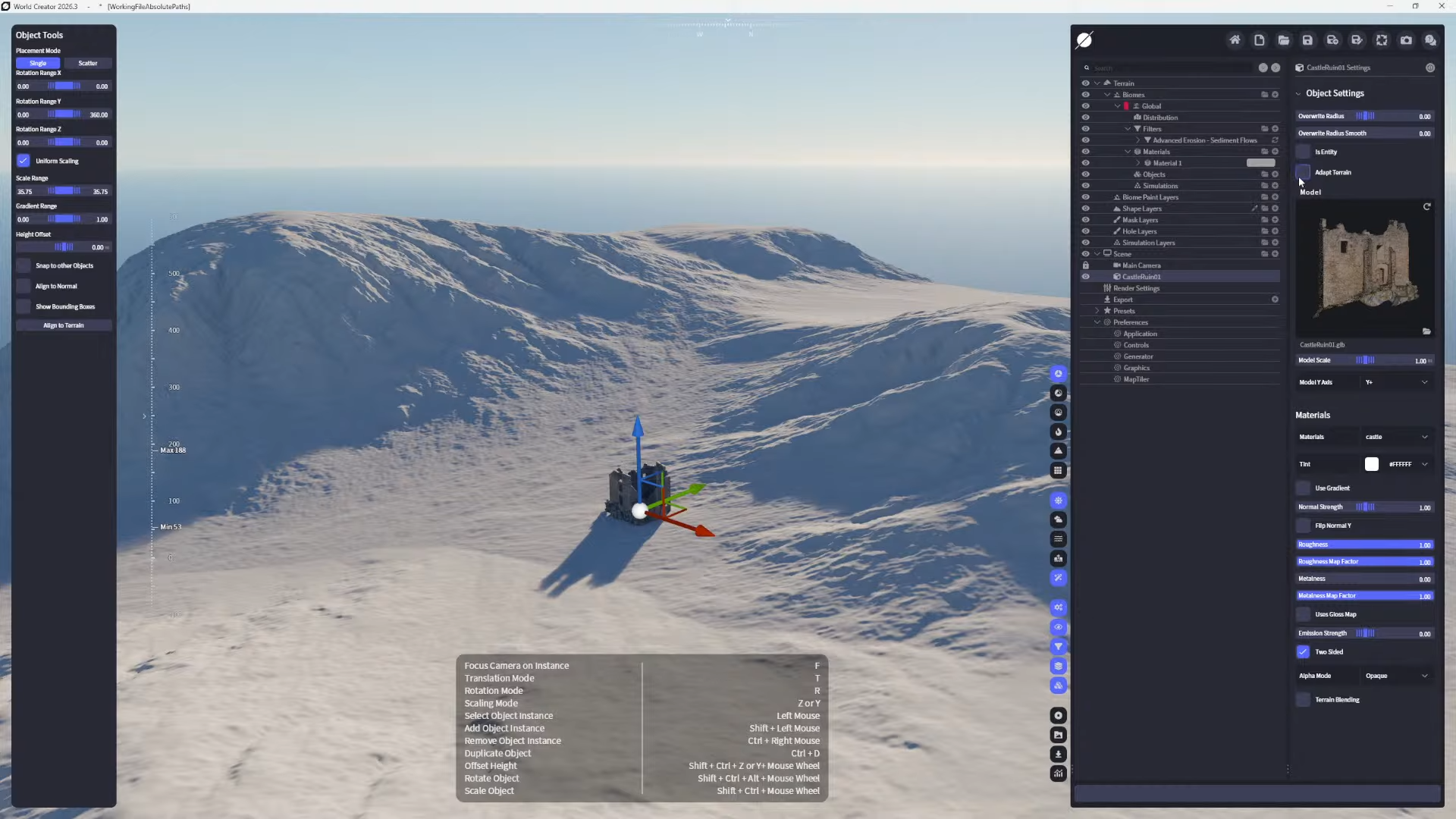
Terrain normal blending wants to improve object-to-terrain transitions, so reduce the obvious cut line where a hero object meets the ground. If you build environments where a single rock edge can pull focus in a wide shot, this is the kind of “small” addition you end up using all day. World Creator 2026.4 also introduces configurable object shadow settings. That gives artists another lever for matching scene lighting behavior when objects sit on terrain, especially in lookdev and layout passes where readability beats physical purity.
Performance fixes that actually sound like production
VRAM scaling links the Max Object Count to available GPU VRAM. In practice, this ties a key scene limit to the hardware ceiling instead of a fixed guess, which can make scenes behave more predictably across machines.
There is another performance change that targets daily workflow friction. Shape Design Mode no longer triggers automatic material recomputes.
Bug fixes: import, UI, syncing, crashes
World Creator 2026.4 fixes an importing issue where Raw and R16 formats were hidden during import. It also corrects compass centering in the UI. On the data side, the update fixes missing Baseshape Color and Emissive toggles in the sync.xml file, resolves issues involving empty model objects, and fixes Stochastic Distribution failing when used with height blending. The release notes also state that several crashes were resolved.

Community Edition and licensing tiers
BiteTheBytes now offers a free Community Edition, positioned as a way to learn the realtime terrain workflow before upgrading to a commercial license. The export is disabled in Community Edition, while paid tiers enable export, with Indie listed as up to 8k and higher tiers listed as unlimited.
Yearly subscription pricing on the buy page lists Indie Yearly at $49 per year for revenue under $100,000, Professional Yearly at $99 per year for revenue up to $200,000, Studio Yearly at $199 per year for revenue up to $1,000,000, and Enterprise Yearly at $799 per year for revenue above $1,000,000.

Perpetual pricing includes Indie Perpetual at $99 and Professional Perpetual at $199. Enterprise Perpetual includes 12 months of updates with an optional renewal listed at $449 per year. Lifetime pricing shown includes Indie Lifetime at $249, Professional Lifetime at $499, Studio Lifetime at $999, and Enterprise Lifetime at $3,999.
https://docs.world-creator.com/release-notes/version-2026.x/world-creator-2026.4
