



With Color Grab, colours can be collected without having to resort to photos. You point your mobile phone camera at the colour area and with two clicks it is added to the palette. Of course, colours can also be collected from photos or a photo can be analysed automatically. It is a pity that the analysis always analyses the entire photo and not the previously selected area.
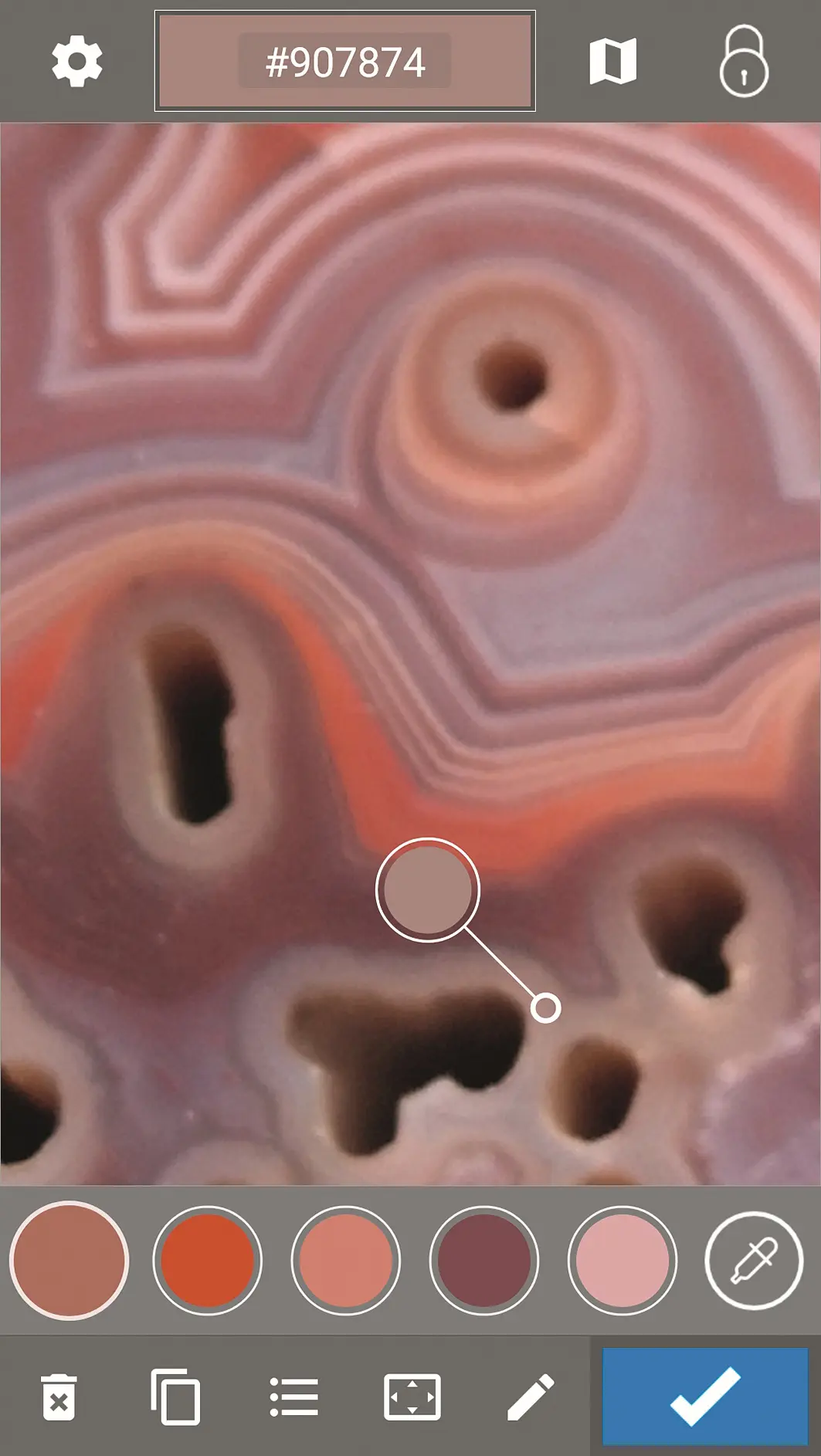
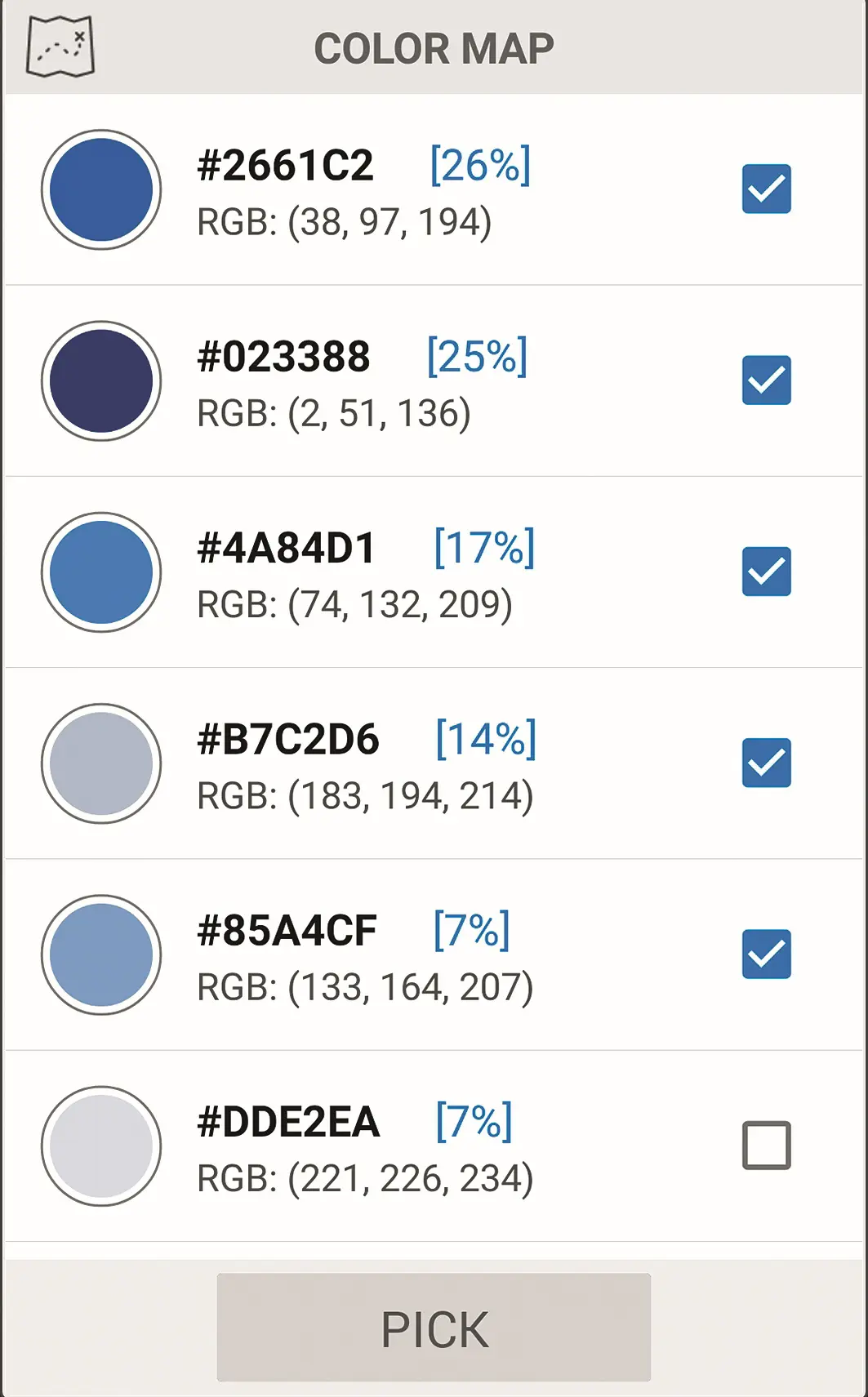
If you want to do this, you must first crop the photo in another app. The analysed colour map then shows in percentages which colours are present in the photo. You can then select which of the colours should be transferred to the palette.

Certainly a mobile phone cannot replace an X-Rite colour scanner, but Color Grab at least offers a white balance function, colours can be mixed and palettes can be generated with a number of colour harmony rules. In addition, a number of colour models such as RGB, HEX, HSV, LAB and many more are supported. Unfortunately, only RAL is available as a colour reference, as Pantone (X-Rite) is certainly not freely available like this app.


The highlight of Color Grab, however, is the export function. The following are supported: Photoshop and Illustrator, CorelDraw and Paint, Gimp, Inkscape, AutoCAD, Krita and Cinepaint. In addition, CSV, text and a preview image as PNG are also supported.
