



Table of Contents Show
The last major release was in October 23, but smaller improvements are added almost weekly.
Multi-input
Nobe OmniScope (NOS for short) was already able to monitor multiple signal sources, but this became somewhat confusing over time. The new “Input Strip” has made operation and categorisation easier. You can immediately see the most important technical parameters of each source, change their settings and change the assignment to the scopes using drag-n-drop.
In addition, a differently coloured frame immediately shows which of the scopes are being fed when you move the cursor over one of the sources in the strip. The QC recording is also colour-coded for each input. When starting, already defined sources, if available, are automatically connected. We could hardly find a useful signal source that could not be selected here, including common production codecs such as ProRes, CineForm, Grass Valley or DNxHD/HR.
Video files in H.264, H.265, ProRes and DNxHR now also work in the MXF container and stills are read including 16-bit TIFF. Only RAW formats are still not played as files. As before, DR, Scratch and the Adobe video programmes are supported directly via plug-in. Unfortunately, no sound information comes from DR via plug-in, but this is not due to NOS. If you also want to analyse the sound information, you will need hardware interfaces in this case. In addition to professional interfaces such as those from Blackmagic, simple HDMI -> USB adapters or the USB stream from newer Sonys such as the Sony A7 IV also work for direct video sources.
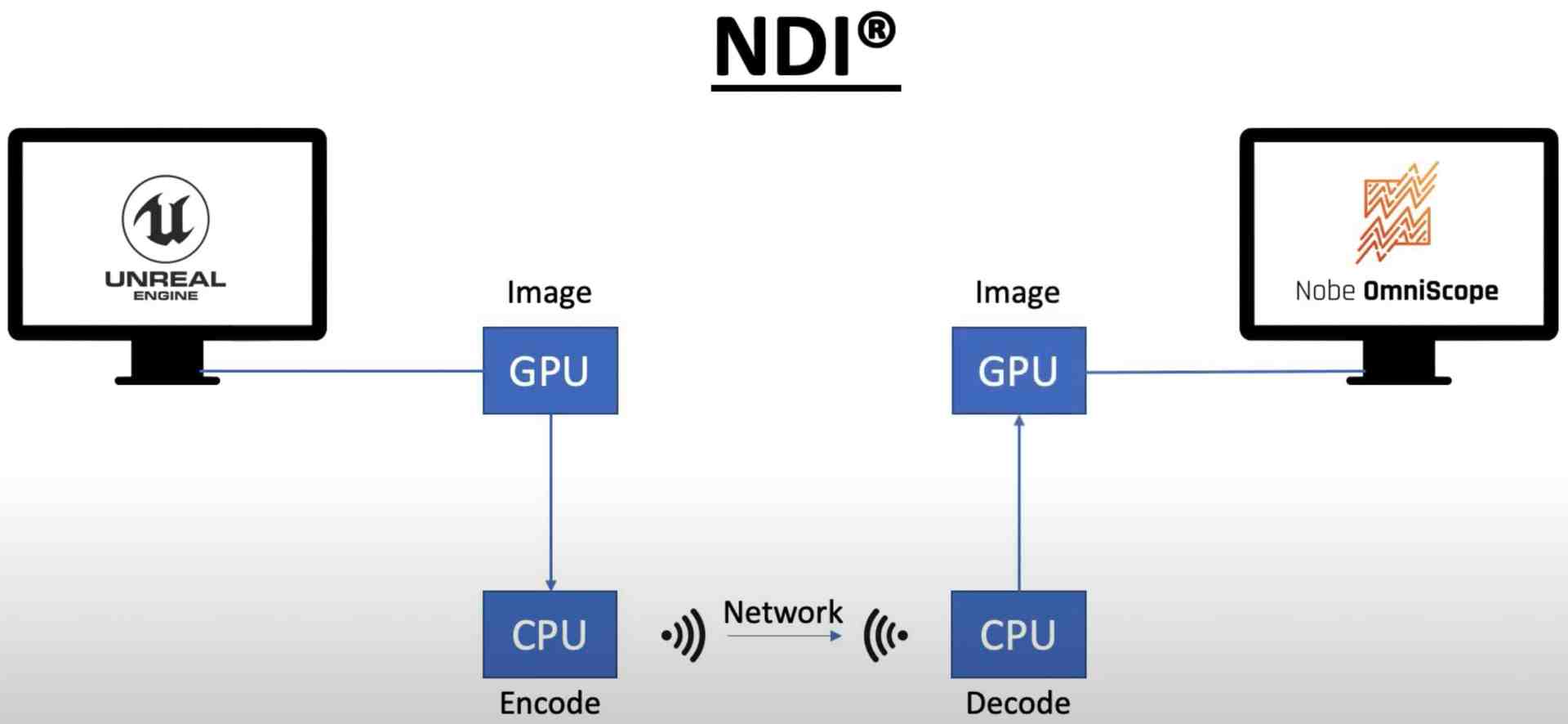
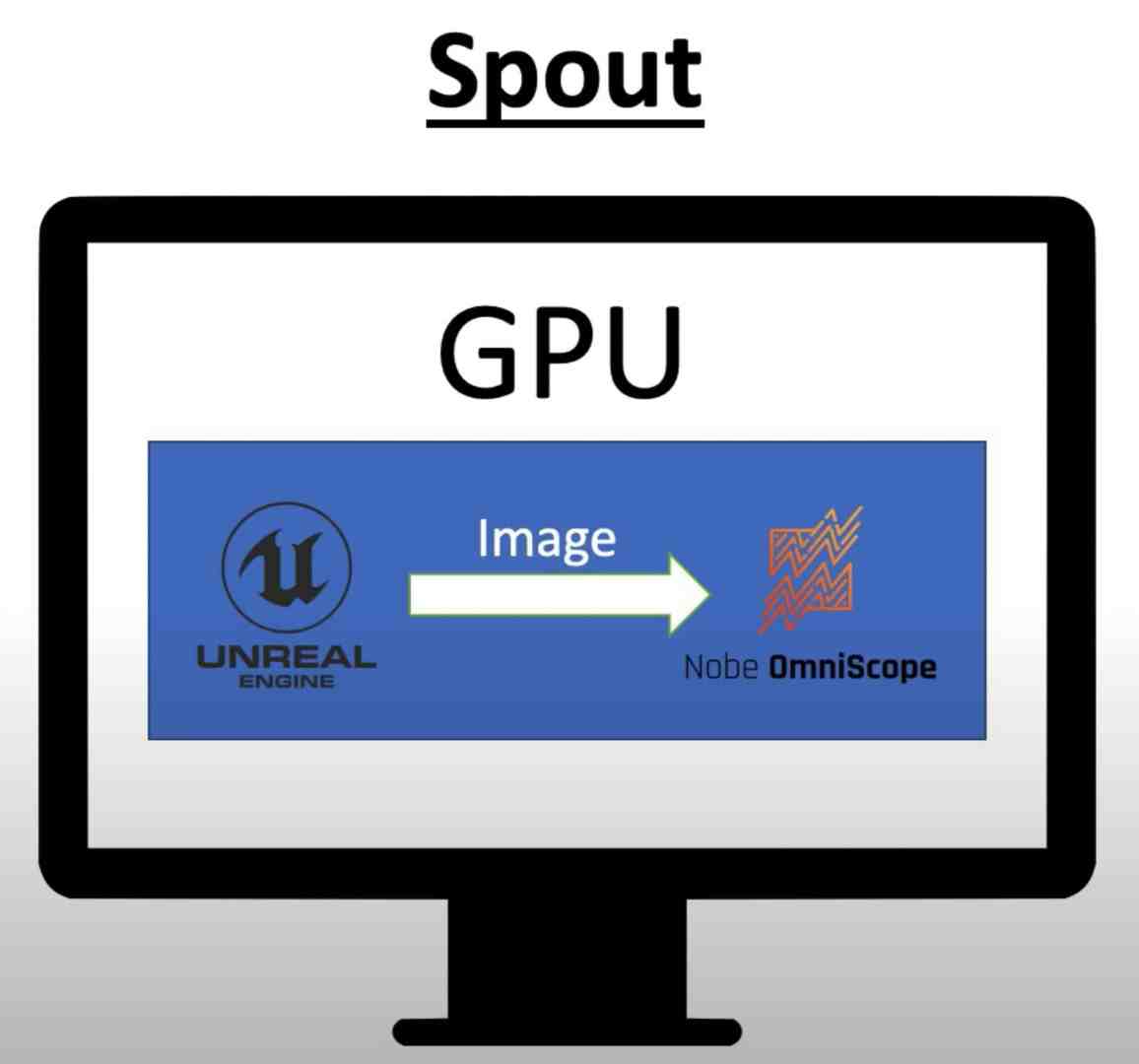
A new feature is the support of Unreal or Unity directly from the graphics card’s texture memory via Spout on PC or Syphon on Mac. In contrast to NDI, this means that there is almost no latency, giving you an ideal tool for virtual production. You can find out how the whole thing works here for Spout: is.gd/omni_unreal. It has not been tested with the Mac, and NOS has not yet been ported to Linux.
HDR
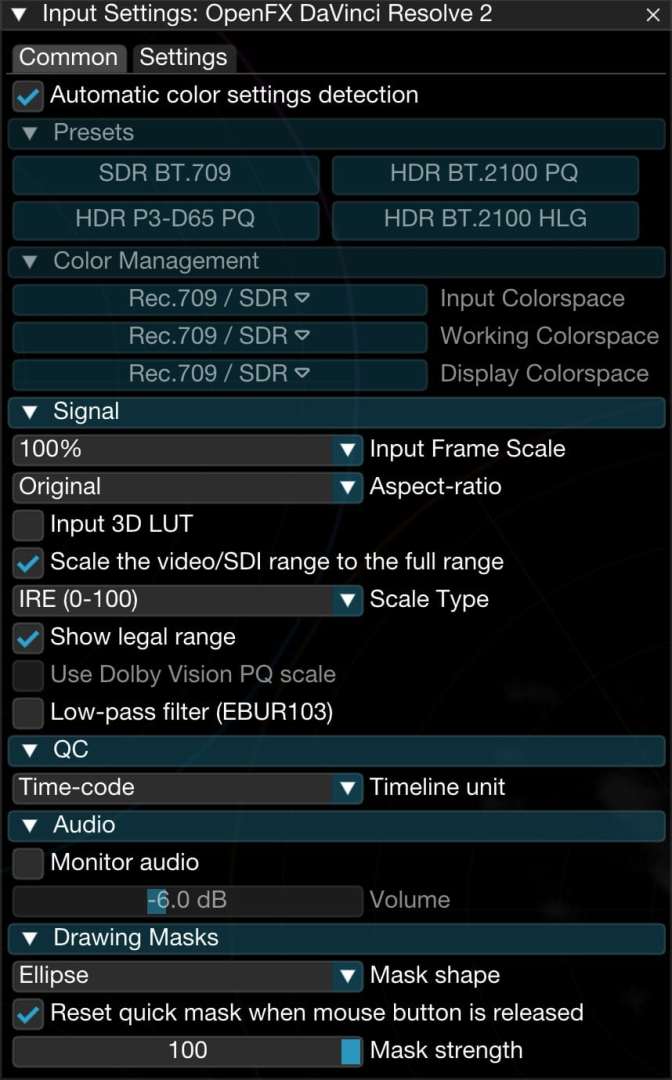
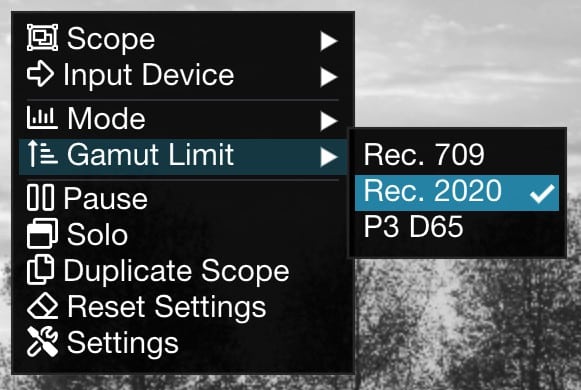
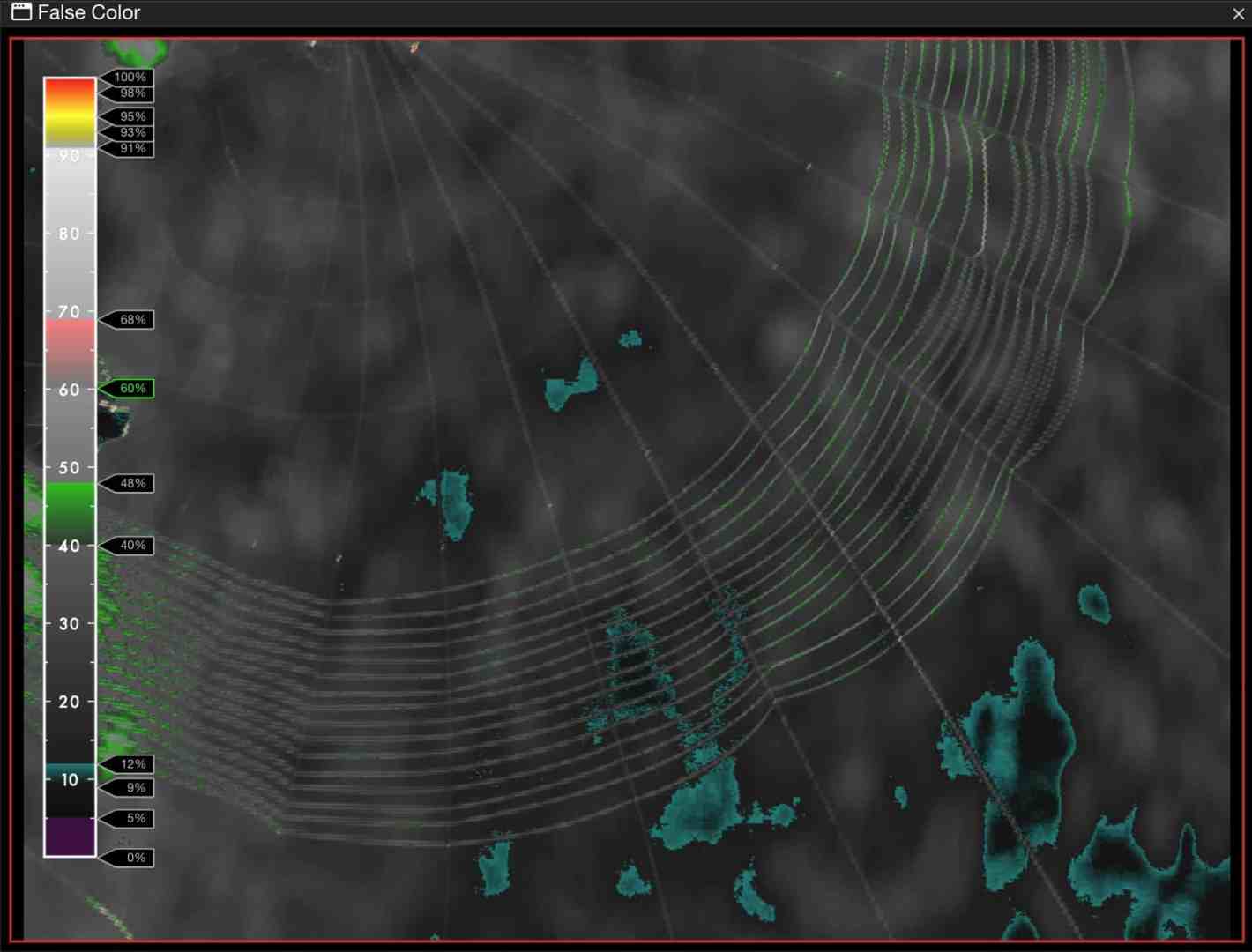
NOS is right up to date here, as HDR is comprehensively taken into account in all important standards. This also applies in particular to False Colour or the CIE plot. The new gamut scope only works with Rec. 2020. There are now SDR and HDR presets for numerous constellations, including Rec. 2100 PQ, ST2048 PQ-P3D65 and HLG. NOS also offers automatic recognition of input signals, provided the information is included. On Mac OS, you can use one of the newer laptops, an iPad Pro or the XDR monitor for HDR playback.
A Rec. 2020 PQ signal can now also be transferred from Premiere or After Effects. HDR statistics such as MaxFALL (Maximum Frame Average Light Level) and MaxCLL (Maximum Content Light Level), blanking (pure black areas) and the HDR gamut status are recorded and clearly displayed or exported as a CSV. The error logger has become much clearer, as successive errors are now automatically summarised and exported as a range in the CSV list (N frames in the description). Everything is managed consistently via OCIO.
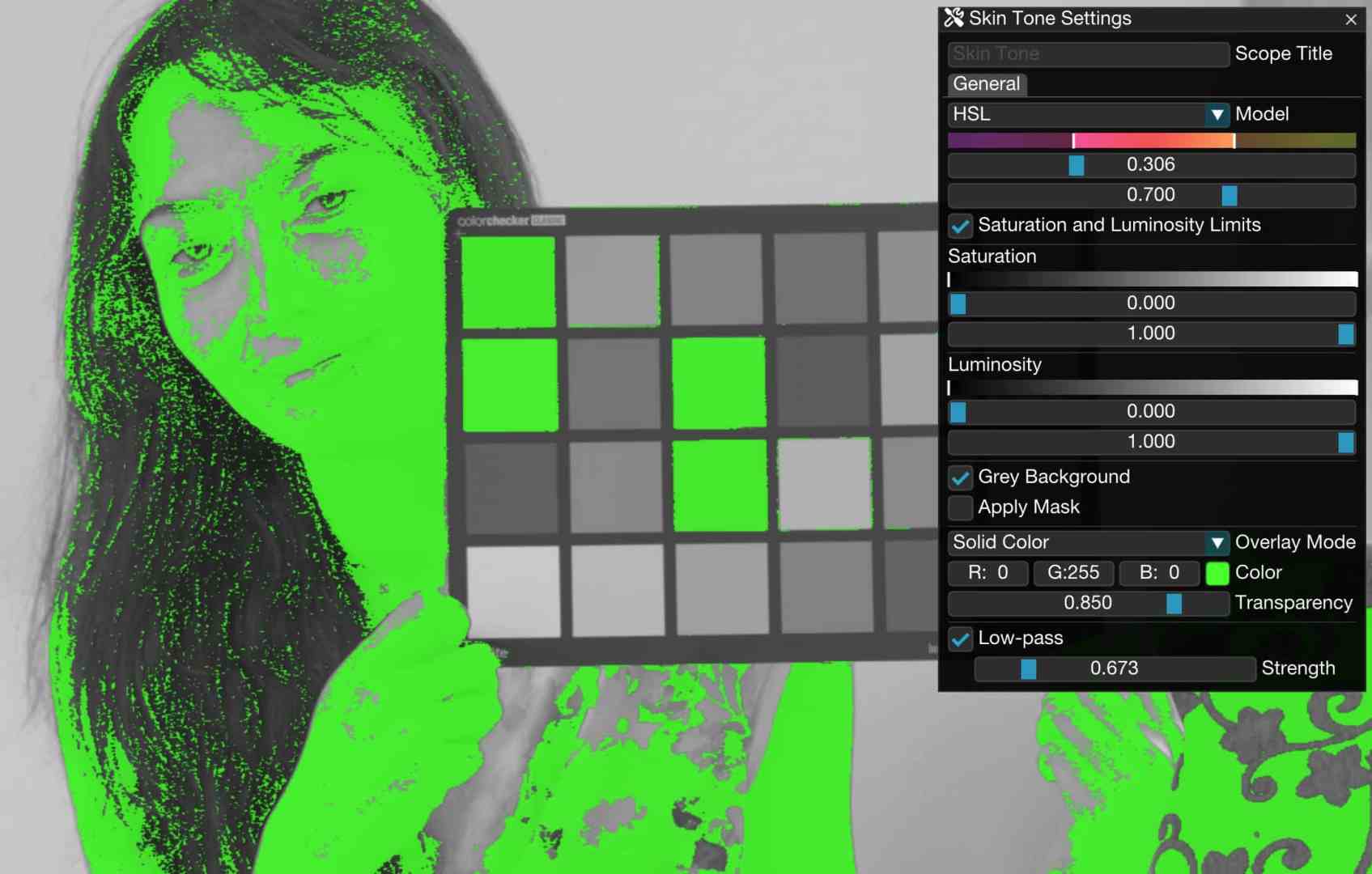
Skin Tone
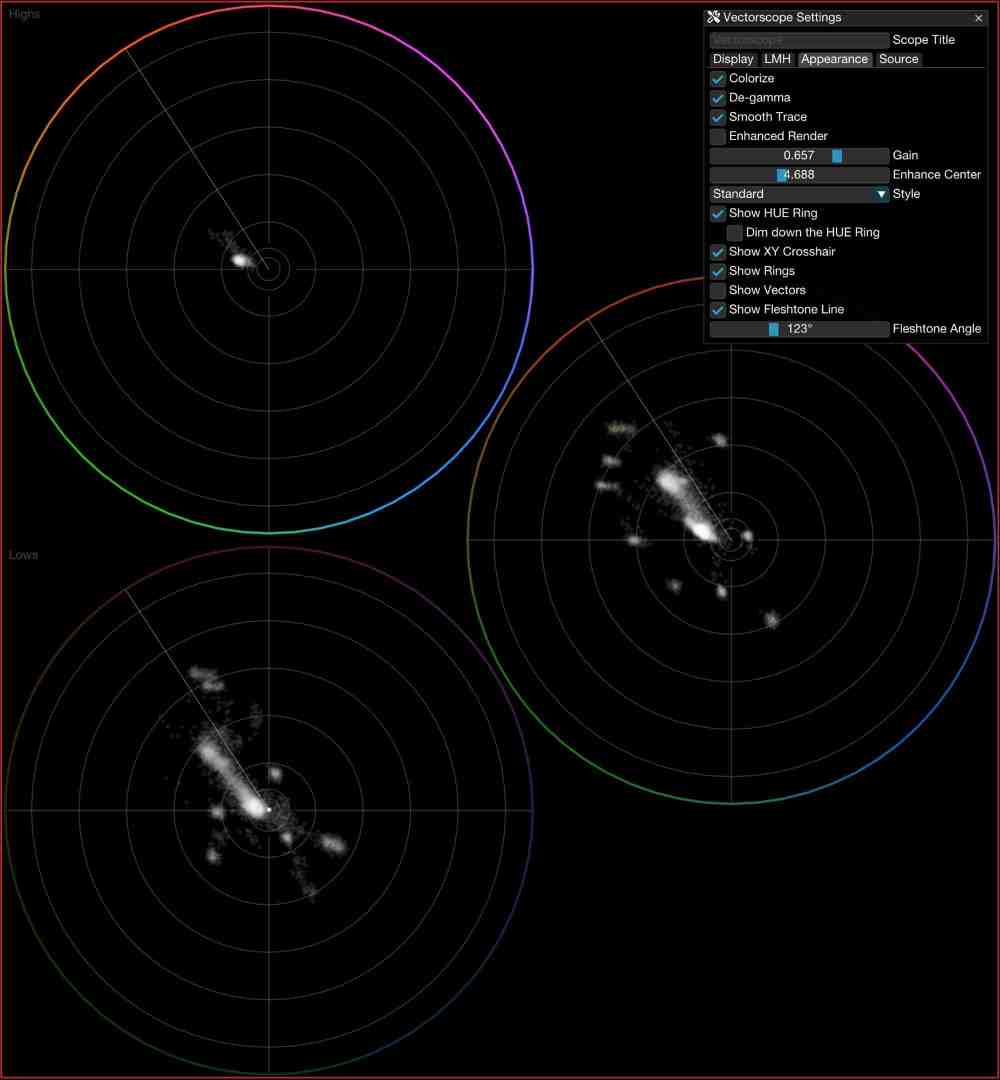
A new scope separates the skin tones, naturally within freely adjustable limits, and highlights them using a grid, a full colour or graded in false colours. The background can also be shown as a greyscale image or masked out completely. The tools in NOS have already been explained in YouTube tutorials. Daria Fissoun, who also works with Blackmagic Design as a trainer, is currently presenting the new Scope here: is.gd/omni_skintone. Over the next few weeks, she will be explaining other instruments in NOS in more detail: is.gd/omni_daria2
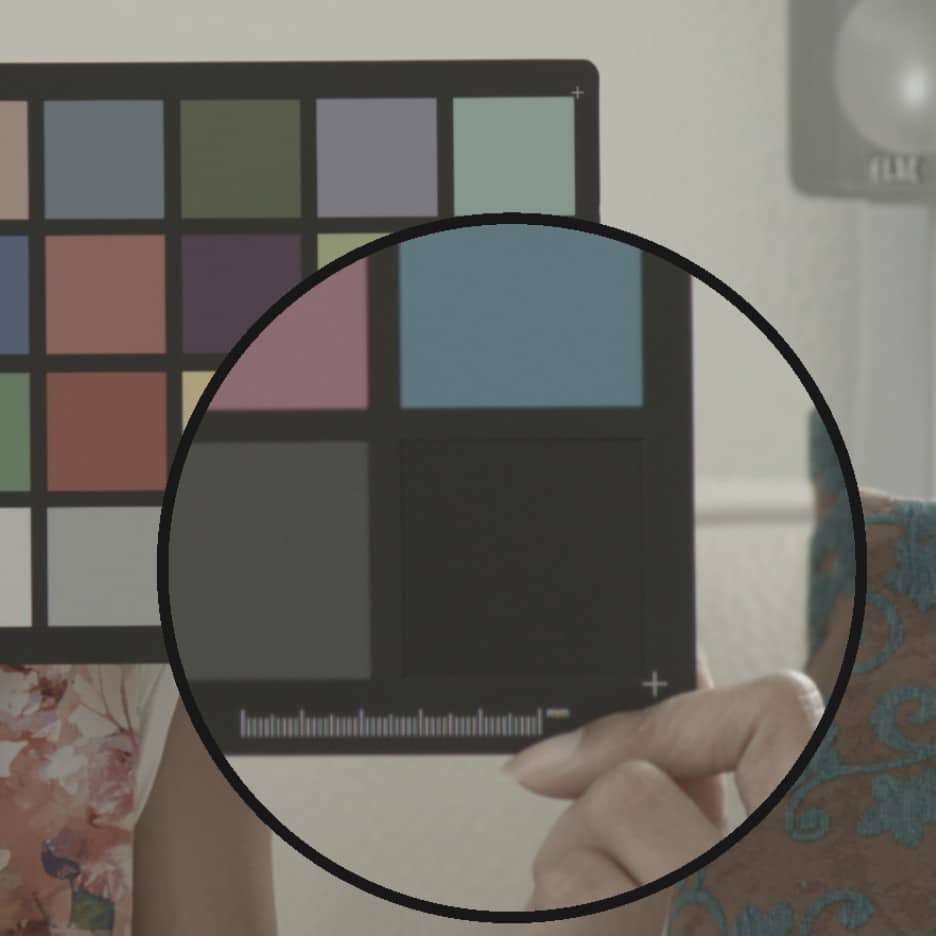
Operation
Saveable snapshots also make side-by-side comparisons conveniently available, similar to the Gallery in Resolve. The operation is shown here: is.gd/omni_snapshots. The assignment is largely the same as with the source signals. A magnifying glass allows you to analyse image details in the input image; holding down the Option or Alt key also displays the colour values under the central cursor. With the scopes, this key is used to display the corresponding image as an overlay.
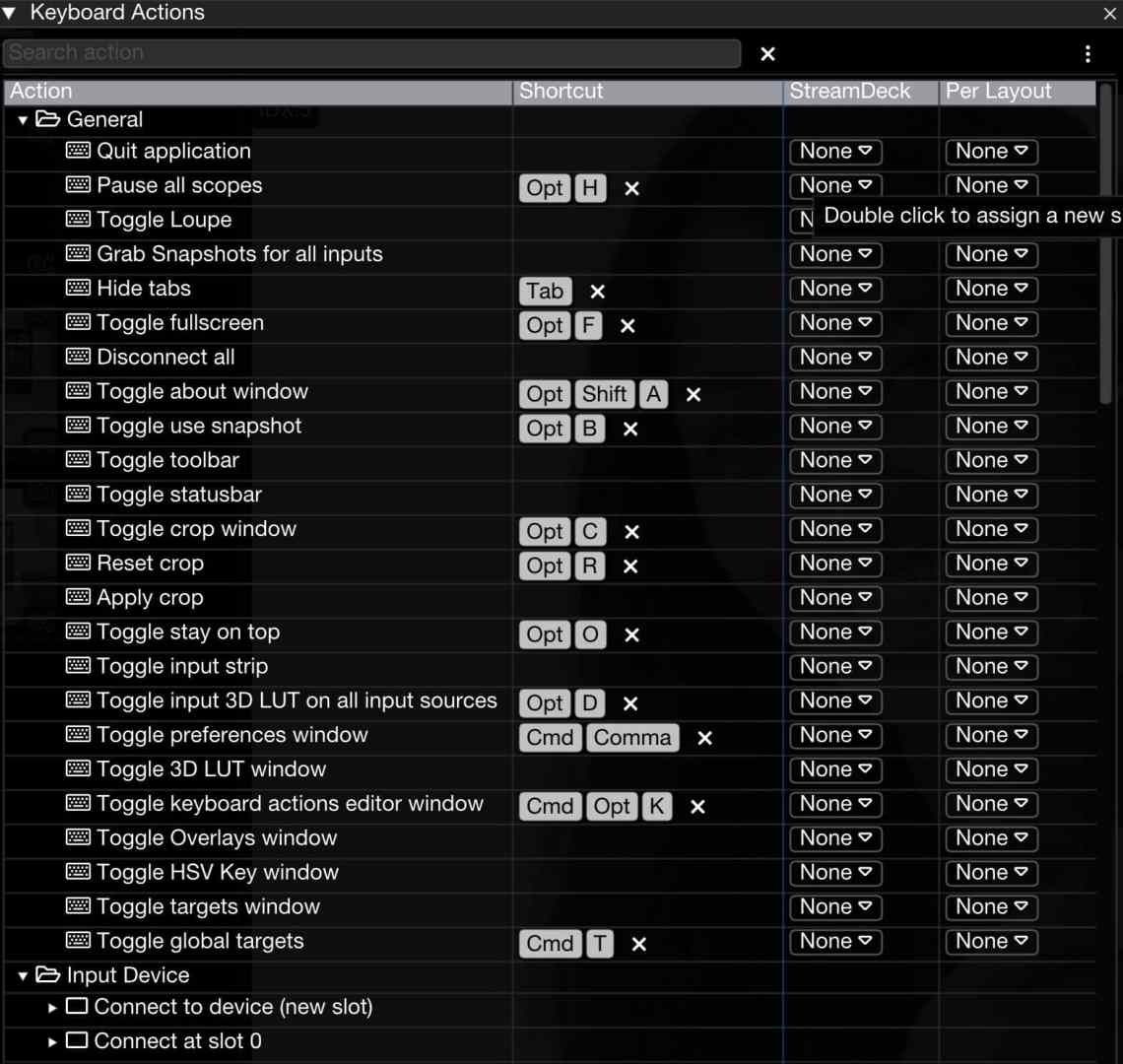
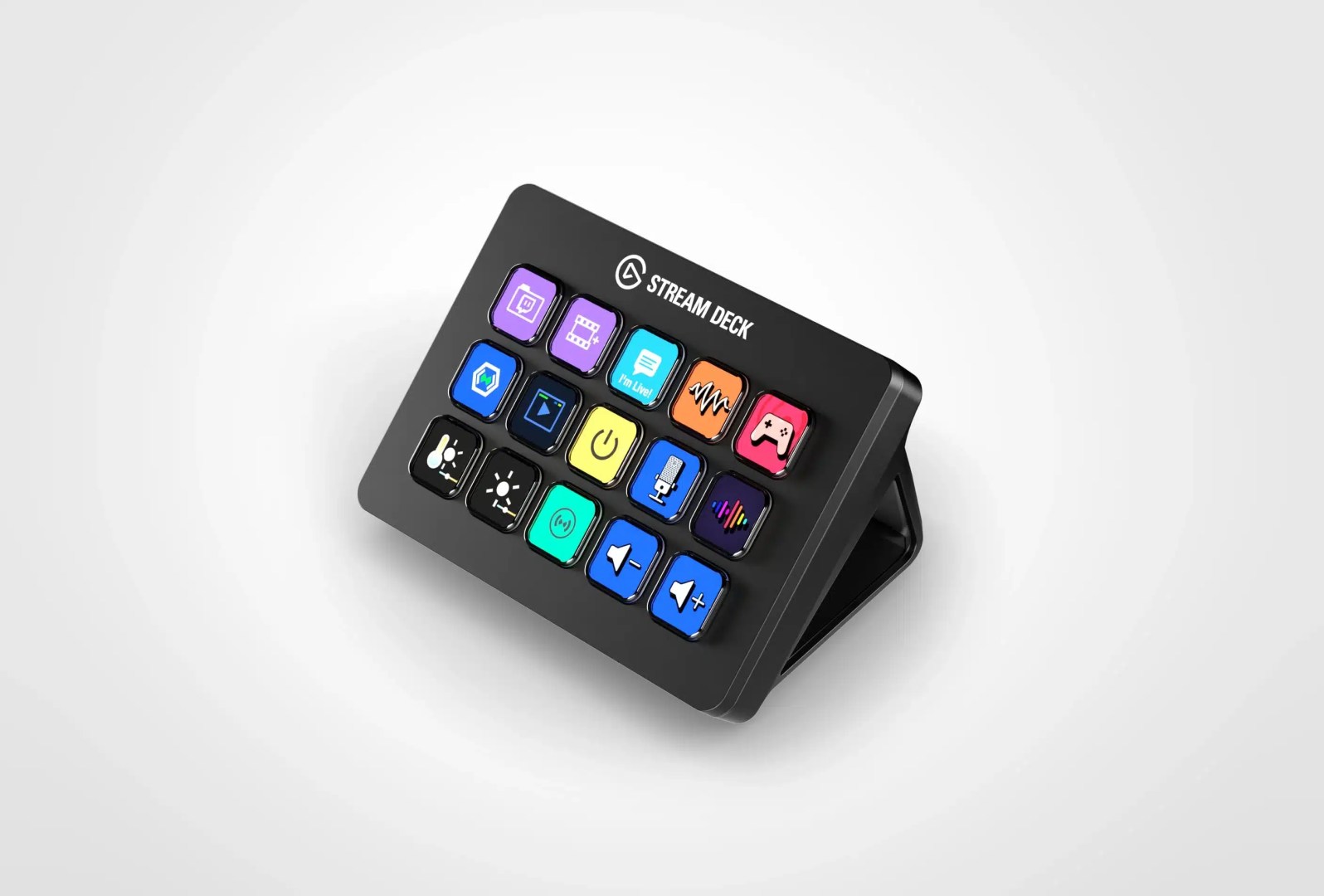
The “Keyboard Action Editor” not only offers the assignment of keyboard commands, but also supports the Stream Deck in NOS Pro. This is an excellent addition, because many commands are already
already assigned if you want to work on the same machine. What’s more, once you’ve memorised how to use your video software, you won’t want to learn another collection for such a depth of function. In fact, we could fill the entire magazine with all the additions since the last version.
Most of this is obviously in response to user requests, and those who want to know all the details are well informed with the exemplary changelog: is.gd/nm_changelog. Among other things, the false colour display in Ed Lachman’s system will soon be available for NOS. This is practically an adaptation of the classic Ansel Adams zone system for film: elzonesystem.com, based on aperture values instead of the IRE scale. After all, all our exposure tools also work in f-stops. It’s worth looking at his wonderfully ironic argument for such standardisation: is.gd/elzone
Hardware and costs
The program has been significantly optimised once again, especially for Apple Mx computers, and there are also detailed tips for optimising performance. Tom recommends a Mac mini Pro M2 with 16 GB RAM for stand-alone operation. We can agree with this, because power consumption, silent operation and compactness make it the ideal device for NOS. NOS now runs on it without any restrictions on the precision of the measuring devices and even in UHD.
NOS now starts very quickly when all input signals are available and shows excellent overall performance, even with many active instruments. Of course, the programme also works on the main computer in parallel with video editing, but then it takes graphics performance away from the video programme. A separate computer with an inexpensive monitor is still much more affordable than any professional hardware scope.

If you want to work with older hardware that is still sitting around somewhere: In addition to the gamut check, pixel-based displays are particularly CPU-intensive. Considerable load is also generated by the output via
NDI beyond HD. As a rule, you can do without a display in 50 or 60 fps and get by with a reduced frame rate. You can find a tutorial on optimisation here: is.gd/omni_preformance
The price of NOS is quite fair, there are still graded versions and you purchase a permanent licence. You only have to pay annually if you want to continue receiving updates and full support after the first year. You always pay the same, even if you have not been ‘on board’ for a while. You can now request the 14-day trial licence directly from the program. The author reacts very quickly to bug reports: when we reported a crash when importing RAW in MXF, it took him just one day to find a solution. Incidentally, this was the only crash in the entire test period.
Comment
We know of no other product for AV measurement devices in software that has such a depth of function and flexibility as Nobe OmniScope Pro and is so intensively maintained. Classic hardware simply cannot compete with it. OmniScope Video is only reduced by a few functions and its price is not only attractive for high-end suites.
