



Wacom has launched its new Intuos Pro series, available in Small, Medium, and Large sizes. These tablets are designed to meet the diverse needs of creative professionals, offering a range of features to enhance the user experience.
Enhanced Pen Pressure Sensitivity
One of the standout features of the new Intuos Pro tablets is the improved pen pressure sensitivity. This enhancement allows for more precise control, enabling artists to achieve finer details in their work. The increased sensitivity ensures that even the lightest strokes are accurately captured, providing a more natural drawing experience.
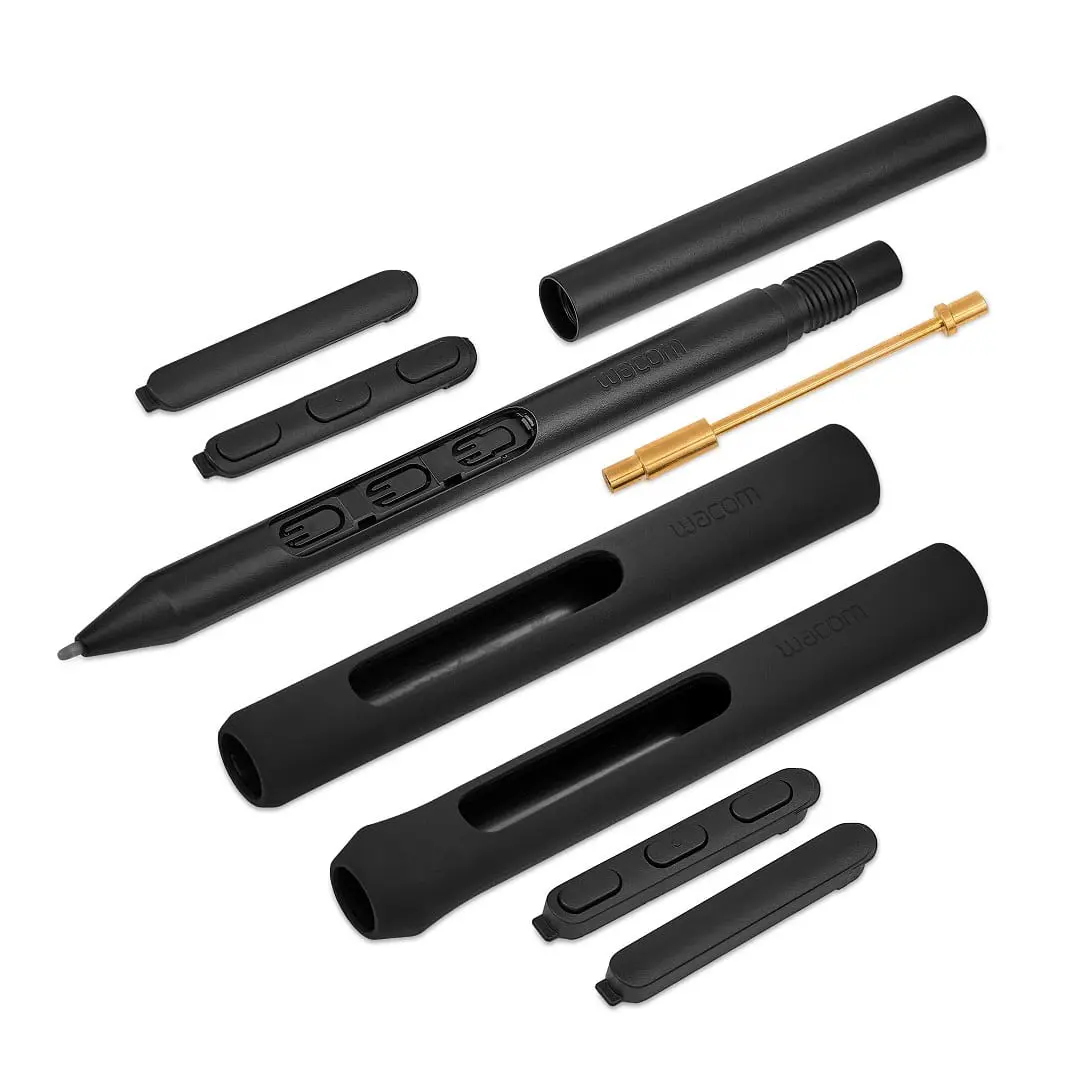
Customizable ExpressKeys and Touch Ring
The Intuos Pro series features customizable ExpressKeys and a Touch Ring. These features allow users to set up shortcuts for their most-used functions, streamlining workflows and improving efficiency. The ability to personalise these buttons means that artists can tailor the tablet to their specific needs, reducing the reliance on keyboard shortcuts and enhancing productivity.
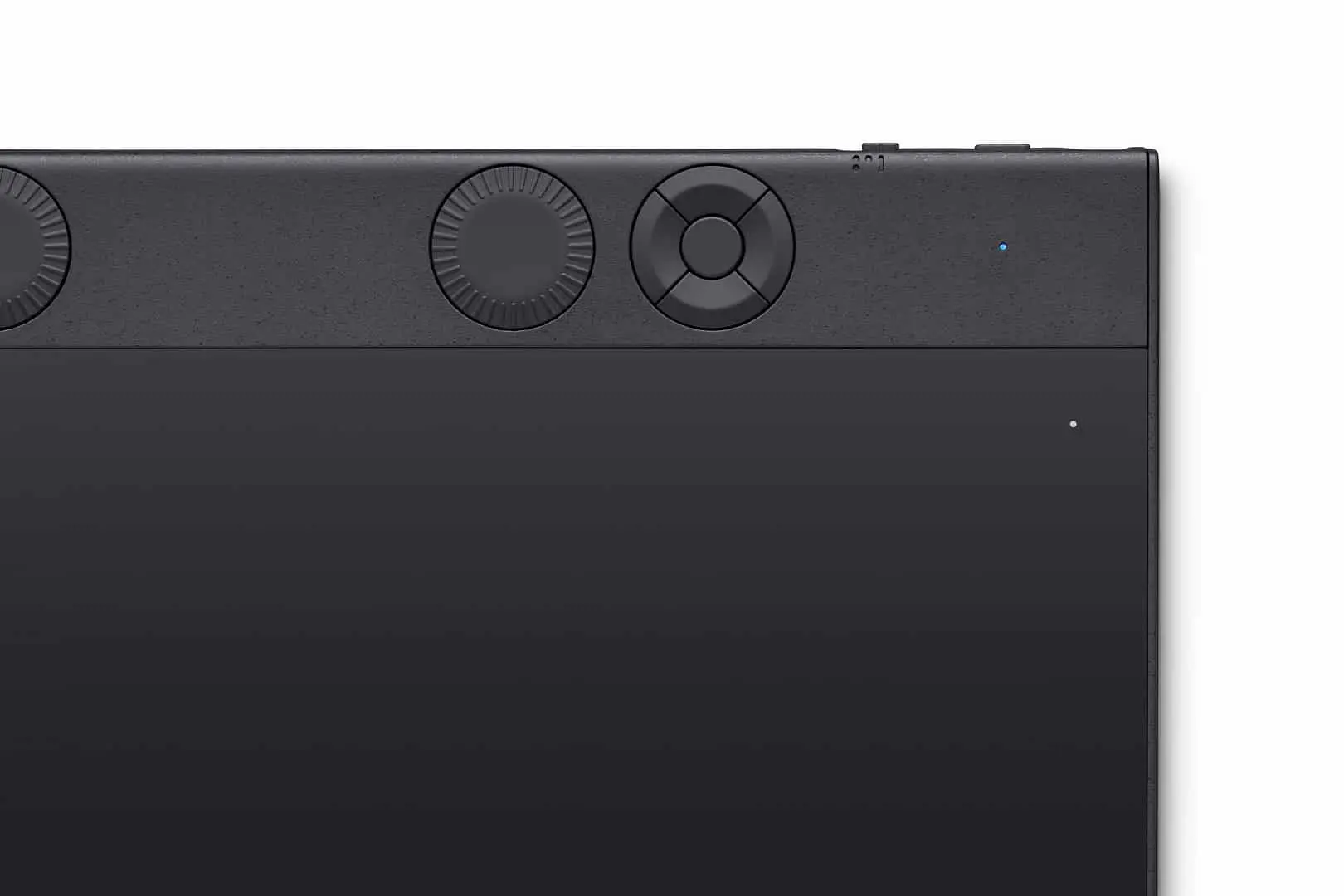
Bluetooth Connectivity
In addition to the wired USB connection, the new Intuos Pro tablets offer Bluetooth connectivity. This wireless feature provides greater flexibility, allowing users to connect the tablet to their devices without the clutter of cables. The Bluetooth functionality ensures a stable connection, enabling artists to work comfortably in various environments.
Slim and Compact Design
The design of the Intuos Pro series has been refined to be slimmer and more compact. Despite the reduction in size, the active drawing area remains generous, ensuring that artists have ample space to work. The sleek design makes the tablet more portable, allowing creative professionals to carry it easily between different workspaces.

Technical Specifications of Wacom Intuos Pro Variants
The Wacom Intuos Pro series offers three sizes (Small, Medium, and Large) to accommodate various creative workflows. Each variant is designed with specific dimensions and features to meet the diverse needs of artists and designers.
Wacom Intuos Pro Small
The Small model features an active area of 160 x 100 mm (6.3 x 3.9 inches), providing a compact workspace ideal for artists with limited desk space or those who prefer a portable option. The tablet measures 320 x 208 x 12 mm (12.6 x 8.2 x 0.5 inches) and weighs 660 g (1.5 lbs), making it lightweight and easy to transport. Despite its size, it maintains the same high-quality pen performance as its larger counterparts.
Wacom Intuos Pro Medium
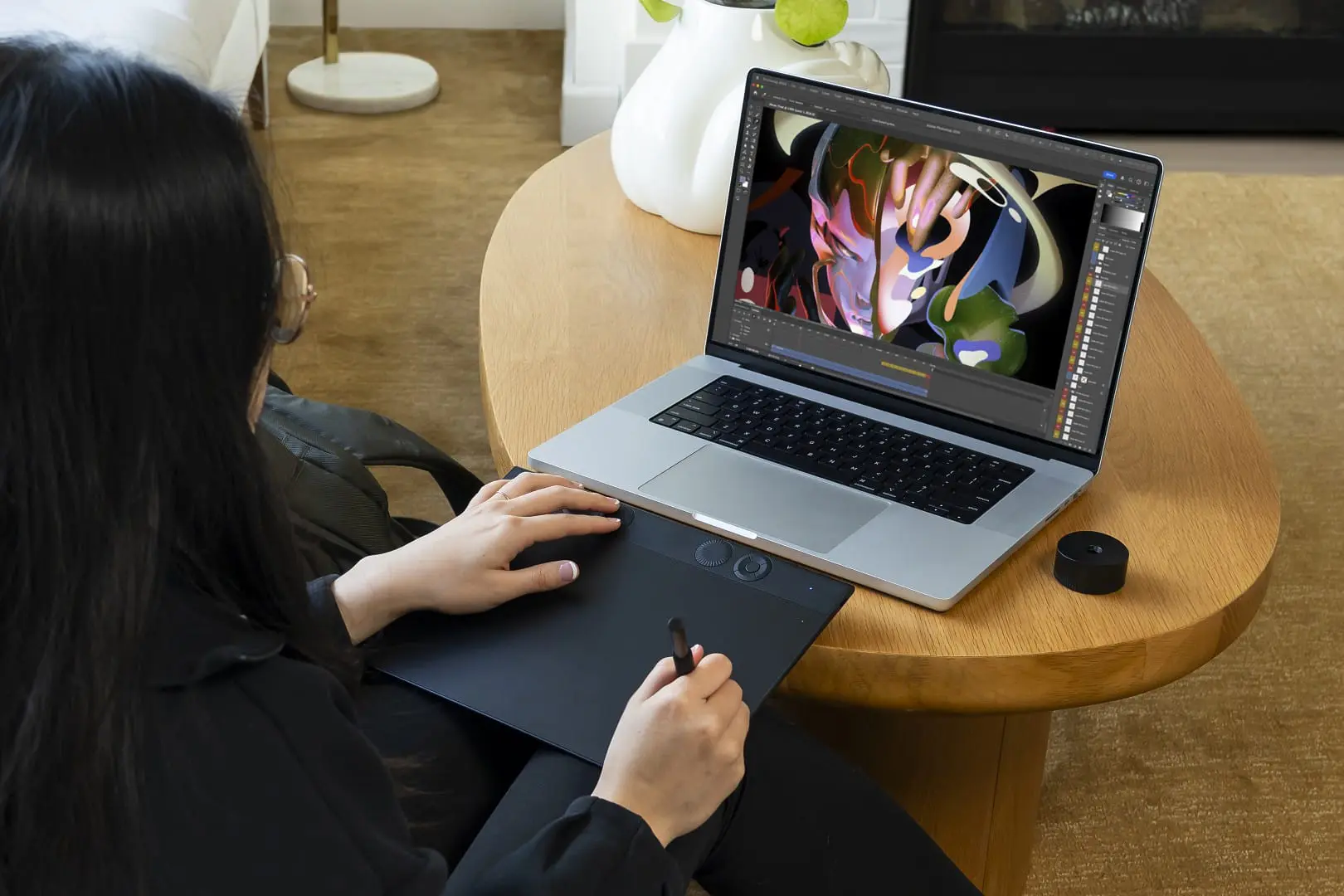
The Medium variant offers a larger active area of 224 x 148 mm (8.7 x 5.8 inches), providing more space for detailed work. The tablet’s dimensions are 338 x 219 x 8 mm (13.2 x 8.5 x 0.3 inches), and it weighs 700 g (1.54 lbs). This size balances portability with a more expansive drawing area, catering to artists who require more room for their creations.
Wacom Intuos Pro Large

For those who need an even more extensive workspace, the Large model provides an active area of 311 x 216 mm (12.1 x 8.4 inches). The tablet measures 430 x 287 x 8 mm (16.8 x 11.2 x 0.3 inches) and weighs 1.3 kg (2.86 lbs). This variant is ideal for professionals working on large-scale projects that demand precision and ample space.
All three models are equipped with the Wacom Pro Pen 3, offering 8,192 levels of pressure sensitivity, tilt-response, and virtually lag-free tracking. They also feature customizable ExpressKeys and a mechanical Dial at the top of the tablet to enhance productivity. Connectivity options include Bluetooth and USB cable, providing flexibility in how you connect to your devices.

When choosing a tablet, consider your workspace, portability needs, and the nature of your projects to select the size that best suits your creative process.

No Multitouch? No Problem.
Unlike some previous models, the new Intuos Pro does not include multitouch functionality—a decision based on Wacom’s experience that most painters rarely use it. Many digital artists rely solely on the pen for precision work, and removing multitouch helps prevent accidental gestures while drawing. This ensures a more stable and predictable workflow, particularly for those who prefer a traditional tablet experience without unintended input disruptions.
Pricing and Availability
The new Intuos Pro tablets are available for purchase through Wacom’s official website and authorised retailers. For detailed pricing information, please visit Wacom’s official website for your region. The range goes (for the German store) from 270€ for the Intuos Pro small, through 400€ for the Medium, up to 550€ for the Intuos Pro Large.
Final Thoughts and Personal Notes
Wacom’s latest Intuos Pro series offers a range of features designed to meet the demands of creative professionals. With enhanced pen pressure sensitivity, customizable controls, and Bluetooth connectivity, these tablets provide a versatile tool for artists. On a personal note, I really appreciate that it is usable for lefties and righties with the “Double Dials and Buttons”.
