



At GDC 2025, Adobe revealed a suite of updates for Substance 3D Painter, Designer, and Modeler, with the spotlight on faster workflows, more control, and expanded access for indie developers and students. The tools aim to streamline asset creation for game development and real-time 3D workflows by refining UI, expanding format support, and adding procedural and real-time enhancements—although, as always, testing for stability in production is advised before integrating into ongoing projects.
Substance 3D Painter: Path to Precision
The new version of Substance 3D Painter introduces a feature called Filled Path, a new Path Type that allows artists to fill shapes directly traced on 3D model surfaces. Assets imported from Illustrator, Substance 3D Designer, or Substance 3D Sampler can now be updated in real-time within Painter—enabling texture refinements without halting creative flow. Path functionality also gains precision with snap-to-geometry, use as a measuring tool, and easy copy-paste between masks and content layers. A new automatic cage option for baking texture maps reduces setup time and simplifies achieving accurate results. Additionally, a unified export window consolidates file export tasks to minimize time spent on file management.

Substance 3D Designer: More Realism, Less Guesswork
Substance 3D Designer now features enhanced rendering technology for more realistic material previews. USD (Universal Scene Description) support is integrated, improving asset transfers between applications. Rich tooltips have been added to improve usability and reduce time spent deciphering UI elements.
Unmetered Assets: Limitless Downloads
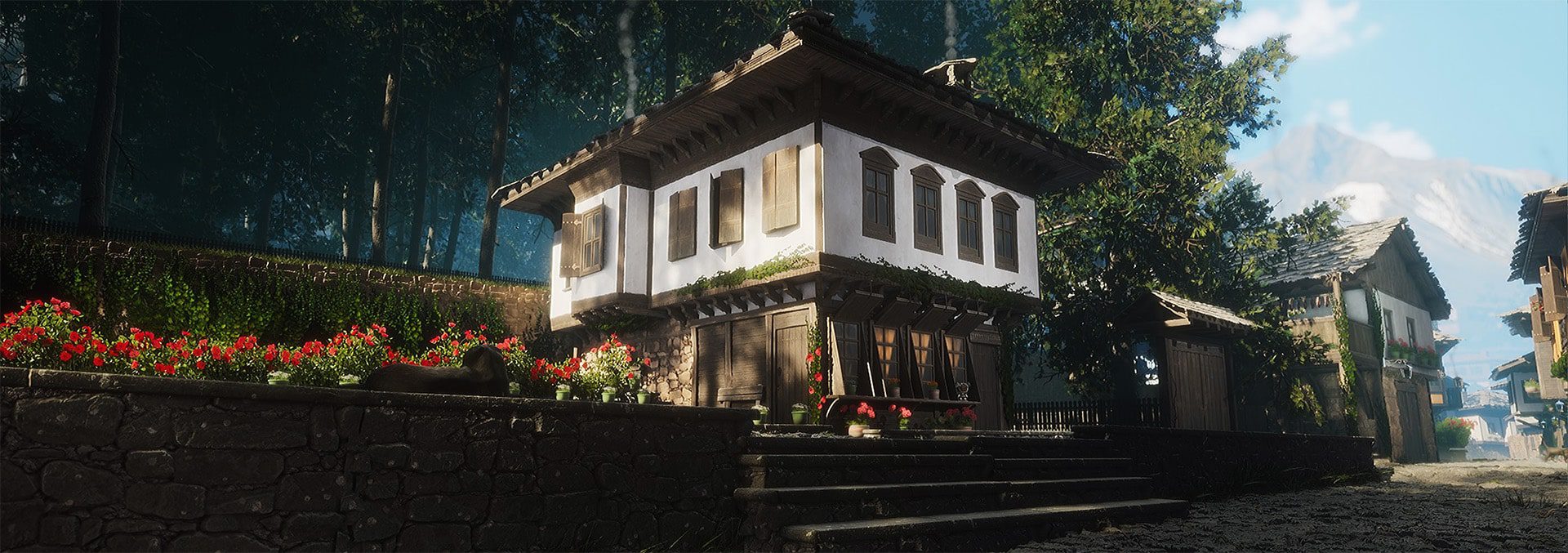
Artists now have unrestricted access to over 20,000 assets—materials, models, and lighting setups—via Substance 3D Assets. This includes hyper-detailed sci-fi textures and historically inspired materials, with new Signature Collections from artists like Anna Koroleva and Niki Marinov. The previous download caps have been lifted, encouraging more experimentation in scene building.
Indie Pricing: The Bundle for the Rest of Us
The Substance 3D Indie Bundle is now available on Steam for $24.99/month. It includes Painter, Designer, and Modeler, along with curated assets. This move targets small studios and solo developers, providing access to pro-grade tools previously reserved for AAA pipelines.
Pipeline Integration: Less Friction, More Flow
Substance 3D deepens integration with Blender, Unreal Engine, Unity, 3ds Max, and Maya. USD support has been expanded, improving asset mobility and supporting a more standardized 3D ecosystem. Adobe’s role in developing USD is documented at the Alliance for Open USD.
Pricing and Availability
The Substance 3D Indie Bundle is available via Steam for $24.99/month. Unmetered access to assets is included. For full pricing and enterprise options, visit Adobe Substance 3D.
Conclusion
Adobe’s updates focus on precision, real-time refinement, and access. From the indie-friendly pricing to expanded format support, the changes aim to reduce friction in daily workflows. However, as always in production environments, the new features should be tested for reliability and compatibility before full deployment. Stability remains key, even when the tools are flashy.
