Table of Contents Show
When Nuke first began supplanting Shake in VFX studios, it didn’t just change software, it exposed a gap in how compositors shared tools and solved problems. At the time, digital workflows still leaned heavily on Shake, a node-based compositor developed by Nothing Real (and later Apple) that earned its place as the VFX industry standard. Shake was endlessly flexible, but its strength was also its weakness: most advanced workflows relied on custom scripting, and the lingua franca was PERL.
PERL (Practical Extraction and Report Language) was and is a powerful scripting language, beloved by sysadmins and a handful of technical artists for its text-processing prowess and, let’s say, “unique” readability. In practice, most solutions on the Shake mailing list boiled down to: “Just write a bit of PERL script.” The problem: most artists weren’t coders, and the knowledge was always a little out of reach.

Frank Rueter is a senior digital compositor and Nuke technical director with extensive experience across film and television visual effects. Originally from Germany, Frank has worked on projects including The Lord of the Rings: The Return of the King, I, Robot, and Iron Man 3.
Beyond feature films, he is known as the founder of Nukepedia – a widely used resource for Nuke scripts, tools, and community-driven workflows. Frank also runs OHUfx in Wellington, New Zealand, where he supervises VFX and collaborates with other like minded studios. Amongst other R&D projects, OHUfx has developed content for fulldome theater productions and Frank regularly consults customising Nuke & Hiero to provide workflow solutions.
Frank, working between Weta and Digital Domain (now at Ohu VFX) during this transition, saw the problem: Nuke was set to take over, but the workflows, scripts, and knowledge were at risk of, like it’s predecessors, being fragmenting into digital oblivion. The 3DsMax forums – at the time a gold standard for knowledge-sharing and generosity – offered inspiration for how things could work: tools and advice shared without ego or friction. The compositing community, Rueter realised, needed its own central hub before information became scattered for good.
When Foundry (then still “The Foundry”) took over Nuke development, Rueter seized the moment. Nukepedia was his answer: a single, global repository for Nuke scripts, gizmos, and solutions. The mission: keep tools accessible, keep knowledge alive, and make sure “just write some PERL” stopped being a barrier.
Ready to level up your VFX editorial and post-production workflows pipeline? Registration is now open for the SIGGRAPH 2025 “Nuke’s Timeline Tools Masterclass: From Ingest to Delivery”—your chance to get hands-on with the latest timeline features in Nuke. Whether you’re deep into post or just want to speed up your review workflow, don’t miss out on this practical deep dive with real-world examples from leading artists. Secure your spot now via Eventbrite—seats are limited!
Frank Rueter gives us the full, unvarnished story of how Nukepedia was built, why it survived, and what comes next for the compositing world’s most vital knowledge bank.
Digital Production: Before Nukepedia, what was it like for artists hunting for tools?
Frank Rueter: When I started out at a small company, none of us could code and we had no budget for customizing workflows. If you asked a question on the old Shake user group, the answer was always “just write a bit of PERL script.” Helpful, unless you didn’t know how to write any PERL. There were brilliant forums, like the old 3DsMax one, where people actually shared knowledge, but everything for compositing was fragmented. There was a risk Nuke would repeat this chaos as it started gaining ground, so I wanted a single place for all things Nuke before the knowledge got lost.
DP: So how did you get from that concern to launching Nukepedia?
Rueter: I was working at Weta and Digital Domain during the transition from Shake to Nuke. At Digital Domain, Foundry was taking over Nuke development from D2Software, and there was this key meeting where Matt Plec—Nuke’s Product Designer—said, “I think we need something like Nukepedia, but I don’t know what I mean by that.” I said, “I do!” The name just described exactly the kind of hub I’d been picturing.
With some help from Ben Minall in London and Diogo Girondi in Argentina, we started looking at how to build a website. In those days, web choices were basically Joomla or WordPress, so we picked Joomla. I’d also seen how HighEnd2D and HighEnd3D worked—forums with tool-sharing. I asked Will McCullough, who ran those, to set up a Nuke group, and I began posting my own gizmos and TCL scripts to get things going.
DP: Was Foundry involved from the beginning?
Rueter: I talked to Bill Collis, Foundry’s cofounder and CEO, about making Nukepedia a joint project. He was completely supportive but thought it would be too complicated to do it officially, so he just gave his blessing and promised support where possible.
DP: How did the launch go?
Rueter: We officially launched Nukepedia at the Mayan Theater in LA during Siggraph 2010. My hope was 500 signups in the first months, but we hit that number the first day. Since then, registrations have just kept growing—now almost a million. It’s been a steady climb and, not surprisingly, the old Joomla site was groaning under the load.
DP: Joomla—good choice at the time? Or a digital curse?
Rueter: For a while, Joomla did what we needed, but it’s open-source, and once the user base exploded, it became a liability. We got hacked twice. Martin Rose and Foundry helped resurrect the site each time, but by 2025, it was clear we needed something more robust. So Kara (my partner) and I decided that Nukepedia was too important to see compromised so OHUfx engaged CactusLab in Auckland to build it anew from scratch, so hopefully, I can finally sleep again.

DP: Why does the Nukepedia relaunch matter now? What’s actually changed?
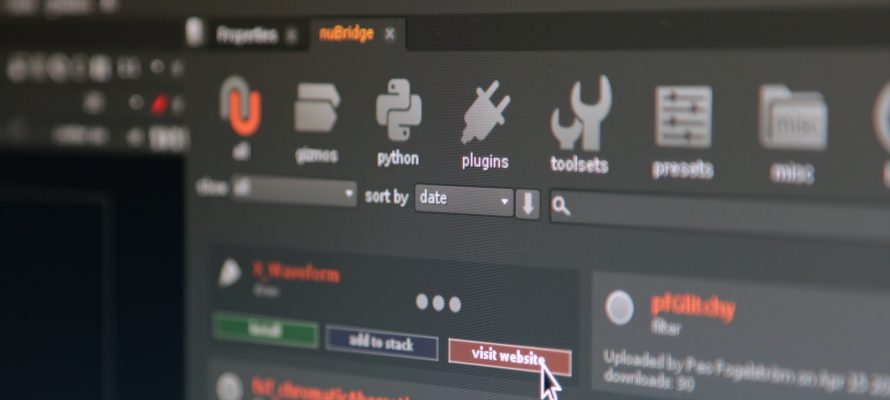
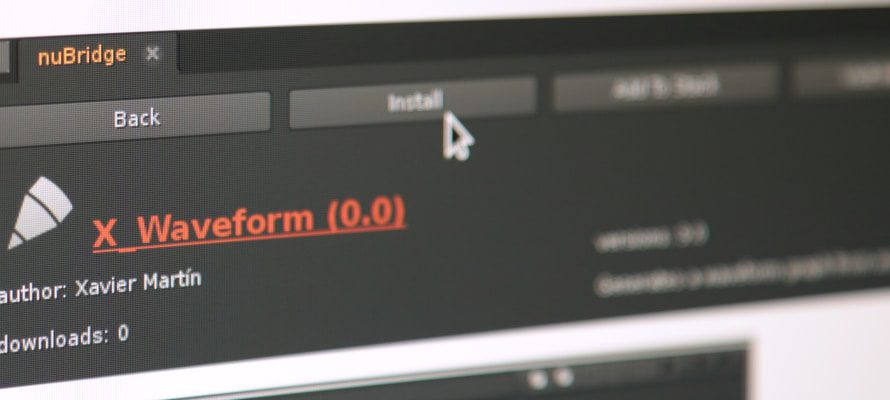
Rueter: First: stability. The old site was becoming unreliable and stressful to run. The new platform should handle the traffic and prevent downtime. But the real upgrade is we can finally give nuBridge a more stable foundation – a direct interface inside Nuke that loads the full Nukepedia database into your session in seconds.
The other big thing is we will now have a link to Github repos, meaning tool authors with repos can expose their tools on Nukepedia, providing a single source and removing any need for double handling . No more bouncing between browser and Nuke, no more manual installs. You can search, filter, and test tools instantly, and save favourites to share with other artists or use across different gigs. It makes the entire process about ten times faster. Uploading new tools still requires the website—mainly to keep documentation up to standard.

DP: If everything is free, why offer paid subscriptions?
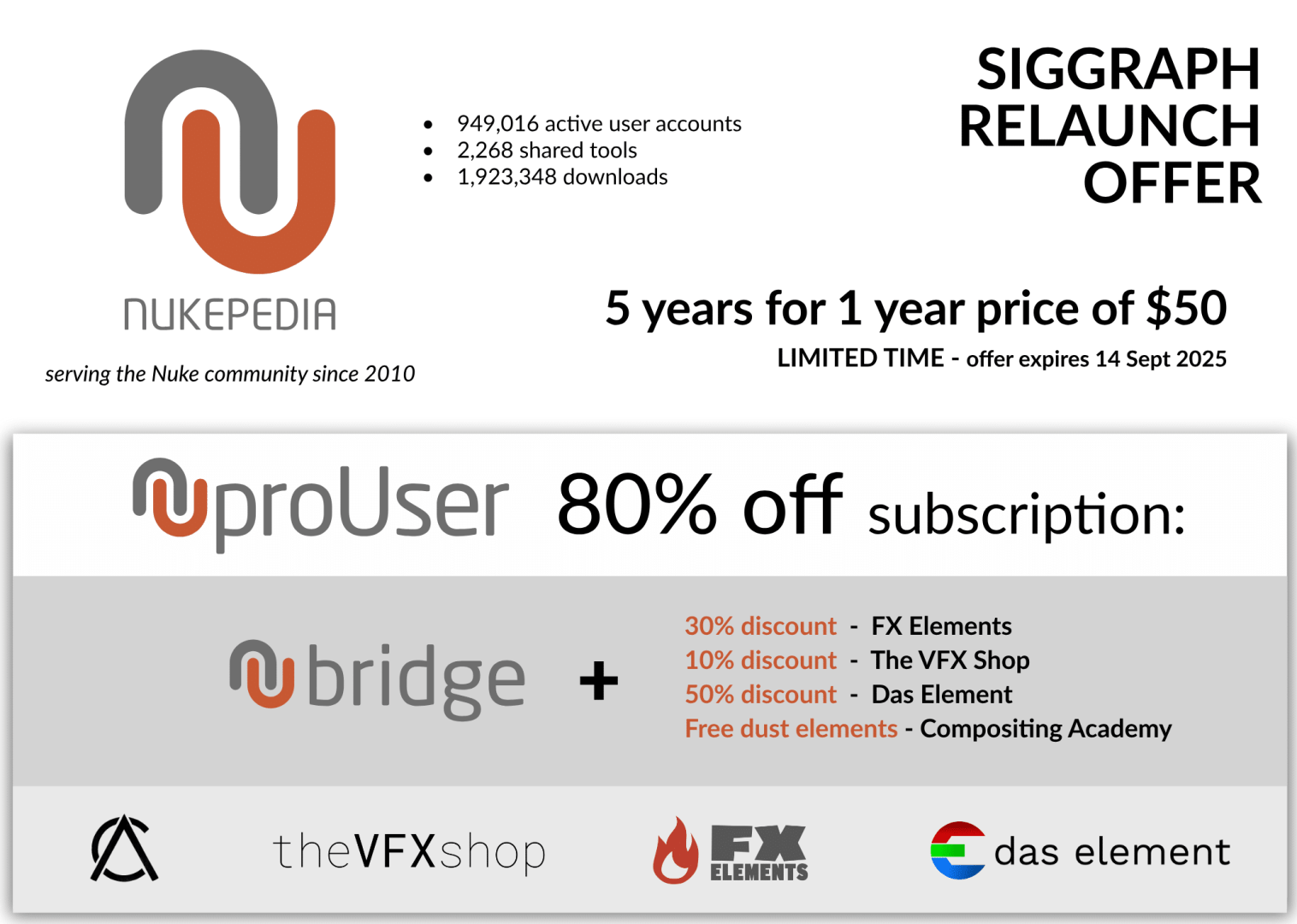
Rueter: All 2000 tools are, and will remain, free. But server costs and development aren’t. All proUser subscription funds, both past and future, go towards the rebuild and ongoing improvements. Subscribers also get nuBridge, some partner discounts (Compositing Academy, FX Elements, Das Element, The VFX Shop), and other time-saving features. But the fundamental spirit of Nukepedia is unchanged: open, accessible, and focused on community benefit.
DP: What do you see as the biggest impact for artists using nuBridge?
Rueter: Honestly, speed and accessibility. If you’re on deadline and need a gizmo, the last thing you want is to hunt through broken links or manually install scripts. nuBridge is designed to make it as painless as possible to find, test, and use new tools. For freelancers, favourites lists mean you can move your entire toolbox from studio to studio without hassle. For less technical users, auto-install means (where possible) you don’t need to worry about file paths and dependencies. It’s about making Nuke accessible for both the creative and technical ends of the spectrum.
DP: And what’s next for Nukepedia?
Rueter: We’re not trying to reinvent support forums—the Foundry forums are still the right place for that. But we might look into Discord or other ways for developers to collaborate. Maybe even a chatbot to help surface knowledge that would otherwise get lost. But the priority remains: keep the tools accessible and the community strong.
DP: Any last thoughts for the die-hard pipeline purists?
Rueter: Test everything before you drop it in your production. Nukepedia is a living database—tools are shared by the community and might not fit every studio’s standards or security needs out of the box. Kick the tyres and run some shots before you release into your pipelines.