MotionMaker: AI Gets a Better Sense of Sitting Down
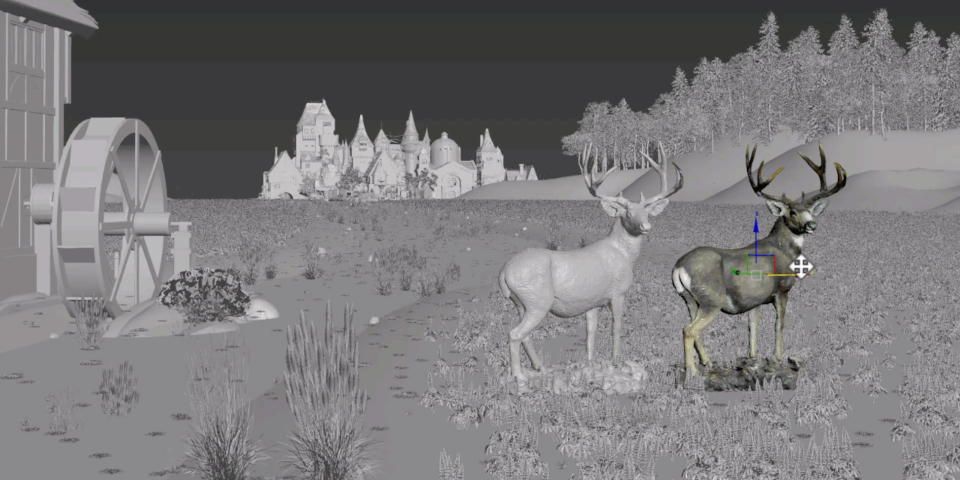
The Autodesk Maya 2026.2 Update brings substantial improvements to MotionMaker, Autodesk’s generative animation system. The editor now remembers where you left it and lets users customize row colours and keyboard shortcuts. Lighter mesh assets and character referencing mean faster playback and smaller file sizes. Enhanced machine learning models offer more accurate low-speed character behavior, yes, even wolves sitting and lying down are now more plausible. In short: more efficient, more responsive, less waiting around for characters to fall over convincingly.

LookdevX: MaterialX Joins the Party
LookdevX 1.9.0 for Maya introduces node previews and finally lets users load MaterialX documents into scenes. The update includes a live link to the source file for MaterialX, and users can now see swatches update in real time while editing. OpenColorIO (OCIO) now supports input colour spaces and aliases for MaterialX, so material authors can skip colour management workarounds. The default OCIO role is now “sRGB Encoded Rec.709 (sRGB)”, and AdobeRGB has joined the list of scene-linear colour spaces. ACES2065-1 is out as a rendering space due to display and accuracy headaches.
USD for Maya: 0.33 with Dual USD
USD for Maya 0.33 now ships with both USD 24.11 and 25.05 installed, reducing compatibility pain. While animation curve import/export isn’t explicitly detailed in Autodesk’s public notes, the dual-version install is official.
Arnold for Maya: Now with GPU Toon, Stats, and More
Arnold for Maya 5.5.3 includes the latest performance improvements, initial GPU support for Toon shading, a shiny new HTML-based interactive render stats report, and enhanced USD integration. If you’re only here for bug fixes, you’ll find them too, but Autodesk highlights significant rendering and workflow improvements.
Bifrost: Now Non-Optional
Bifrost 2.14.1.0 is now bundled by default with Maya—no more “optional component” toggling. The new version supports both USD 24.11 and 25.05.01, depending on what Maya is using. Featurewise, it’s a minor update, but there’s a new series of modular rigging tutorials by Maya rigging specialist Matthew Tucker for anyone wanting to wrangle character rigs in Bifrost’s node soup.
Animate in Context and Tutorials: More Guidance, Less Guesswork
Maya 2026.2 debuts new tutorial videos for both Bifrost modular rigging and the Animate in Context toolset. The Animate in Context update brings an exploration panel and improved error messaging—handy for anyone tired of deciphering Maya’s more cryptic complaints.
Pricing, OS, and Indie Reality Check
Maya supports Windows 10+, RHEL and Rocky Linux 8.10/9.3/9.5, and macOS 13+. Subscription pricing stands at $255/month or $2,010/year, with the Indie license holding at $330/year (subject to income and project caps). Maya Creative follows a metered pay-as-you-go plan, starting at $3/day and requiring a $300 annual minimum.
Read the Docs, Test Before You Trust
These features come straight from Autodesk’s official documentation. For anyone with production deadlines, remember: test updates in non-critical environments before rolling them into live pipelines. That’s the difference between a smooth update and a week of unexpected bug-hunting.
Next Up? 3ds Max!