



Cinema 4D represents a decisive break with its legacy colour system. New projects now default to OCIO (OpenColorIO) with ACEScg as the working render space. Instead of juggling Redshift’s OCIO workflow and Standard/Physical’s ICC-based linear workflow, artists now work under a unified model.
The new pipeline enforces a three-stage structure: input, working, and view. Every texture, material colour, and data map must be explicitly tagged with its source colour space. Rendering calculations occur in wide-gamut ACEScg, which is linear by definition. At output, results are mapped to a display space via a view transform, typically the ACES tone mapper, though OCIO configurations allow alternatives such as AgX or Filmic.
The advantages are clear. Lighting and shading now behave consistently across renderers, with greater fidelity in highlights and shadows, and predictable desaturation in overbrights. But adoption requires care. Legacy projects will not automatically match the new defaults, and asset libraries must be properly colour-managed. Maxon provides templates in the Asset Browser, but the burden falls on studios to test, calibrate, and align their pipelines.

Liquids, UDIMs, and AI in Cinema 4D
Beyond colour, Cinema 4D deepens its Unified Simulation Framework with GPU-accelerated liquid dynamics. Fluids can be spawned from a dedicated Liquid Fill Emitter, or converted from particles using a Liquify Modifier. Once active, fluids respect viscosity, surface tension, and collisions with rigid bodies. Artists can shape results with forces already present in the simulation system. For render, a Liquid Mesher object converts the fluid particles into polygonal geometry.
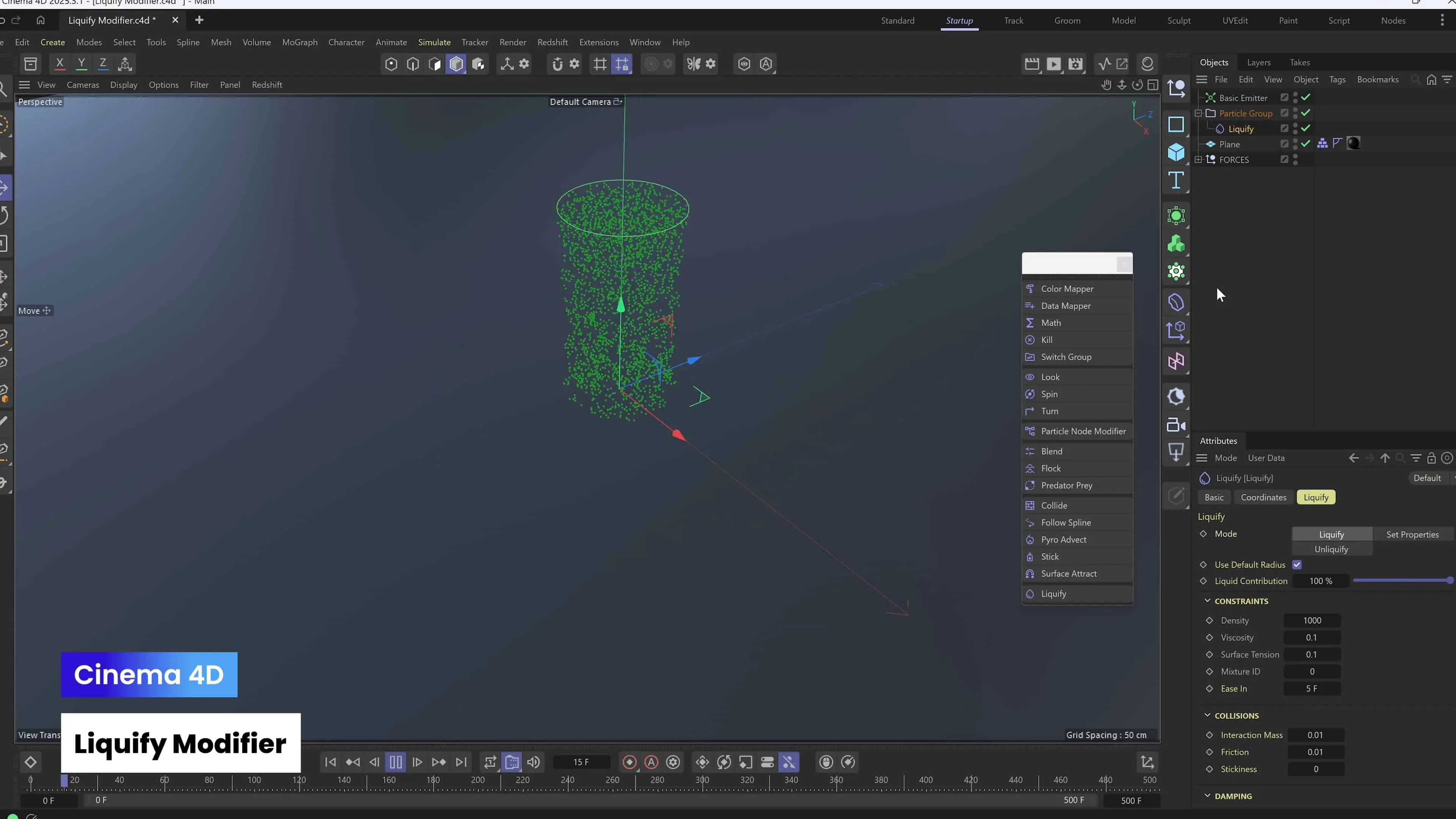
The system is optimised for speed and art-direction rather than exhaustive physics. It excels in motion graphics and short-form production where controllability outweighs realism. Large-scale fluid behaviour such as foam or spray remains outside its remit, but the system is fast enough to support iterative design directly in the viewport.

Cinema 4D also addresses long-standing UV workflow gaps with UDIM support and texel density tools. UV shells can be freely arranged across UDIM tiles, textures can be packed efficiently, and texel density can be standardised with presets for different production contexts, from game assets to cinematic props. For texturing artists, this means Cinema 4D finally integrates more smoothly with Substance Painter, Mari, and other UDIM-centric applications.
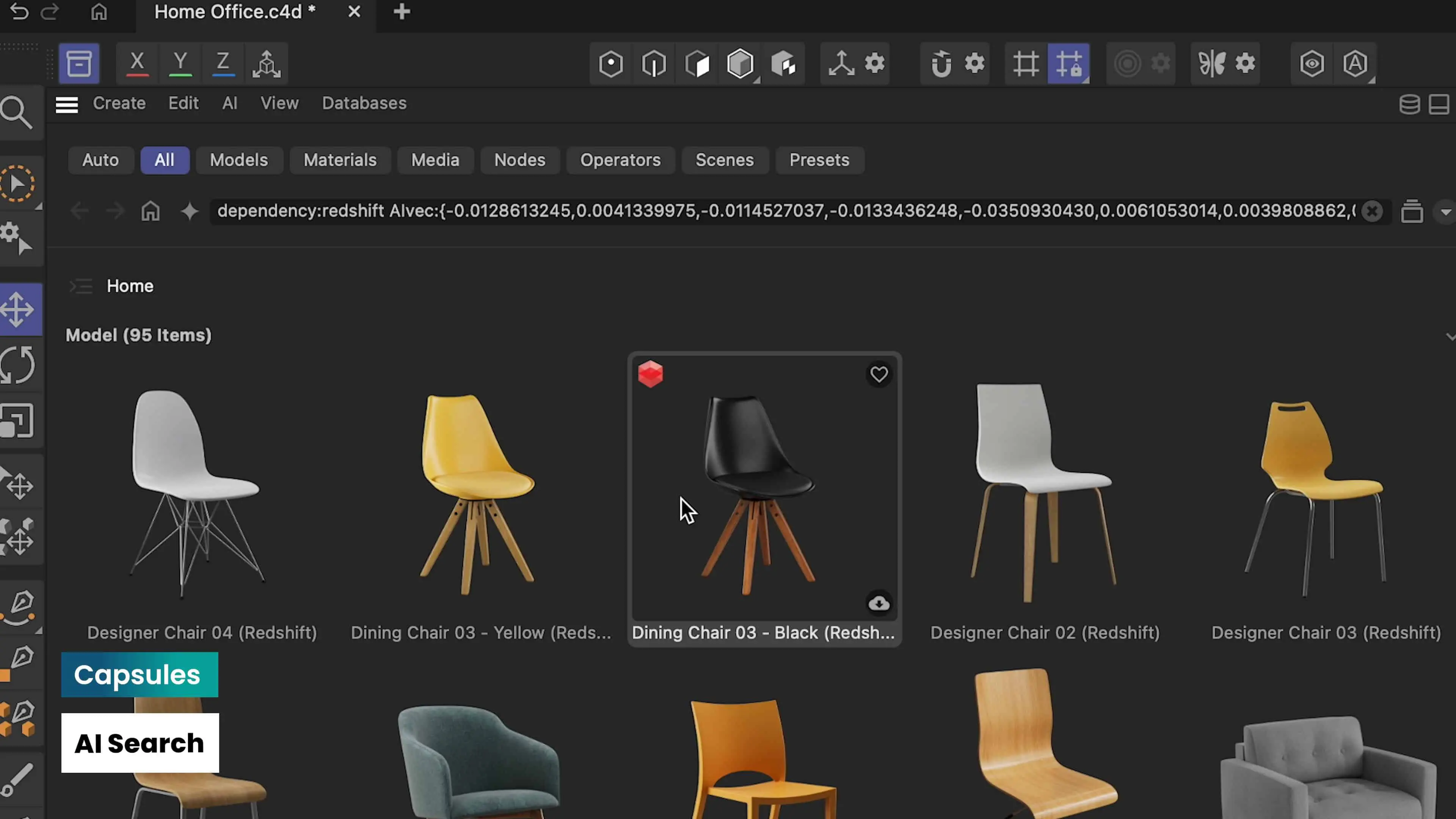
On the organisational side, the Asset Browser gains an AI search engine. It scans the visual content of assets rather than relying solely on metadata, and it runs entirely locally. This ensures that data never leaves the user’s machine, addressing privacy concerns while enabling faster retrieval across large studio libraries.

Redshift: Atmosphere and Efficiency
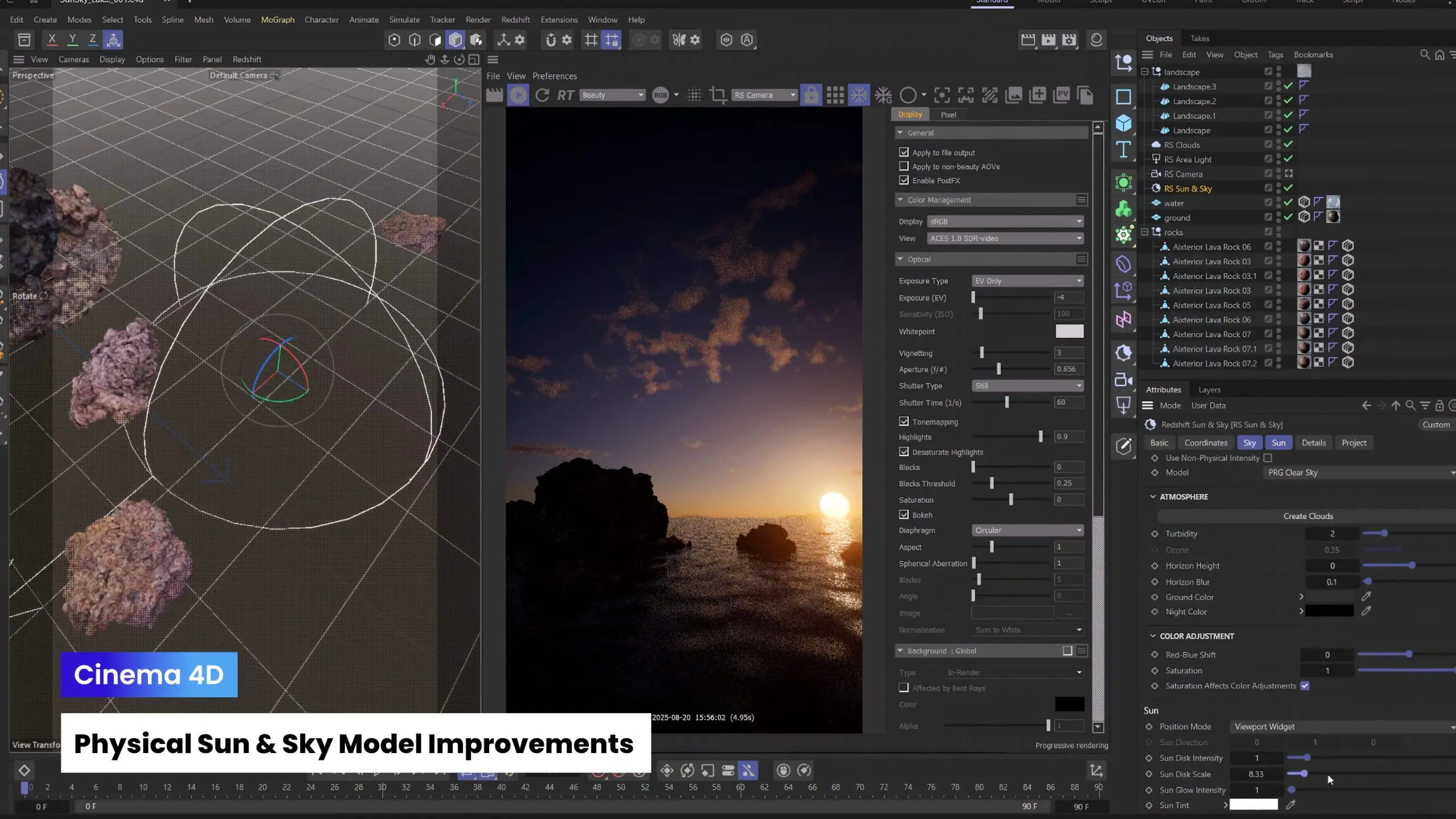
The bundled renderer, Redshift 2025.0, focuses on both atmosphere and interactivity. Its new Procedural Clouds system integrates with the existing Sun & Sky rig, allowing artists to generate volumetric skies without heavy voxel caches or external plugins. The system balances plausibility with art-directable controls, enabling environments ranging from photorealistic to stylised.
Redshift’s handling of displacement has also been upgraded. Artists can now preview and adjust displaced geometry interactively, with less reliance on dense subdivision. This shortens iteration cycles and lowers memory requirements for complex shaders.
A further improvement is the adoption of Scene Units. Shaders and materials now scale relative to the project’s world units, ensuring that displacement, noise, and procedural textures behave consistently across different projects. This eliminates one of the more persistent sources of unpredictability in cross-scene rendering.
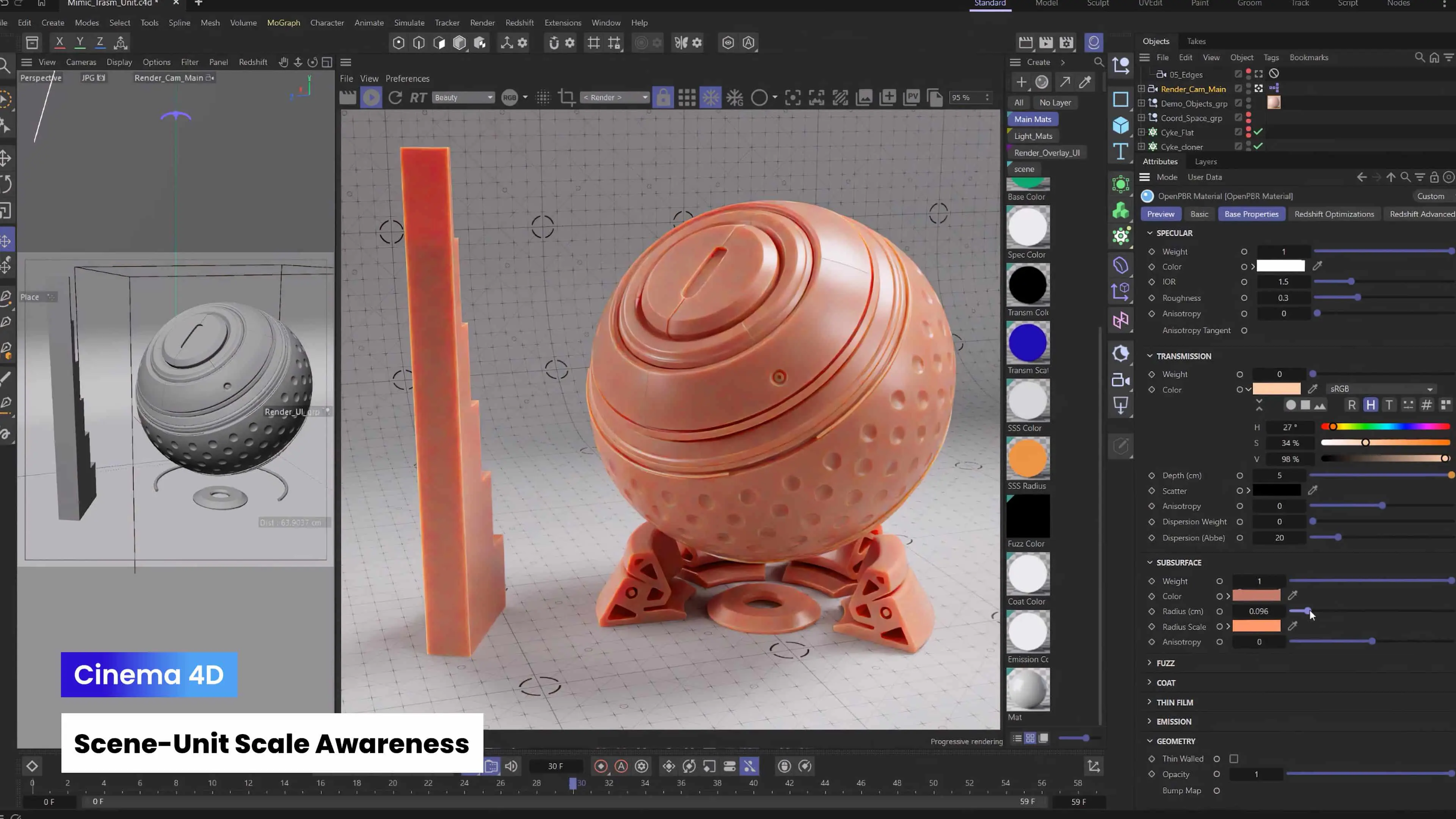
Together, these refinements push Redshift closer to the expectations of large-scale production, particularly for architectural visualisation, cinematic environments, and real-time look-development.
ZBrush: Python Scripting and iPad Parity
ZBrush continues to expand in both desktop automation and mobile parity. On desktop, the arrival of Python scripting allows studios to build automation layers, connect ZBrush to asset management systems, or develop custom batch operations. For technical artists, this is a long-awaited way to make ZBrush play more predictably within pipeline automation.

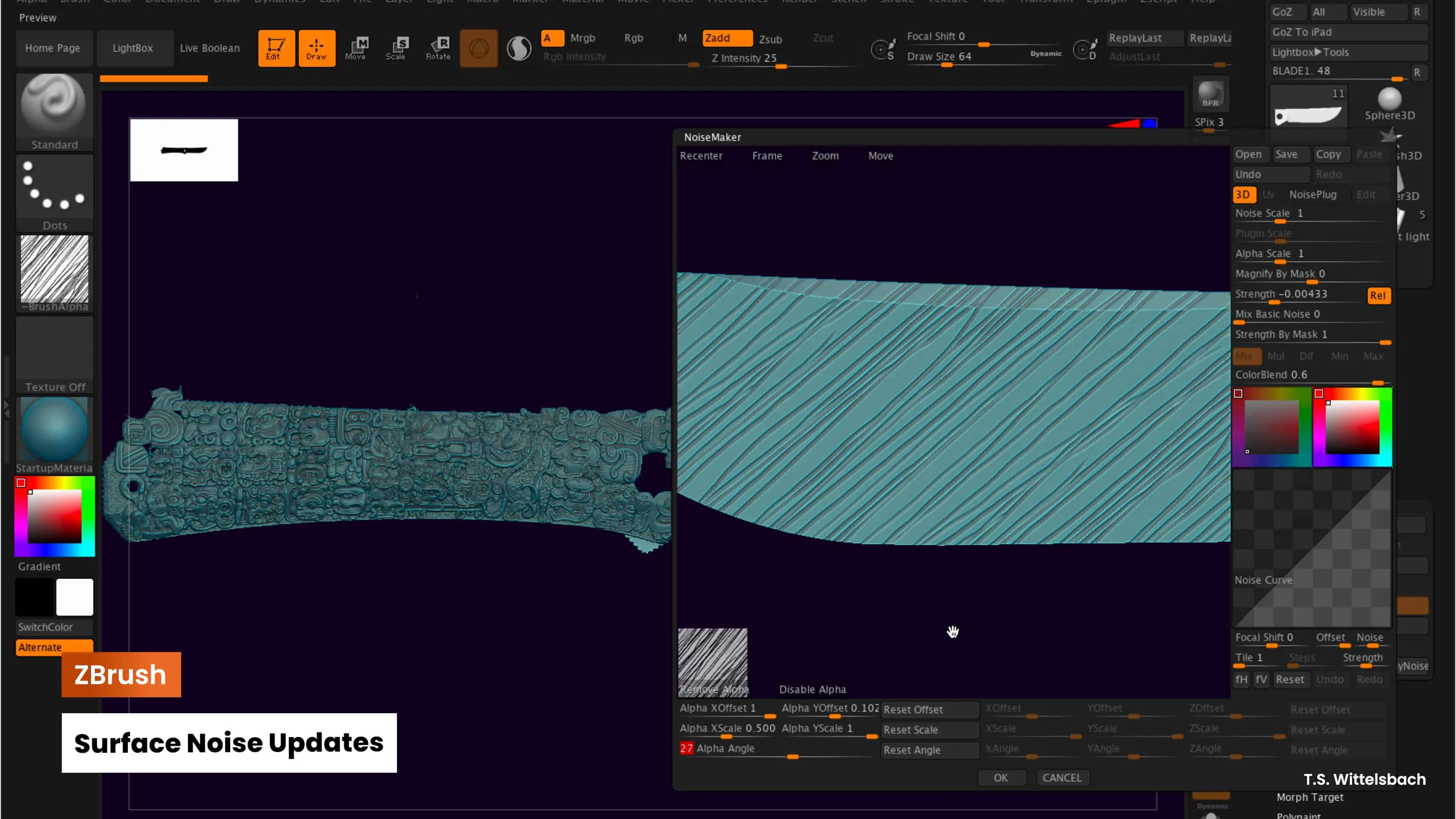
Surface detail workflows have also been upgraded. The Surface Noise system now supports per-noise resets, alpha transforms, and undo/redo functionality. These refinements make it easier to layer and adjust procedural detail without destructive editing.
On the mobile side, ZBrush for iPad now supports 3D printing export, giving portable sculpting workflows a direct path to prototyping. The interface has been optimised for touch, with a repositionable bottom bar, customisable modifier wheel, and savable UI layouts. These features allow artists to adapt ZBrush to personal working styles, even on a compact device. Upcoming releases promise UV editing and hard-surface modelling tools on iPad, which would push it further toward full production parity with desktop.
Maxon Studio and Cineware for Unreal
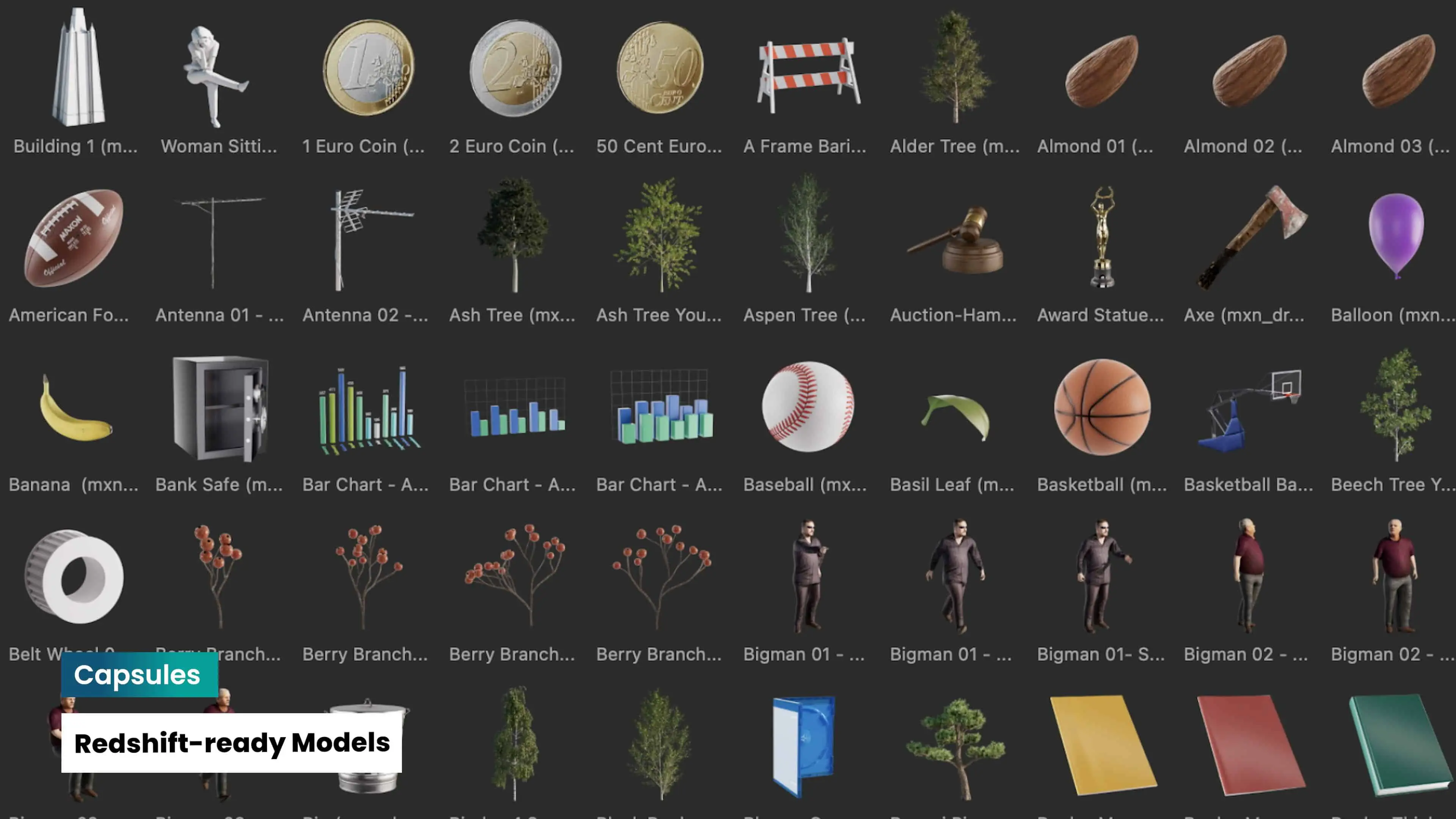
Maxon Studio builds on its Capsule system, enabling editors and colourists to embed assets directly into templates. Capsules can now be reused across multiple projects, preserving brand consistency while cutting setup times. This supports large-scale editorial workflows where repeatability and visual consistency matter as much as flexibility.

For real-time pipelines, Cineware for Unreal Engine has been expanded. The bridge now respects Cinema 4D modifiers, creates material instances automatically, and enhances texture tag handling. The aim is to reduce the amount of re-authoring required when transferring assets between Cinema 4D and Unreal, a critical bottleneck in virtual production and interactive environments.

A New Identity for a Unified Ecosystem
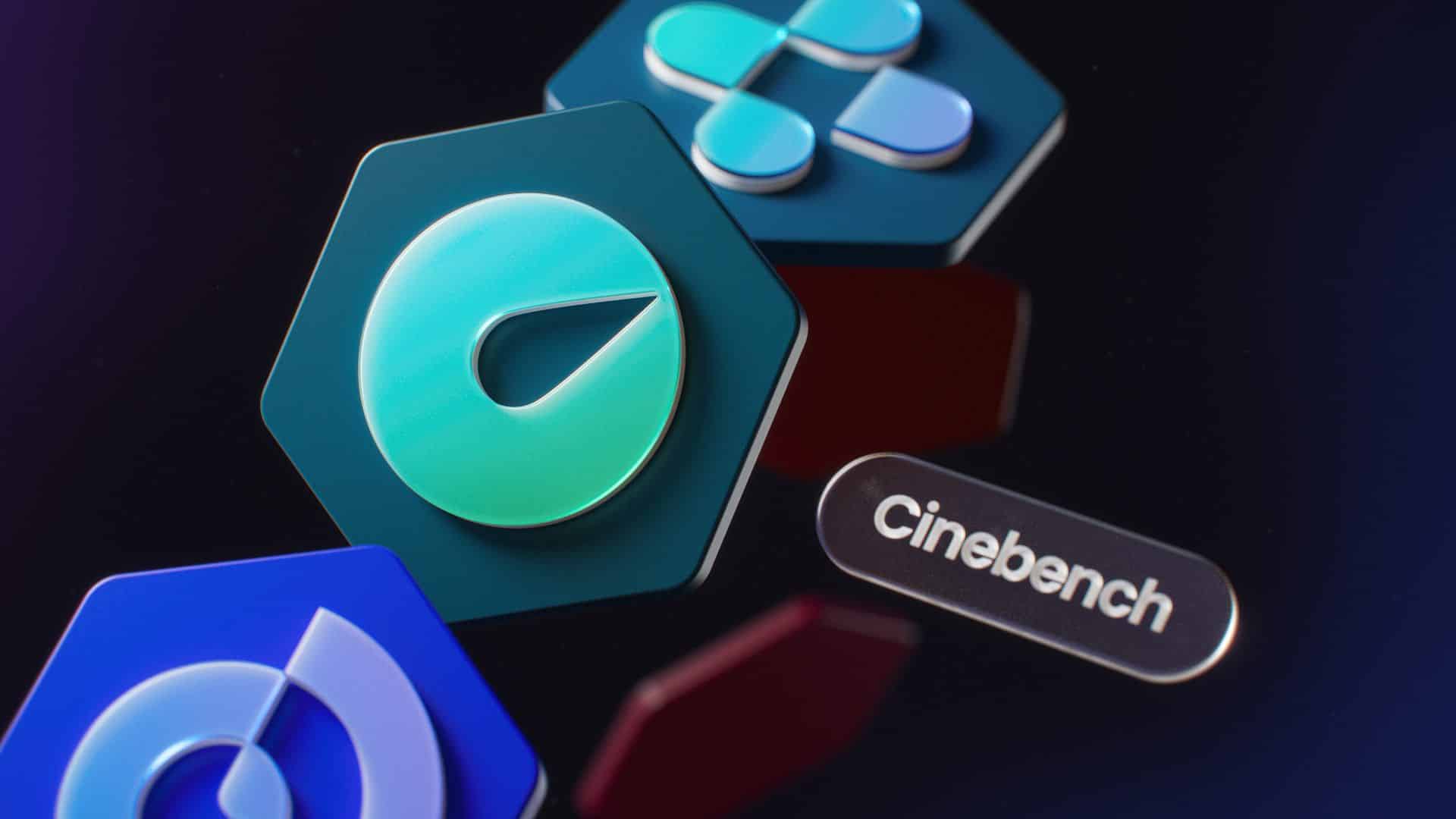
All of this comes wrapped in Maxon’s new brand identity. Each tool now has a modular geometric logo, designed to echo the honeycomb motif of Maxon One. Colours and typography have been standardised to emphasise the sense of a single family of applications, rather than a loose collection. Maxon argues that this signals its evolution into a cohesive ecosystem, both visually and technically.










A Word of Caution
Cinema 4D 2026, Redshift , and ZBrush’s expanded toolset bring real technical progress, particularly in colour science, simulation, and automation. But adoption is not trivial. As always: validate before deployment.
