



For those who don’t know the tool: SynthEyes by Boris FX is a dedicated 3D camera tracking and matchmoving software used across film, VFX, and advertising production. It interfaces smoothly with Nuke, After Effects, Fusion and other DCC applications, delivering fast, precise solves for integration of CG into live action. Part of the Boris FX Suite, SynthEyes sits alongside tools such as Mocha Pro, Continuum, Sapphire, and Silhouette, forming a tightly integrated pipeline of visual effects and finishing plugins.
Free matchmove mastery – for a limited time
Boris FX has announced SynthEyes Essentials, a new training series designed to teach both the conceptual foundations and practical workflows of matchmoving in SynthEyes. The package, usually priced at USD 95, is available as a free premium download until 31 December 2025.
The offer includes over three hours of professional instruction, spread across eighteen videos, with accompanying project files and sample footage. The series is taught by Boris FX product specialist Christoph Zapletal, a long-time VFX artist and trainer – and Digital Production’s own Compositing, Flame and Star trek Author.
Topics include matchmove theory, camera solving, AI-assisted workflows, roto masking, lens distortion management, mesh generation, and object tracking. Boris FX positions the series as a comprehensive, concept-driven training rather than a feature-by-feature tutorial. If you want to learn what you are doing, and not just which button to press, this is the course for you.
What do you get?
Across eighteen lessons and twelve blocks, SynthEyes Essentials builds a structured learning path from theory to application. It starts with conceptual understanding, progresses through tracking, solving, calibration, and ends with practical export and integration workflows. Each block is designed to be modular, allowing artists to focus on specific parts of the matchmove process or follow the series sequentially for a full onboarding to SynthEyes.
Foundations and Core Concepts
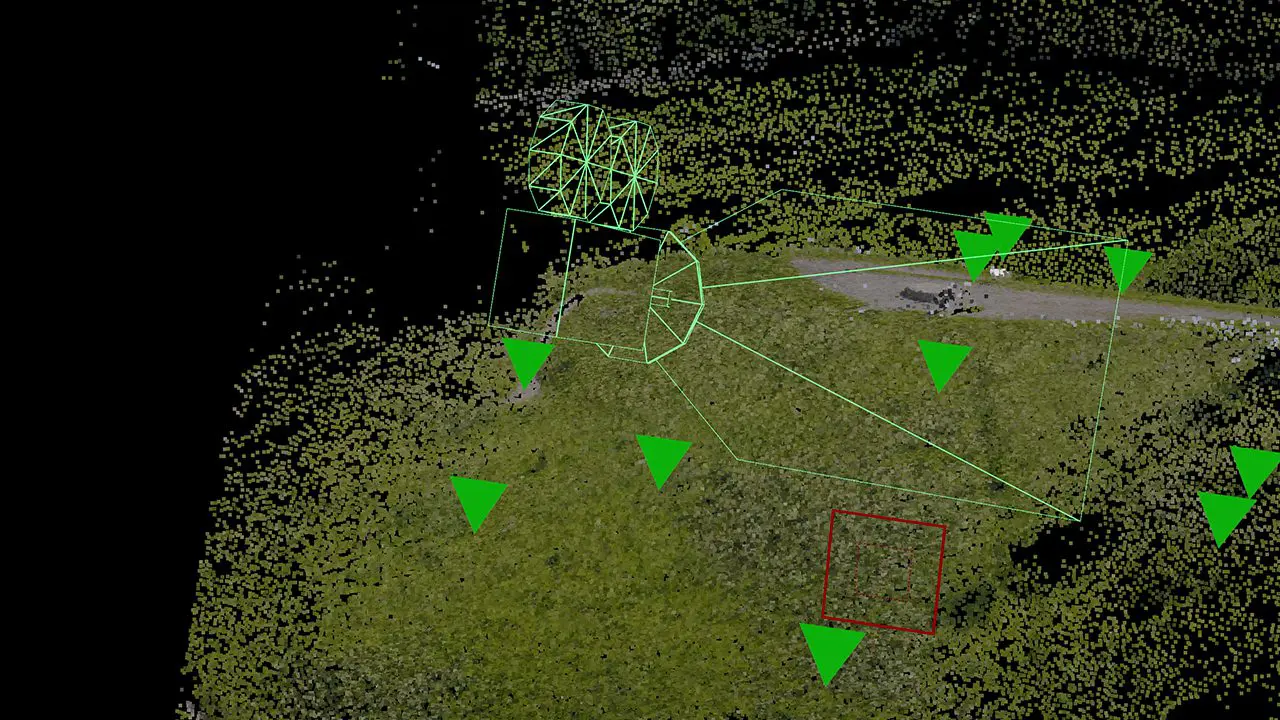
The course opens with an Introduction and a clear explanation of the Underlying Concepts of matchmoving. These first lessons establish the theoretical foundation of what camera solving actually does, namely mapping 2D image data into a consistent 3D coordinate space. Christoph outlines how SynthEyes interprets motion, focal length, and parallax, giving artists a solid base before they begin working hands-on. This section sets the tone for the entire training: conceptual understanding first, tools second.
Tracking Workflows
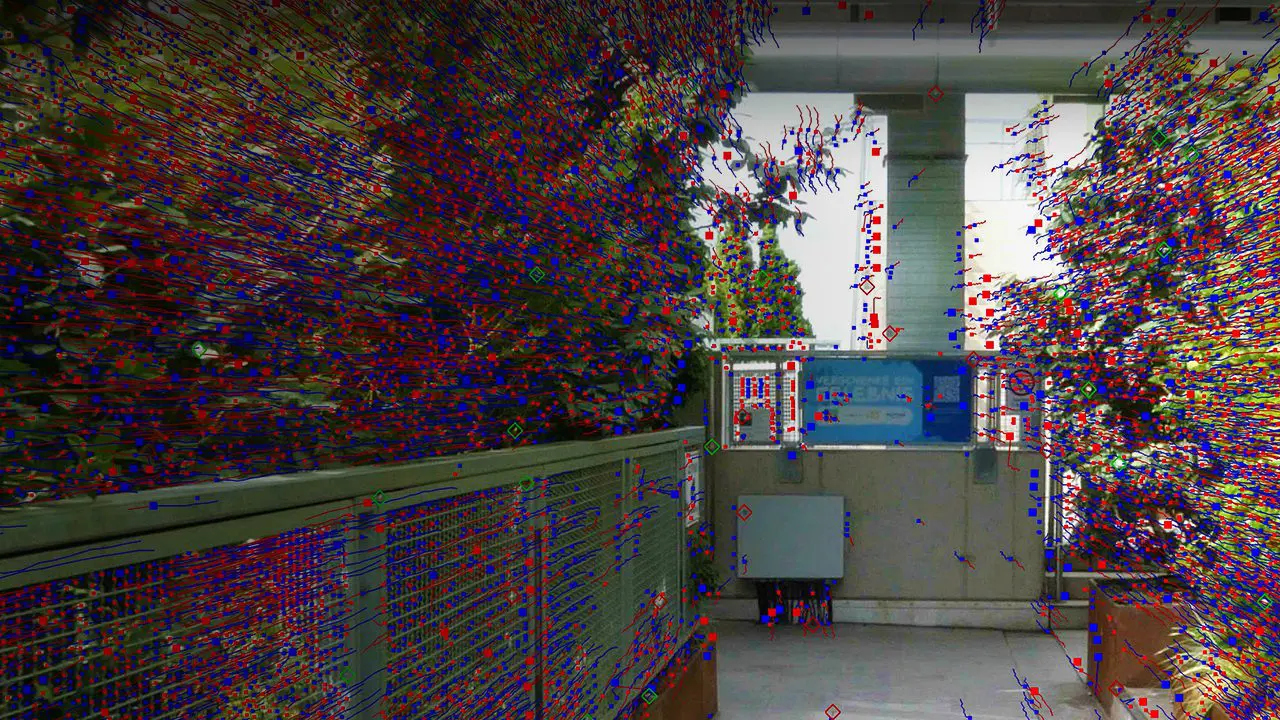
Once the principles are clear, the series moves into practical tracking. Lessons on Automated Tracking and Supervised Tracking demonstrate SynthEyes’ two primary approaches to extracting tracking data. Automated tracking covers point generation and solving for shots that can be processed algorithmically. The supervised section focuses on when and how to step in manually: tuning track points, correcting drift, and controlling motion paths when the automated system struggles. Together, these chapters establish a complete understanding of tracking strategies for real production footage.
Solving and Refinement
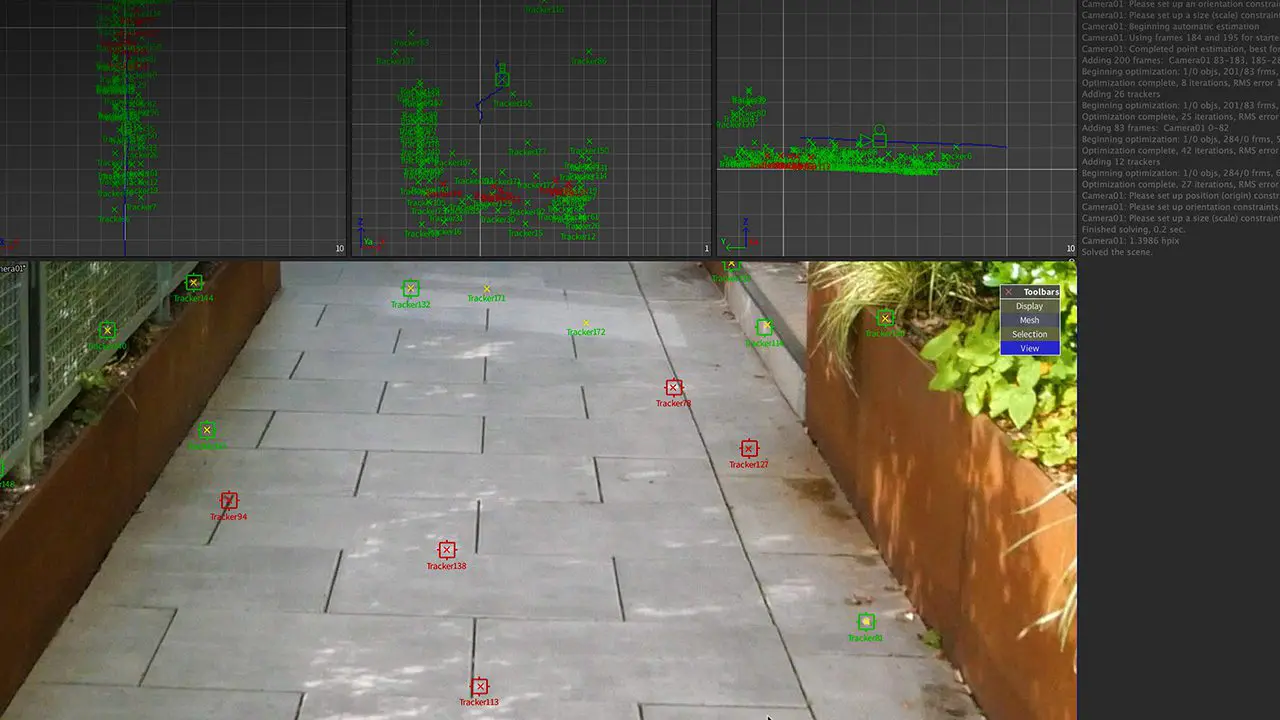
The next stage is “The Solver Room”, where all the accumulated tracking data is converted into a working 3D solve. The solver section demonstrates how SynthEyes interprets the camera’s path and reconstructs the scene’s geometry. The training then introduces Roto Masking, showing how to isolate moving foreground elements or exclude unwanted regions from the tracking process. This not only improves accuracy but also keeps solves stable in complex or occluded shots.
Lens and Calibration
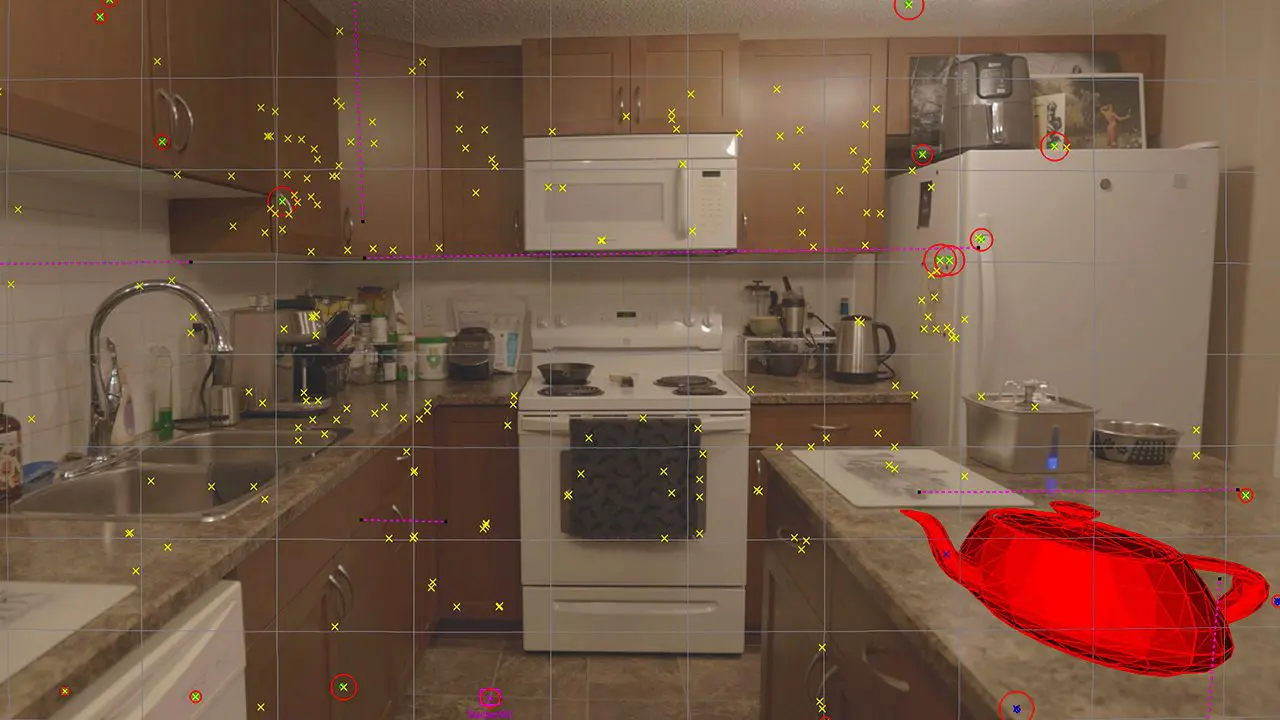
Zapletal then focuses on optical parameters in three consecutive chapters: Lens Distortion, Lens Calculation, and Lens Calibration. These lessons explain how real-world lenses introduce distortion, how SynthEyes models and compensates for it, and how to calculate or calibrate lenses from footage or reference data. This block is particularly useful for artists working with varying cameras or mixed-format source material, where lens data is inconsistent or missing.
Coordinate Systems and Scene Setup
The two lessons titled Coordinate Systems Part 1 and Part 2 explain how SynthEyes handles scene orientation, scale, and alignment. Understanding coordinate spaces is crucial when exporting solves to downstream 3D applications such as Nuke or Maya. These chapters ensure that solved data lines up correctly with CG scenes and compositing environments, avoiding scale and rotation mismatches in later stages of production.
Mesh Generation
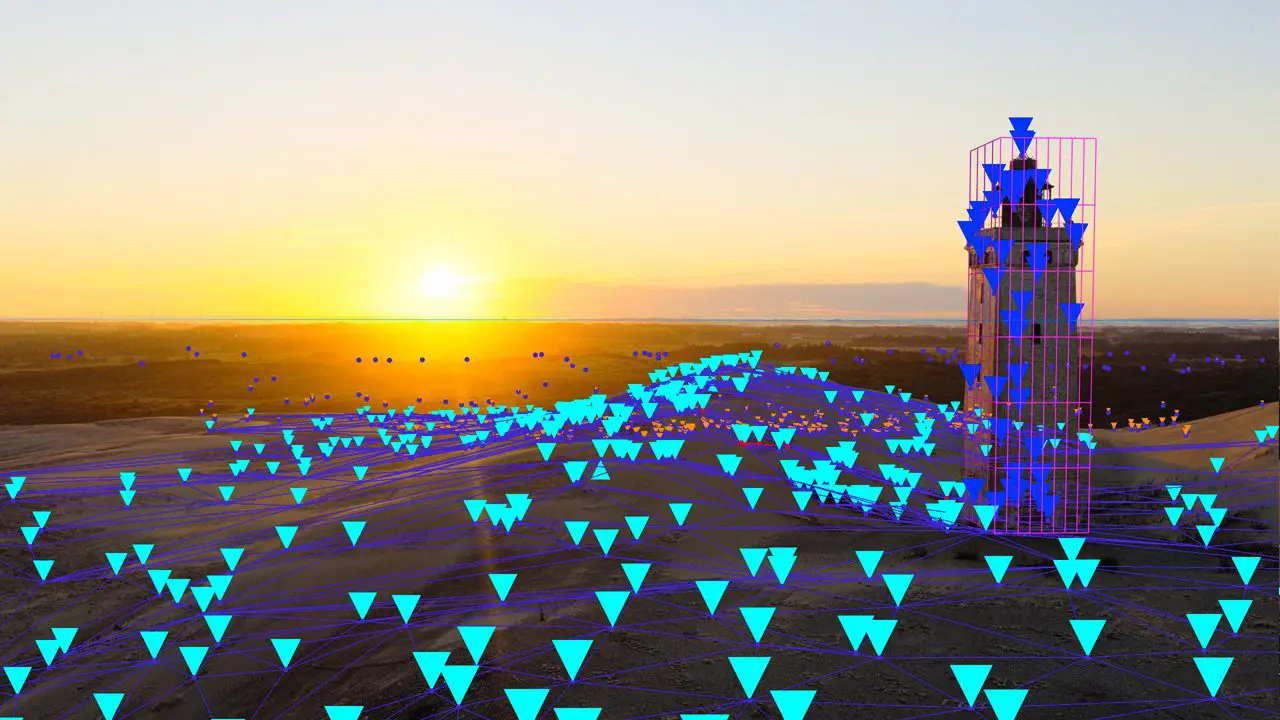
The Mesh Generation Part 1 and 2 chapters explore SynthEyes’ built-in mesh tools. Artists learn how to create proxy geometry that helps verify solves, anchor objects in space, and visualise tracking quality. These lessons demonstrate both automated and manual mesh workflows, preparing users for typical use cases like ground plane setup or background modelling for compositing reference.

Object Tracking
Next, Object Tracking Part 1 and Part 2 move beyond camera solves to show how SynthEyes handles independent object motion. This section is key for shots with multiple moving elements—cars, props, or handheld devices. It explains how to isolate and track objects independently while maintaining a consistent world space between multiple solves.
Export and Integration
The final three chapters deal with transferring the finished solve to other applications. Zapletal demonstrates exporting cameras, point clouds, meshes, and nulls to standard 3D and compositing packages. Topics include export format choices, scaling conventions, and verification of data integrity. The course closes with best practices for integrating SynthEyes results into downstream VFX or editing pipelines.
Availability and next steps
Artists can download SynthEyes Essentials for free via the Boris FX webshop until the end of December 2025. From 1 January 2026, it will be priced at USD 95 for the premium download, though the videos will remain freely viewable on the Boris FX website. As with any training-based workflow adoption, users are advised to validate techniques and settings against their own production data before deploying in critical pipeline stages, but, after we have seen a few of the videos, this one will be useful for pretty much everybody.
