



![A group of people in various poses, with a focus on a woman in white attire, overlayed with the text 'SWITCHX' and the tagline 'SWITCH [ANYTHING]. KEEP WHAT MATTERS.' The scene is set against a beach background at dusk.](https://i0.wp.com/digitalproduction.com/wp-content/uploads/2026/02/beeble-switchx-hero.png?resize=110%2C110&quality=72&ssl=1 "a group of people in various poses with a focus on a woman in white attire overlayed with the text switchx and the tagline switch anything keep what matters the scene is set against a beach background at dusk digital production")

Table of Contents Show
For those who don’t know the tool: The Grove by F12 is a biologically driven tree growth system for Blender and Houdini. It simulates yearly growth and exports animated meshes for DCC and real time pipelines. It sits between modelling and layout, replacing static tree assets with parametric growth.
A measured update, not a rewrite
Dutch developer F12 has released The Grove 2.3, a new version of its procedural tree generation system for Blender and Houdini. The update focuses on workflow refinement, storage reduction and export behaviour rather than introducing a new simulation model. The Grove simulates tree growth year by year using a biologically inspired algorithm. Parameters control branching, apical dominance, tropism and environmental factors. The result is a procedural tree that can be edited non-destructively and regenerated at any stage. The software is delivered as a Blender add-on and as a Houdini plugin.

Version 2.3 does not alter the core growth algorithm. Instead, it introduces new interaction tools and structural changes to data storage. Growth simulation data now occupies roughly 75 per cent less storage than in previous versions. This reduction is achieved by limiting the recording of certain editing operations, including Prune, Bend and Draw. As a result, older files may load with reduced edit history in some cases. The release notes describe this as a trade-off between storage footprint and full historical edit retention.
The reduction is significant for productions that store multiple growth iterations per asset. Vegetation assets are often versioned across layout, look development and lighting. A three-quarter decrease in simulation data can materially affect scene management, particularly in large environments.
Drawing trees directly in the scene
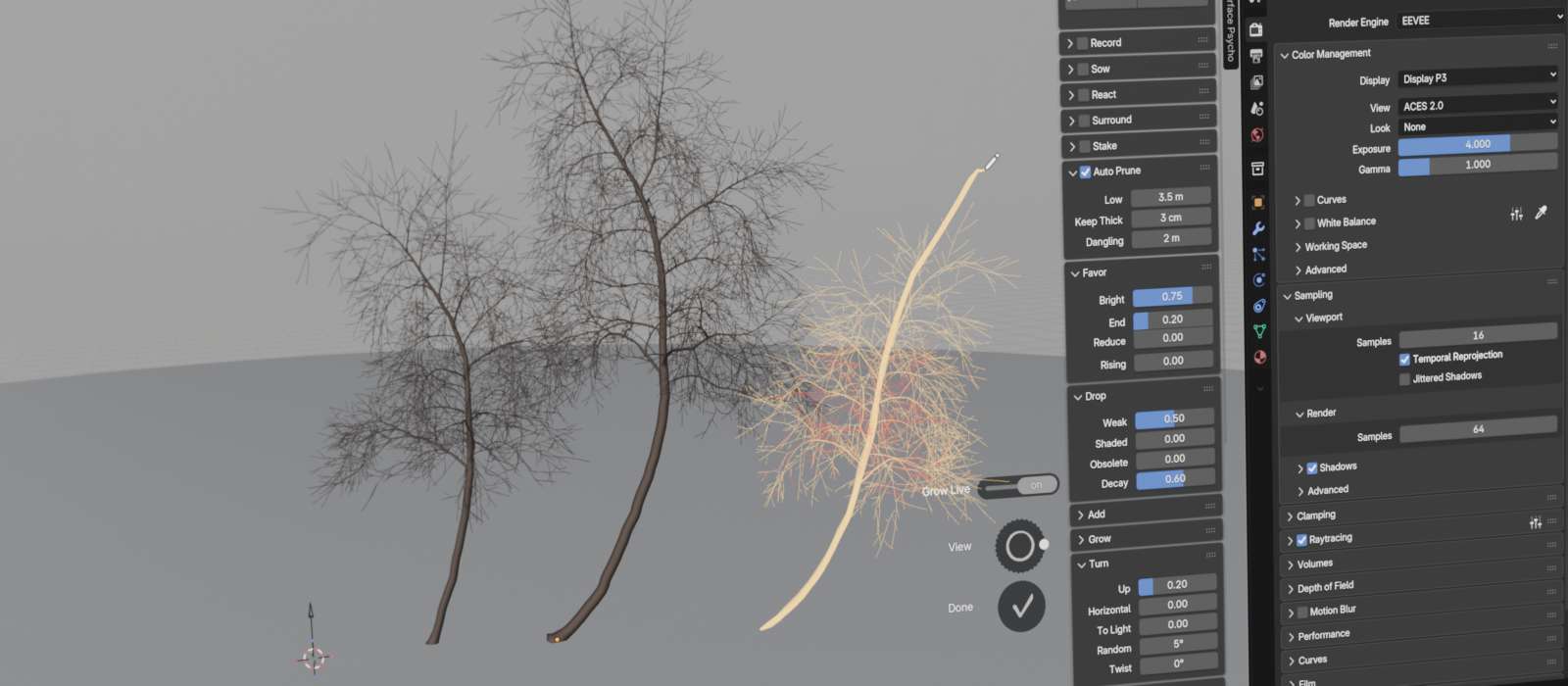
A key addition in 2.3 is the expanded Draw tool. In earlier versions, artists could draw branches onto existing trees. The updated Draw tool now allows users to draw complete trees directly into the scene, either from the ground plane or from arbitrary surfaces. Drawing can begin from geometry, allowing trees to be placed on terrain meshes or architectural elements without manual alignment. This shifts some layout tasks from object instancing to interactive placement of growth.

Drawn strokes are converted into growth instructions. The tree then grows according to the defined biological rules rather than remaining a static curve structure. This maintains the parametric nature of the asset. For layout artists working in Blender or Houdini, this means that trees can be sketched into position rather than generated from presets and repositioned after the fact. The difference is subtle but practical. It moves early composition decisions into the growth stage itself.
Subdivision for cleaner branch geometry
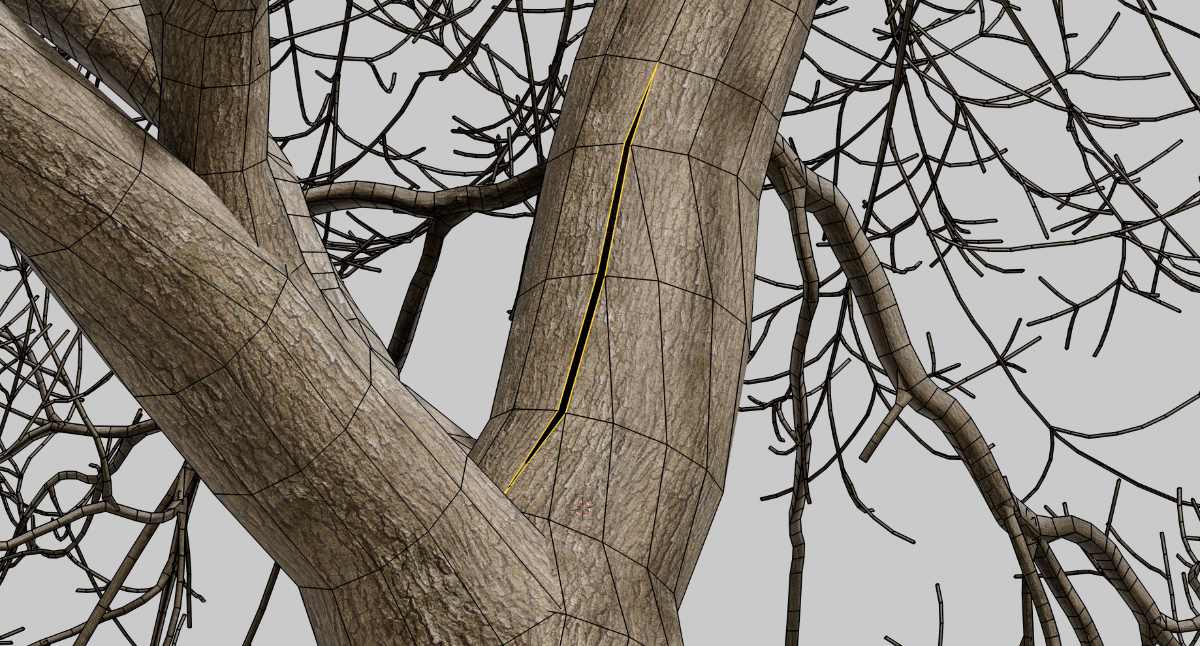
Another addition is a Subdivide option intended to smooth segmented branches. Procedural tree systems often represent branches as chains of nodes connected by straight segments. At lower resolutions, this can produce visible angular transitions along the branch.
The Subdivide option adds additional nodes between existing ones, reducing visible kinks. Subdivision is applied selectively and is not equivalent to a global mesh subdivision modifier. It operates at the growth-structure level rather than purely at the mesh output level.
For rendering pipelines that rely on displacement maps or high-frequency bark detail, smoother base geometry can reduce shading artefacts. The release notes include before-and-after comparisons showing reduced angularity along curved branches. These images suggest a visible improvement, although final render quality will still depend on your shading and tessellation settings.
Automatic bark texture scaling
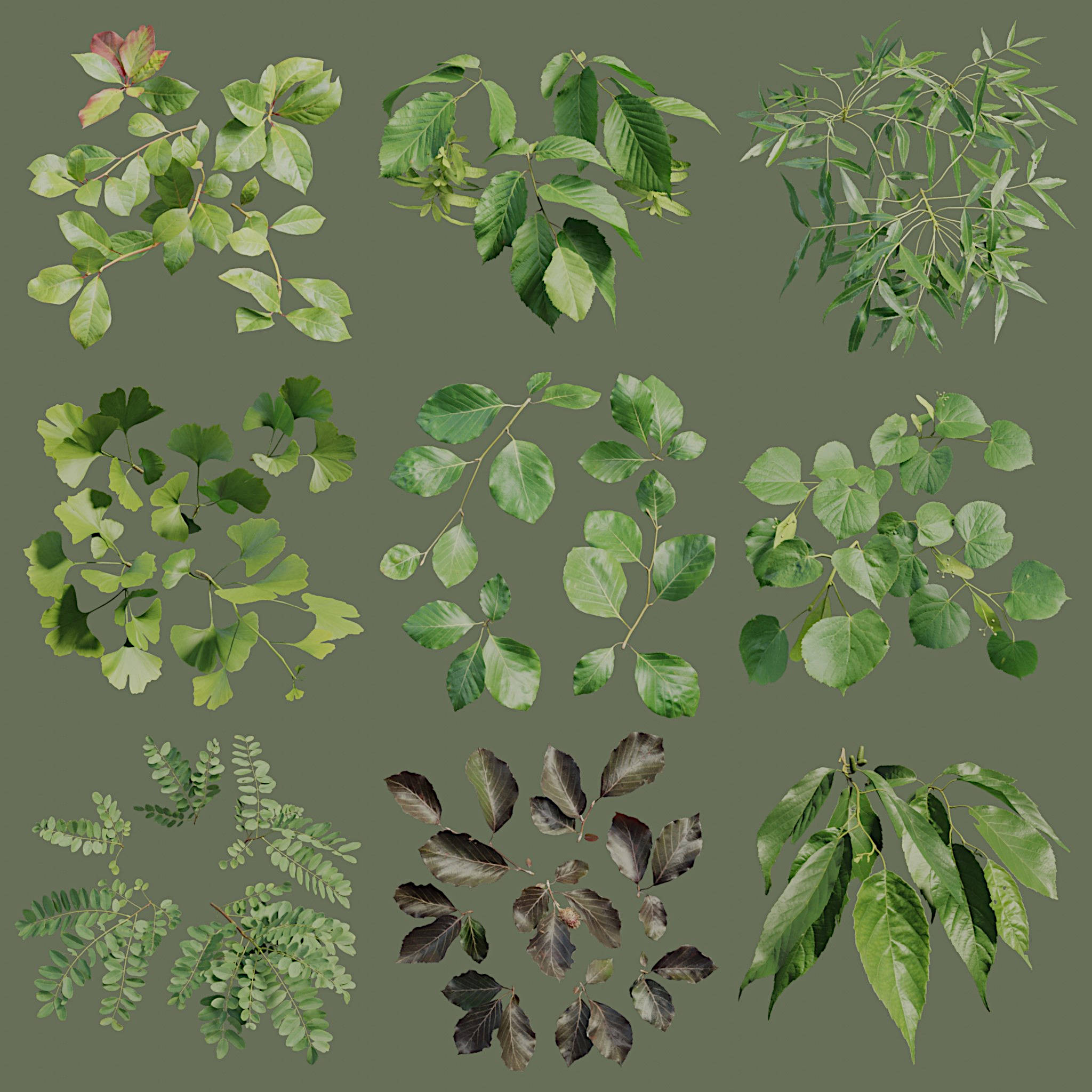
Texturing adjustments form another part of the 2.3 update. The Grove now automatically scales bark texture repetition around the circumference of branches based on their thickness. In previous versions, artists needed to manually adjust bark scaling to prevent visible stretching or excessive tiling on thicker trunks. The new behaviour calculates scaling from the branch radius, automatically aligning texture repetition with geometry.
This is an automatic scaling of bark texture, which repeats around branch circumferences. No additional user input is required. This is a small change, but in vegetation workflows, small changes reduce repetitive corrective steps across dozens or hundreds of assets. No new shading model is introduced in 2.3. The change concerns UV scaling behaviour rather than material definition. The Grove continues to output meshes compatible with standard Blender and Houdini shading systems.
Export adjustments for real-time engines
Export behaviour has also been revised. The release notes state that The Grove now uses a split seam structure intended to align better with real time engines and modelling tools such as three.js, WebGL and Rhino. The split seam structure separates end cap geometry and allows per point normals and UVs where supported. In practical terms, this affects how branch junctions and cut ends are represented in exported meshes.
Real-time engines often rely on explicit vertex normals and clean UV seams for correct shading and normal map interpretation. Adjustments at export level can reduce the need for manual cleanup in downstream tools.
The vendor supports common interchange formats, including FBX, OBJ, and USD. Animated exports, including growth over time and wind motion are available via Alembic. These formats are standard in both offline VFX and real time pipelines.
Houdini Indie and Blender support
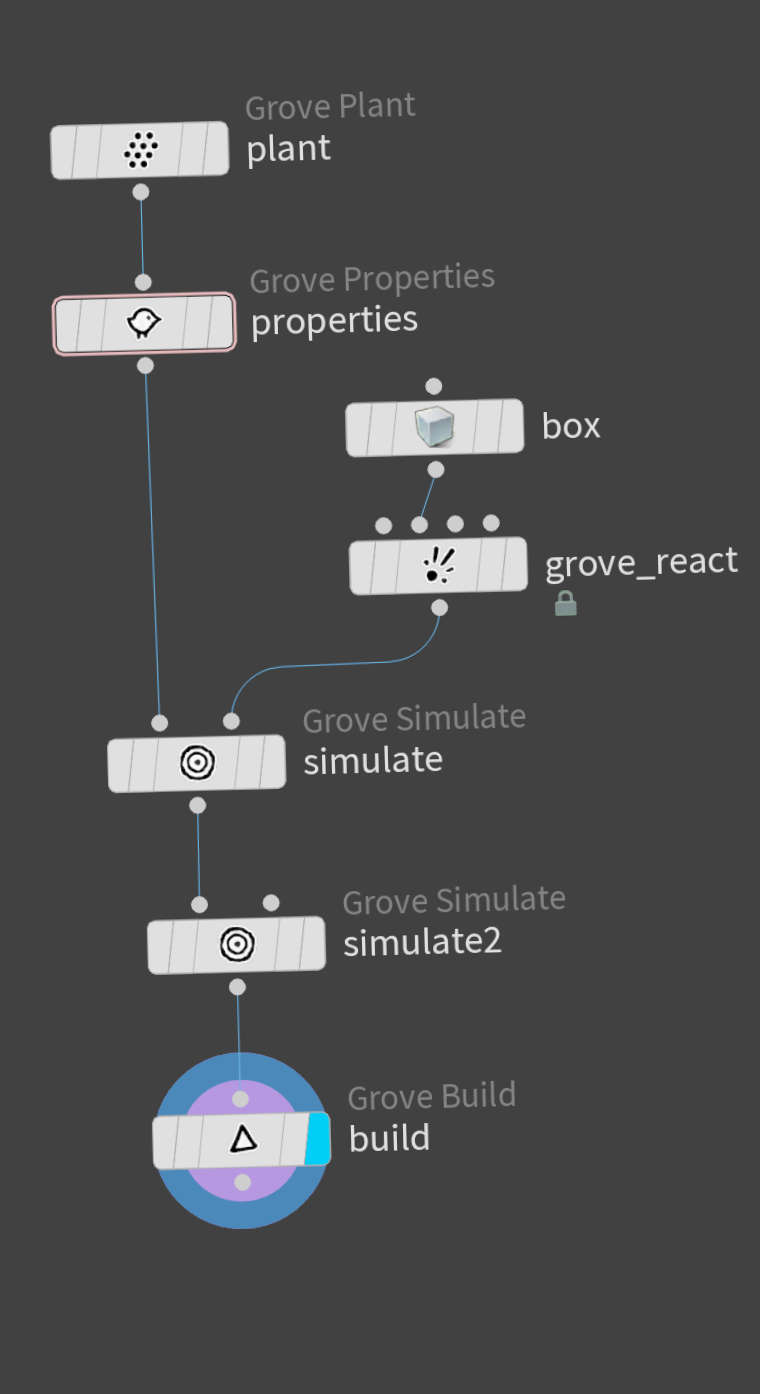
The Grove 2.3 expands support on the Houdini side by adding compatibility with Houdini Indie. Houdini Indie is the lower-cost edition of Houdini from SideFX, targeted at individual artists and small studios. Previous limitations restricted some editions of The Grove to full commercial Houdini licences. The addition of Indie support broadens access for freelancers and small teams.
According to coverage by CG Channel, the update makes The Grove available in Houdini Indie environments, although the vendor release page remains the primary source of technical detail.
On the Blender side, The Grove is compatible with the Blender 5 series. Blender is developed by the Blender Foundation. The Grove is distributed as a Blender add-on and integrates directly into the host application interface.
Editions and pricing
The Grove 2.3 is available in three editions: Starter, Indie and Studio. All editions include the Blender plugin. The Studio edition adds full Houdini support.
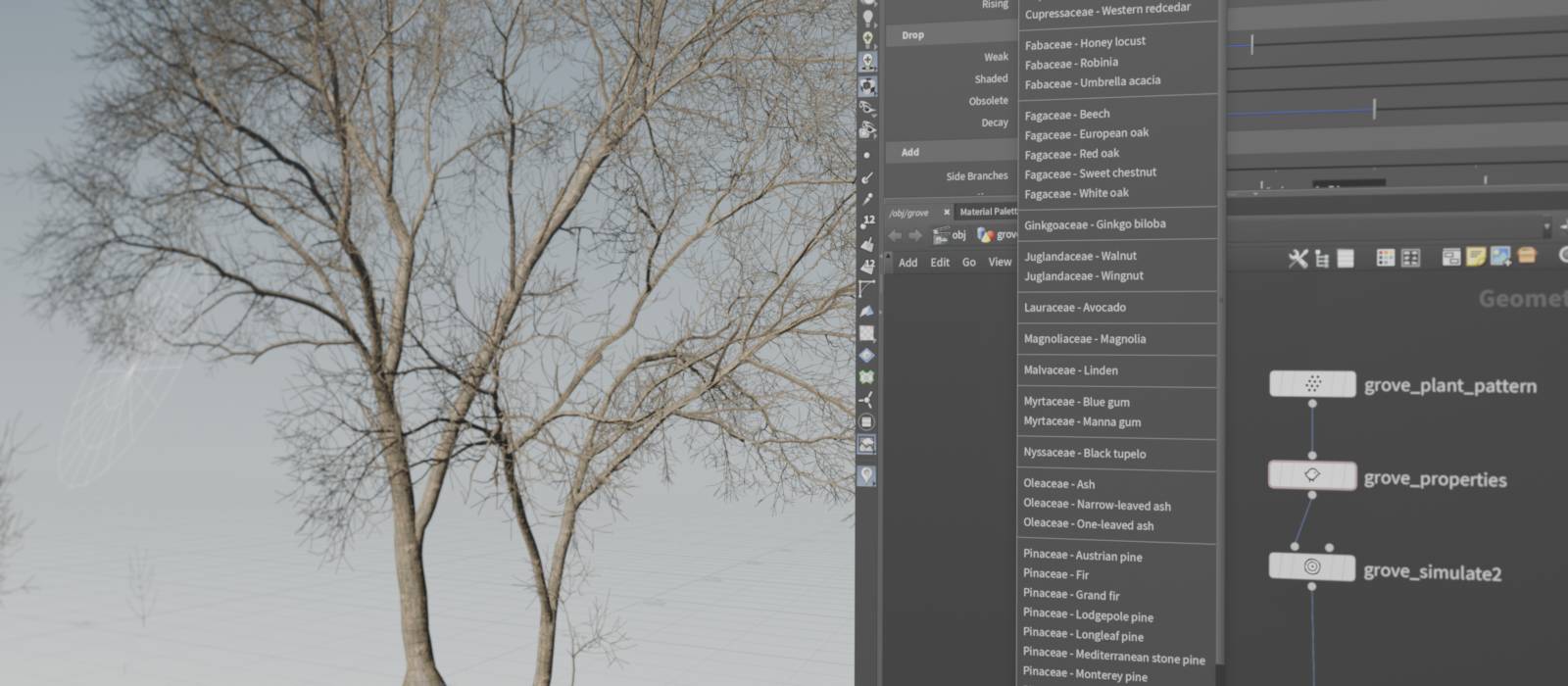
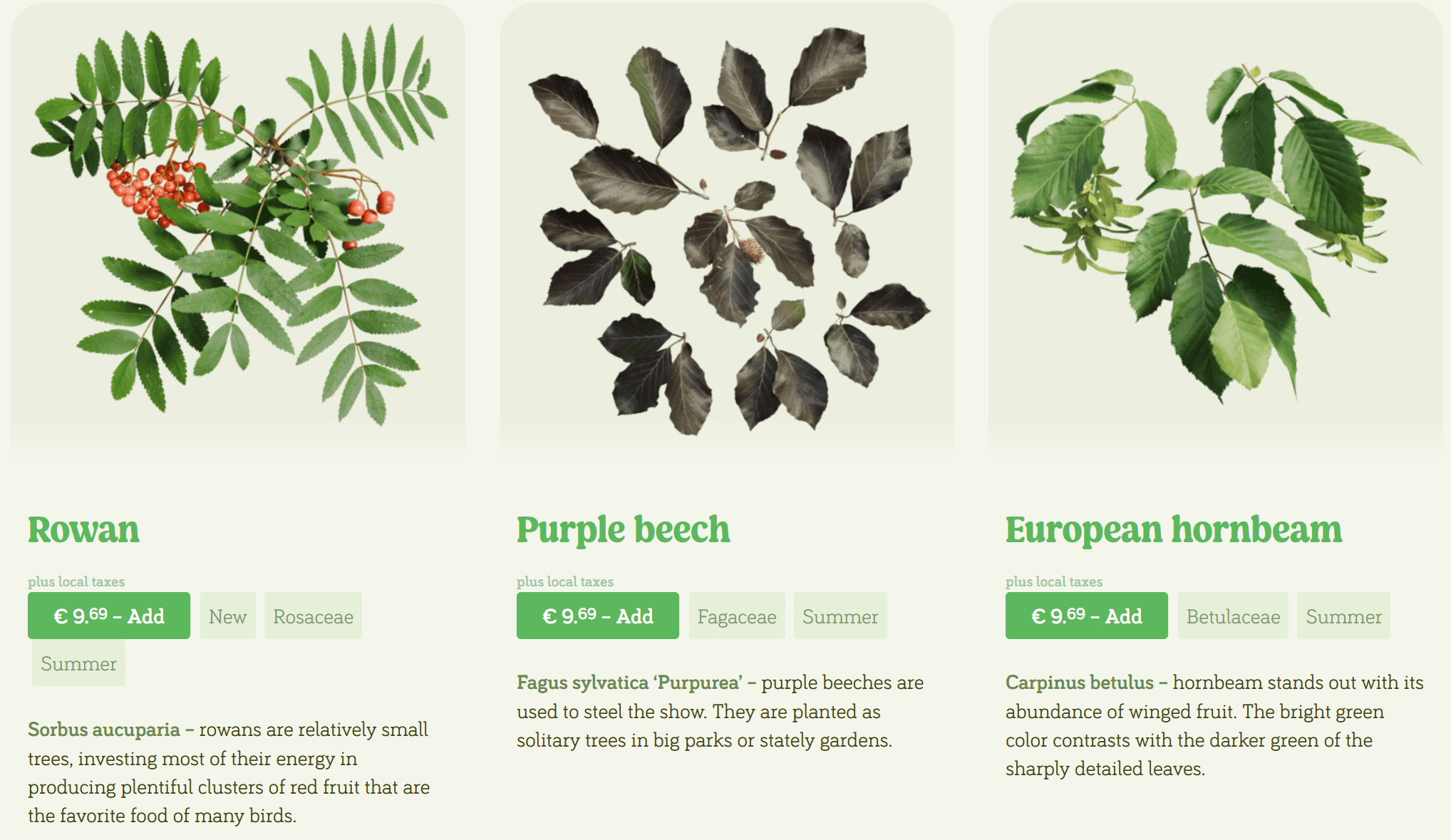
At the time of writing, pricing listed on the vendor site is 99 euro for Starter, 199 euro for Indie and 799 euro for Studio. The vendor also offers separate Twigs geometry packs containing leaves, flowers and fruits, priced individually.
Production considerations
The Grove remains a specialised tool focused on biologically plausible growth rather than purely parametric mesh generation. Its value in production depends on whether growth behaviour is part of the creative requirement or simply a means to an end.
Version 2.3 does not introduce a new solver or simulation paradigm. Instead, it refines interaction, reduces storage overhead and adjusts export behaviour. For studios already using The Grove, the update appears incremental rather than disruptive.
For new users, the addition of Houdini Indie support lowers the entry barrier. The storage reduction may also make the tool more viable in asset dense scenes where file size becomes a concern.
As always, new tools and updates should be tested in a controlled environment before deployment in live productions. Behavioural changes in data storage and export structure should be validated against existing pipeline assumptions.
// F12 The Grove homepage
// https://www.thegrove3d.com/
// F12 The Grove 2.3 release notes
// https://www.thegrove3d.com/releases/23/
