



At FMX 2025, we had the opportunity to preview Pulze’s RenderFlow 1.0, a network rendering and automation tool designed for studios of all sizes. Built with artists in mind, RenderFlow combines an intuitive interface with powerful workflow features, maintaining the robust IT controls needed in professional environments.

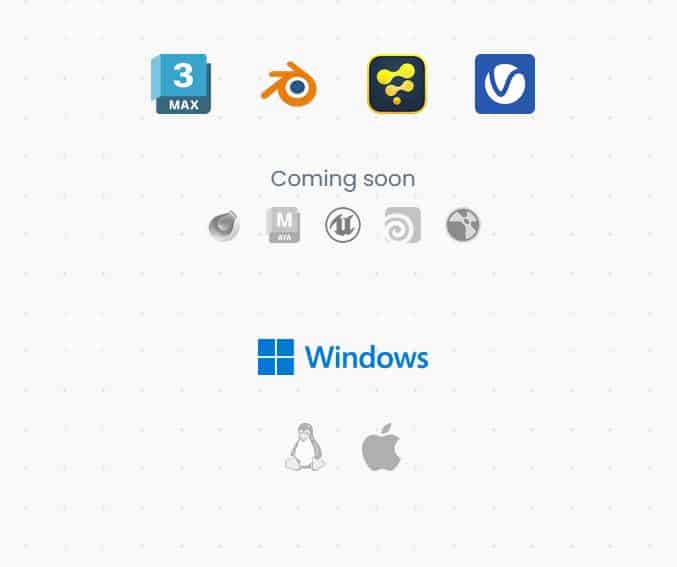
RenderFlow supports job submission for 3ds Max, Blender, Fusion, and V-Ray Standalone, with plans to add support for Cinema 4D, Maya, Arnold, Nuke, and Houdini. The tool offers a comprehensive job submission experience, supporting a growing number of common 3D and post-production packages.
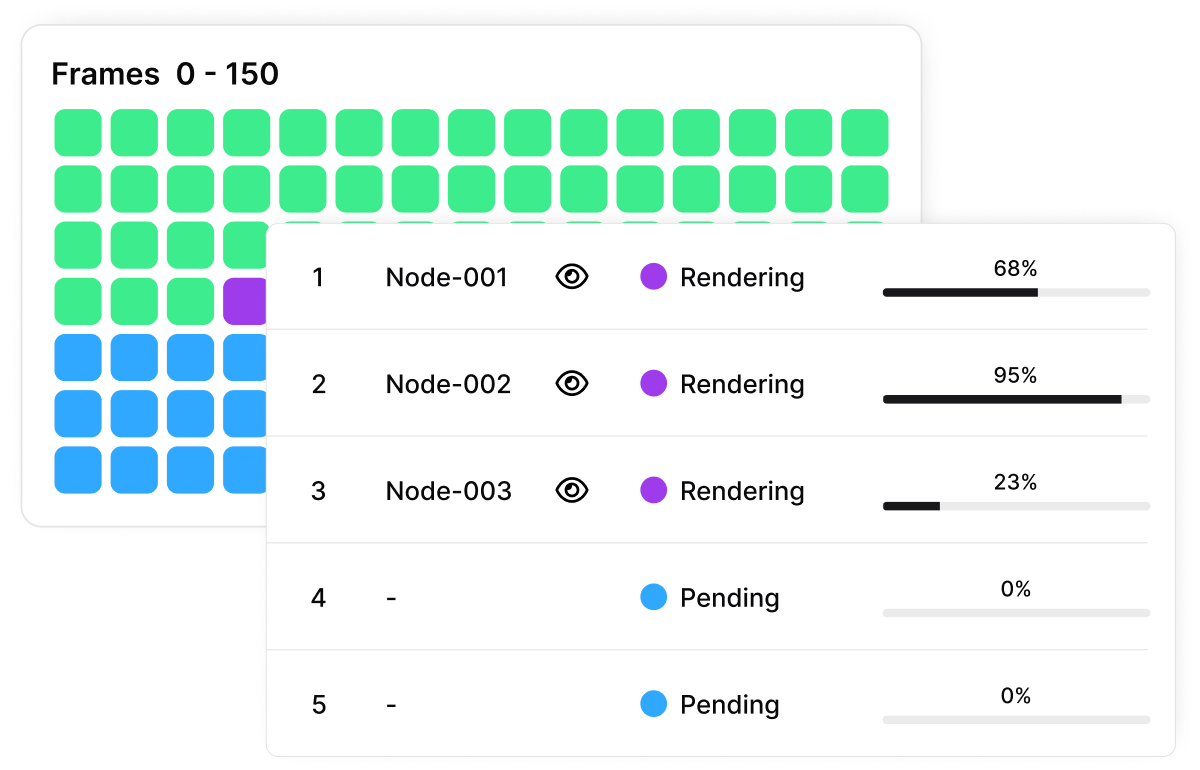
Node monitoring is a key feature, allowing users to oversee workstations and render nodes, monitor performance metrics, and track installed 3D applications and plugins through a simple interface. RenderFlow also automatically generates utilization metrics and rankings from jobs, transforming data into insights.
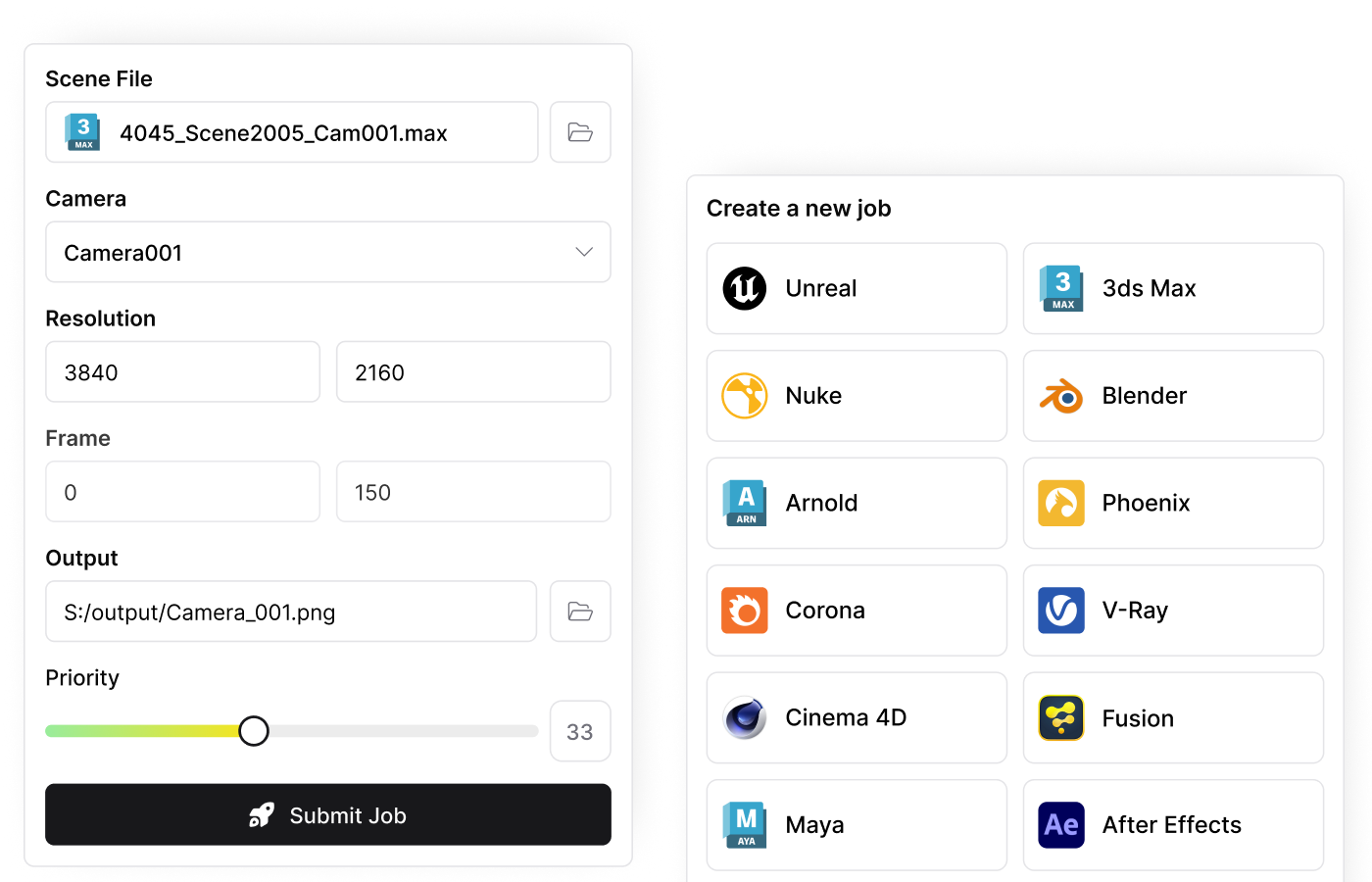
Job Templates, Idle Detection and Automation Tools
RenderFlow 1.0 also introduces automation-friendly features for studios looking to integrate rendering tightly into their pipeline. The built-in Public API enables studios to plug RenderFlow directly into existing workflows and proprietary pipeline tools. For job consistency, users can create and reuse job templates that store predefined render settings, submission configurations, and notification preferences—cutting down on repetitive setups and human error.
One of the more clever additions is the idle detection system. When enabled, RenderFlow monitors workstation activity and automatically repurposes inactive machines into render nodes. It’s an elegant way to squeeze more power out of a studio’s existing hardware without any manual input—or staff chasing down who left After Effects running in the background. Paired with the Sanity Check system, which validates files and scenes for common mistakes before submission, RenderFlow helps avoid those classic 3 a.m. render fails.
RenderFlow integrates with Pulze’s Scene Manager (3ds Max only), enabling users to submit multiple jobs from a single file with one click. A mobile app is in development, promising remote monitoring and job tracking capabilities. The software has a trial version, and a low annual price of 99€, and we have no idea if that is the final price, or subject to change.
Render Manager is now deprecated, and existing users can transfer their subscriptions to RenderFlow at no additional cost. As always, it’s advisable to test new tools thoroughly before integrating them into production workflows.
Compatible Hosts
For more information, visit Pulze’s RenderFlow page.
