



Cargo 2.0: new importer, larger free library
KitBash3D has released Cargo 2.0, the rebuilt version of its asset manager for browsing and importing KitBash3D’s architectural and environment kits. The update arrives with a redesigned Houdini importer, co-developed with SideFX, that integrates natively into Solaris and exports all content in USD.
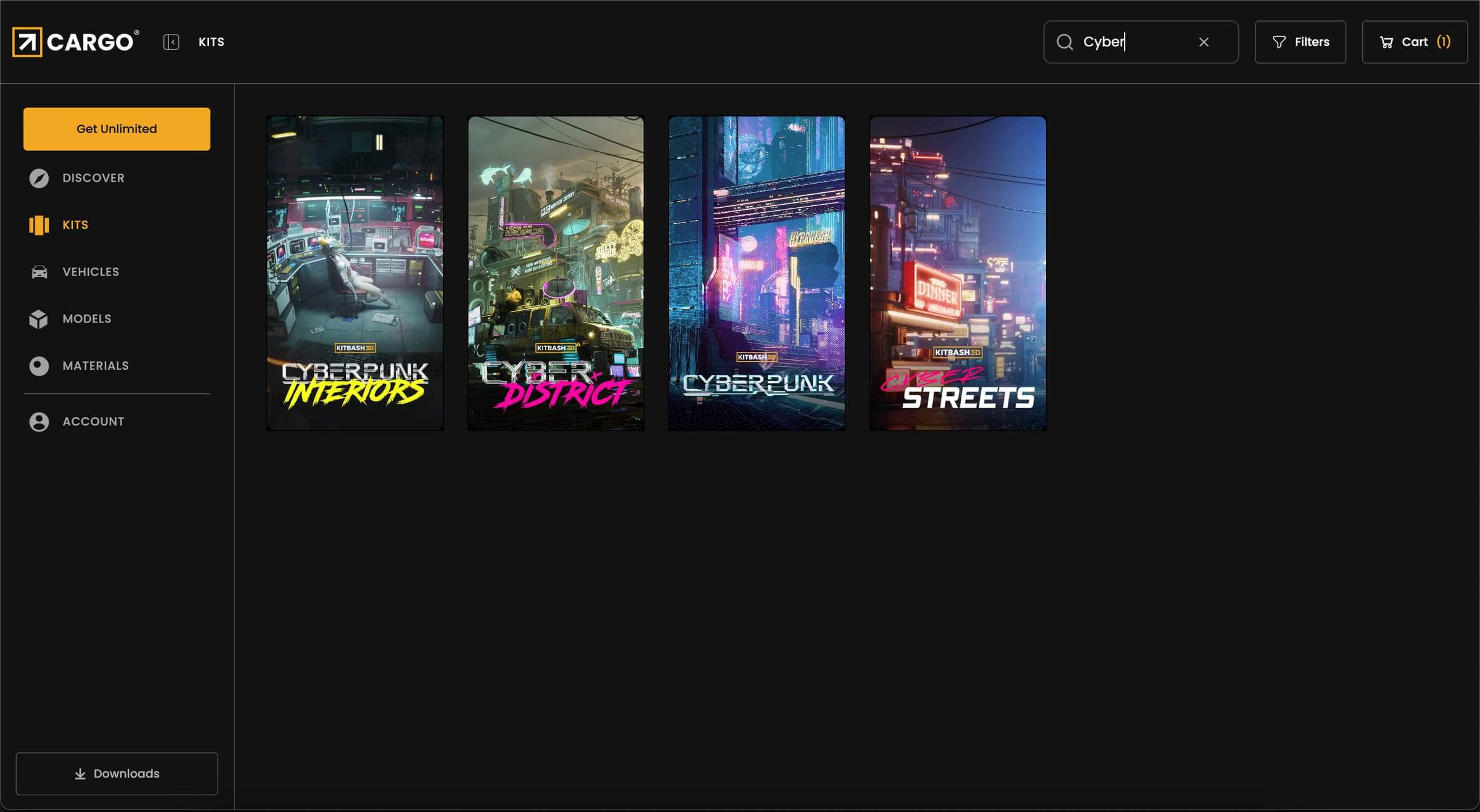
Alongside the importer, Cargo 2.0 expands its free offering. Users of the free Cargo Basic account now receive access to 364 free assets:
- 215 modular 3D models
- 141 materials
- 8 vehicles
All assets include textures up to 4K resolution in PNG or JPG. These files can be used in personal projects such as portfolios, student reels, or tests. Commercial use requires either purchasing the individual kit or upgrading to a paid Cargo subscription.
Houdini Solaris integration
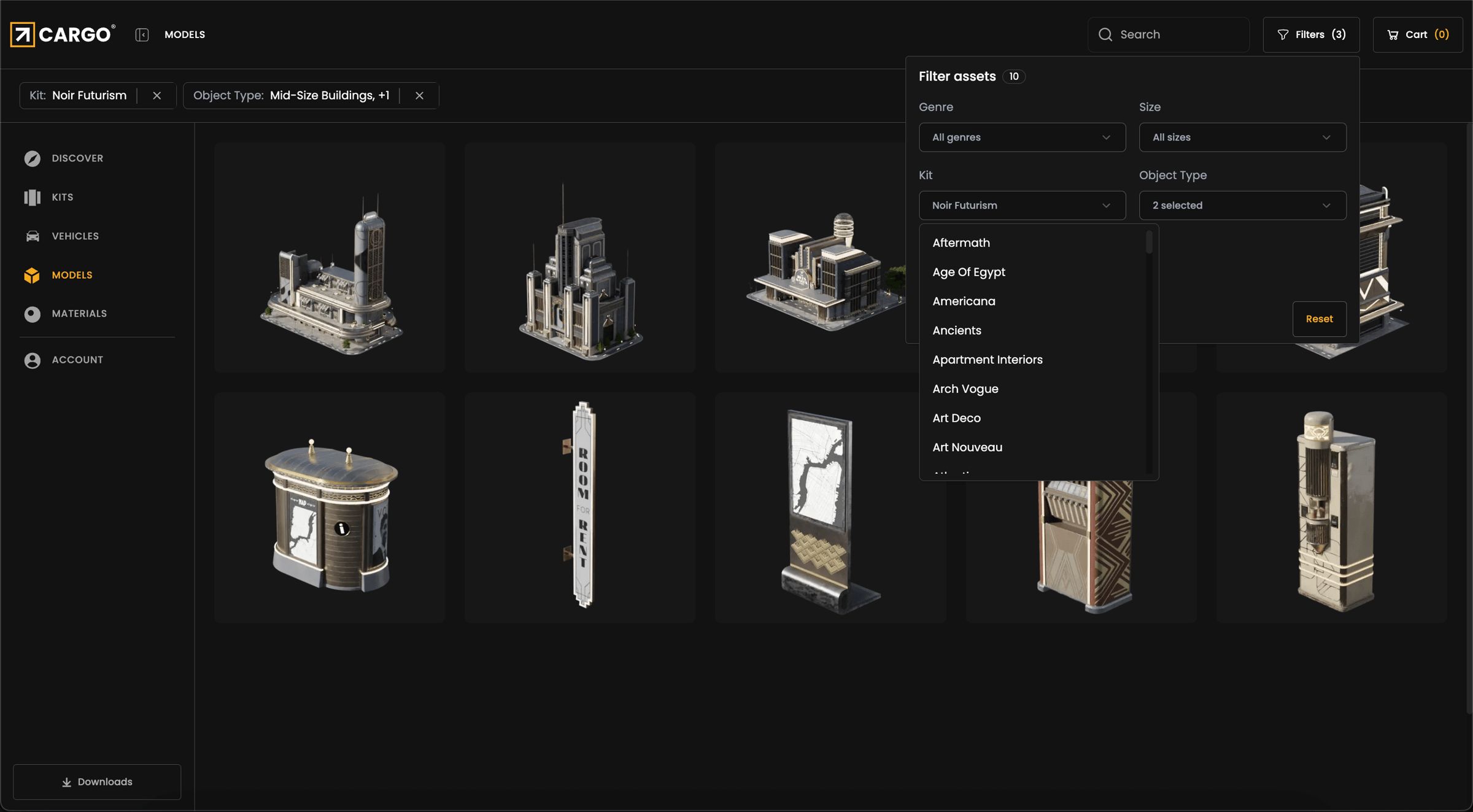
The most significant change in Cargo 2.0 is the Houdini importer. KitBash3D rebuilt the plugin in collaboration with SideFX, ensuring that it works natively with Solaris. Assets imported through Cargo appear directly in Houdini’s Asset Catalog as USD files, complete with automatically generated thumbnails. Once imported, they remain in the catalogue across sessions, avoiding the need to reimport them for every new project.
Materials integrate through Solaris’ MaterialX system, making them usable within the Stage environment without additional setup. For larger projects, the Stage Manager node ties into the Cargo Asset Catalog, letting technical directors place and manage hundreds of assets procedurally inside the scene graph. For artists working in layout, the workflow is as simple as dragging and dropping assets into Solaris.
The importer works on both Windows and macOS. This marks the first time that Houdini users on macOS have had access to Cargo integration.
Other DCC integrations
Cargo 2.0 does not limit itself to Houdini. The application connects to a broad set of DCC hosts, including Autodesk 3ds Max, Blender, Maxon Cinema 4D, Autodesk Maya, Unity, and Unreal Engine. Version support starts with 3ds Max 2021, Blender 3.0, Cinema 4D 2023, Maya 2020, Unity 2021.3, and Unreal Engine 5.2. By centring its pipeline on USD, Cargo ensures a consistent workflow across platforms, while each DCC importer follows the conventions of its host application.
Free versus paid: what you actually get
Cargo remains free to download. With a Basic account, users can access all of the kits they have previously purchased as well as the newly expanded library of 364 sample assets. This is the only no-cost option, and it is explicitly limited to personal use.
Professional users face two subscription tiers. An individual licence costs $995 per year and grants access to the complete KitBash3D library of over 20,000 assets. A business licence costs $3,995 annually and is intended for studios requiring full access along with extended commercial rights. Both tiers include ongoing updates to the asset library as new kits are released.
Asset formats and pipeline alignment
All content in Cargo 2.0 is distributed in USD, accompanied by textures in either PNG or JPG format at resolutions of up to 4K. This decision to standardise around USD is consistent with how the industry is moving and directly benefits Houdini’s Solaris integration. By aligning its pipeline with USD, KitBash3D ensures that its content behaves predictably in other USD-based contexts such as Unreal Engine.
The generation of persistent thumbnails on import is a practical detail that benefits daily use. Assets can be previewed inside Houdini’s catalogues without the need to reload them. For larger studios, this feature saves significant time during layout when hundreds of assets may be in use simultaneously.
Workflow demonstration
KitBash3D has released a video walkthrough showing Cargo 2.0 in action with Houdini 21. The demonstration begins with importing a model, which automatically generates a thumbnail for Solaris’ Asset Catalog. Materials are imported in the same way, appearing within a persistent catalogue that remains available for future sessions.
Within Solaris, artists can either drag and drop assets into the Stage or make use of the Stage Manager node for larger setups. The video also shows how materials can be accessed through Solaris’ Material Linker, enabling them to be applied quickly to geometry in the scene. The goal of the redesign is clear: provide a simple workflow for generalists while supporting technical directors with procedural control at scale.
System requirements
Cargo 2.0 runs on Windows 10 or newer and on macOS 11.0 or newer. Plugins are available for all supported DCC hosts mentioned earlier. KitBash3D does not provide specific hardware requirements, but real-world performance will depend heavily on the host DCC and the size of the assets being loaded, particularly when working with USD datasets at scale.
What it means in practice
For independent artists and students, Cargo 2.0’s primary draw is the free library. The 364 included assets provide enough variety to build test scenes, practice workflows, and assemble portfolios. The new Solaris importer is especially relevant to Houdini users, since it finally closes the gap between KitBash3D’s content and a USD-native pipeline.
For studios, the decision is more financial. The $3,995 business licence gives access to the full catalogue, but the value depends on how heavily a team relies on KitBash3D assets in production. For layout-heavy pipelines, or for studios that regularly need large-scale architectural assets, the cost is justifiable. For occasional use, it may not be.
Test before production
KitBash3D claims that Cargo 2.0 improves both stability and pipeline alignment. These claims have not been independently verified at press time. As with any new tool, teams should test Cargo 2.0 carefully in their own production conditions before relying on it. This includes validating asset import behaviour, thumbnail persistence, and compatibility with existing USD workflows.
