


![A group of people in various poses, with a focus on a woman in white attire, overlayed with the text 'SWITCHX' and the tagline 'SWITCH [ANYTHING]. KEEP WHAT MATTERS.' The scene is set against a beach background at dusk.](https://i0.wp.com/digitalproduction.com/wp-content/uploads/2026/02/beeble-switchx-hero.png?resize=110%2C110&quality=72&ssl=1 "a group of people in various poses with a focus on a woman in white attire overlayed with the text switchx and the tagline switch anything keep what matters the scene is set against a beach background at dusk digital production")


Table of Contents Show
The Blender Foundation has released version Blender 4.5 LTS (Long-Term Support), the final LTS in the 4.x series, while the 2024 user survey sheds light on community needs, and the upcoming 5.0 beta offers a first look at the next major version.
Modelling, sculpting, and precision updates
A new Manifold Boolean algorithm replaces the old “Fast” option, providing much faster and more accurate results on watertight meshes. Snapping now respects the 3D cursor’s rotation, and objects can be parented to specific vertices without entering edit mode. Curves editing gains new operators, while the point cloud object type is now fully supported with its own edit mode. In sculpt mode, brushes such as Draw, Clay Strips, and Plain now respond to pen tilt, with Clay Strips around 22 percent faster.
Artists can mask by colour, and brush jitter controls for hue, saturation, and value have been added. Performance improves when using small brushes on large meshes. UVs can now be previewed in object mode, even across multiple selected objects — a small but meaningful workflow enhancement for texture artists.
Geometry Nodes overhaul
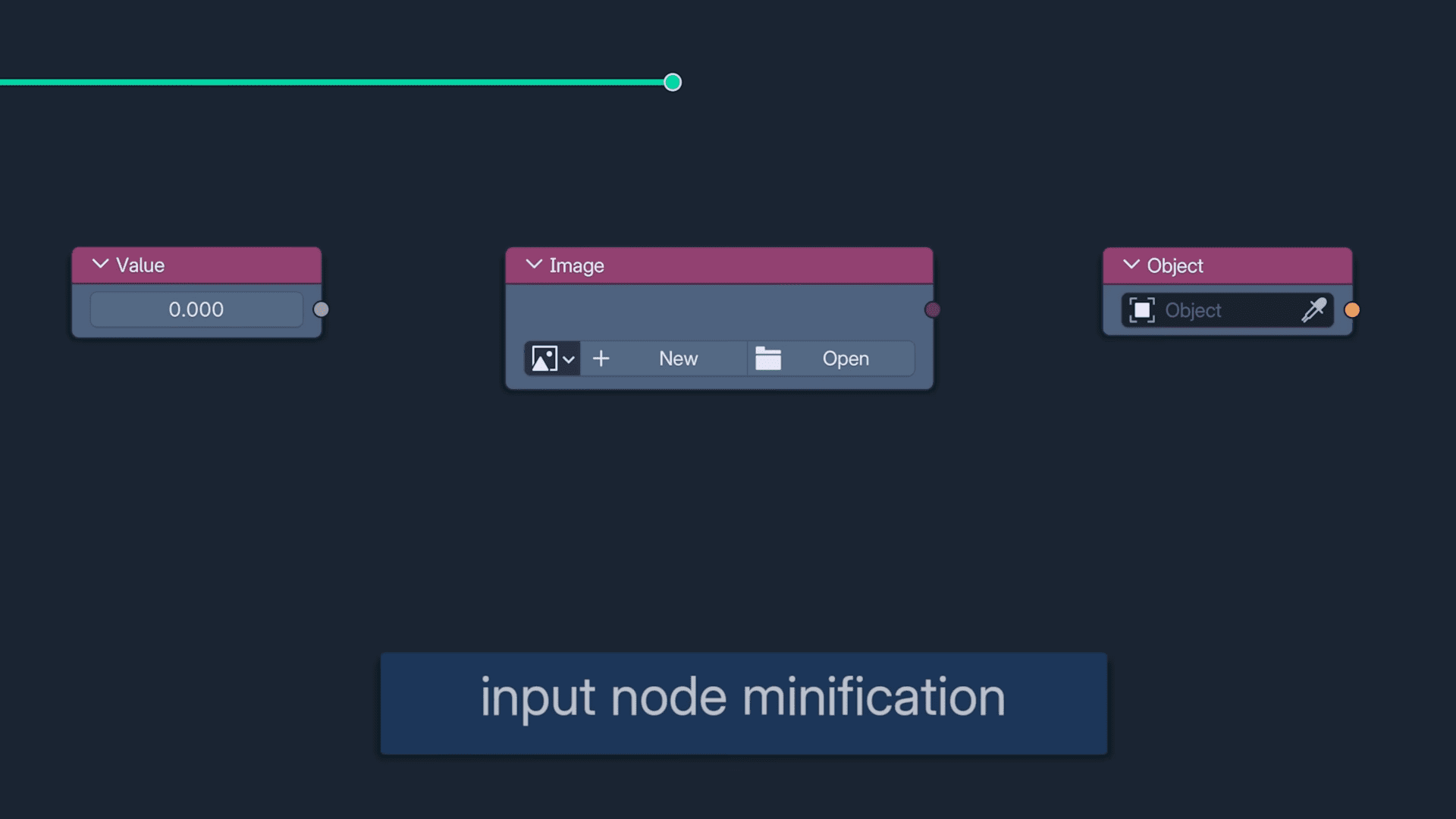
Geometry Nodes receives its biggest expansion since 4.0. There’s a new Set Mesh Normals node for manipulating tangent-space normals and storing sharpness data. Six new import nodes allow direct reading of external data types — OBJ, STL, PLY, VDB, CSV and TXT — and files can be dragged straight into the editor to create the corresponding nodes automatically.
Additional nodes include Match String, BitMath, and Camera Info, along with new field utilities like Field Average, Field Min/Max, and Field Variance. Geometry Nodes now supports drag-and-drop creation of input sockets from the sidebar and nested frame colouring for complex networks. Grease Pencil also gains three node types, Set Grease Pencil Colour, Set Softness, and Grease Pencil Depth, bringing 2D animation closer to procedural workflows.

Animation, rigging, and shape keys
Pose mode adds quick selection of children, parents, or siblings via Shift-G. Playhead snapping has been standardised across all timeline-based editors, including the Graph Editor and VSE. Keying Sets now behave consistently, and individual bones can override their display type. Shape-key workflows benefit from two long-requested tools: Duplicate Shape Key and Update from Objects, allowing direct refresh of multiple shape keys from mesh changes. Script authors should note an API rename from graph.keyframe_jump to screen.keyframe_jump.
Grease Pencil 3.0 integration
The version integrates Grease Pencil 3.0 more deeply with Blender’s render passes and compositor. A new Grease Pencil Render Pass enables per-layer compositing with proper alpha handling, and new supersampling anti-aliasing produces cleaner line art in final renders. Modifiers can now target specific layers or groups, and boundary strokes (Fill Guides) can be drawn interactively to close gaps during fills. Several legacy operators, including outline stroke generation, return for compatibility.
Rendering and lighting
Lights now include colour temperature and exposure controls, plus a normalisation option that keeps brightness consistent regardless of light size. The Cycles and EEVEE engines both gain a new Volume Coefficients Shader for physically accurate scattering, absorption, and emission.
EEVEE introduces shadow-terminator controls to fix self-shadowing on low-poly assets, a new reverse-Z algorithm for large scenes, and initial Vulkan backend support, offering smoother viewport performance and GPU subdivision.

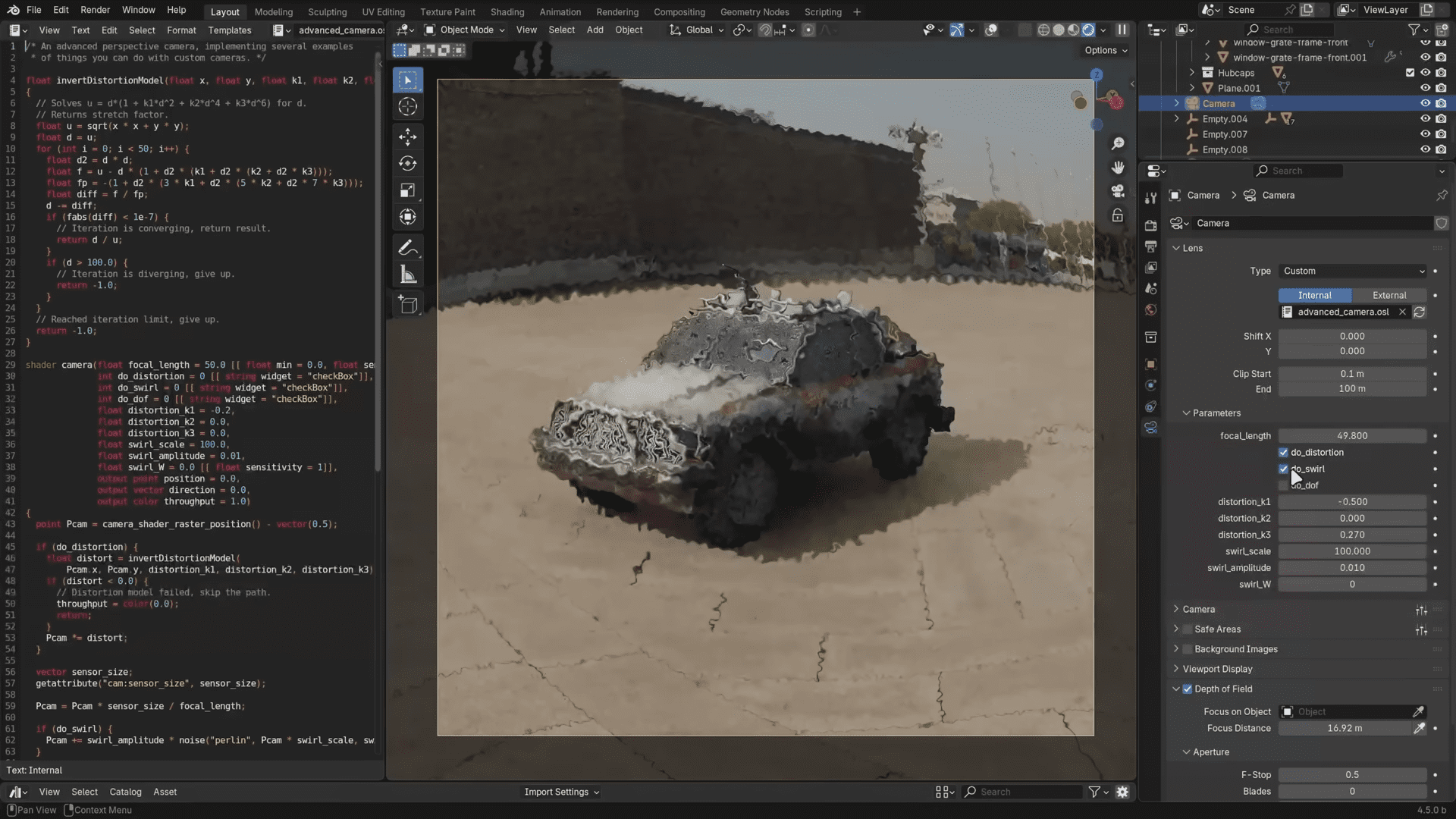
Cycles receives a major boost to adaptive subdivision, now multi-threaded and roughly 10–15× faster. Normal-map filtering has been improved, and scripted OSL cameras allow physical lens simulation. AMD GPUs now use HIP ray-tracing acceleration by default.
Compositor and VSE improvements
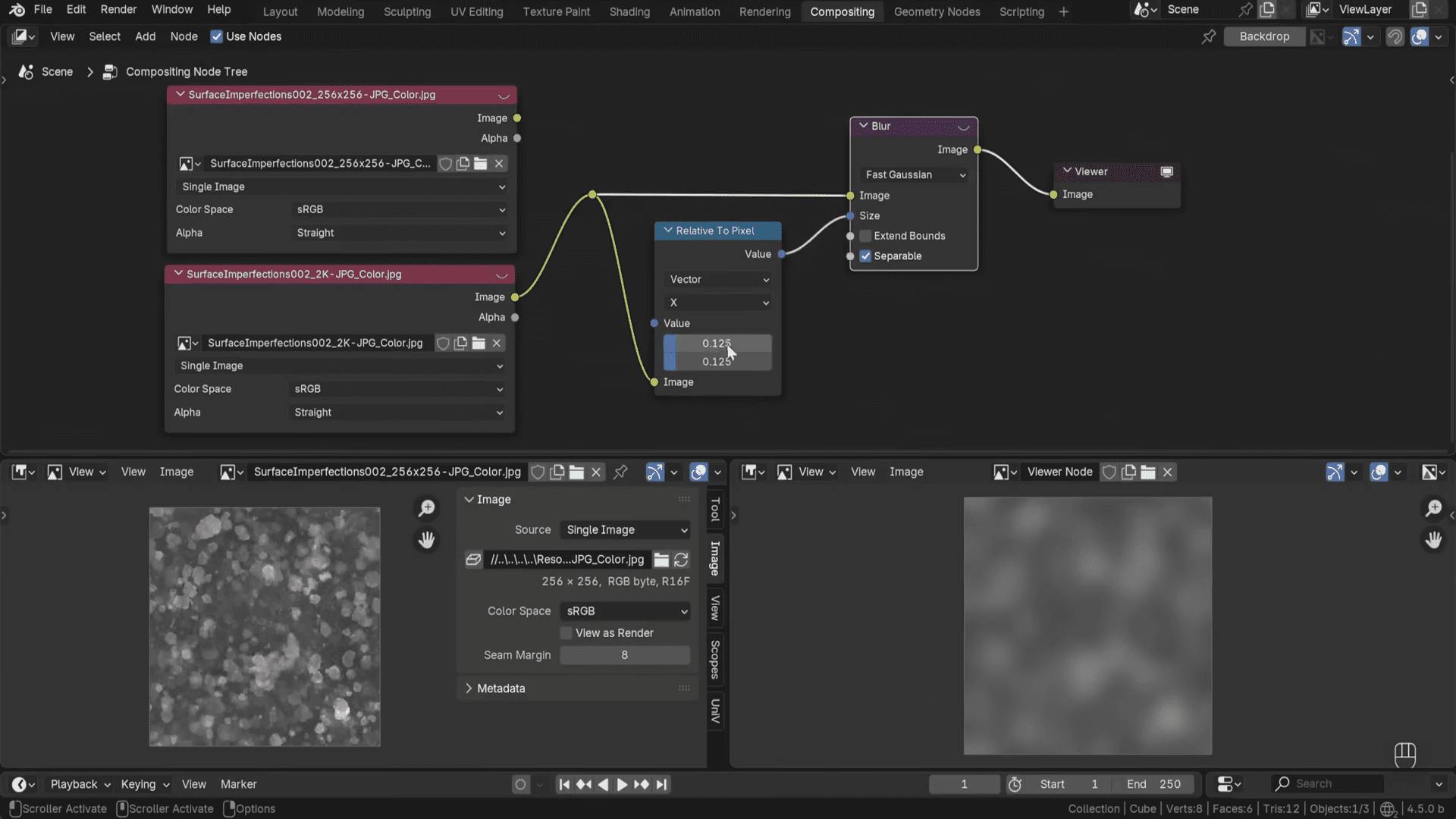
The compositor now starts with a Viewer Node by default and can share compatible nodes with Shader and Geometry editors. A new Image Info Node exposes pixel dimensions; Relative to Pixel ensures resolution-independent blurs; and boolean inputs appear as checkboxes. GPU denoising and gizmos for Box and Ellipse Masks make compositing more intuitive.
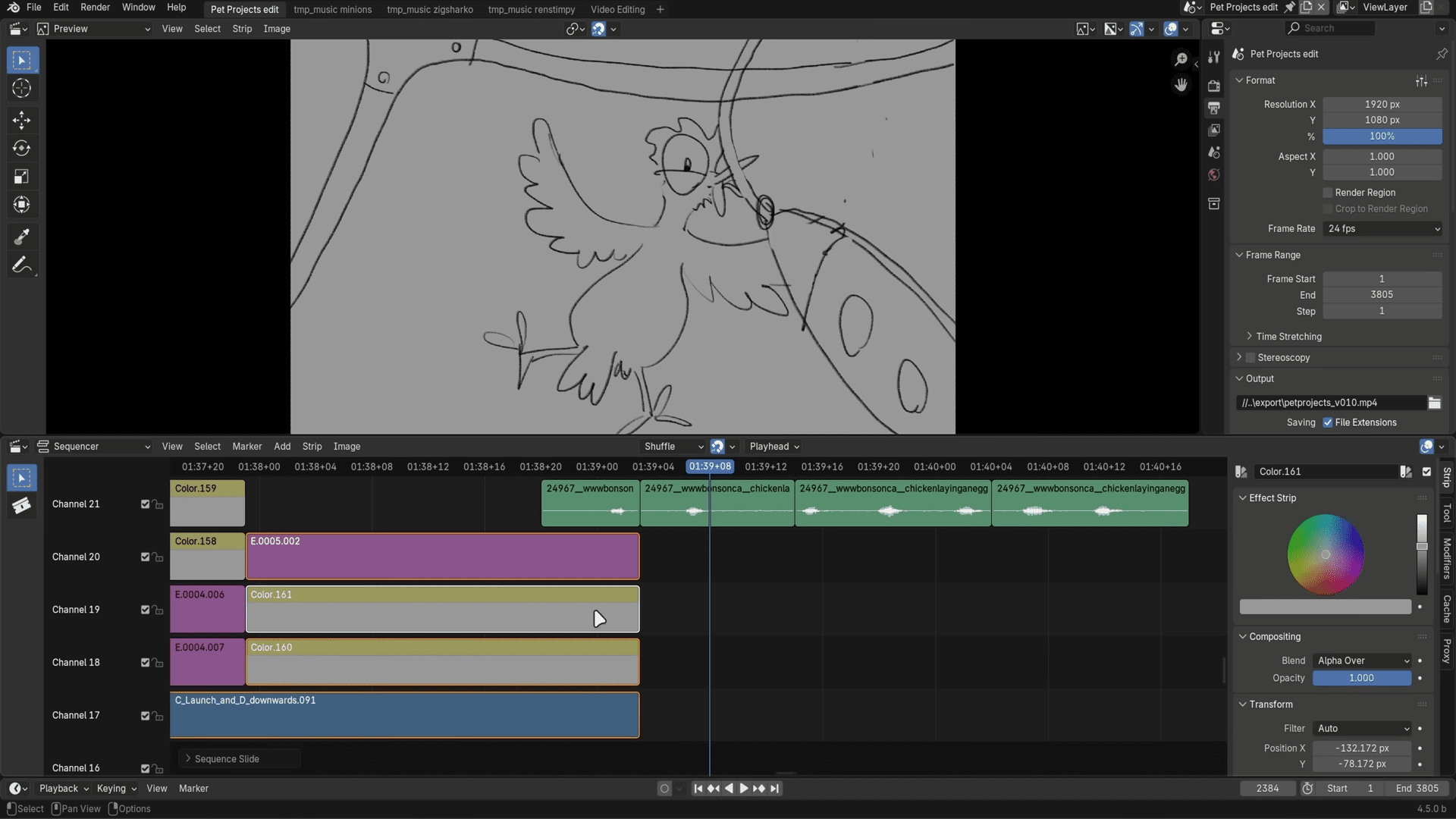
In the Video Sequence Editor, playback performance is improved, metadata-rotated clips play correctly, and the Slip Tool is now smoother with synced keyframes. HDR previewing is supported, and several obsolete effects and the old cache system have been removed.
Asset browser, import/export, and file I/O
Screenshots can now be used as custom asset thumbnails with transparent backgrounds. Asset labels support multi-line text, horizontal lists improve node browsing, and import settings for geometry collections have moved to a central panel.
File import/export has expanded considerably: Geometry Nodes can now load and save PLY, OBJ, STL, VDB, CSV and TXT directly. USD import adds animated camera support, dome lights, and new primitives; FBX import is rewritten in C++ and is 3–15 times faster. GLTF export gains options for vertex colours, workbench materials, and AO baking.
UI and usability
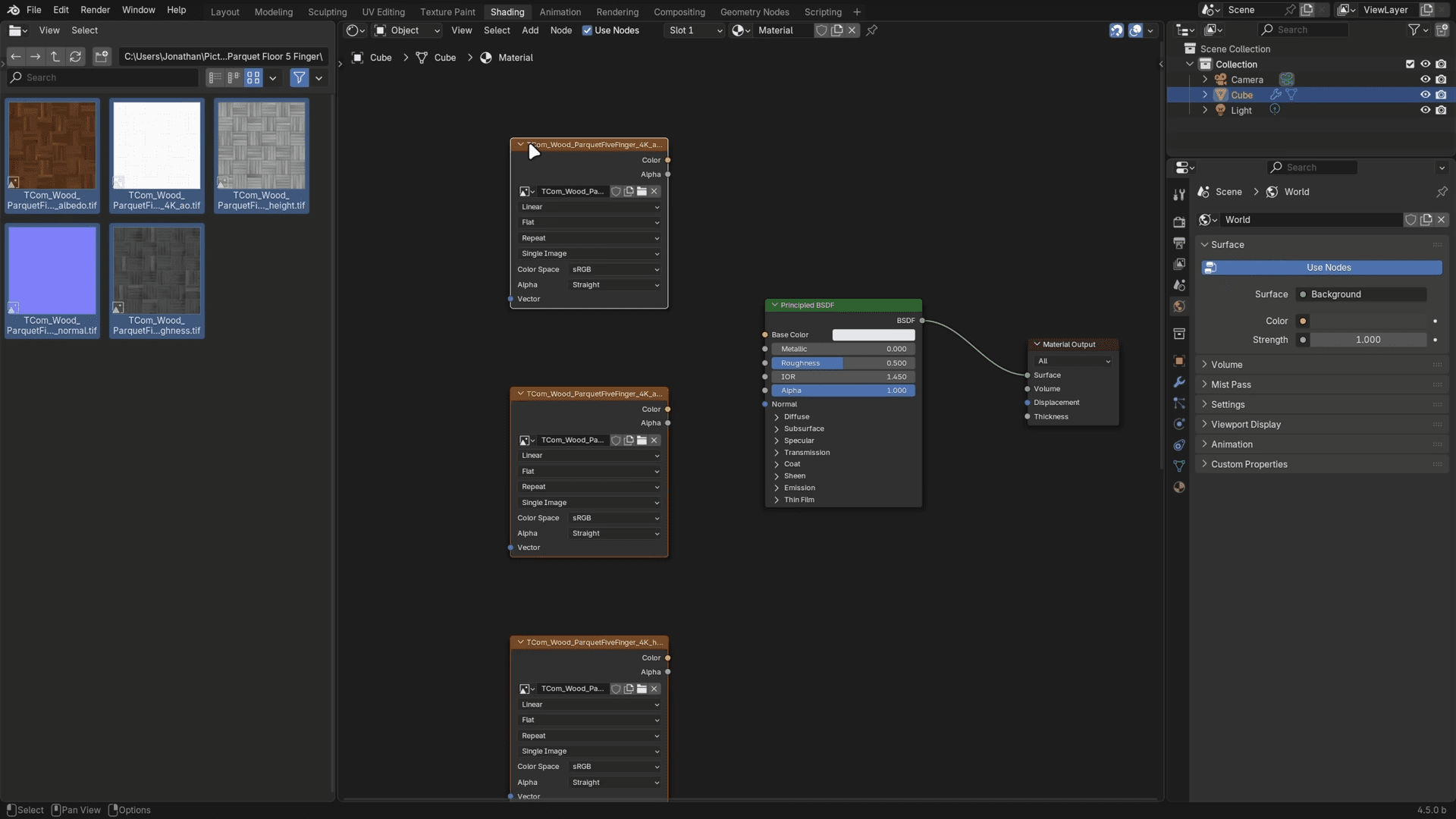
Pen tablet support is improved with clearer region highlights, larger hit-boxes, and consistent pen-tilt response. Number-field scrolling now works on text boxes, and mouse-wheel fine-tuning behaves uniformly. The Outliner, Properties and Spreadsheet editors all received readability tweaks and new layout options. The light theme, icons, and scrollbars have been refined; Linux users get sharper Wayland cursors, macOS gets text-editing shortcuts, and Windows users will notice fewer white flashes during startup. On the housekeeping side, the developers confirmed that Intel macOS builds and COLLADA import/export are being deprecated. These removals simplify maintenance but may impact legacy pipelines. As always, Digital Production recommends testing the update in your own environment before deploying it in ongoing projects.
What the user survey reveals
The user survey is stil going – take part now!
What to expect in Blender 5.0 and the beta
Blender 5.0 entered public beta in October 2025. The current schedule foresees a release candidate around 5 November and a final release approximately a week later, on 11 November 2025. The beta already showcases some substantial changes to rendering, colour management, and user experience.
The most visible shift is expanded support for HDR and wide-gamut colour workflows, including improved ACES handling for compositors and colourists. Geometry Nodes continue to mature, with new modifiers, curve improvements, and better import support for external data. The user interface has been streamlined; over 300 theme settings were removed to unify the appearance and simplify customisation.
For technical directors, the key takeaway is that Blender 5.0 will mark a major version jump, and it may introduce breaking changes. Some add-ons and Python scripts may need updates to remain compatible. As of press time, not all release notes are complete, and several API changes remain undocumented, so early pipeline testing is strongly recommended.
What studios should consider now
For productions currently in progress, Blender 4.5 LTS should be considered the stable baseline. Its two-year support cycle makes it a safe anchor for long-term projects. Technical directors should also note the dropped support for Intel macOS builds and the gradual phase-out of COLLADA, to prevent unexpected pipeline breaks.
At the same time, teams can use the beta phase of Blender 5.0 to begin parallel testing. Doing so will identify add-on incompatibilities and prepare asset libraries for the Vulkan-based rendering core that will eventually replace OpenGL entirely. The Blender 2024 survey results offer valuable insight: stability is now the community’s strongest demand. Adopting the LTS version while cautiously evaluating 5.0 beta aligns with that philosophy.
