



For those who don’t know the tool: D5 Render from Dimension 5 is a realtime rendering engine used across architecture, design, and visualisation pipelines. It connects with 3ds Max, Blender, Cinema 4D, Revit, Rhino, SketchUp, ArchiCAD, and Vectorworks via direct sync plugins.
Oceans, clouds, and skies
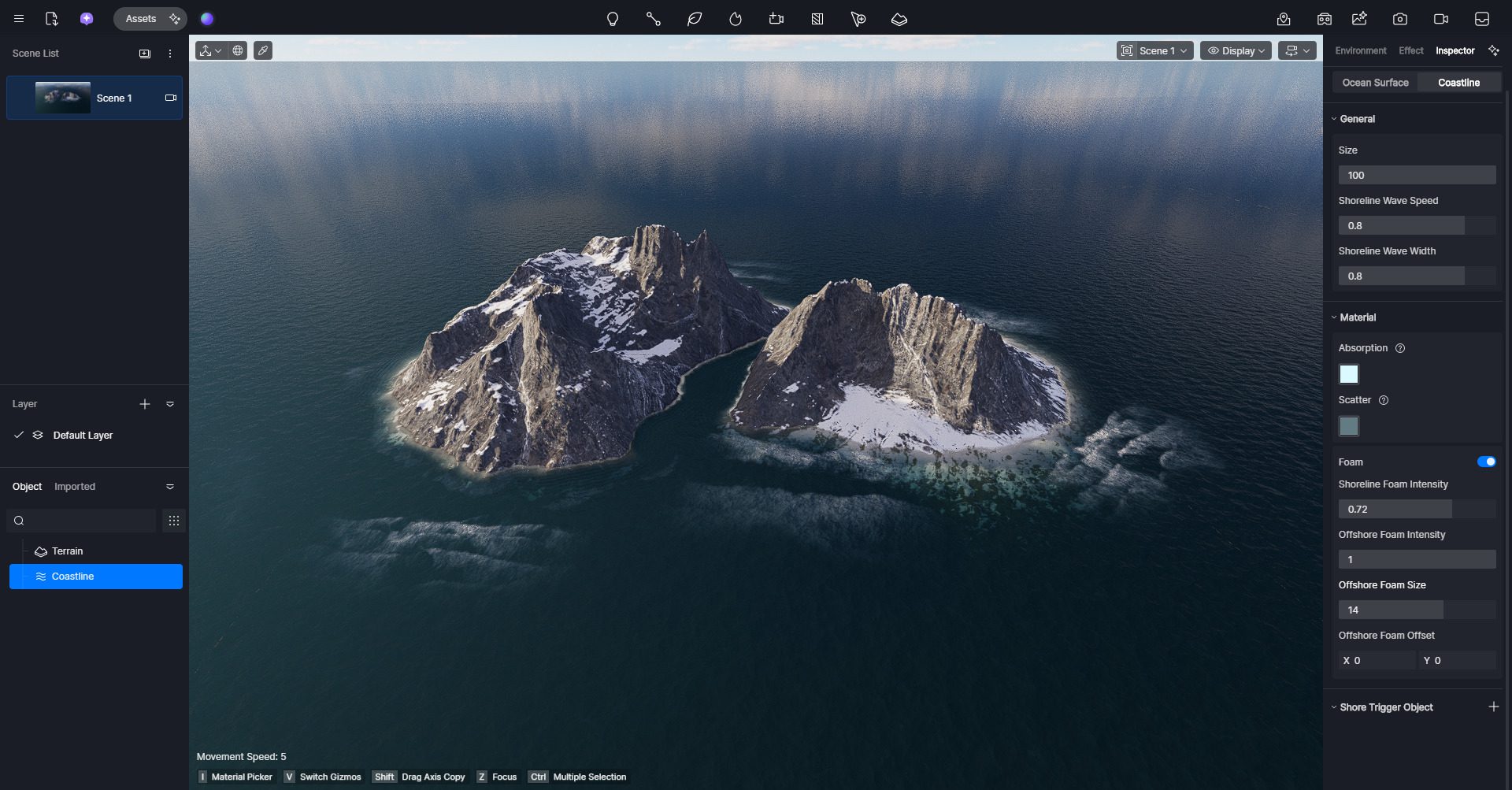
Version 3.0 introduces two major environment tools: an Ocean object for animated water surfaces and a Volumetric Clouds system with multiple presets such as cumulus and cirrus. The ocean object allows control of wave scale, wind speed, and interaction near shorelines.
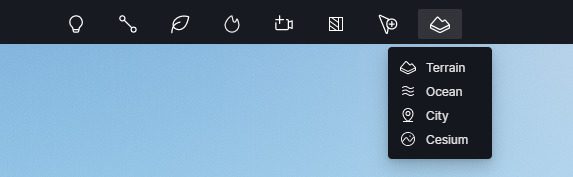
Volumetric clouds integrate with improved fog and light scattering options for more natural outdoor illumination. Enhancements to the existing Geo Sky model provide finer control over sky intensity and sun balance, improving consistency between time-of-day setups.
Rendering and material control
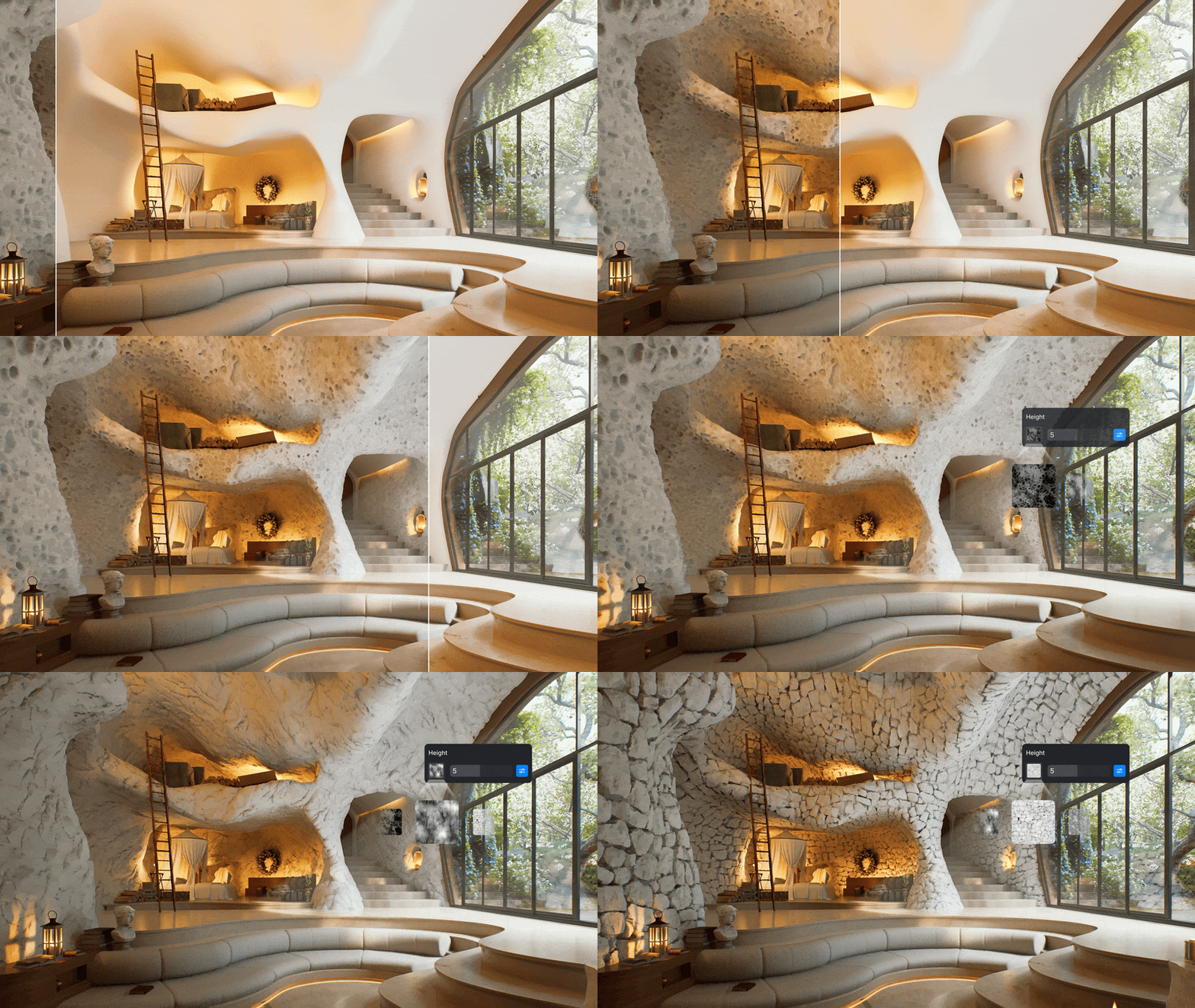
A new True Displacement option replaces parallax mapping with physically accurate surface relief. The trade-off is a higher render cost, but it yields more convincing depth in materials such as stone or concrete. Additional material updates include CMYK texture support and a toggle for HDRI resolution, allowing lighter scene loads when full 16K environment maps are unnecessary. Users can now also set a custom viewport background colour, aiding previs or presentation renders that do not require a full environment.
AI generation expands inside D5
Dimension 5 continues its exploration of integrated AI tools. The new Image-to-3D feature creates simple 3D models from one to three reference photos, processed directly inside D5. In the AI Agent suite, Scene Match allows textual adjustment of scene elements, while Asset Recommendation searches the asset library based on descriptive keywords or reference images. At press time, these AI tools remain early implementations, and output quality varies depending on subject complexity.

Experiments with Gaussian splats
D5 Render 3.0 introduces experimental import of Gaussian splats, a point-based 3D representation format derived from neural rendering research. The implementation is explicitly labelled experimental, and Dimension 5 advises users to expect incomplete material or lighting behaviour.
Workflow refinements and licensing
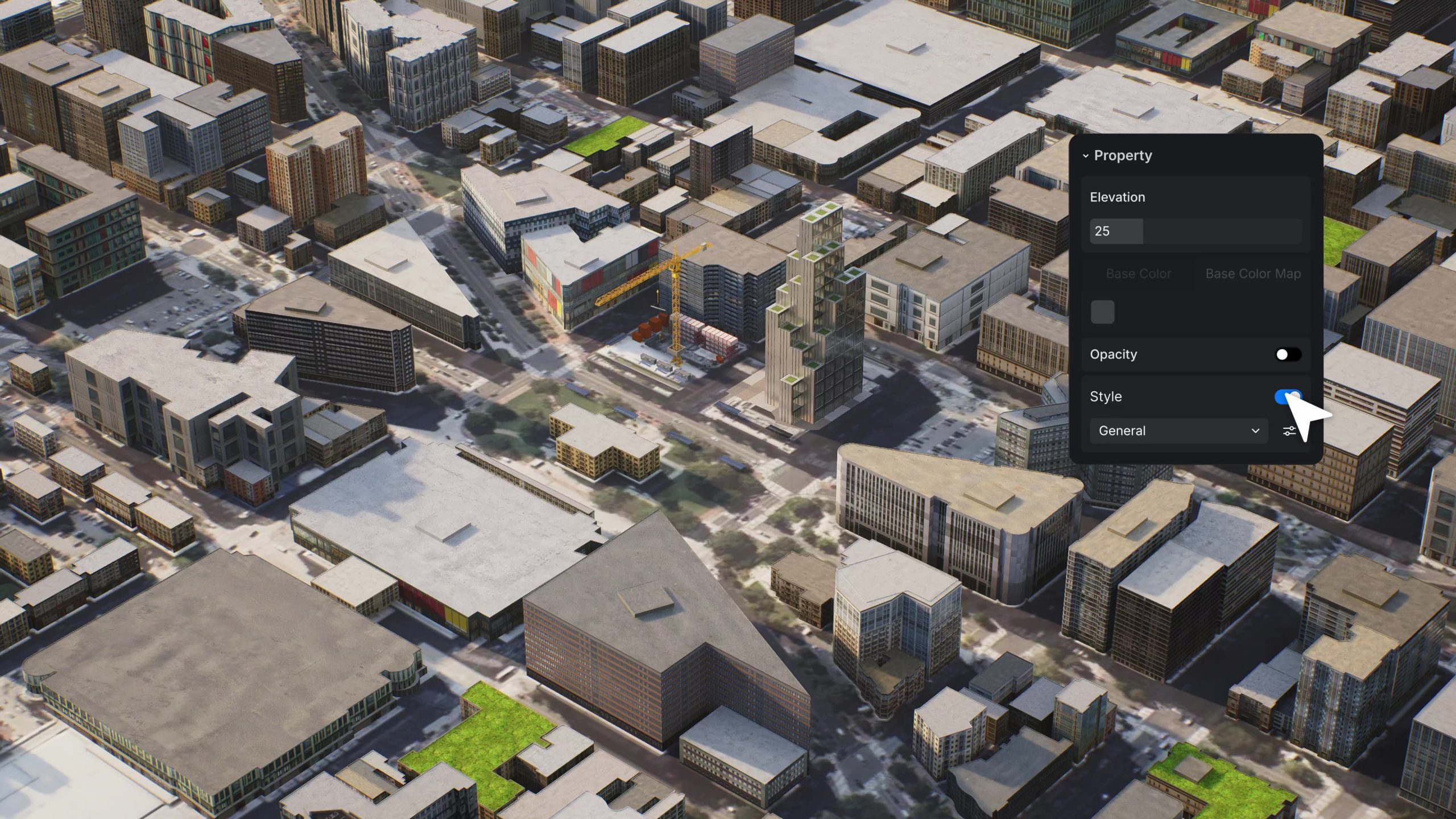
Navigation within scenes has been overhauled with a free-camera mode and refined controls. Several features previously restricted to Teams subscribers, such as Caesium geographic data and XR Tours, are now available in the Pro tier. The procedural city generator is also promoted from Teams to Pro.
D5 Render continues to be offered in three tiers: a Community edition that remains free, plus paid Pro and Teams subscriptions.
D5 Lite: a lightweight sibling
Alongside the main update, Dimension 5 announced D5 Lite, a compact edition designed for early-stage design work, initially integrated with SketchUp. D5 Lite runs in two modes: Real-Time Rendering for viewport previews and AI Generation for cloud-based image synthesis from screenshots. Future versions of D5 Lite are planned for 3ds Max, Revit, and Rhino, though no release schedule has been released.

Compatibility and system support
D5 Render 3.0 supports Windows 10 and later. The recommended GPU baseline is an NVIDIA GeForce GTX 1060, AMD Radeon RX 6400 XT, or Intel Arc A3 series. Integration plugins remain available for all major DCC and CAD tools. As with any major rendering update, users are advised to test D5 Render 3.0 and its AI features on non-critical projects before integrating them into live production.
