



Fantasy Hut Generator is a procedural fantasy hut generator made with Geometry Nodes in Blender. The intent is simple: lots of available parameters to customize the hut and create very different variations, without leaving your node based comfort zone or manually rebuilding the same shapes over and over.
Not every control is expected to be self explanatory. Some parameters ship with descriptions, so hovering the UI can tell you what a setting does. It is like having a tiny tooltip translator for your future self, right when geometyr starts getting bold.
Getting it into a scene without summoning chaos
The setup is meant to be brought into projects as a blend file. One workflow is appending the hut blend file into your scene. Another workflow is treating it like an asset: store it in a folder you choose, then add that path in Blender Preferences under File Paths and Asset Libraries.
There is also mention of alternative files that include different hut ideas, presented as extra downloads. The exact contents of those ideas are not described here. Not independently verified at press time.
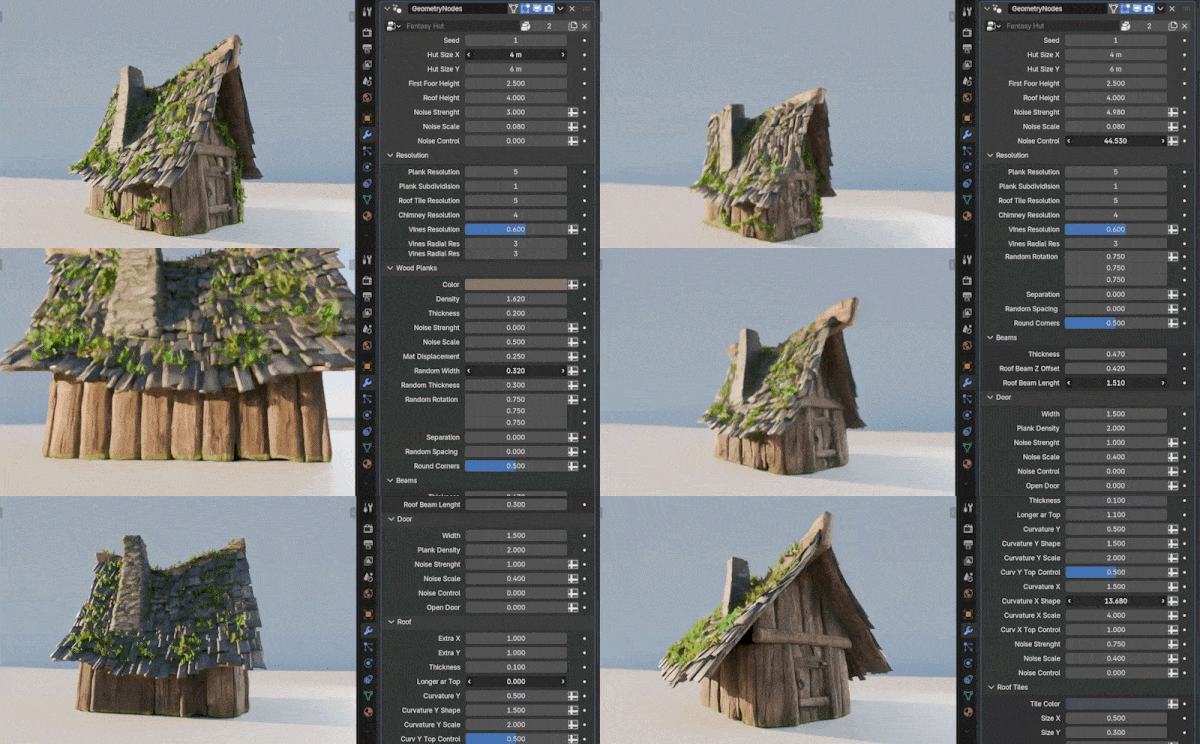
Resolution knobs that act like LOD, politely
The generator includes resolution controls for various hut elements, positioned as a way to optimize for your project. The idea is to push high resolution for close up shots, then drop resolution for far away shots when the hut is just doing background work and trying not to become the reason your scene file needs its own project manager. This resolution framing is about tuning the output, not swapping to a different model. You stay inside Geometry Nodes and steer the detail where it matters.

Cycles foliage tip, because alpha always finds a way
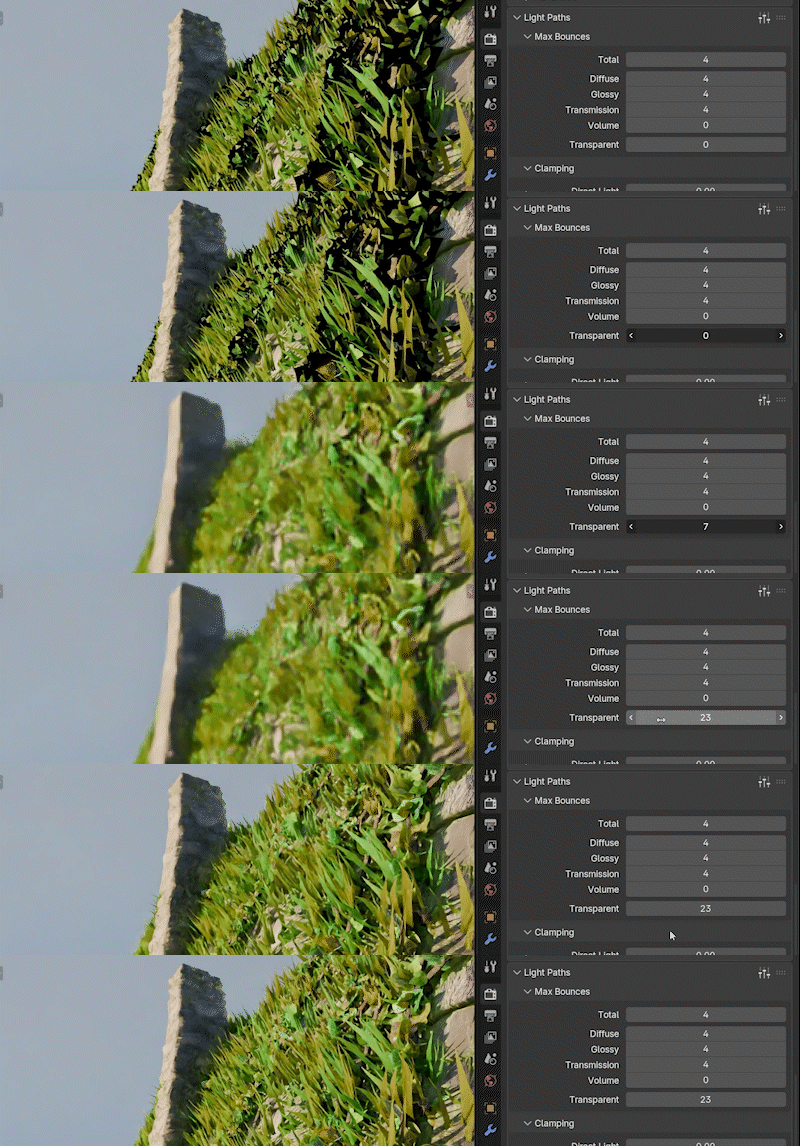
If you plan to use the hut foliage such as vines or grass in Cycles, there is a specific render recommendation: set Transparent Max Bounces in Render Properties to 24 to 32. That is presented as a practical setting tip, not a magic bullet. It is still worth testing in your own shot context, because alpha-heavy foliage loves to behave differently the moment deadlines appear.
Animations, Scene Time, and the fps cliff
Animations for the vines, the grass, and the smoke rely on the Scene Time node. There is a performance caveat: Scene Time can have a brutal impact on fps. The described behaviour is that using this node forces the whole node tree to recalculate on each frame, even if it is used at the very end of the tree, or even if it is totally disconnected.
If you are not going to use animations, or you want to disable them temporarily before a final render, there is a suggested workaround: mute the Scene Time node to get rid of the low fps. The guidance is very specific. Look for an orange frame in the Geometry Nodes editor, select the Scene Time node, and press M.
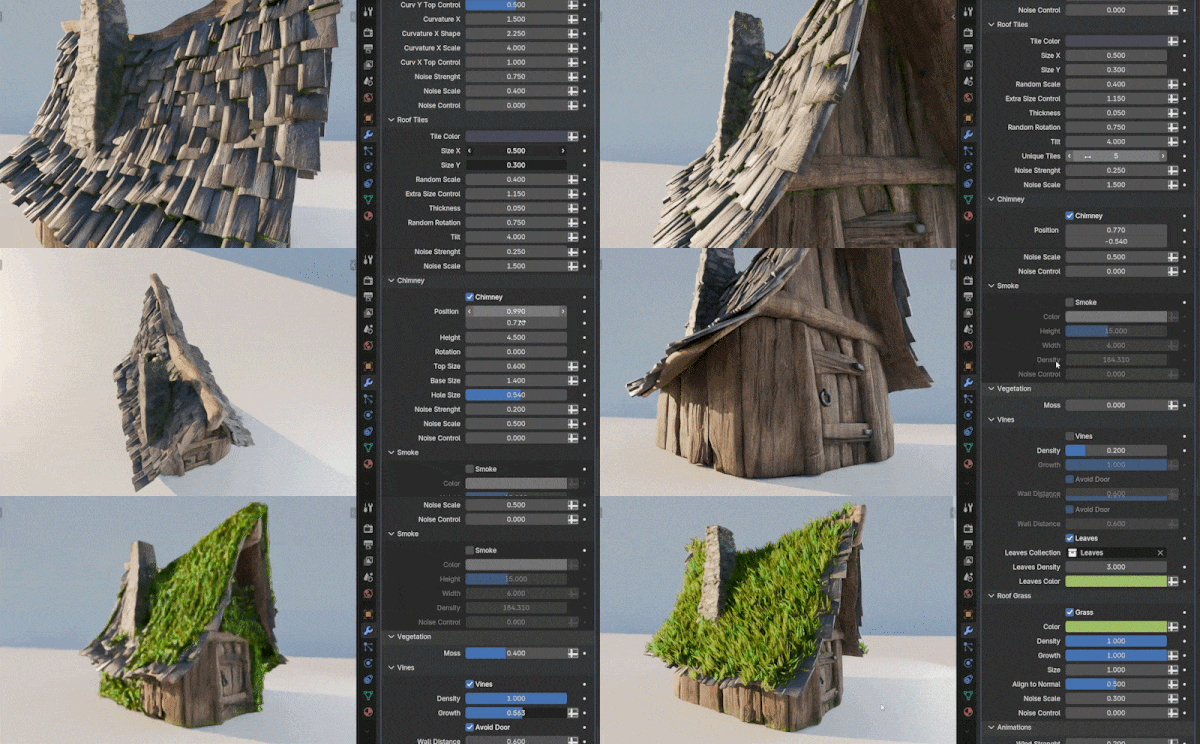
There is also an extra gotcha. The low fps issue might still trigger even if the Scene Time node is muted when you animate the hut, such as animating the overall object position. So, there is an alternative solution designed to sidestep the problem: an option to Bake the hut.
Bake it and move on with your life
The bake option is living inside a green frame in the Geometry Nodes editor. Click Bake, then choose Still if you do not need animations, or Animation otherwise. The goal is to get a stable result without dragging the viewport through frame by frame recalculation.
This is also the moment to do your usual pipeline hygiene. Test new tools and innovations before using them in production, confirm the output survives your render path, and make sure resolution settings do not silently change the look between shots.
Compatibility and pricing
Compatibility is listed for Blender 5.0 and 5.1. Pricing is listed as 0 dollars and up, effectively free. But, you can pay for it and be a good person if it helps you!
