



Table of Contents Show
Versions
Of course, the more we work in our comps, the more versions we create and render. We already have some experience with versions and know how to up- and down-version them with the shortcuts we know from Nuke. But there are still a few tricks that are important when we get renders that are not directly linked to a Nuke script, for example because they come from another application and we have to render them using the previously explained „Build Track“ process. To find these versions on its own, Nuke Studio lacks (at least out-of-the-box) the direct connection that exists in a Nuke-only workflow.
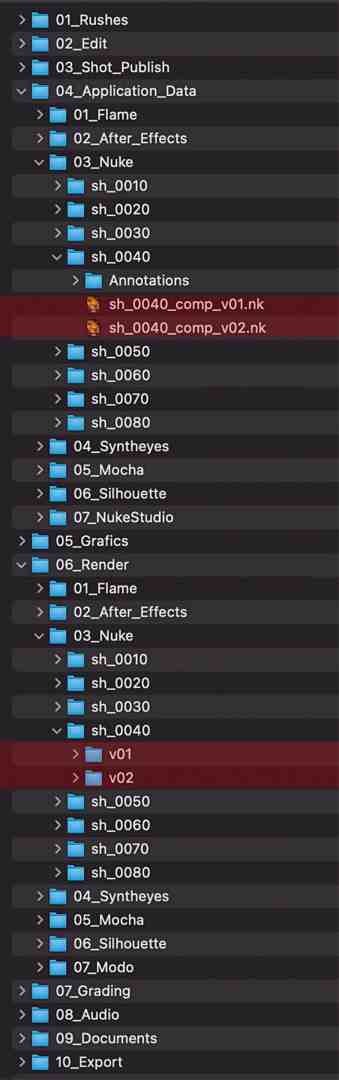
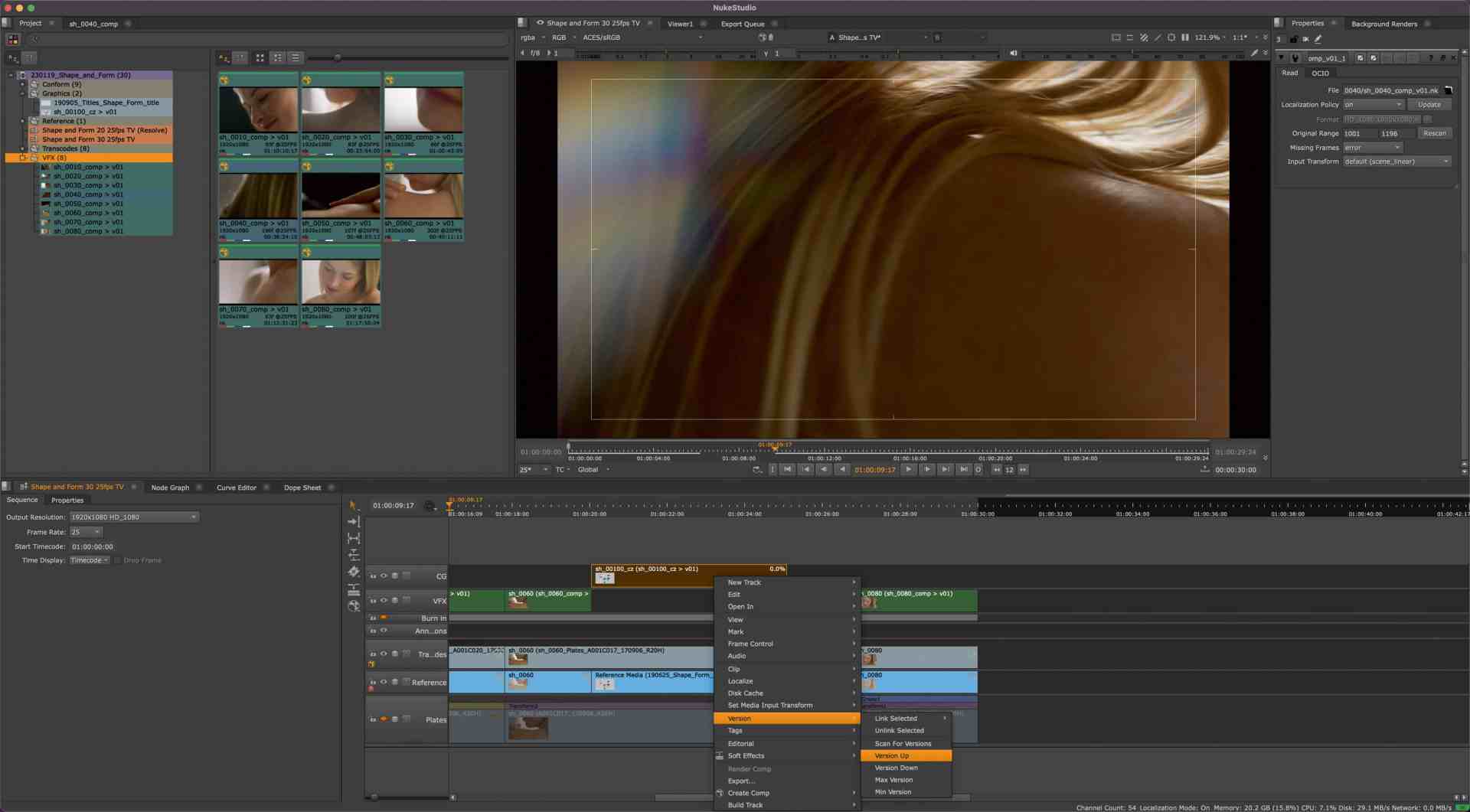
However, there is a good workaround for this. Within the right-click menu, we can click on „Versions – Scan for New Versions“. Nuke Studio will now scan the folder referenced by the selected clip(s) and let us know how many new versions are available. In order for the whole thing to work properly, however, you must of course always work within the folder and naming convention specified in the original „Build Track“ procedure. Another feature worth mentioning is „Max Version“ . In which situations is this feature usseful? To give just one example: You come back to your Nuke Studio session after a hard-working comp team has done a great job, and you tag your entire VFX track, have it scanned for new versions, and – still with the same selection – choose „Max Version“ and you‘re up to date in every way. And then there‘s the scenario where a clip has been used more than once. Either cut into the timeline multiple times or – those who work in advertising know this well – spread over several edits. Here it is worthwhile to look into version linking a bit. A simple experiment shows this quite wonderfully. We create several versions in our edit on one shot, three should be enough for now. Then we take the „Razor“ tool (hotkey „T“) and cut the clip in the middle.
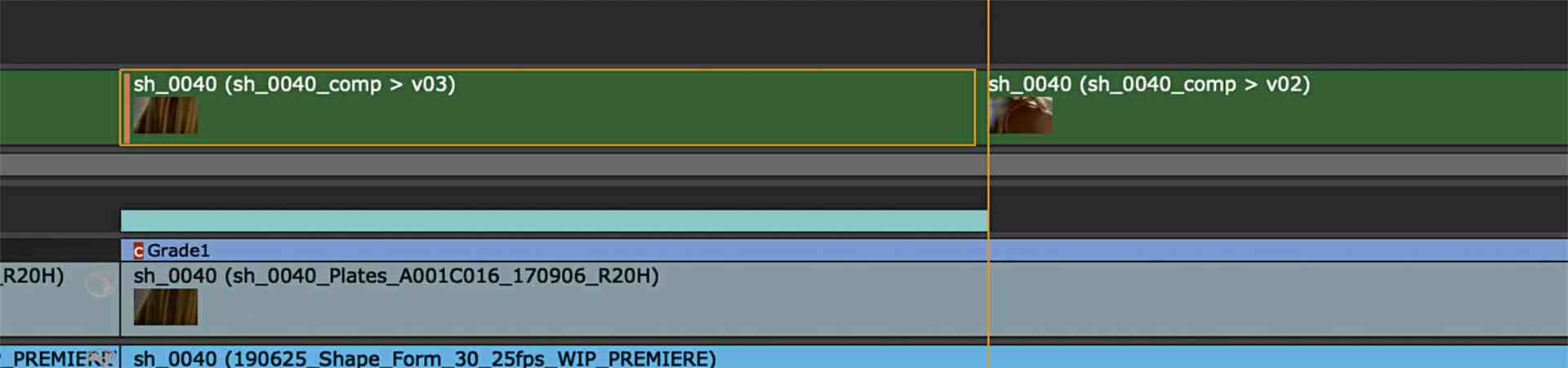
If we now change the version of the clip, whether via the „V“ hotkey or via the „Alt“ and the arrow keys, both clips simultaneously change the version. But now we make a change on one of the clips. Under the right-click menu we select „Versions – Unlink Version“. Now this one clip on which we have executed the function is independent from the rest of the clip. We need to stress this point: Only the one clip is detached from the sync. All other clips, including those in other timelines or the clip in the Project Bin, continue to be up- and down-synced. If we want to restore the sync, we can either relink to the clip in the Project Bin or to another clip. Even with these few options, complex version orgies can be handled. It doesn‘t matter if it‘s about localizations or customers who don‘t like to make decisions…

There‘s a lot more to discover in Nuke Studio, but that‘s where we quickly get into areas where we need to consider the individual pipeline, the used asset manager, or simply the personal way of organizing jobs, makes the way Nuke Studio is used very individual. But for a good start into Nuke Studio, this workshop should be a solid foundation. Have fun conforming, editing, finishing . . . and of course comping.
