



KeenTools has released “FaceTracker” for Blender. The software offers real-time face tracking and is available for free in the beta version.
KeenTools, known for its face tracking tools in Nuke, has released a new extension called “FaceTracker” specifically for Blender. The plugin enables real-time face tracking directly within the Blender environment and is free to use in the beta phase. This integration offers users the opportunity to efficiently integrate face mocap data into their workflow. KeenTools aims to make the use of Face-Mocap easier and more accessible by making the proven technology available to Blender users.
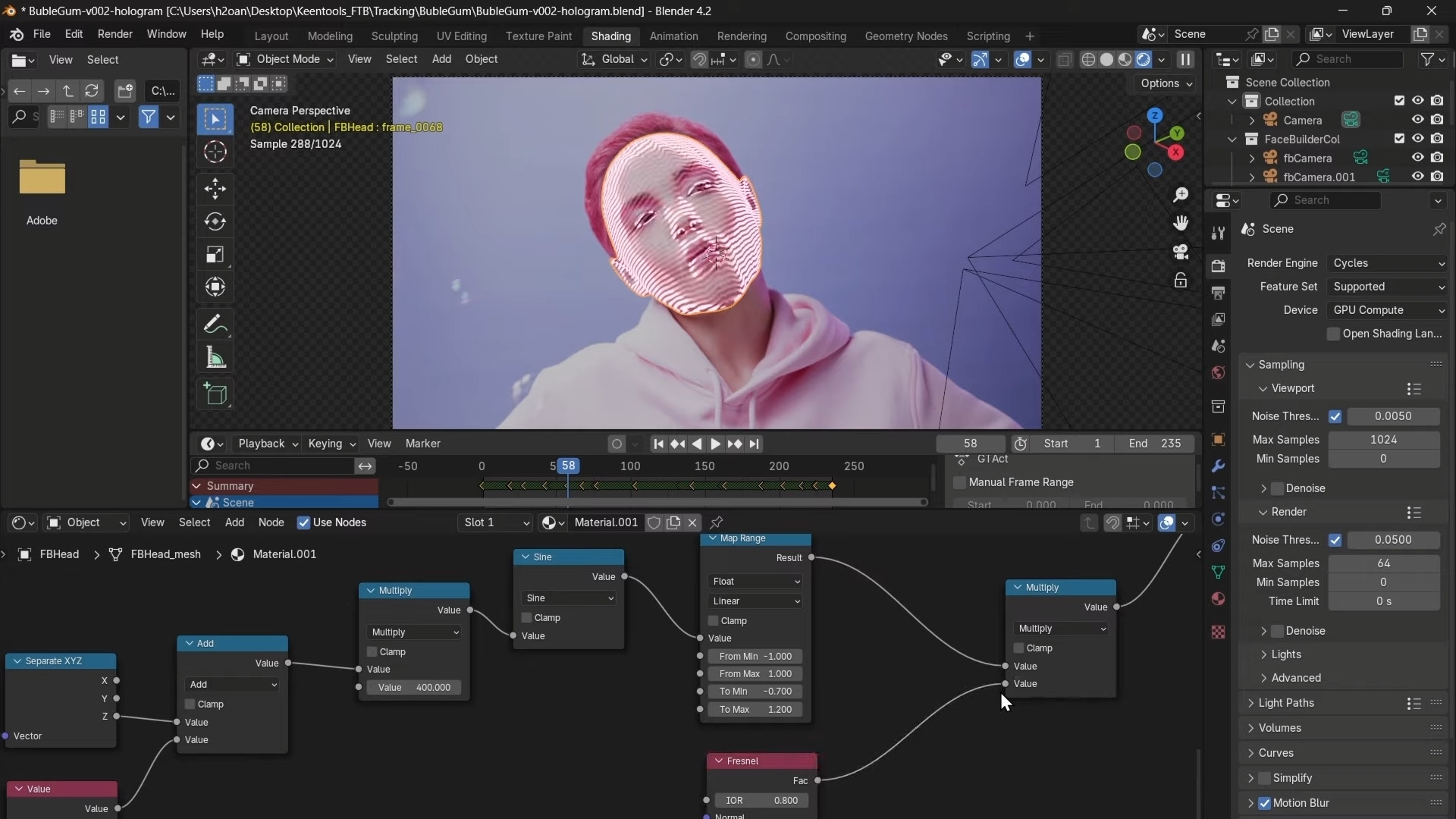
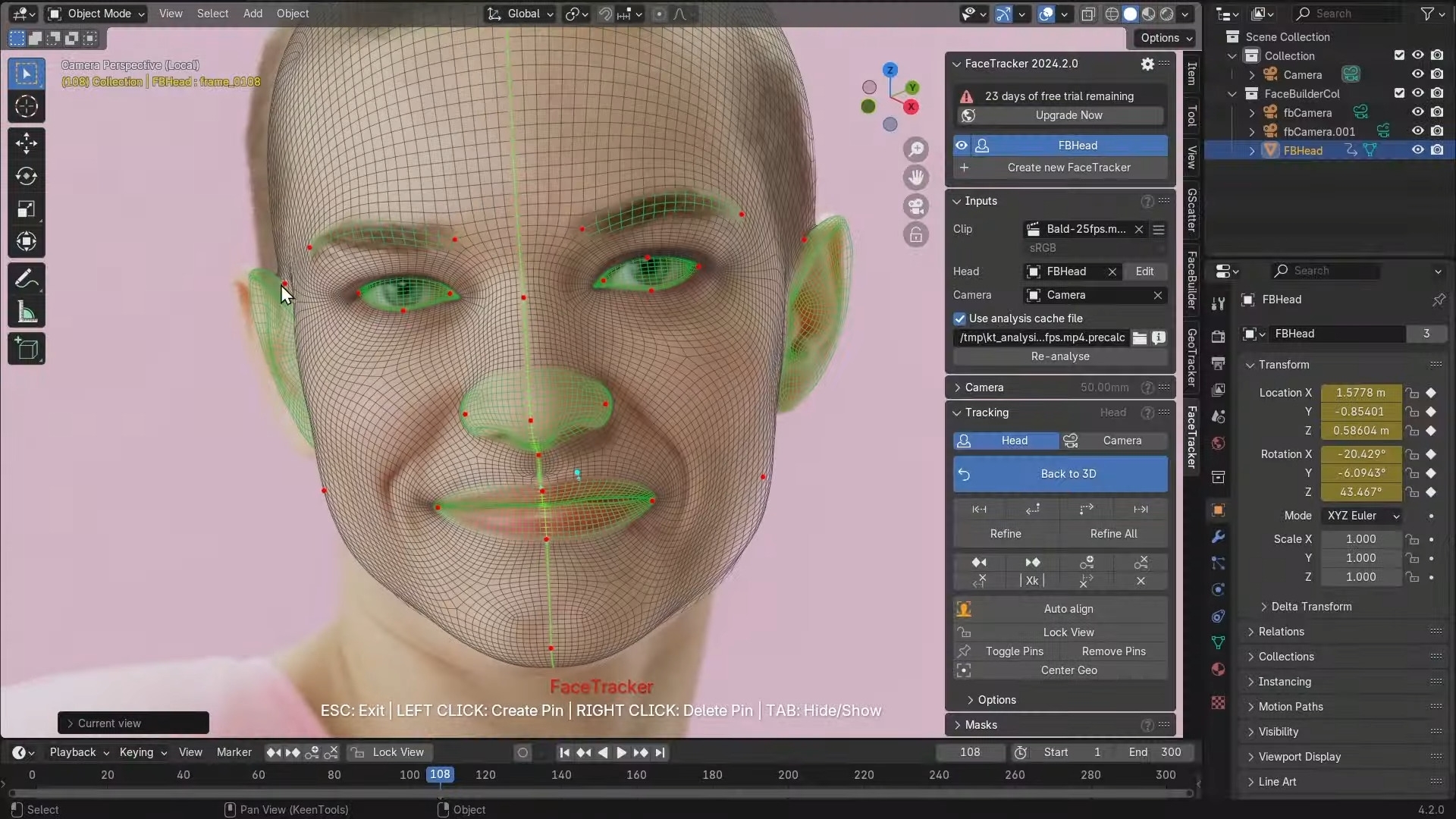
The “FaceTracker” functionality is seamlessly integrated into the Blender interface. Users can access the familiar controls and functions they know from other KeenTools plugins. It utilises the core technologies that KeenTools has already established in other popular 3D software solutions such as Nuke. The tool supports a wide range of use cases, from the creation of character animations to the realisation of complex VFX sequences.
A key advantage of “FaceTracker” is its real-time capability. This allows artists to see changes and adjustments immediately without having to wait for long render times. The real-time transmission of face tracking data in Blender makes it possible to react directly to feedback and thus optimise the production process. The technology behind “FaceTracker” uses algorithms based on machine learning to deliver accurate results without the need for time-consuming preparations or markings on the actor’s face.
An important aspect that users should be aware of is the beta phase of “FaceTracker”. Bugs and unforeseen problems can occur during this phase. Any new functionality should therefore be carefully tested before it is used in ongoing projects in order to avoid possible interruptions to production.
Price and licence models
KeenTools is currently offering “FaceTracker” for Blender in a beta version free of charge. This phase allows users to test the plugin and provide feedback. KeenTools has not yet announced how long this beta phase will last and what costs may be incurred after the official release. Users should keep an eye on developments on the KeenTools website to stay informed about future pricing and licence models.
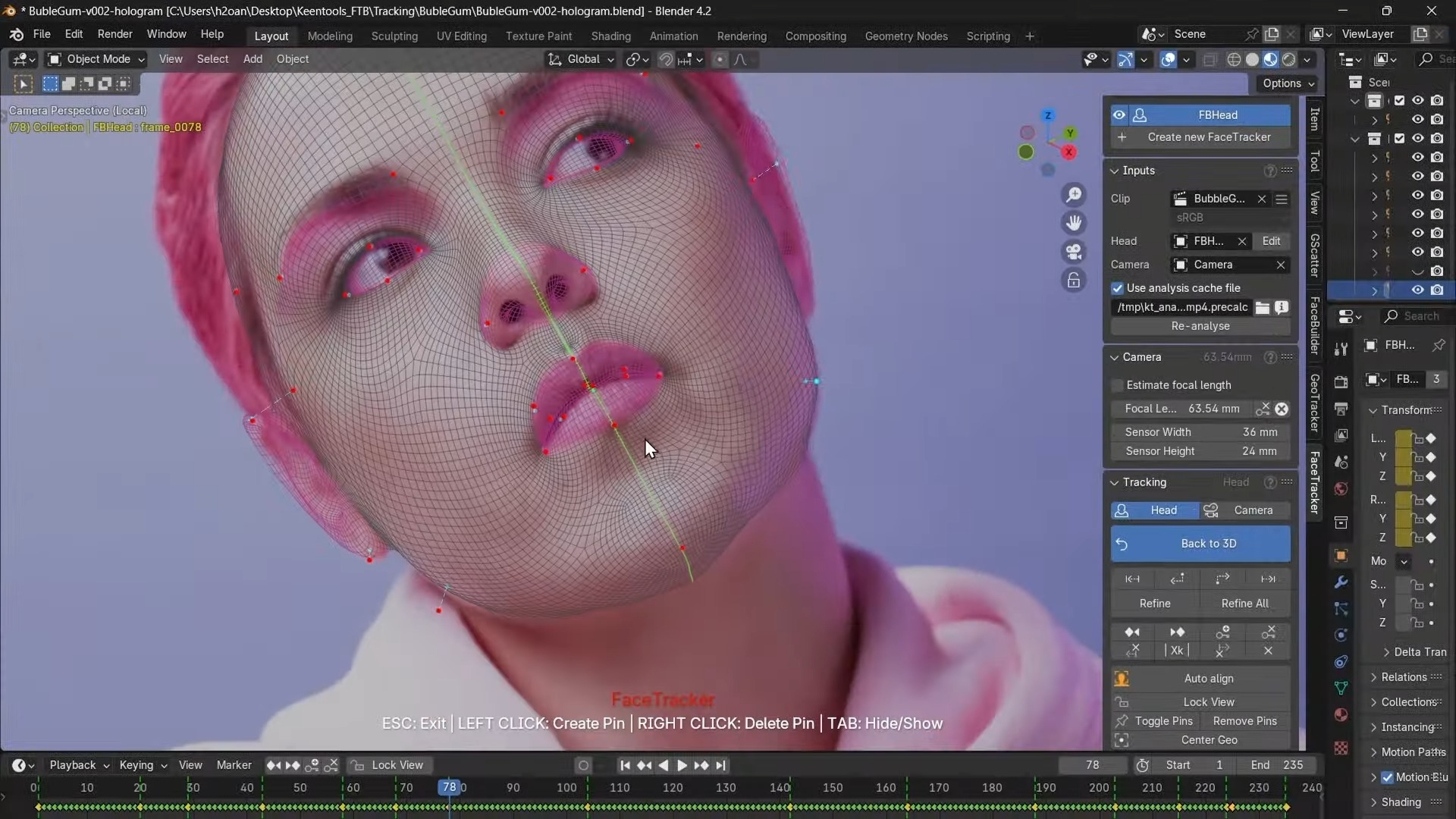
Further information and detailed instructions on how to use “FaceTracker” in Blender can be found in the official KeenTools documentation. For direct updates and support, KeenTools also offers regular releases on their website.
